Question

Connection error; GA4 with Jobber

  • November 2, 2023
  • 4 replies
  • 81 views

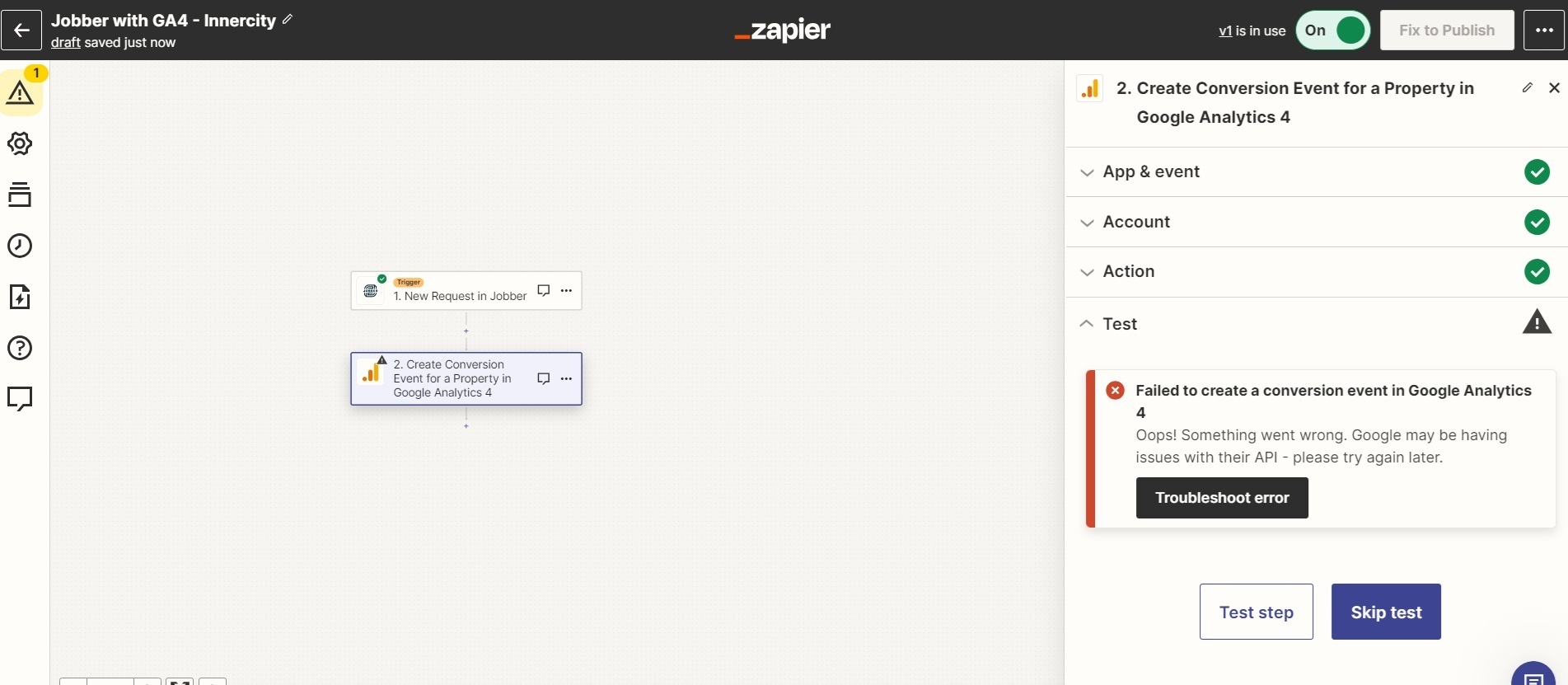
We are trying to connect GA4 with Jobber using Zapier to track a new request as a Event. When i do a test, I get an error "Failed to create a conversion event in Google Analytics 4. Oops! Something went wrong. Google may be having issues with their API - please try again later."

Can someone help me on this?

This post has been closed for comments. Please create a new post if you need help or have a question about this topic.

4 replies

Troy Tessalone
Zapier Orchestrator & Solution Partner
Forum|alt.badge.img+14
  • Zapier Orchestrator & Solution Partner
  • November 2, 2023

Hi @Zada Zada 

Good question.

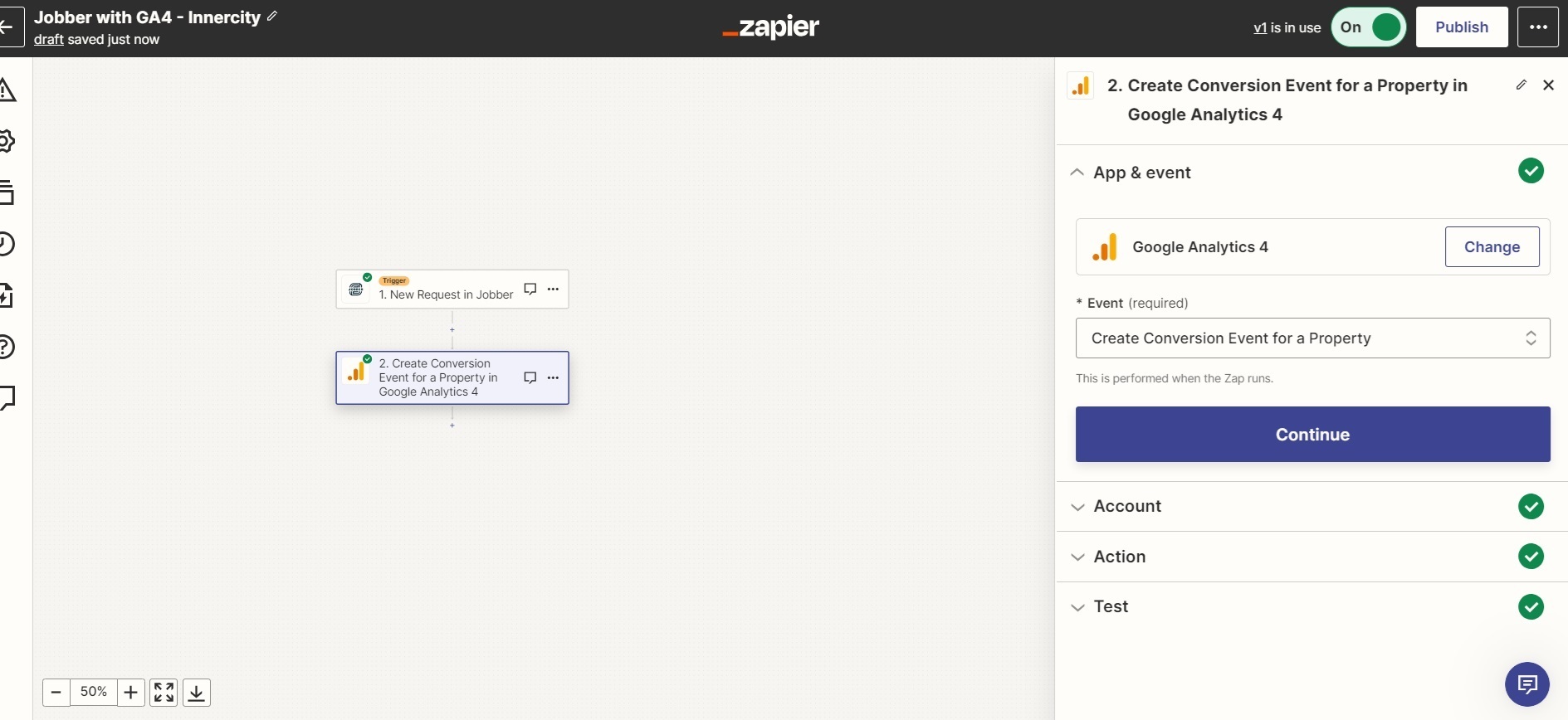
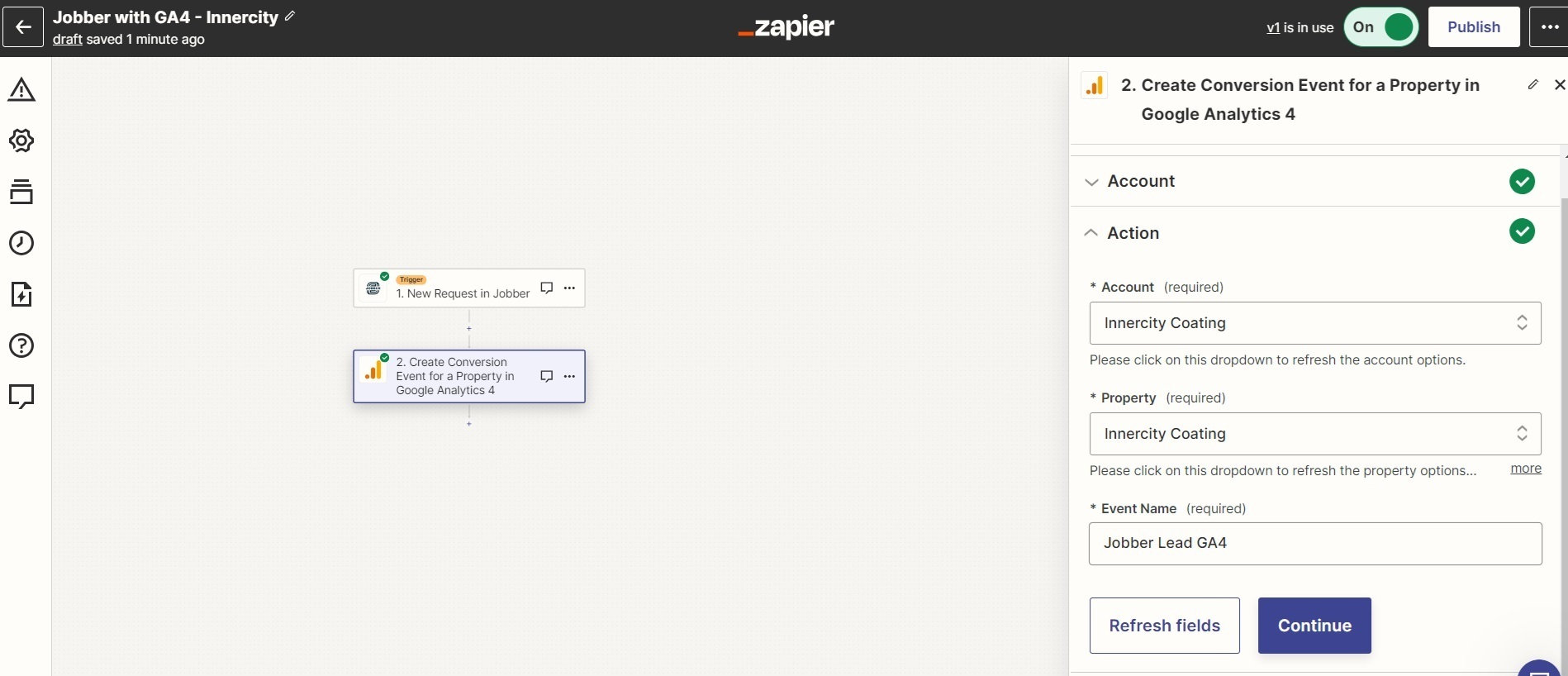
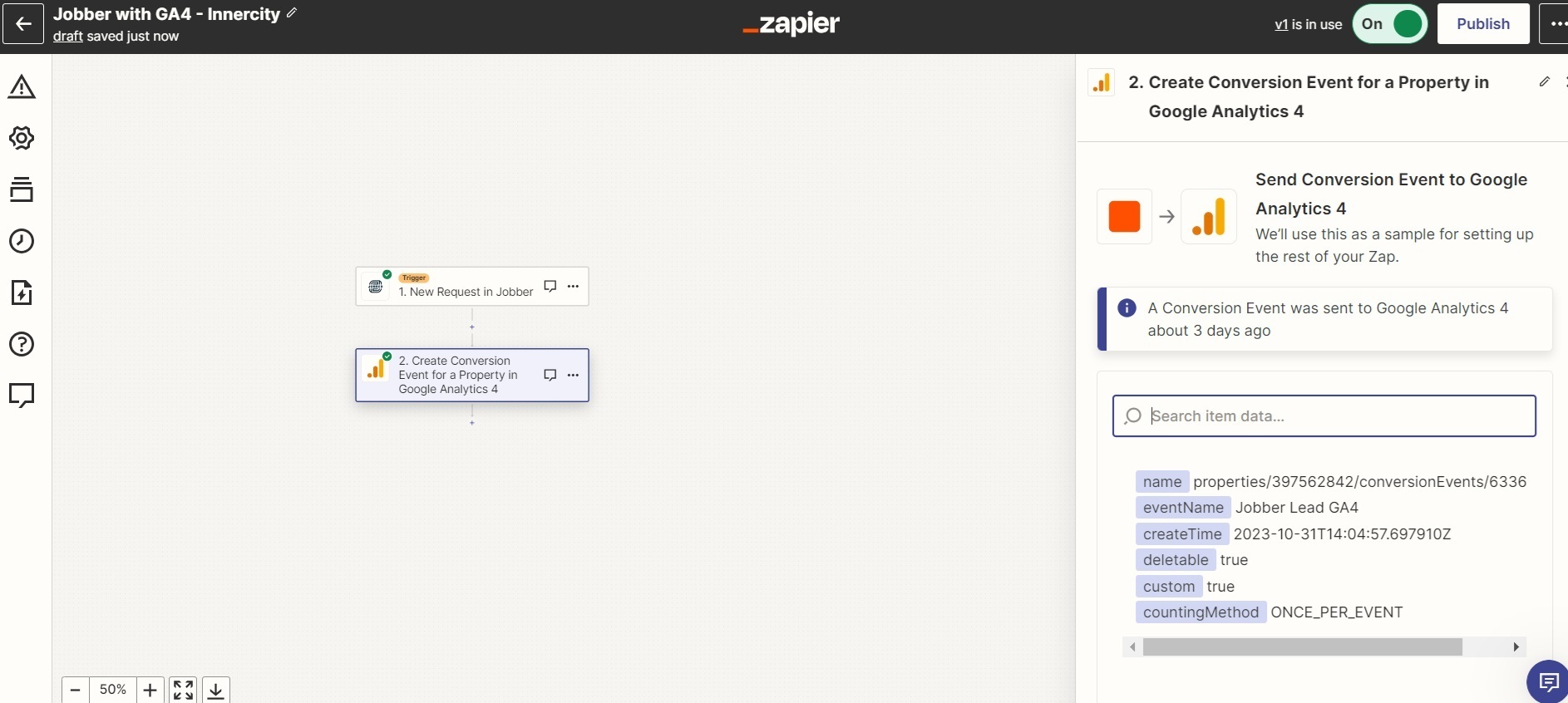
Please post screenshots with how your Zap steps are configured to help give us context along with the error.


  • Author
  • Beginner
  • November 3, 2023

Hi Troy Tessalone,


Attaching screenshots for your reference,


Troy Tessalone
Zapier Orchestrator & Solution Partner
Forum|alt.badge.img+14
  • Zapier Orchestrator & Solution Partner
  • November 3, 2023

@Zada Zada 

You can try reporting this error by opening a ticket with Zapier Support: https://zapier.com/app/get-help


Zapier support said the Event Name being sent to GA4 has to be unique. This causes issues with reporting. We tried using the email address as the event name, so it’d be unique each time. While this records as a conversion, they are all individual and causes issues with reporting. The whole point of recording an event is to categorize it as one type of event, so it can show multiple results each time. It’d be ideal to call it ‘New_Lead’ or whatever, then every time it’s fired it adds another to that event. So we can report on 10 New_Leads for the month. Really hard to see new leads sent if we have to go in and count them manually for each email address sent as an event name.