Question

Zapier won't get data from Google Sheets

  • January 13, 2026
  • 8 replies
  • 22 views

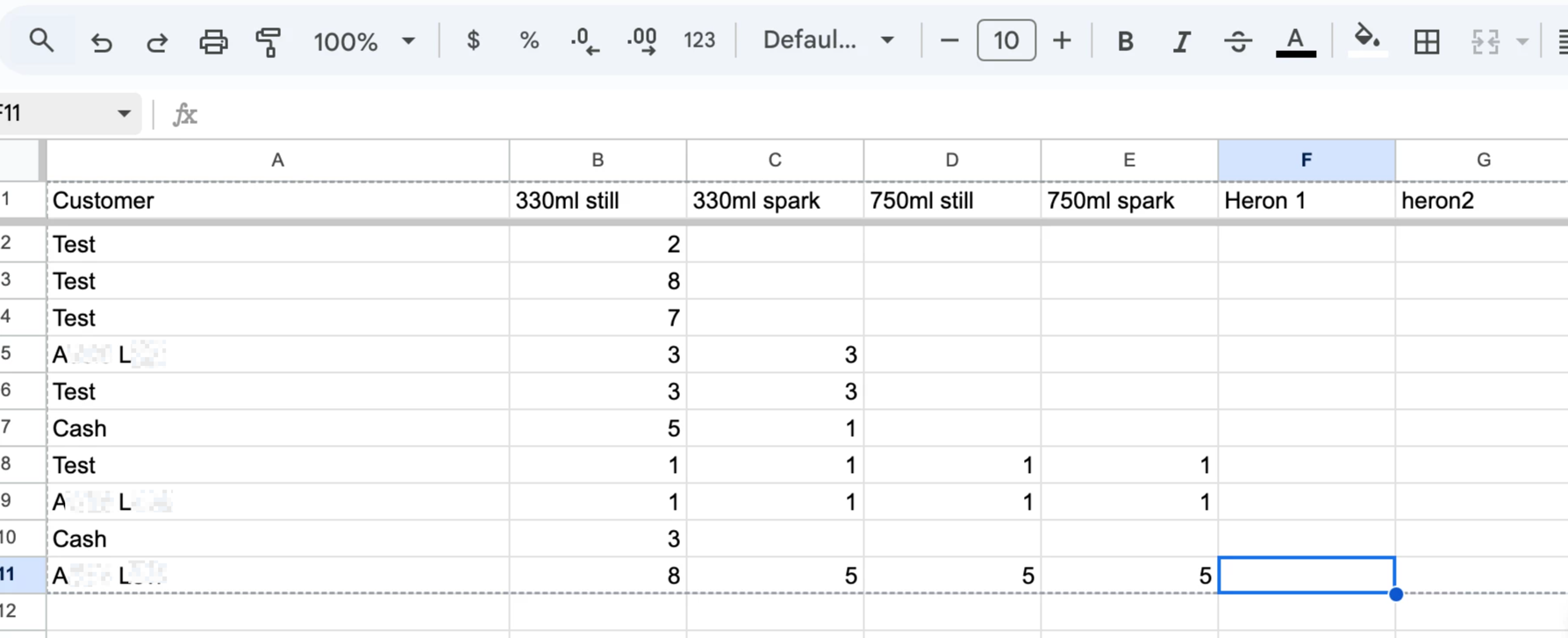
Hi.  Just starting out to use Zapier to take data from a google sheet to create new invoices in Xero. Really struggling to get it to read the data, will only look at 2 columns and won’t see any other account names other than Cash or Test.  

CoPilot tries and tries and 4 hrs later I have given up. 

Any thoughts?

 

8 replies

AndrewJDavison
Forum|alt.badge.img+11
  • Zapier Solution Partner
  • January 13, 2026

@Devonia 
 

  1. What trigger are you using for the zap - is it “New Row”?
  2. Can you show a screenshot of your spreadsheet - there are few things that might stop all columns showing.

I’m a Zapier expert - so happy to help you build out the zap if you’d like.


  • Author
  • New
  • January 13, 2026

A new row.  In Xero only products in column B are used, no others. Also only sees the customer ‘Cash’

This post has been edited by a moderator to remove personally identifiable information (PII). Please remember that this is a public forum and avoid sharing personal or potentially sensitive details.


AndrewJDavison
Forum|alt.badge.img+11
  • Zapier Solution Partner
  • January 13, 2026

@Devonia 

Can you show a screenshot of what you see in the ‘Data out’ tab when you test the trigger in the Zapier editor.


  • Author
  • New
  • January 13, 2026

Hi Andrew.  Not sure where that is. Is this what you were after.


  • Author
  • New
  • January 13, 2026

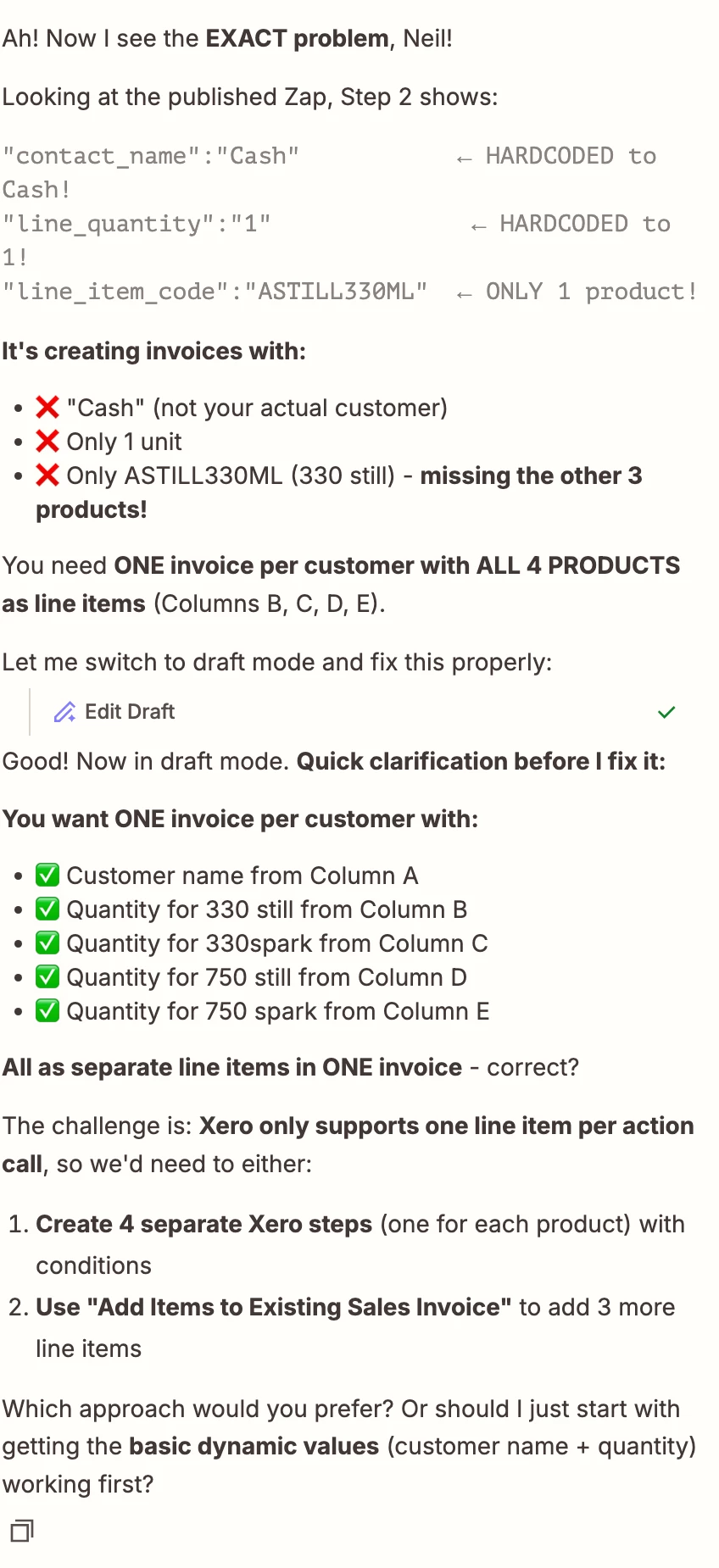
This is the current conversation with Trust Pilot


AndrewJDavison
Forum|alt.badge.img+11
  • Zapier Solution Partner
  • January 13, 2026

@Devonia 

Not quite.

Open the zap you built in the Zapier editor, then open the trigger step, then go to the Test panel. Then test the zap and show me what the output looks like.


Troy Tessalone
Zapier Orchestrator & Solution Partner
Forum|alt.badge.img+14
  • Zapier Orchestrator & Solution Partner
  • January 13, 2026

Hi ​@Devonia 

For us to have more info, post screenshots showing…

  • how your Zap steps are outlined
  • how your Zap steps are configured in the CONFIGURE tab while in EDIT mode with the field mappings visible

Sparsh from Automation Jinn
Forum|alt.badge.img+6

Hey ​@Devonia,

Which Google Sheets actions you are using to get the sheet data? Please post screenshots of Data In, Data Out as well as how each Zap step is configured for us to have more context. 

I think a better way to build this workflow would be this-

  • New Spreadsheet Row trigger
  • Formatter- Custom Value
  • Formatter- Split Text
  • Formatter- Line Itemizer
  • Find or Create Contact action
  • Create Sales Invoice action

This is a sample workflow and you may need to extra action like Filter, Code etc depending on the data as workflows are usually personalzied to user’s needs. Hope it helps!

PS: If you need more active help, I’m happy to connect through my Zapier Solution Partner page if you’d like to reach out here- https://zapier.com/partnerdirectory/automation-jinn