
Question

Zapier duplicating Google Contacts in Follow Up Boss, exceeding zap limit.

  • November 13, 2023
  • 10 replies
  • 116 views

BSchubs

Zapier keeps adding already existing leads in my Google Contacts into my Follow Up Boss and then it says I’ve reached my maximum zaps for the month when I in fact did not. How can this be fixed?

This post has been closed for comments. Please create a new post if you need help or have a question about this topic.


10 replies

Troy Tessalone
Zapier Orchestrator & Solution Partner
Forum|alt.badge.img+14
  • Zapier Orchestrator & Solution Partner
  • November 13, 2023

Hi @BSchubs 

Good question.

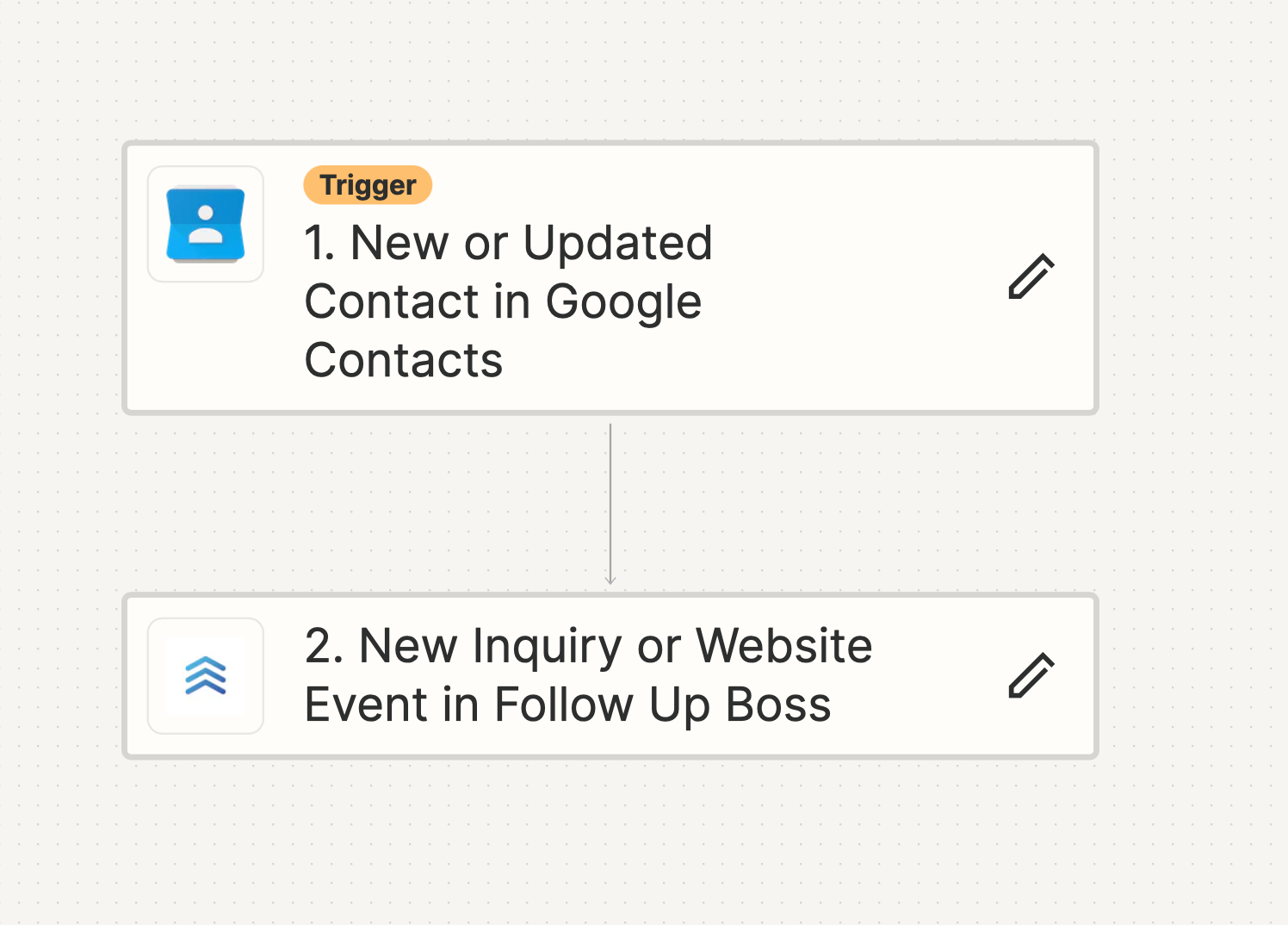
Please post detailed screenshots with how your Zap steps are configured in order to give us more context.

How Task usage is measured in Zaps: https://help.zapier.com/hc/en-us/articles/8496196837261


BSchubs
  • Author
  • Beginner
  • November 13, 2023

The contacts are not new and they have not been updated either. 

It also was not a new inquiry. How do I get my zaps back?


Troy Tessalone
Zapier Orchestrator & Solution Partner
Forum|alt.badge.img+14
  • Zapier Orchestrator & Solution Partner
  • November 13, 2023

@BSchubs 

We would need to see how each Zap step is configured to have full context.


BSchubs
  • Author
  • Beginner
  • November 13, 2023

How would I find that?


Troy Tessalone
Zapier Orchestrator & Solution Partner
Forum|alt.badge.img+14
  • Zapier Orchestrator & Solution Partner
  • November 13, 2023

@BSchubs 

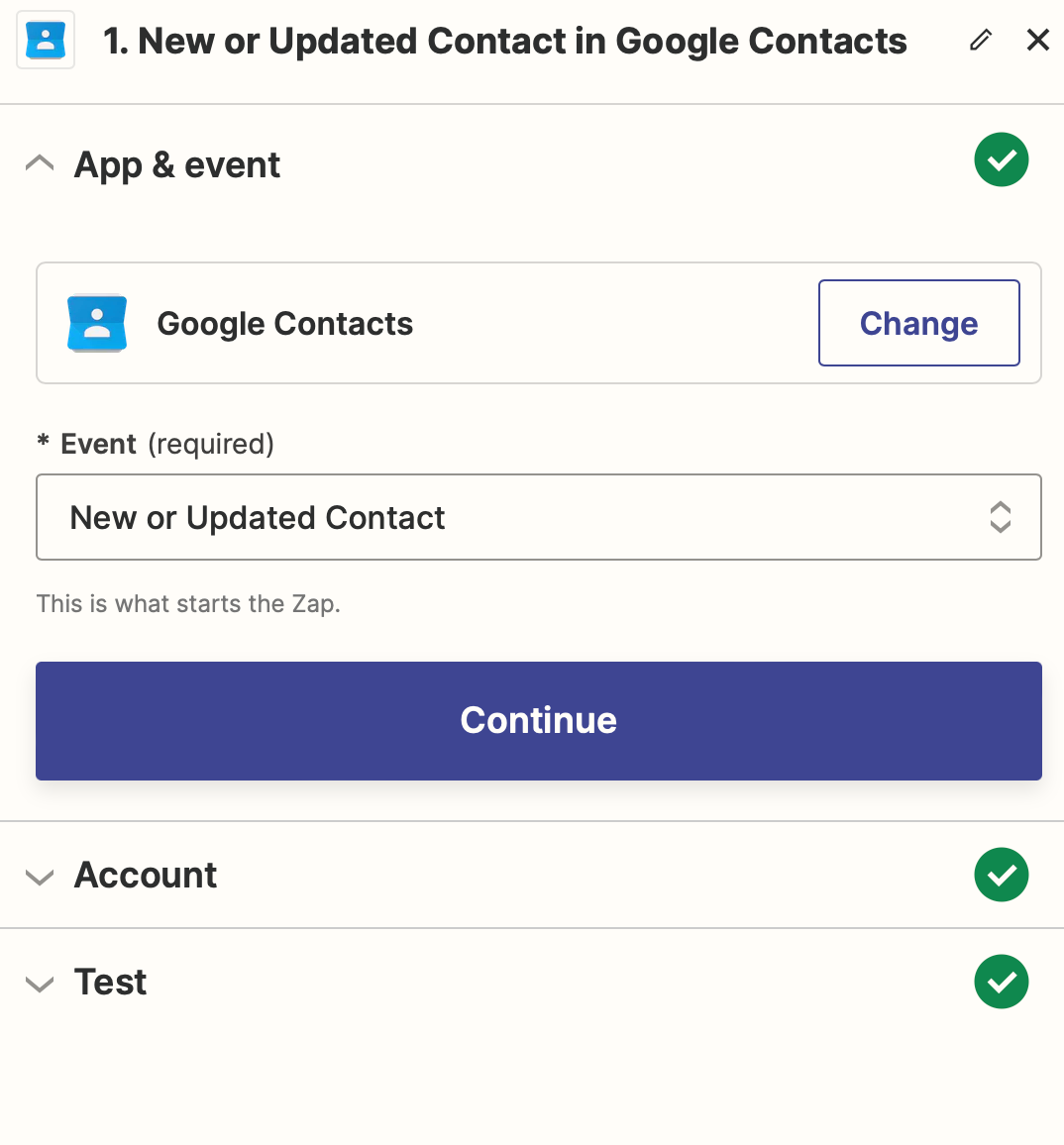
Click the edit button on the field and get screenshots from the right rail configuration section.


BSchubs
  • Author
  • Beginner
  • November 13, 2023

If I click down on test, it reveals personal information of some of my contacts.


BSchubs
  • Author
  • Beginner
  • November 13, 2023

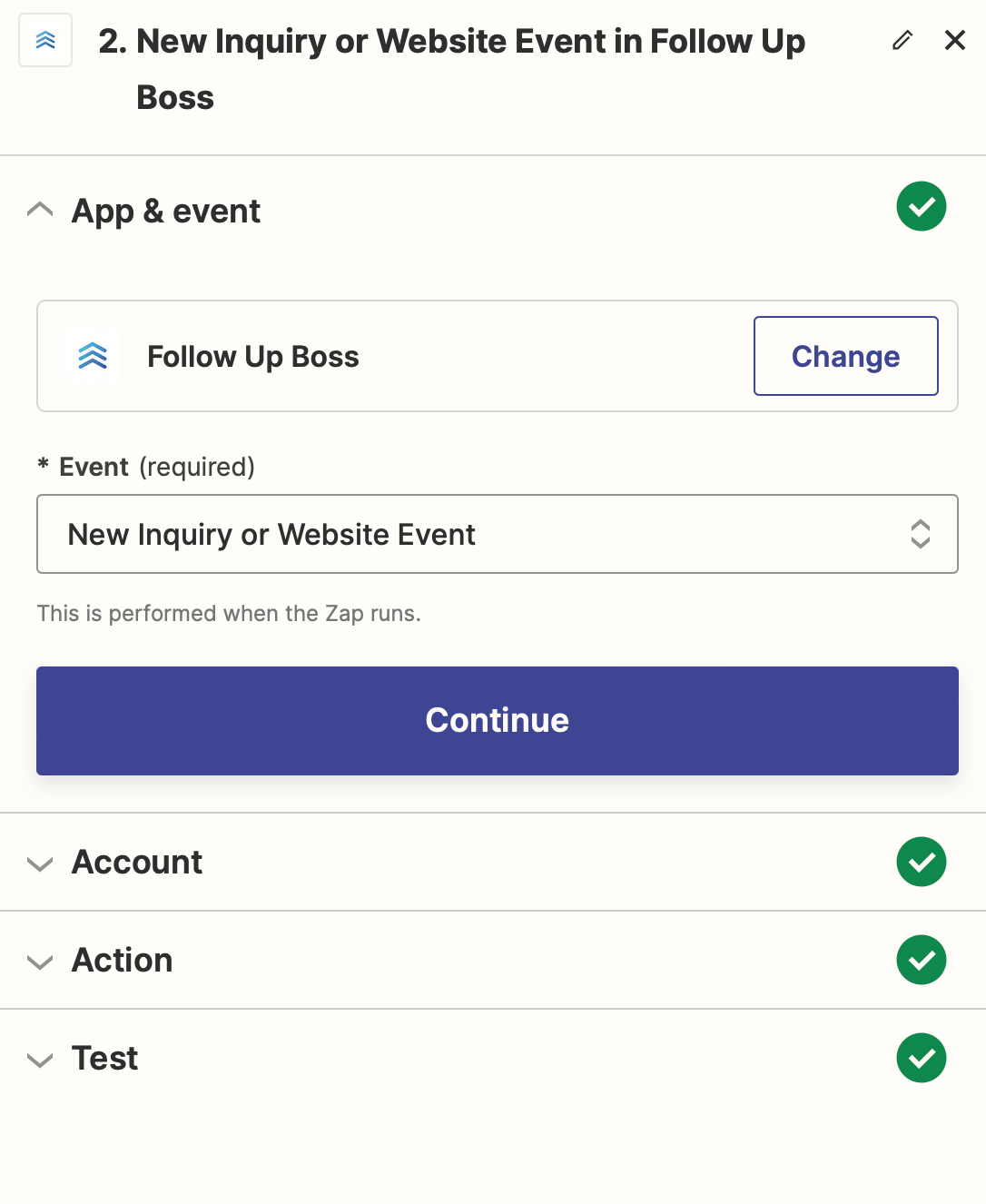
Here's the second one:


Troy Tessalone
Zapier Orchestrator & Solution Partner
Forum|alt.badge.img+14
  • Zapier Orchestrator & Solution Partner
  • November 13, 2023

@BSchubs 

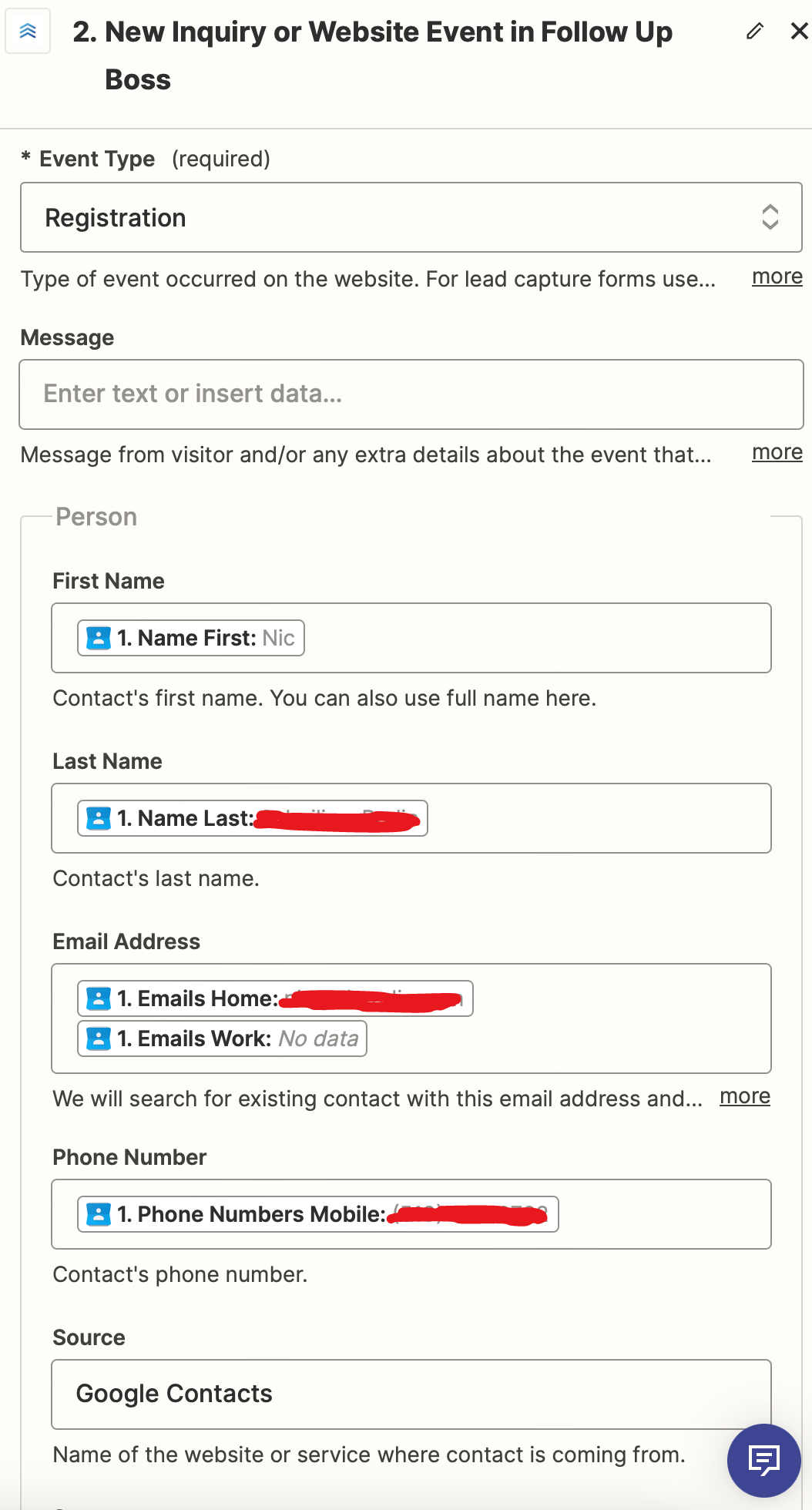
We need to see how your Step 2 is configured in the Action section.


BSchubs
  • Author
  • Beginner
  • November 13, 2023

Here is what's filled out under Action. It goes to the stage ‘Lead’ on Follow Up Boss.


Troy Tessalone
Zapier Orchestrator & Solution Partner
Forum|alt.badge.img+14
  • Zapier Orchestrator & Solution Partner
  • November 13, 2023

@BSchubs 

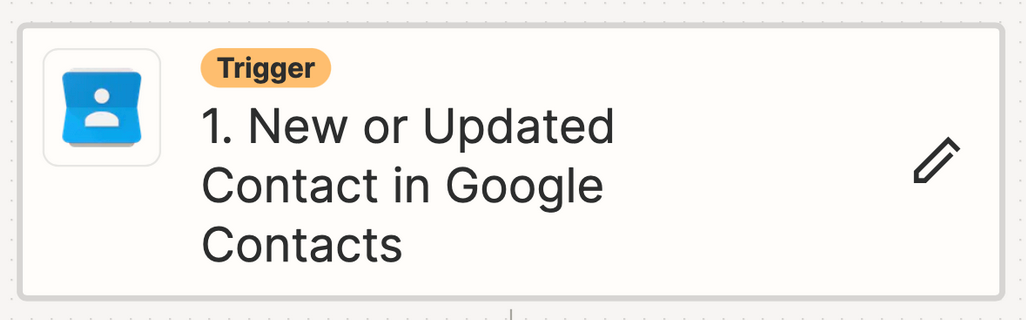
The Zap will trigger when there is a NEW or UPDATED Contact in GContacts.

Help article to reference:

https://help.zapier.com/hc/en-us/articles/8495933900173-Common-Problems-with-Google-Contacts#my-zap-is-triggering-from-contacts-that-i-have-not-updated-recently-0-2

New or Updated Contact is triggering on all contacts and updates, how do I trigger my Zap on new contacts only?

Google Contacts doesn't let us trigger on just new contacts yet but there is a workaround:
1. When creating a new contact, manually add some value to an unused field in the contact
2. Set up a filter to only allow contacts with this value to pass
3. Add an Update Contact step later in the Zap to remove/alter this value
With this setup, further updates to that contact won't pass the filter.


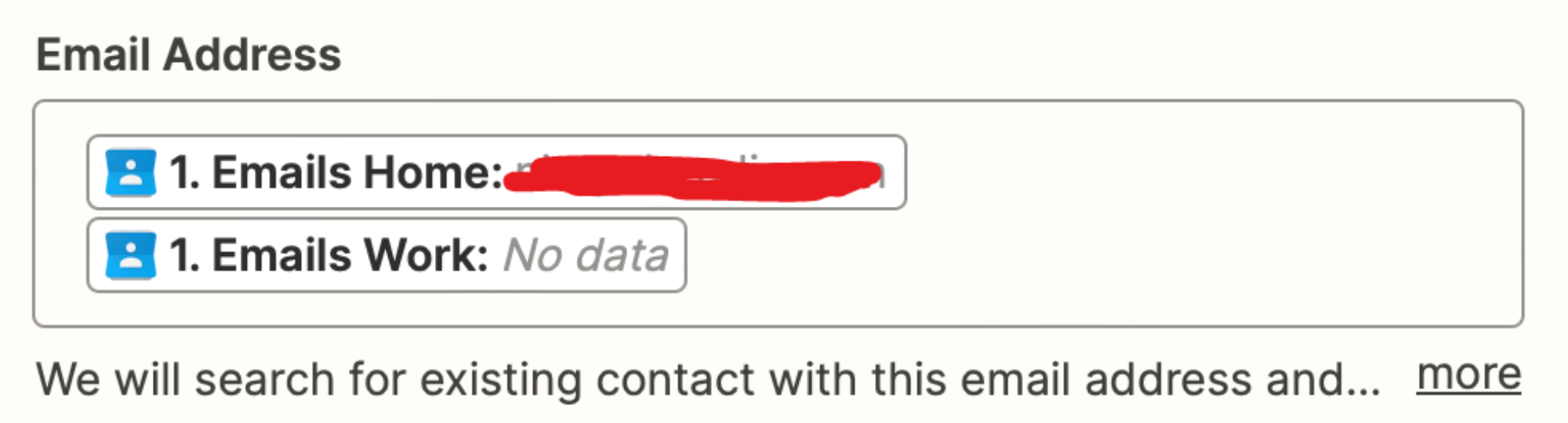
NOTE: Having 2 email variables mapped to the Email Address field may cause errors.