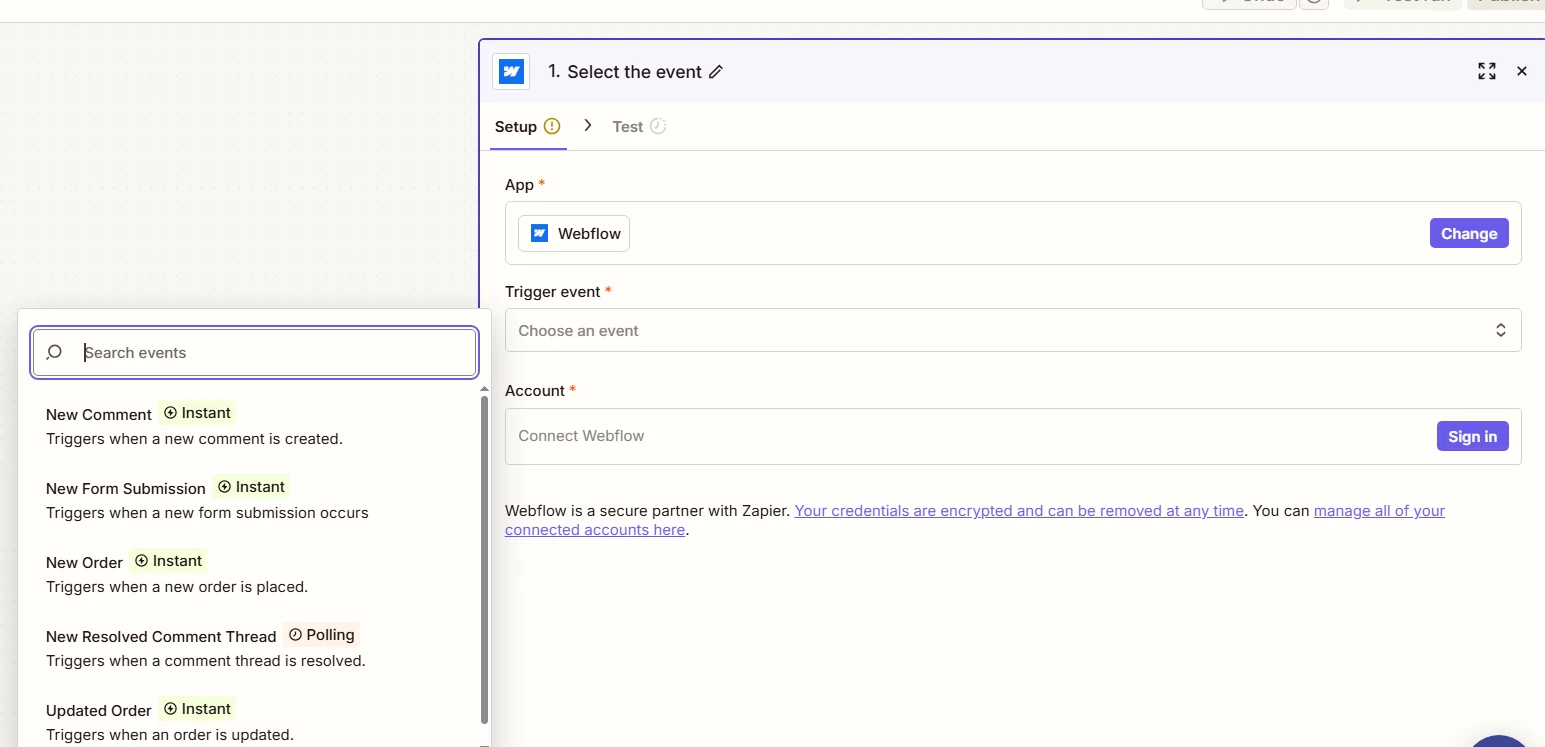
Hey everyone, has anyone else run into issues with Webflow forms not showing up in Zapier lately?
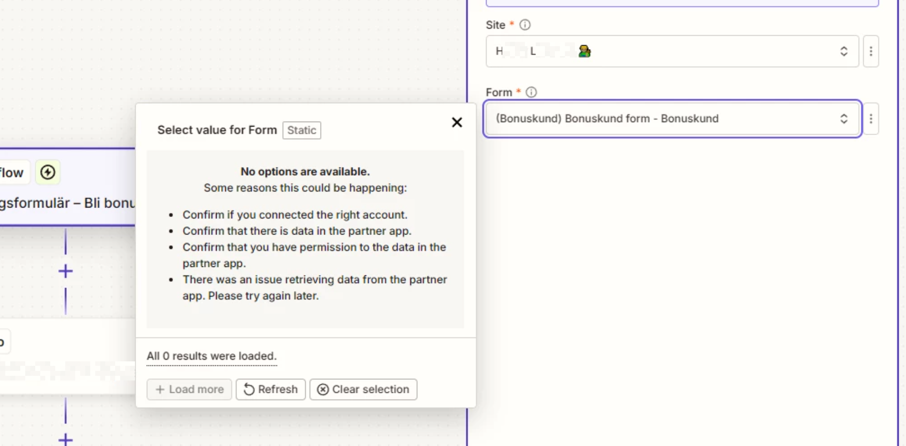
I've been running two projects with this integration and everything was working fine, but after making some changes I noticed the forms had completely disappeared from Zapier. I tried pretty much everything,reconnecting the integration, switching accounts, refreshing, but nothing worked.
The only thing that got it working again was using webhooks, but that feels like a workaround I'd rather avoid since it requires a paid Zapier plan.
Curious if this is a wider issue or just something on my end. Would love to hear how others are handling it.
Best answer by SamB
Hi there @Veljko and @raya-spx 👋
I did some checking and looks like you both are running into a recently reported bug with the Webflow app where existing forms aren’t being loaded. @Veljko I’ve gone ahead and added you to the list of users being affected by that. @raya-spx, it seems our Support team have already added you to the list. You’ll both get an email notification as soon as it’s been resolved.
I can’t provide an ETA on when it’ll be fixed but I’ll follow up here to confirm once it is and will share any updates in the meantime. For now, if you’re able to locate the form’s ID in Webflow, I’d suggest using the Custom value option in that Form field to select the missing form. If you run into any trouble on that or if there’s anything else I can help with just let me know. 🙂
I connected it back then as you can see but now none of the forms are showing. As I mentioned tried pretty much everything. This is not the issue only on this zap acc but in other too.
This post has been edited by a moderator to remove personally identifiable information (PII). Please remember that this is a public forum and avoid sharing personal or potentially sensitive details.
Yes, others have seen this too. The first thing to check is very simple:
Publish the Webflow site again
Submit the form on the live site
In Zapier, click Refresh fields / Find new records again
Zapier’s own help says Webflow forms often will not show up until the form is published and has at least one real submission.
Also check these:
Make sure you connected the correct Webflow site/account in Zapier.
If that form is connected to another service inside Webflow, disconnect that first and test again.
Reconnect the Webflow account in Zapier after republishing.
So the short answer is: this is usually not just you it is often caused by the form not being freshly published, not having a fresh submission, or Zapier not refreshing the Webflow form list yet.
If webhooks work right away, that also points to the problem being with Zapier’s Webflow form picker, not the form itself.
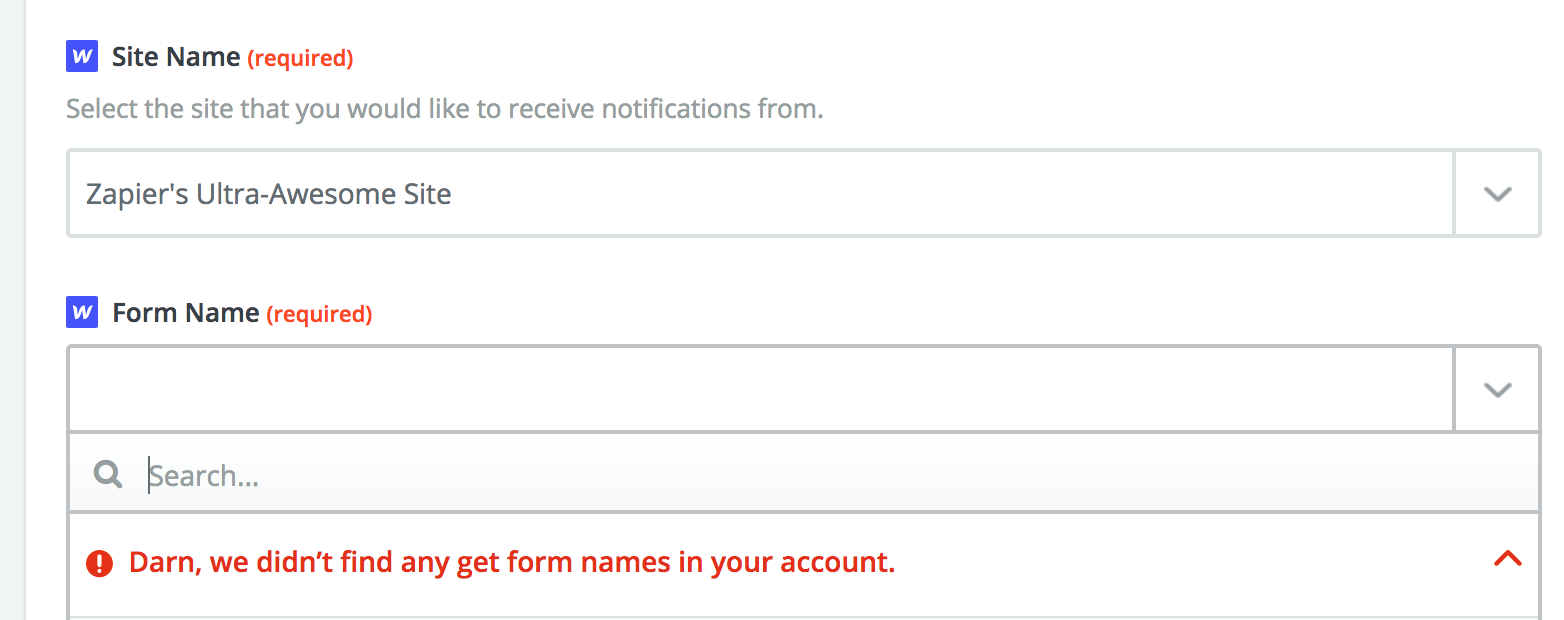
For the Form Submission Trigger, Form Name doesn't show up, looking like this:
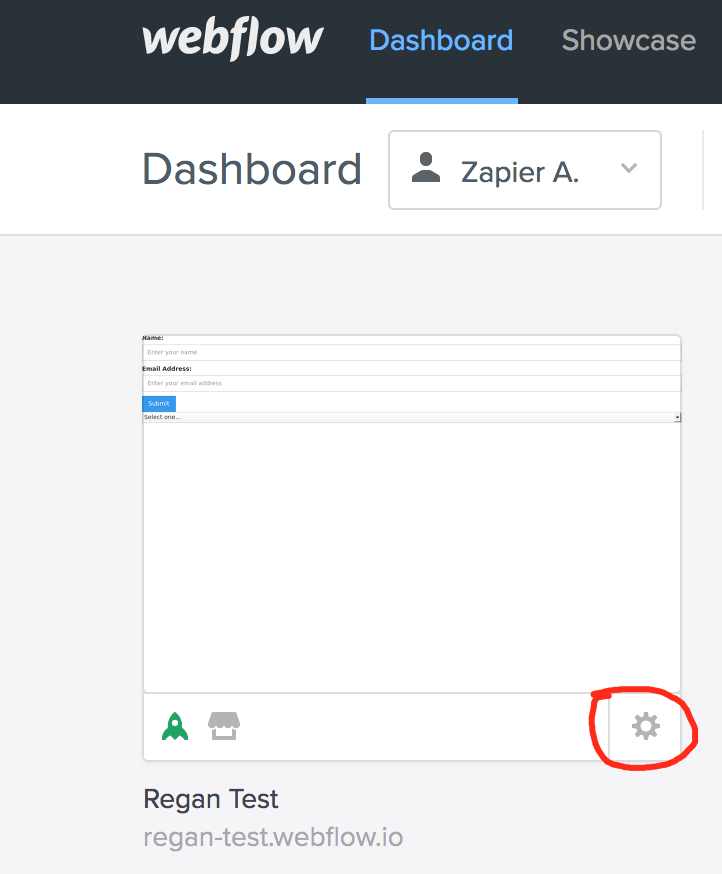
If your Webflow forms are not showing up when setting up the New Form Submission trigger, you need to publish the form on the site and submit an entry. On Webflow, you can tell it's published due to the rocket icon being green.
You can check for submissions by clicking here in the Dashboard:
I connected it back then as you can see but now none of the forms are showing. As I mentioned tried pretty much everything. This is not the issue only on this zap acc but in other too.
I am having the same issue today, btw. I’ve just submitted a support ticket. I’ve used Zapier and Webflow before, never experienced this issue and like yourself, I’ve also tried everything with no luck.
I ended up using Make.com - create a scenario that connects to Webflow and push into MailerLite from there. My first time using Make today but it is very similar to Zapier and it is working.
I did some checking and looks like you both are running into a recently reported bug with the Webflow app where existing forms aren’t being loaded. @Veljko I’ve gone ahead and added you to the list of users being affected by that. @raya-spx, it seems our Support team have already added you to the list. You’ll both get an email notification as soon as it’s been resolved.
I can’t provide an ETA on when it’ll be fixed but I’ll follow up here to confirm once it is and will share any updates in the meantime. For now, if you’re able to locate the form’s ID in Webflow, I’d suggest using the Custom value option in that Form field to select the missing form. If you run into any trouble on that or if there’s anything else I can help with just let me know. 🙂