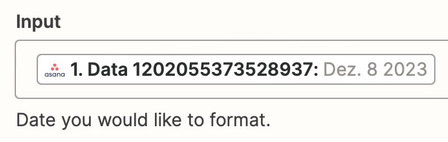
I am transferring data from Asana to Google Sheets and since Asana provides the date like “Dez. 8 2023” I have been using the Date / Time Formatter by Zapier to turn it into 08-12-2023.
This has been working fine for the past two years but since about a month or two ago we are experiencing issues.
Zapier is changing the date when formatting and I haven’t been able to solve this issue.
This is the setup:
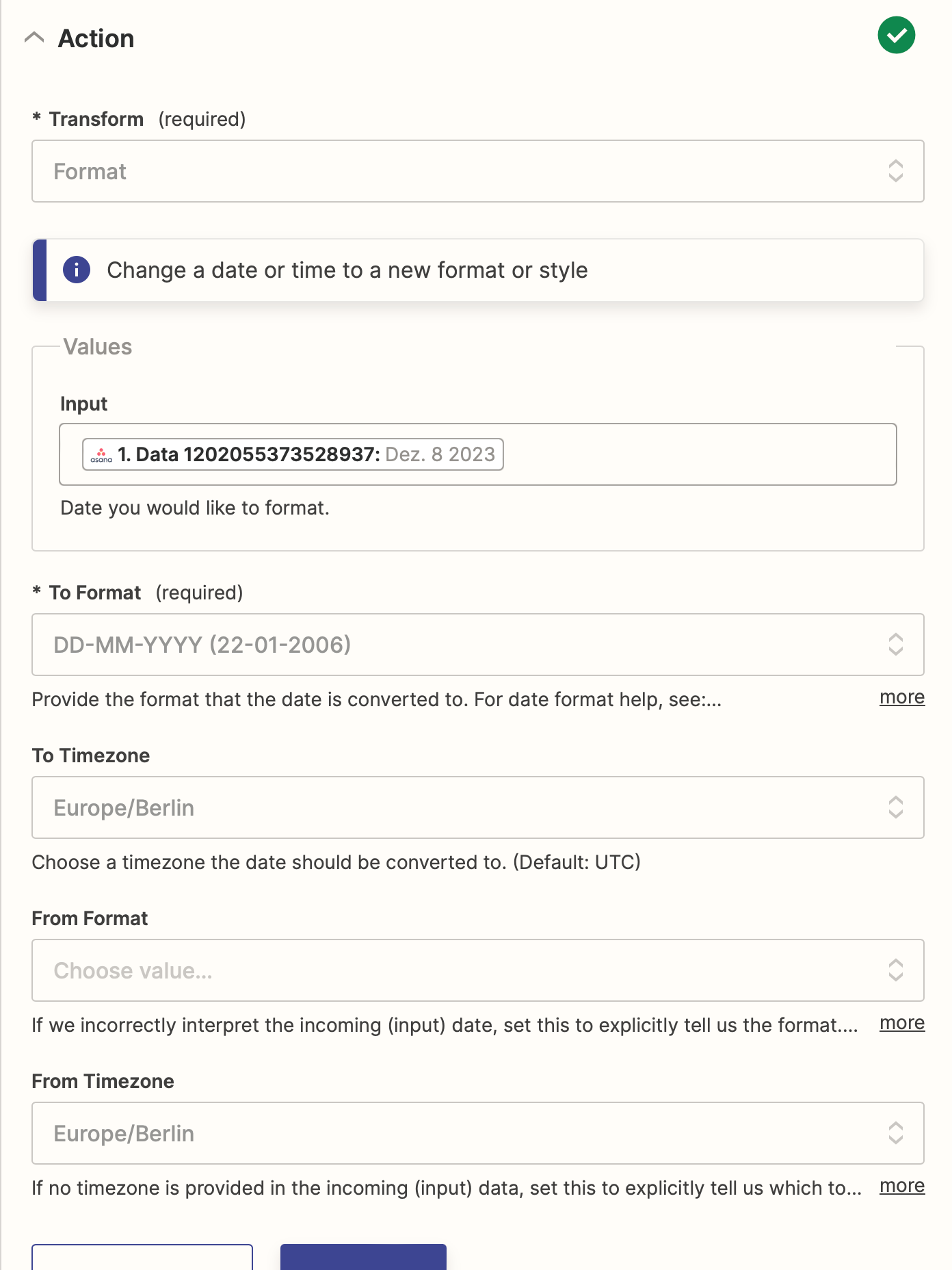
And this is the output:
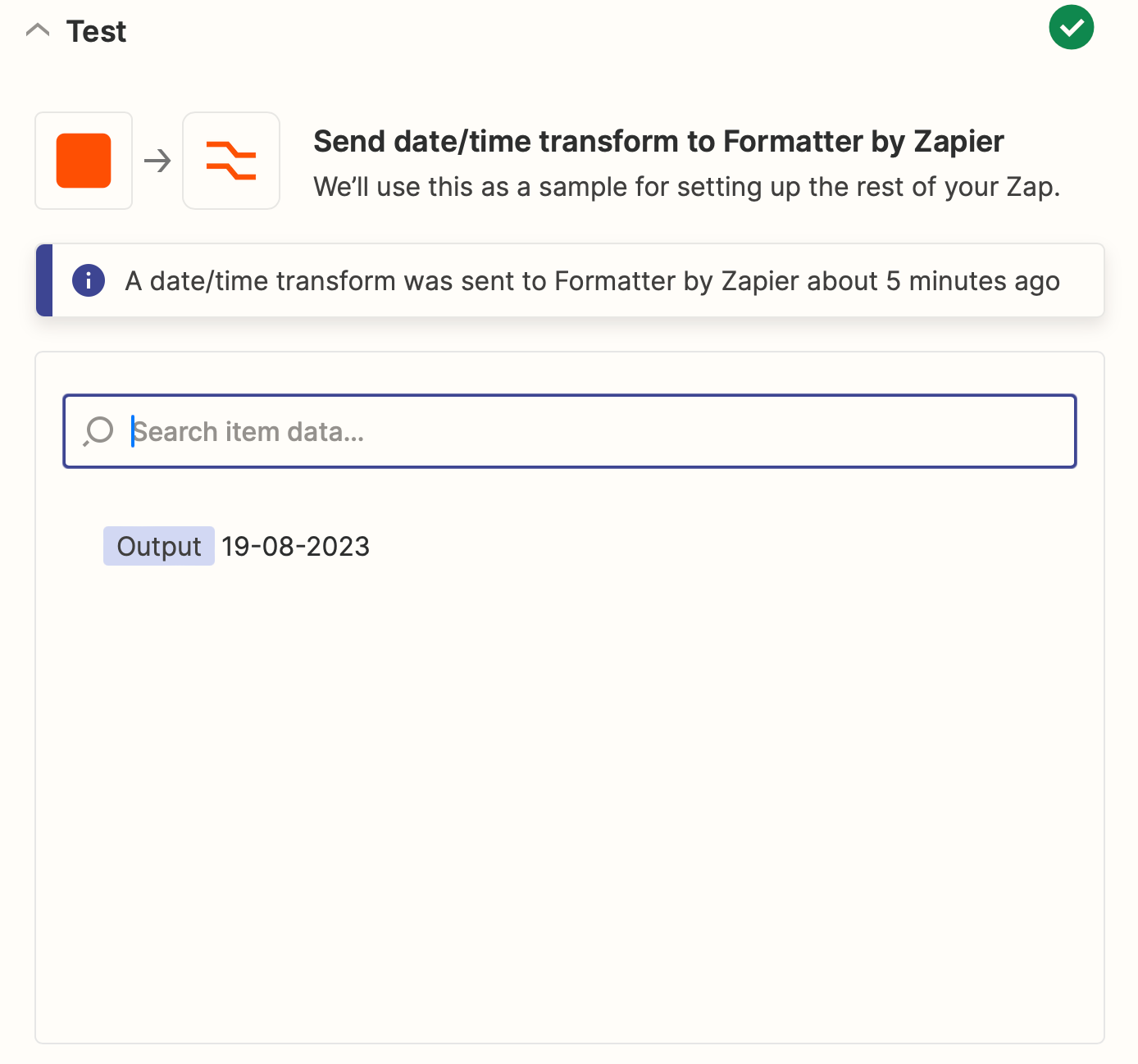
The output is 19-08-2023 instead of 08-12-2023. I haven’t changed anything in the past two years and don’t know why it has suddenly stopped working.
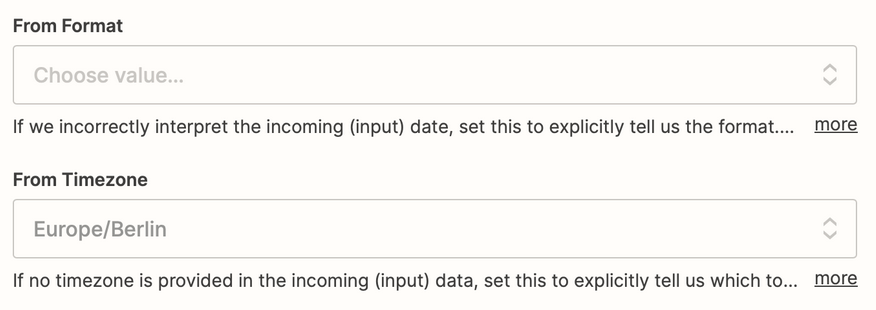
I have tried setting the “From” field to “MMM DD YYYY” but it didn’t change the output. I have also tried removing the TO and FROM timezone so that both default to UTC but no luck.
Does anyone have an idea of how to solve this?