


Answer

Zap isn't uploading the PandaDoc template to Google Drive, getting blank Google Doc instead.

  • September 28, 2023
  • 5 replies
  • 73 views

Woozie83

My Zap creates a Doc in Panda Doc from a template (all working fine)… My Doc is showing up in panda as a draft, and then im running a pandaDoc find Doc step and its successfully finding my newly made doc… 

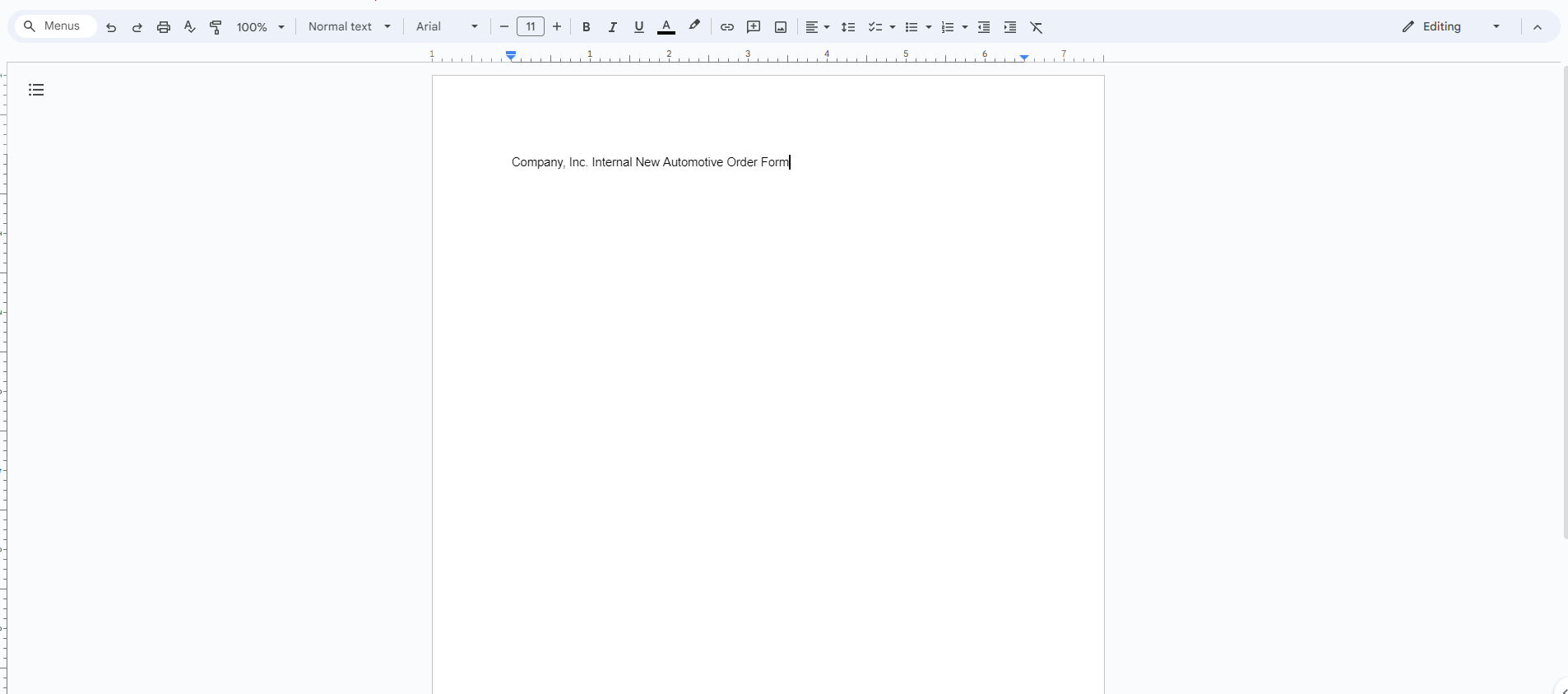
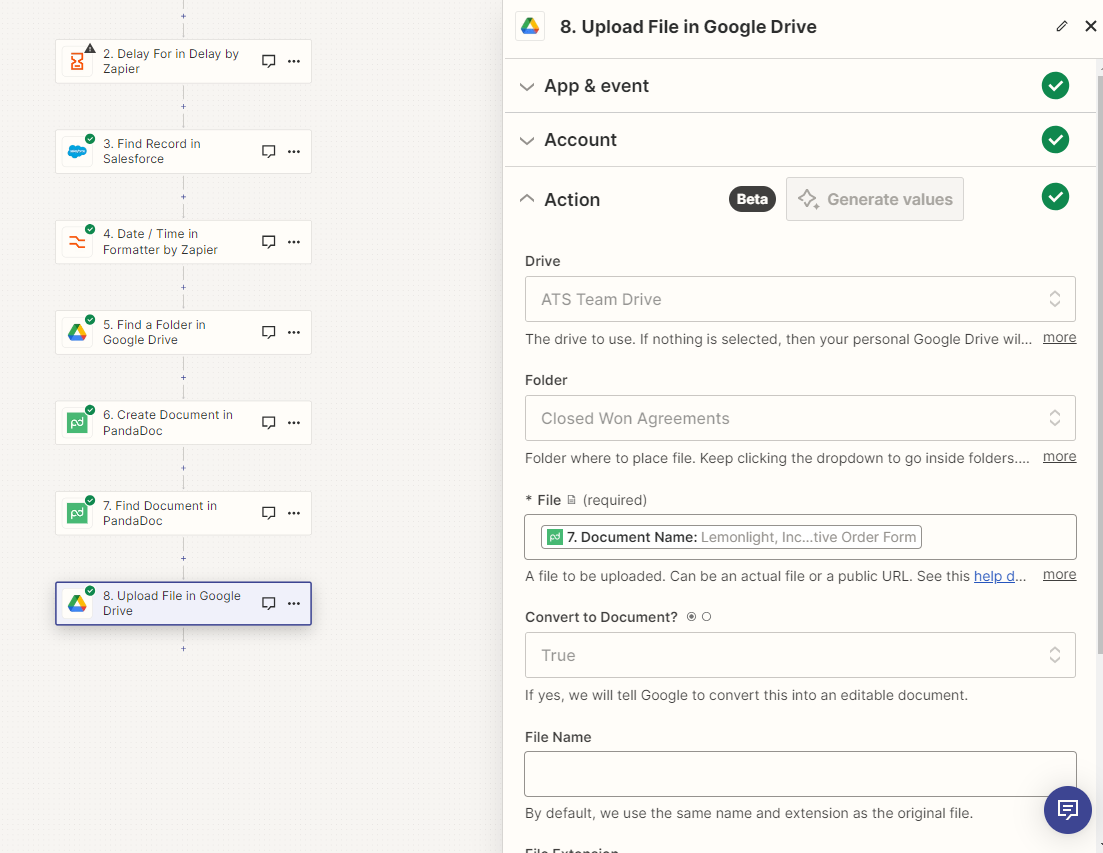
The next thing I’m trying to do is a Upload File in Google Drive step… all that I’m getting in my team drive is a blank google doc that just has the File name on it…
 

Is there any way to get the actual template from pandadoc transferred? Here is my flow and the details on the Upload file in G Drive step:


Any help here would be great!!!

Thanks, 
Woozie​​​​​​​

Best answer by Troy Tessalone

@Woozie83 

PandaDoc should return a PDF.

Try searching for (Exists but not shown)

This post has been closed for comments. Please create a new post if you need help or have a question about this topic.

5 replies

Troy Tessalone
Zapier Orchestrator & Solution Partner
Forum|alt.badge.img+14
  • Zapier Orchestrator & Solution Partner
  • September 28, 2023

Hi @Woozie83 

Good question.

The File field expects a file object or a file url, instead of a File Name.

Help article about using files in Zaps: https://help.zapier.com/hc/en-us/articles/8496288813453


Woozie83
  • Author
  • Tinkerer
  • September 28, 2023

Im not seeing File Object or File URL as options… would this have anything to do with it just being in draft status in PandaDoc when I’m trying to pull it?

I tried to look at my previous find step to see if Object or URL were in there but didnt see it there either


Troy Tessalone
Zapier Orchestrator & Solution Partner
Forum|alt.badge.img+14
  • Zapier Orchestrator & Solution Partner
  • Answer
  • September 28, 2023

@Woozie83 

PandaDoc should return a PDF.

Try searching for (Exists but not shown)


Woozie83
  • Author
  • Tinkerer
  • September 29, 2023

Nailed it again @Troy Tessalone Think Its working perfect now!


ken.a
Forum|alt.badge.img+6
  • Zapier Staff
  • October 2, 2023

That’s awesome! Shoutout to Troy for assisting @Woozie83!

If you have any other questions, please don’t hesitate to reach out to the Community. We’re always happy to help! 😊






