Question

Zap isn't fetching AI summary data for Pipedrive contact

  • December 5, 2024
  • 5 replies
  • 22 views

I ve setup a Zap to send the AI Summary to my contact in Pipedrive. Unfortunately the Fathom App doesn’t fetch the data. I just had another call, summary was created and when I check the Zap, no new informations been generated to execute the Zap. 


Any Ideas? 

This post has been closed for comments. Please create a new post if you need help or have a question about this topic.

5 replies

DavidLGS
Forum|alt.badge.img+6
  • Zapier Solution Partner
  • December 5, 2024

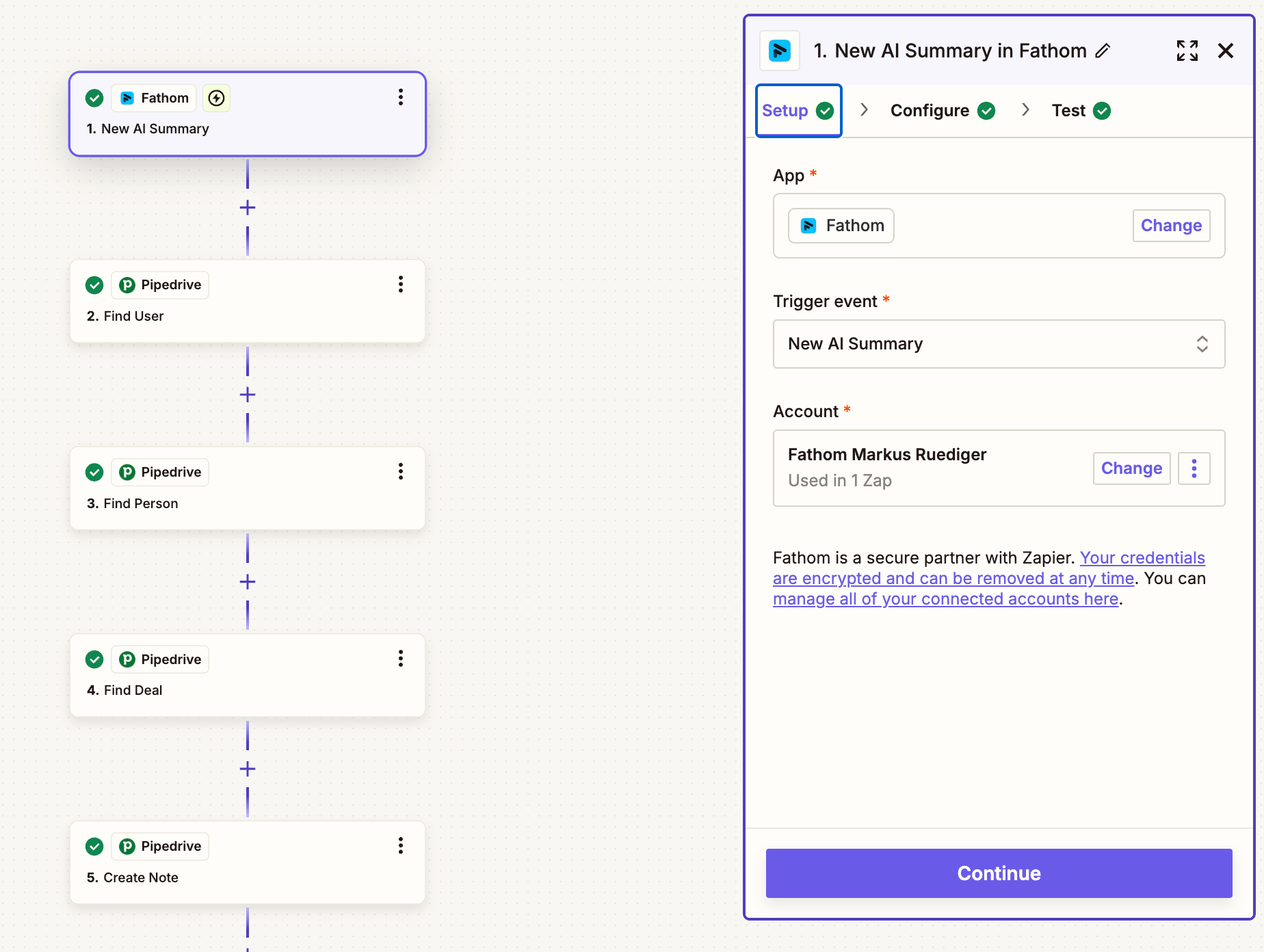
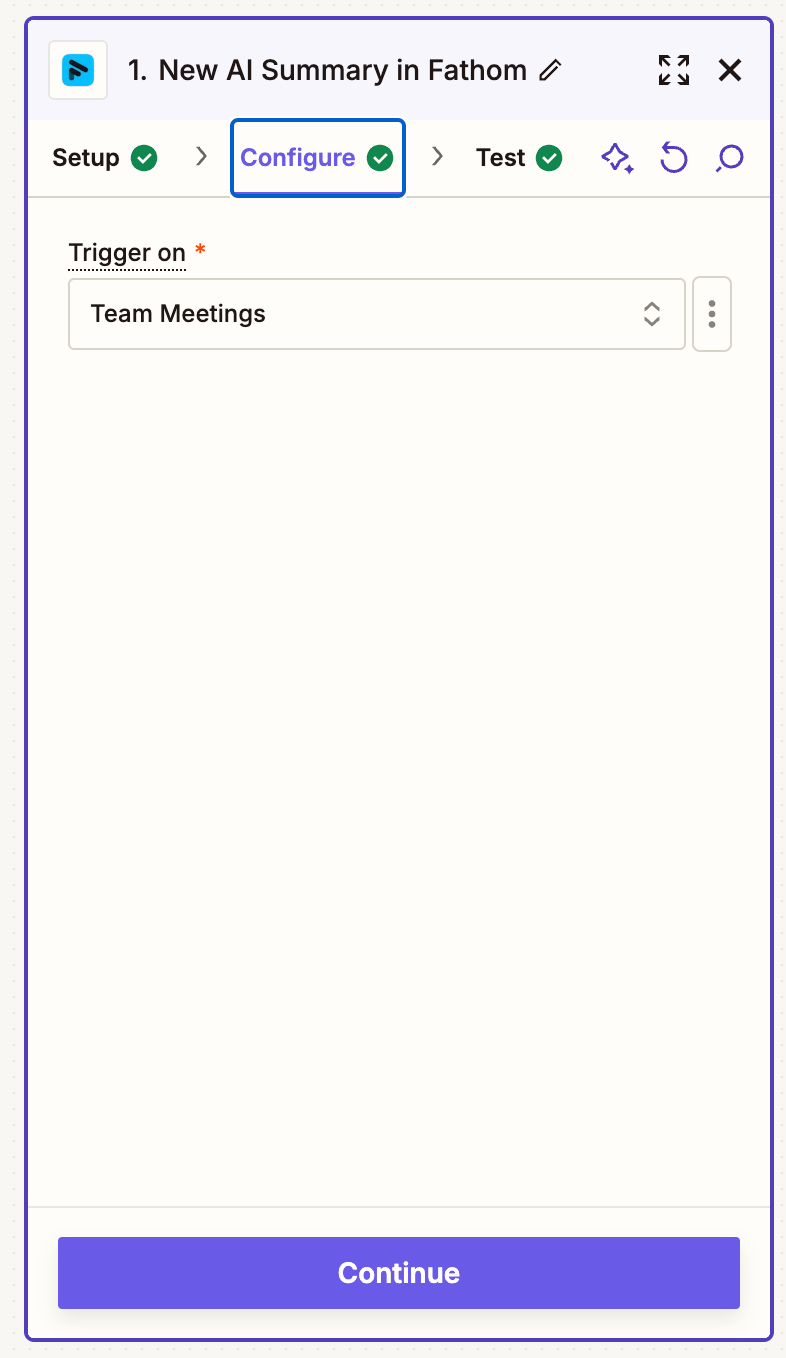
Can you post pictures of the Fathom trigger and the configuration step? And what are you actually triggering on with Fathom?


  • Author
  • Beginner
  • December 5, 2024

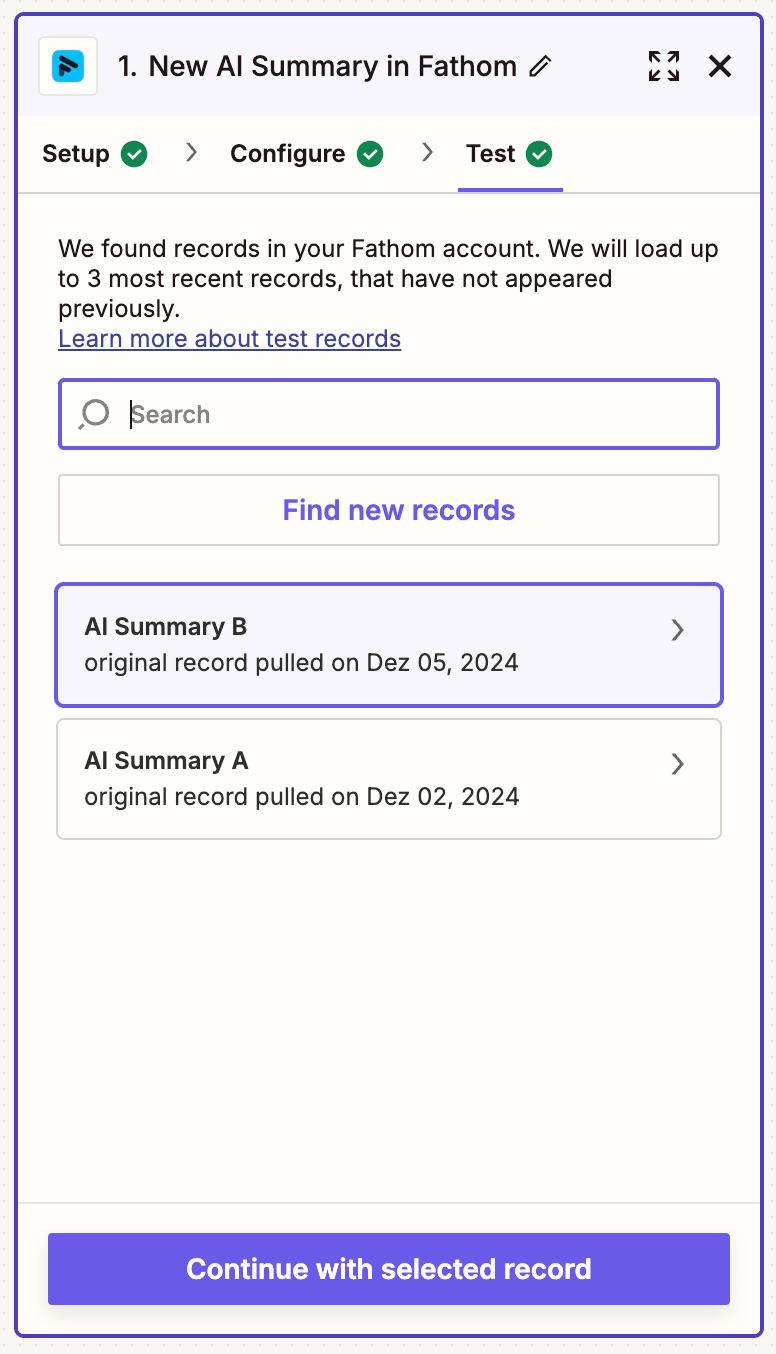
Sure, here you go:


As you see, it oulls only one of Dec 02 and one of yesterday. We had 4 recordings yesterday as a team and I just had one. 


DavidLGS
Forum|alt.badge.img+6
  • Zapier Solution Partner
  • December 5, 2024

First I’d try the old disconnect then re-connect trick for the Fathom account.

If that doesn’t work, check to make sure your Fathom account has sufficient access privileges so that “team” meetings show up in your individual account.

Assuming you do, since the other 2 test records showed up, check and see if there are any differences whatsoever between the test records and your most recent meetings. i.e. Which account recorded it, was there a different meeting classification, who hosted which meetings, how were they scheduled, etc.

If it’s none of the above, I’m out of ideas. Hopefully someone else replies and/or I’d open a ticket with support.


  • Author
  • Beginner
  • December 5, 2024

Hi David,


thnx for the reply. I have disconnected and reconnected already multiple times. No effect. As well I checked if there were anything we did different, but nothing.

I already wrote the support, but no answer until yet.


JammerS
Forum|alt.badge.img+6
  • Zapier Staff
  • December 6, 2024

Hi ​@Markus_MR2,


We sincerely apologize for the inconvenience, kindly wait for the update with the support team regarding with this issue and hopefully you could share it with us here in the Community. Thank you.