Answer

Zap has no issues but is not triggering

  • February 20, 2024
  • 13 replies
  • 1318 views

Forum|alt.badge.img

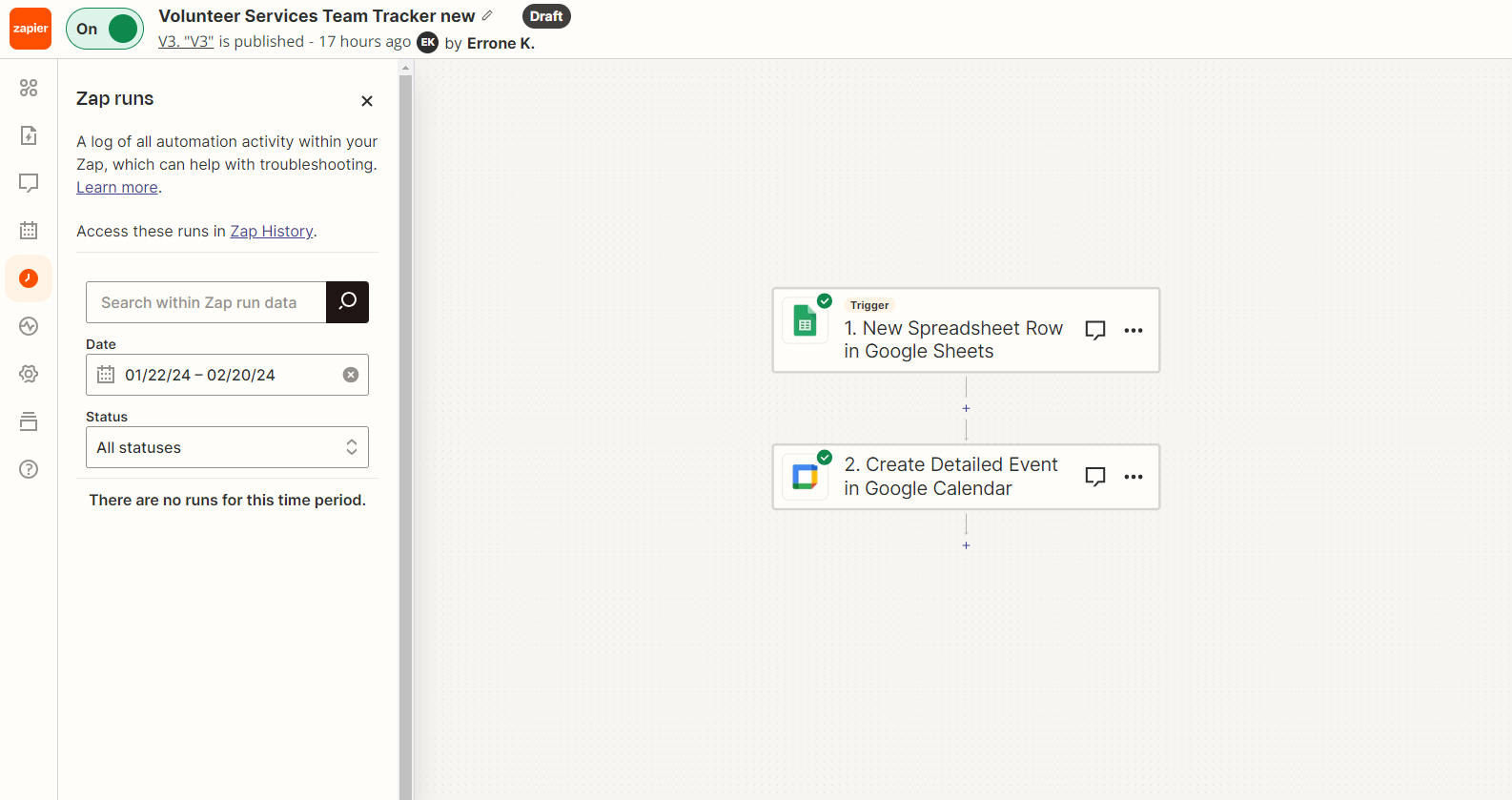
Hi, my zap seems to be connected fine and has no issues, but it’s not triggering. When I run test zaps, it works, but after publishing, nothing triggers. Does anyone know what could be causing this?


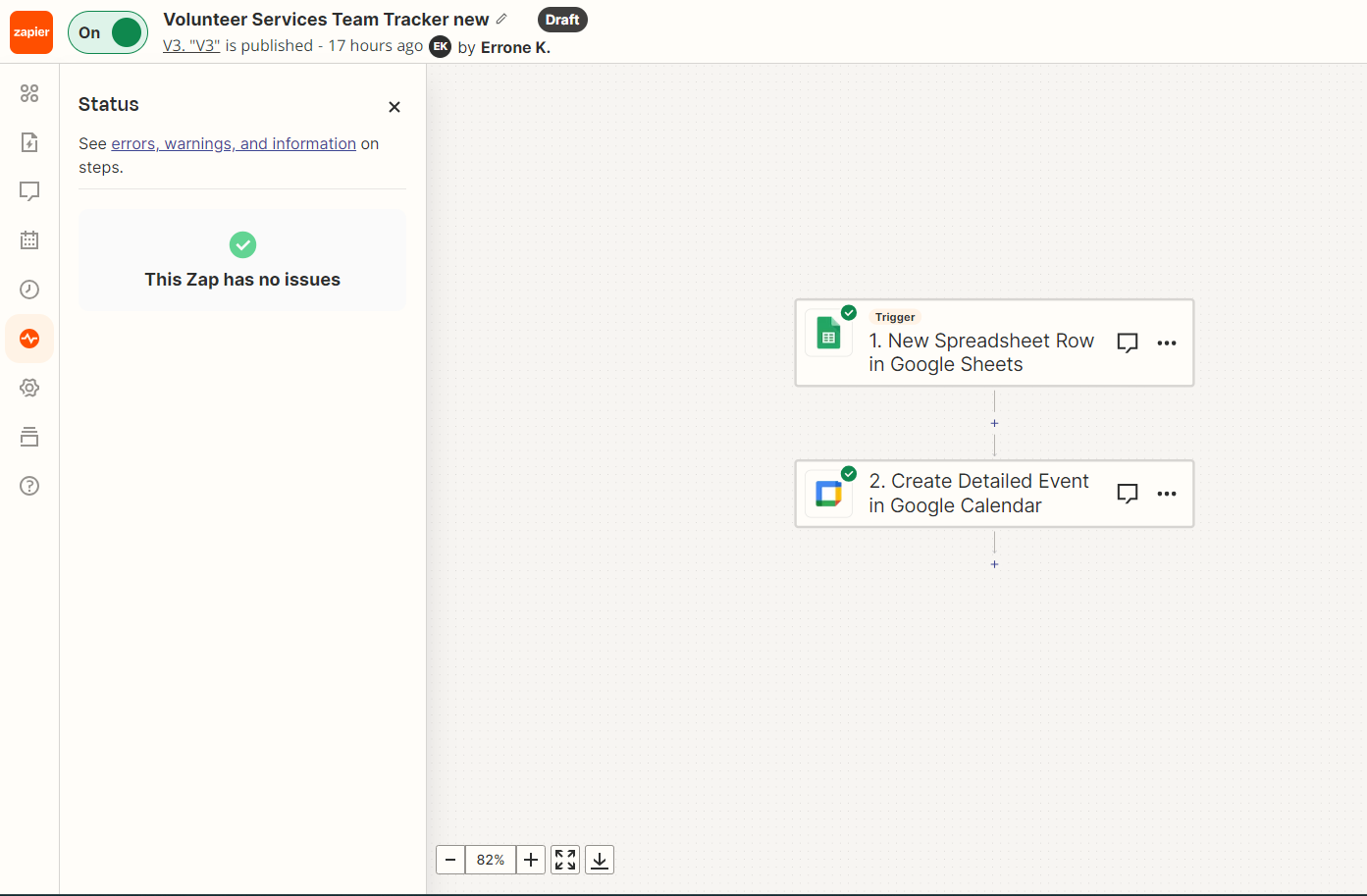
My zap is a New Google Sheet Spreadsheet Row > Create a Detailed Calendar Event


Best answer by Troy Tessalone

@ekemp2 

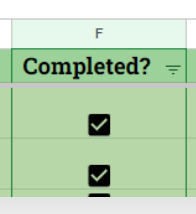
Issue is rows 8+ have a value of false in the column for Completed? with the unchecked checkbox.

So if you are updating data into those rows, Zapier would see those as an “updated” row, rather than a “new” row, which you are using as the Zap trigger.

That likely explains why your Zap is not firing.

This post has been closed for comments. Please create a new post if you need help or have a question about this topic.

13 replies

Troy Tessalone
Zapier Orchestrator & Solution Partner
Forum|alt.badge.img+14
  • Zapier Orchestrator & Solution Partner
  • February 20, 2024

Hi @ekemp2 

Can you post screenshots of the top 3 rows of your GSheet?

Help article for how GSheets need to be configured: https://help.zapier.com/hc/en-us/articles/8496276985101-Work-with-Google-Sheets-in-Zaps


Forum|alt.badge.img
  • Author
  • Beginner
  • February 20, 2024

Hi @Troy Tessalone


Yes!


Forum|alt.badge.img
  • Author
  • Beginner
  • February 20, 2024

The calendar is based on the Due/Deadline column.


Troy Tessalone
Zapier Orchestrator & Solution Partner
Forum|alt.badge.img+14
  • Zapier Orchestrator & Solution Partner
  • February 21, 2024

@ekemp2 

Zaps work while turned ON for new data going forward.

Have you added new rows to the GSheet after the Zap was turned ON?


The GSheet Zap triggers fire in near-real time, meaning it can take a few minutes to fire.

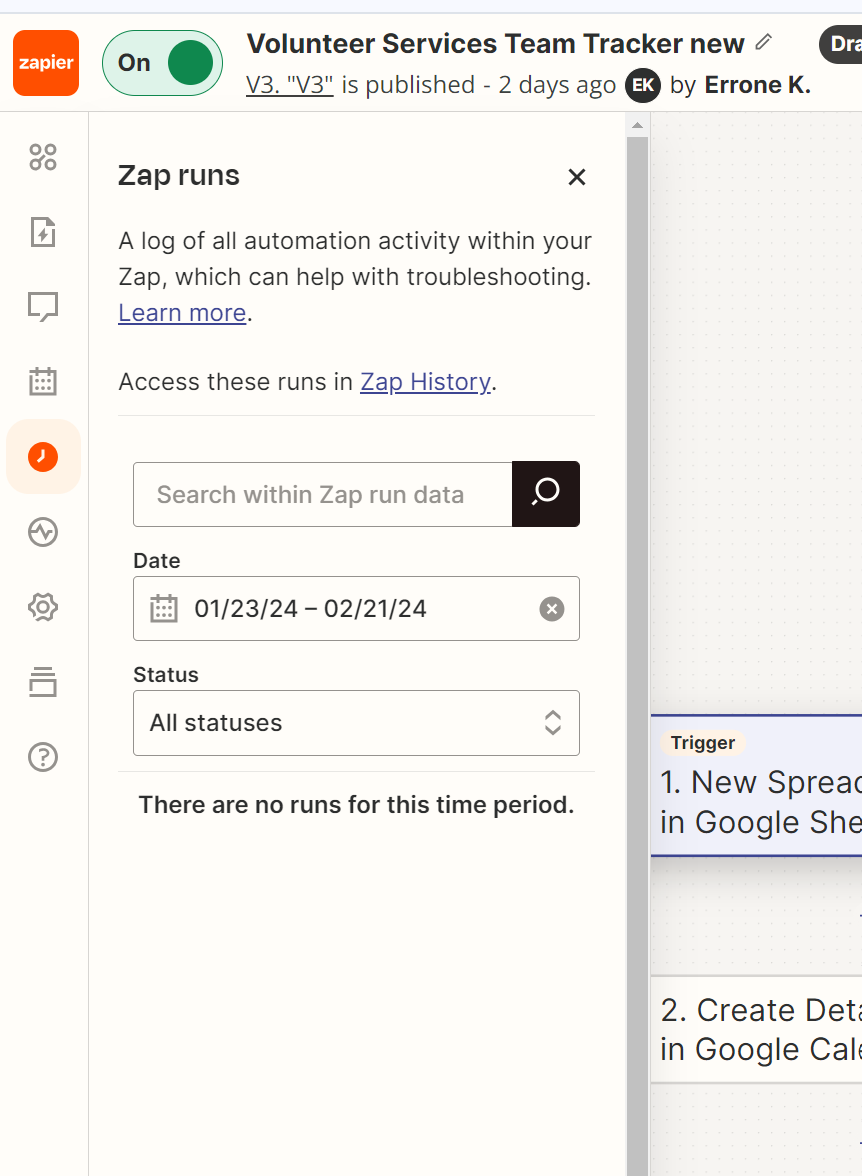
Check your Zap Runs history for activity: https://zapier.com/app/history/


Forum|alt.badge.img
  • Author
  • Beginner
  • February 21, 2024

Hi, @Troy Tessalone, yes, I just tried that now and waited over 10 mins. However, it still did not create a calendar invite. My zap runs also still say no history.


Troy Tessalone
Zapier Orchestrator & Solution Partner
Forum|alt.badge.img+14
  • Zapier Orchestrator & Solution Partner
  • February 21, 2024

@ekemp2 

Can you post screenshots from the last populated row in your GSheet and a few rows below that?

Does the Completed? column have empty checkboxes in blank rows?

If so, the that won’t be seen by Zapier as a new row.

Updating rows with an empty checkbox won’t be a “new” row.


Forum|alt.badge.img
  • Author
  • Beginner
  • February 21, 2024

@Troy Tessalone 

These are my last two rows:


Test assignment 2 is the recent one. Not everything is filled out.


I also just did this test with everything filled out, and there were no zaps. Should I delete this zap and start from scratch maybe?


Forum|alt.badge.img
  • Author
  • Beginner
  • February 21, 2024

@Troy Tessalone 

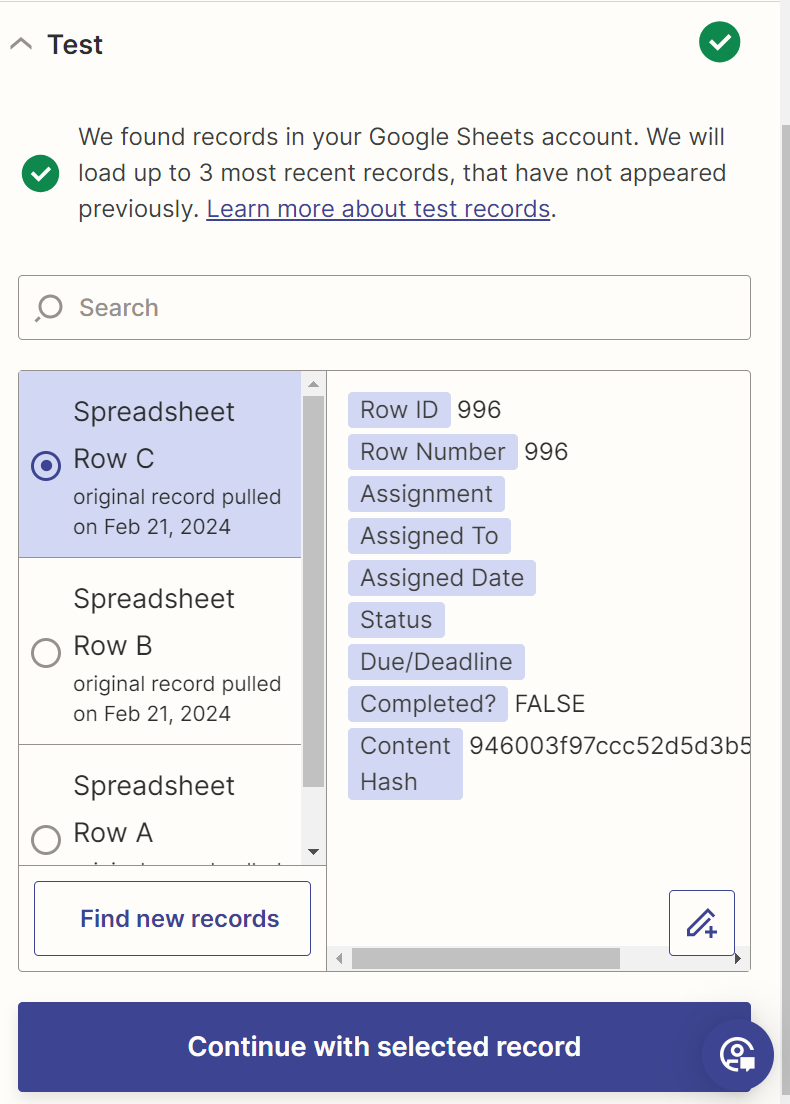
Or does it have anything to do with the rows that Zapier is finding? I noticed that even if I click on “Find new records”, it only finds the last 3 row numbers (996, 995, 994).


Troy Tessalone
Zapier Orchestrator & Solution Partner
Forum|alt.badge.img+14
  • Zapier Orchestrator & Solution Partner
  • Answer
  • February 21, 2024

@ekemp2 

Issue is rows 8+ have a value of false in the column for Completed? with the unchecked checkbox.

So if you are updating data into those rows, Zapier would see those as an “updated” row, rather than a “new” row, which you are using as the Zap trigger.

That likely explains why your Zap is not firing.


Forum|alt.badge.img
  • Author
  • Beginner
  • February 21, 2024

Thank you @Troy Tessalone, that was the issue! I changed it to New or updated and it worked. I think if I want to create a new spreadsheet row, I should use something other than the checkboxes (true/false). Maybe a dropdown might work better.


Troy Tessalone
Zapier Orchestrator & Solution Partner
Forum|alt.badge.img+14
  • Zapier Orchestrator & Solution Partner
  • February 21, 2024

@ekemp2 

Be careful when using GSheet new/updated row as the Zap trigger.

Usually best to add a Filter as Step 2 to make sure the required fields needed for the action steps are populated in the GSheet row first.


Troy Tessalone
Zapier Orchestrator & Solution Partner
Forum|alt.badge.img+14
  • Zapier Orchestrator & Solution Partner
  • February 21, 2024

@ekemp2

Also, I generally recommend using Airtable instead of GSheet: https://zapier.com/apps/airtable/integrations#triggers-and-actions

Airtable has these field types: https://support.airtable.com/docs/supported-field-types-in-airtable-overview


Airtable Automations have a native integration with GCal too.


Forum|alt.badge.img
  • Author
  • Beginner
  • February 21, 2024

Thank you again @Troy Tessalone! I will be mindful of that. Unfortunately, our organization isn’t using Airtable, but I will keep it in mind for future reference in the event we ever add that to our apps.