Question

Zap automatically turning off even though no errors

  • November 22, 2025
  • 10 replies
  • 60 views

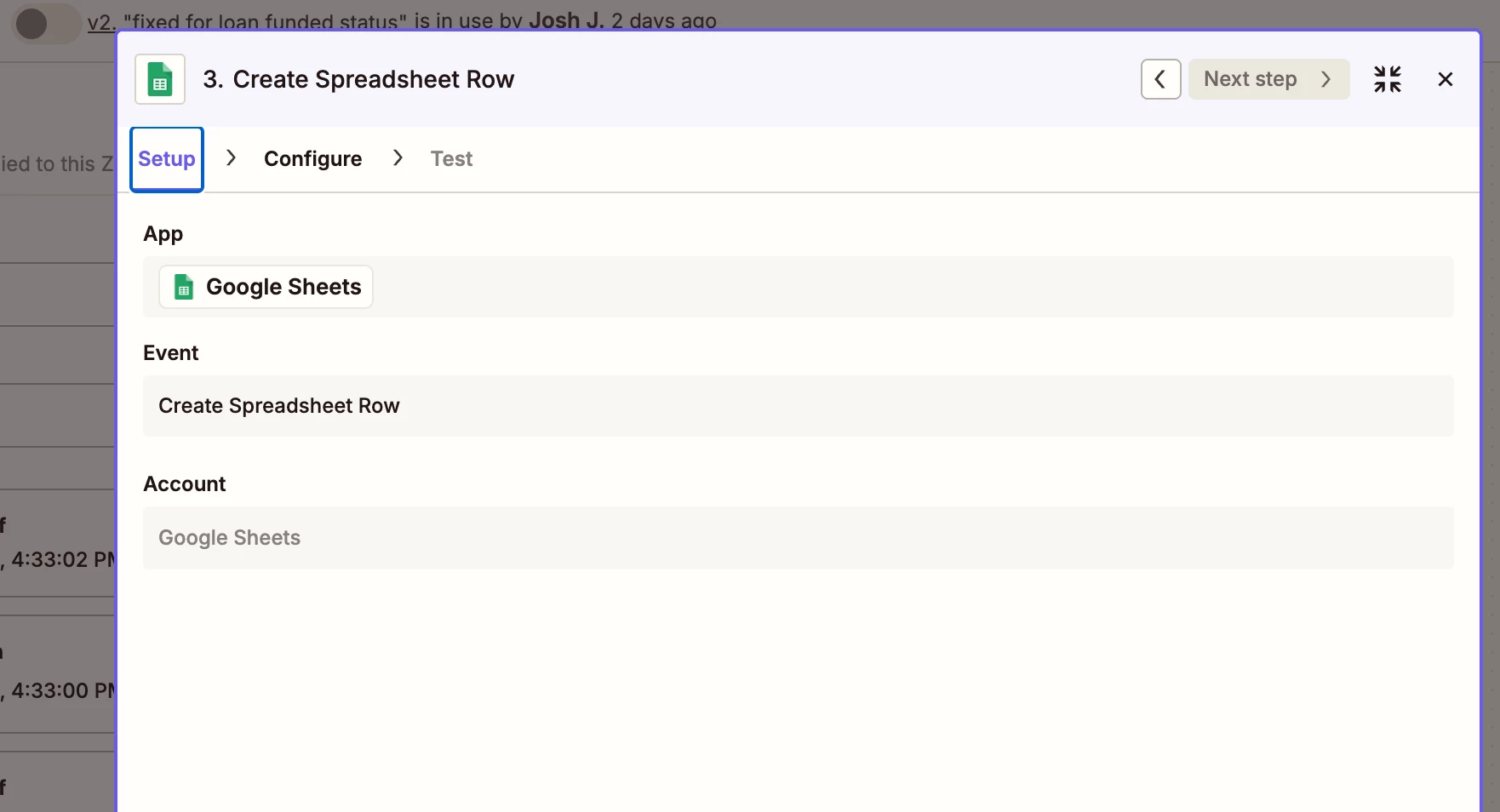
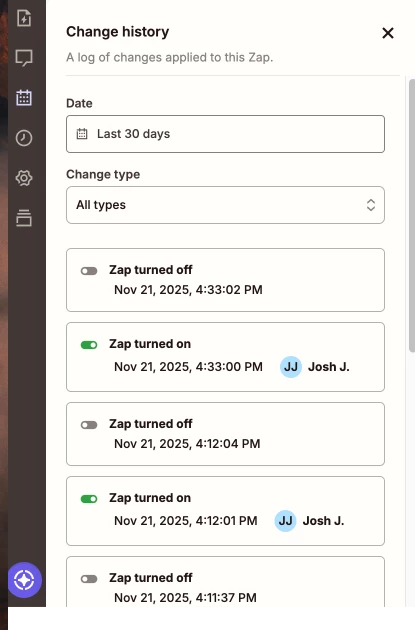
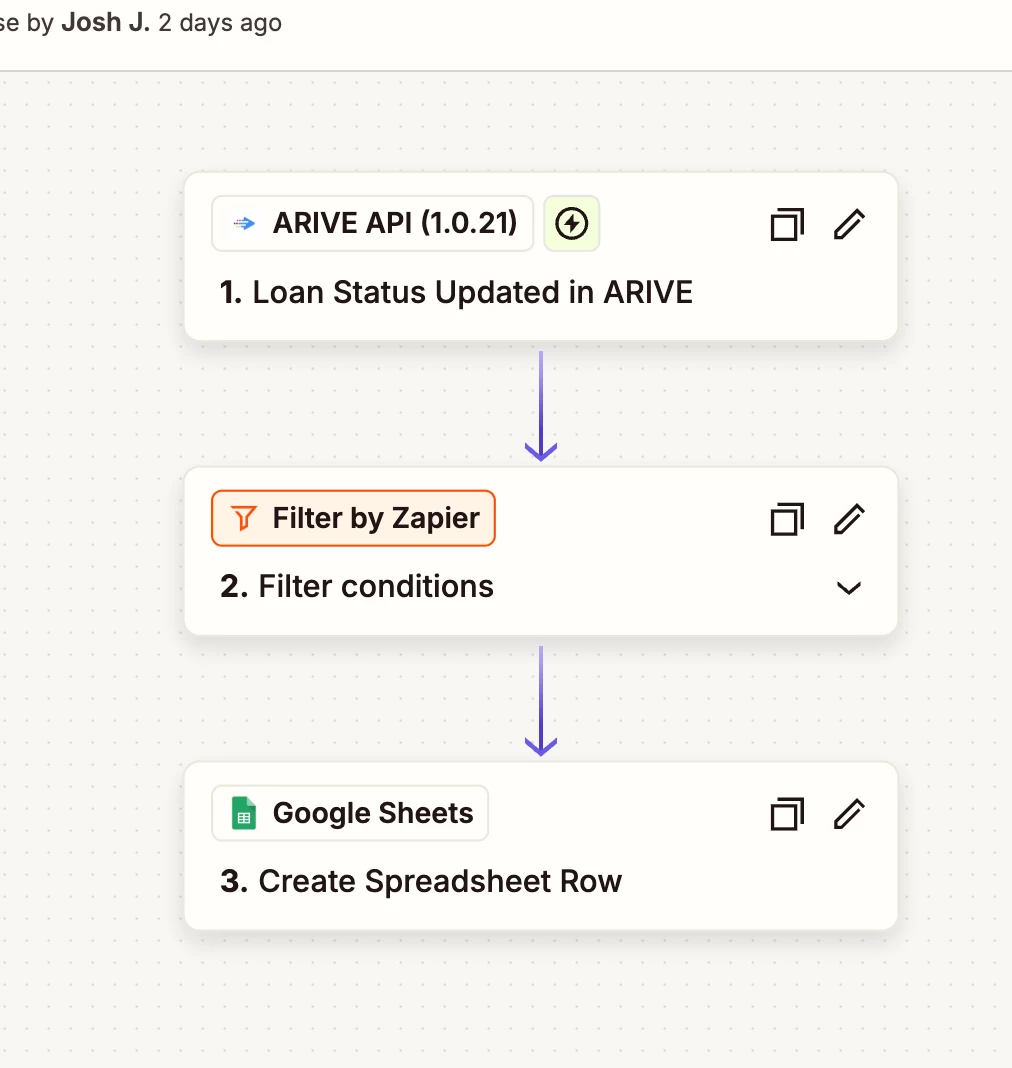
We built a fairly simple Zap that pulls information from our private financial software (that we use in other successful and active Zaps), and sends that information to a new row in a Google Sheet. The tests we’ve run are successful but when I turn on the Zap, it automatically turns back off right after. 
This post has been edited by a moderator to remove personally identifiable information (PII). Please remember that this is a public forum and avoid sharing personal or potentially sensitive details.


10 replies

Troy Tessalone
Zapier Orchestrator & Solution Partner
Forum|alt.badge.img+14
  • Zapier Orchestrator & Solution Partner
  • November 22, 2025

Hi ​@joshjelsing 

Help link that covers thing to check/try: 


Troy Tessalone
Zapier Orchestrator & Solution Partner
Forum|alt.badge.img+14
  • Zapier Orchestrator & Solution Partner
  • November 22, 2025

@joshjelsing 

If you are on the Broker Pro or Non-Del plan, you can integrate ARIVE with your Zapier account.

https://support.arive.com/support/solutions/articles/61000306081-integrate-arive-with-your-zapier-account-crm-integration-


Sparsh from Automation Jinn
Forum|alt.badge.img+6

Hey ​@joshjelsing,

Just confirming you are on Zapier paid plan right? Because it is a multi step Zap and will turn off immediately on a free plan. Hope it helps!


  • Author
  • Beginner
  • November 24, 2025

Hey ​@joshjelsing,

Just confirming you are on Zapier paid plan right? Because it is a multi step Zap and will turn off immediately on a free plan. Hope it helps!

Yes, we are on a paid plan!


  • Author
  • Beginner
  • November 24, 2025

Hi, thanks for linking this article. As far as i can tell, we don’t have any of those errors happening so I’m still not sure why it’s turning off? ​@Troy Tessalone 


Troy Tessalone
Zapier Orchestrator & Solution Partner
Forum|alt.badge.img+14
  • Zapier Orchestrator & Solution Partner
  • November 24, 2025

@joshjelsing 

Which Arive plan do you have? (see below)


If you are on the Broker Pro or Non-Del plan, you can integrate ARIVE with your Zapier account.

https://support.arive.com/support/solutions/articles/61000306081-integrate-arive-with-your-zapier-account-crm-integration-


  • Author
  • Beginner
  • November 25, 2025

@joshjelsing 

Which Arive plan do you have? (see below)


If you are on the Broker Pro or Non-Del plan, you can integrate ARIVE with your Zapier account.

https://support.arive.com/support/solutions/articles/61000306081-integrate-arive-with-your-zapier-account-crm-integration-

We are on the Broker Pro plan and have the Arive API credentials connected to our Zapier currently. It works perfectly in the 25+ other Zaps that we have connected to Arive, so I don’t think the Arive connection is the issue here. Potentially the issue could be with the Google sheet? I’ve not built any Zaps that send info to sheets before so I’m troubleshooting that part. Any tips?


Troy Tessalone
Zapier Orchestrator & Solution Partner
Forum|alt.badge.img+14
  • Zapier Orchestrator & Solution Partner
  • November 25, 2025

@joshjelsing 

Help links for using GSheets in Zaps: https://zapier.com/apps/google-sheets/integrations#help


  • Author
  • Beginner
  • November 25, 2025

Thanks ​@Troy Tessalone! Interestingly, I just created a new Zap that is based on an Arive trigger then sends an outbound webhook. After switching it on, it was auto switched-off, same as the one that initially sparked this conversation. So maybe Arive is the problem? However, all my other Zaps that use an Arive trigger are still active and on. Thoughts?


Troy Tessalone
Zapier Orchestrator & Solution Partner
Forum|alt.badge.img+14
  • Zapier Orchestrator & Solution Partner
  • November 25, 2025

@joshjelsing 

Some apps have a limit on the number of webhook event subscriptions.

So maybe you have too many Zaps using Arive webhook subscriptions.


If that’s the case, then you would need to restructure your Zaps to fan out.

e.g. 1 Zap triggers another Zap

There are different approaches to achieve that.


Since the Arive Zap app integration is private, try reaching out to Arive Support for help with their Zap app.

You can try reaching out to Zapier Support: https://zapier.com/app/get-help