Best answer

Why are my documents not updating with new data from Google Sheets?

  • November 24, 2025
  • 3 replies
  • 32 views

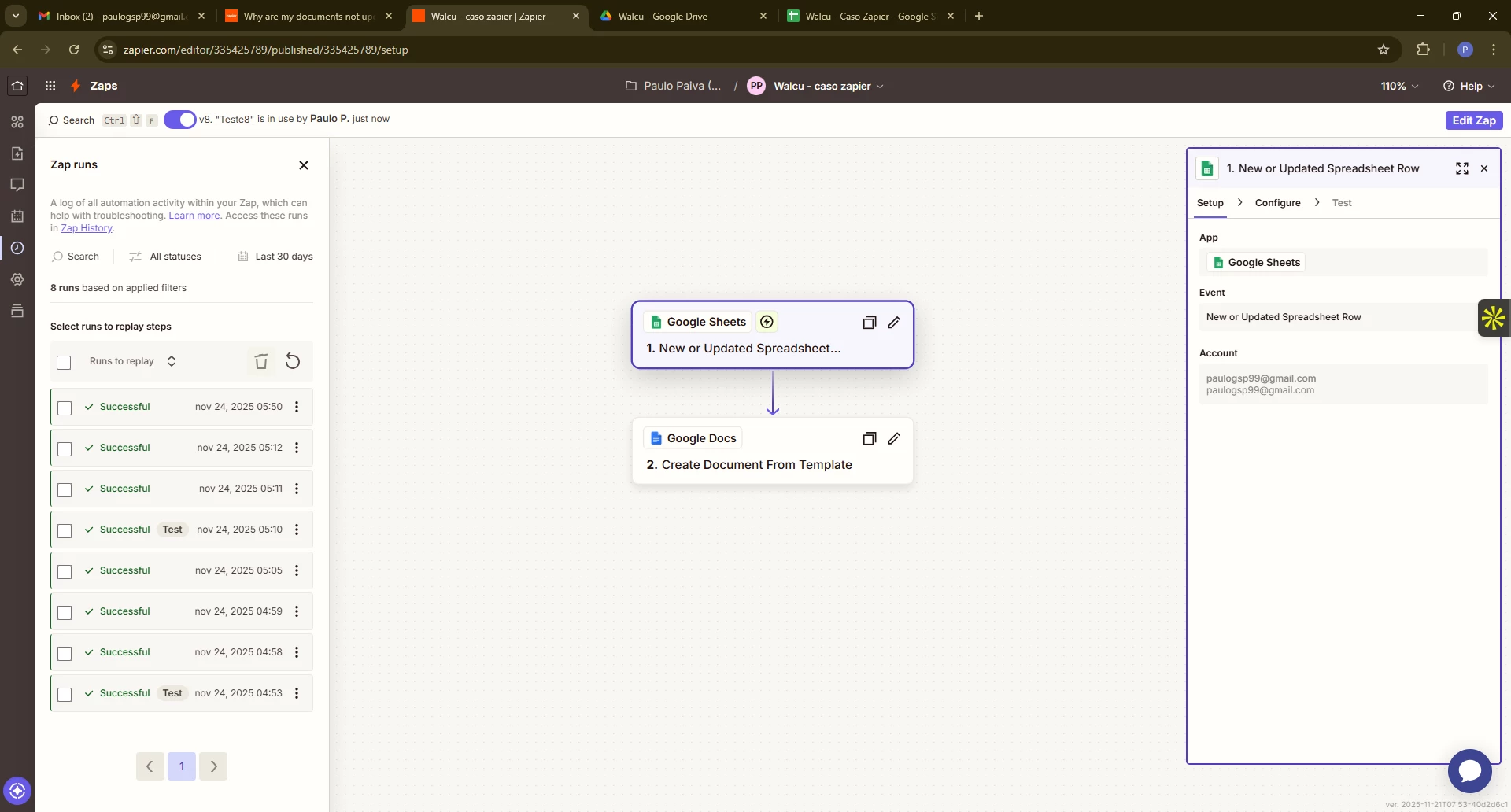
I created a simple Zap where I have my spreadsheet in Sheets and when I make any update, I want my Docs to be updated as well.
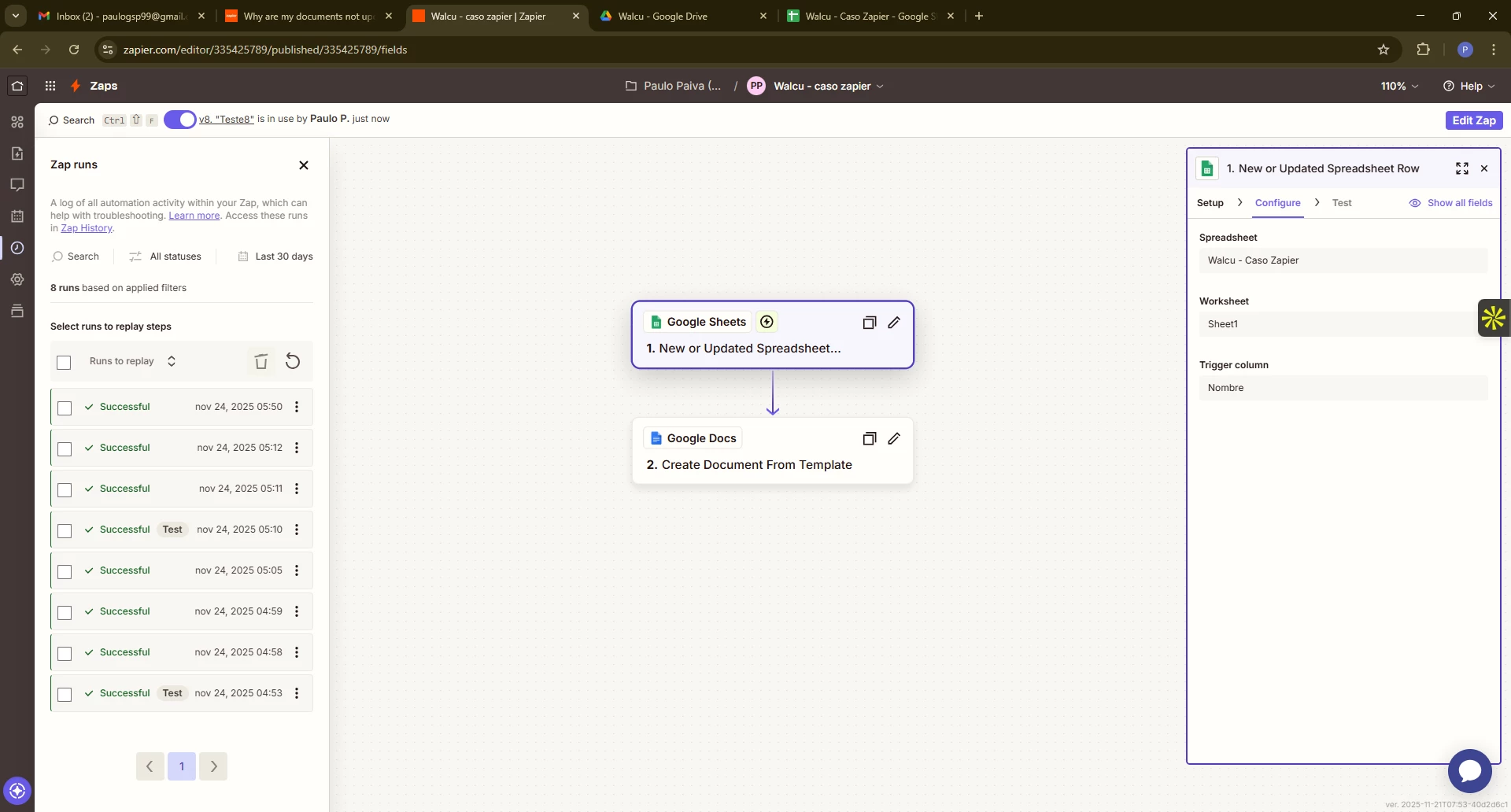
For Sheets I set: new or updated spreadsheet row
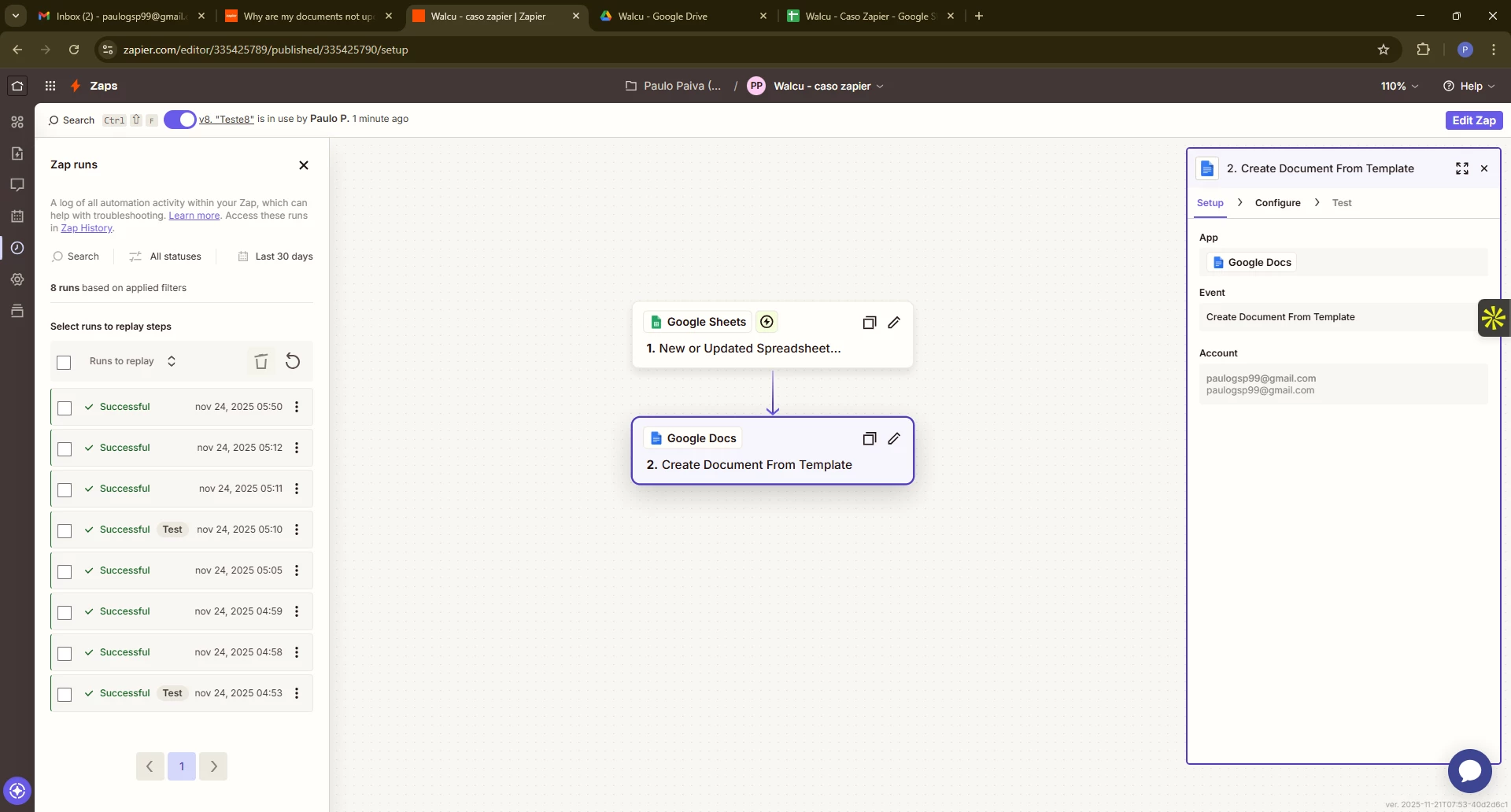
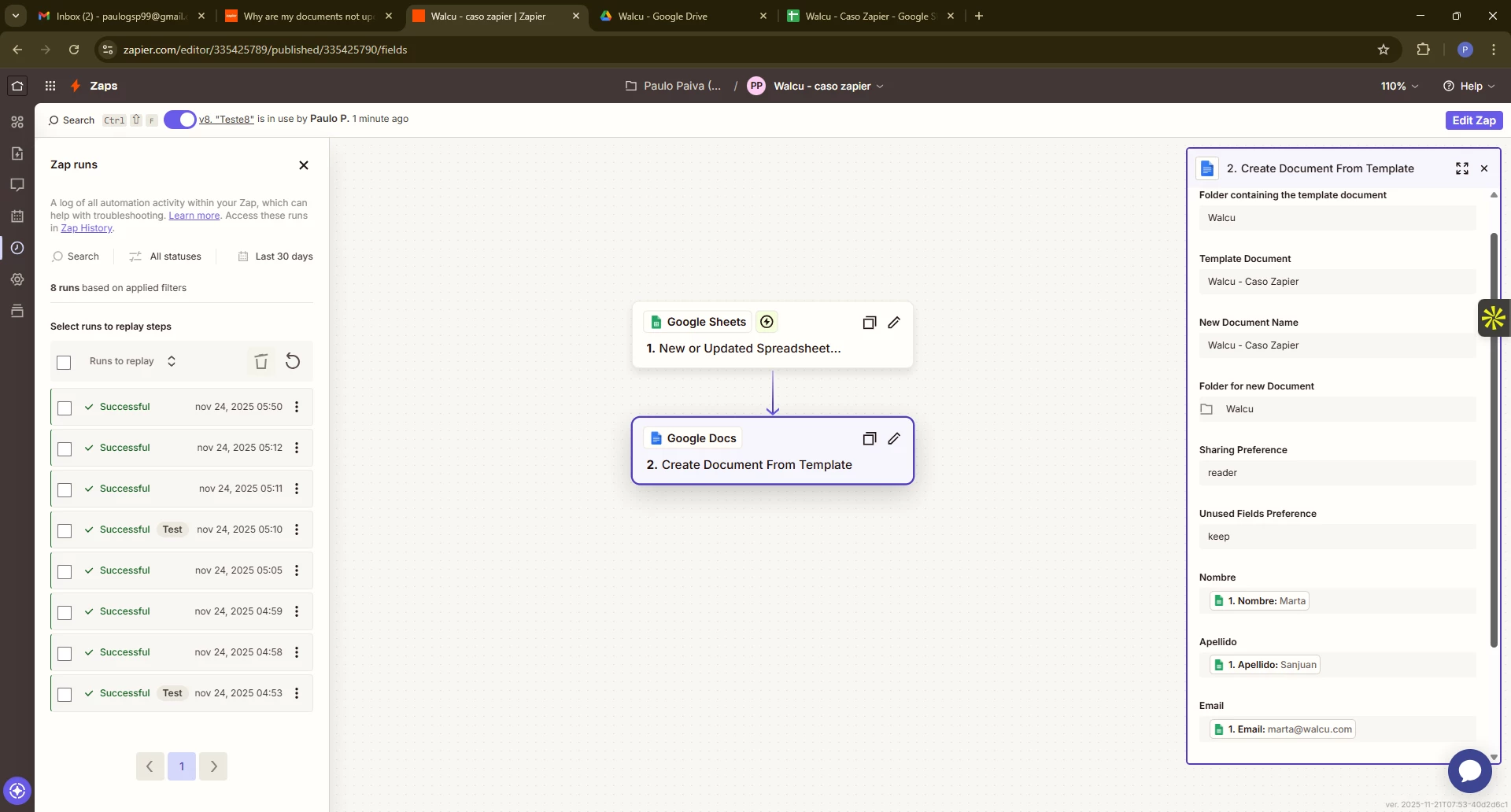
For Docs I set: create document from template

I’m updating a new row in Excel, and although the document is being created, it’s not being created with the new update I added in the row below. What might I be doing wrong?


Best answer by Troy Tessalone

@PauloGSP 

For live Zap Runs, check the Zap Run history to see the DATA IN/OUT for each step to help you trace the data flow and troubleshoot.

Check the Row that was returned for each Zap Run.

Check the GDoc File ID to make sure you are looking at the correct GDoc file that was created.

3 replies

Sparsh from Automation Jinn
Forum|alt.badge.img+6

Hey ​@PauloGSP,

Please post screenshots of Data In, Data Out as well as how each Zap step is configured for us to have more context. 


  • Author
  • New
  • November 24, 2025


In addition to the new information I add in Sheets not showing up, the old information isn’t showing up either, it’s only creating a new Docs file with the same data every time.


Troy Tessalone
Zapier Orchestrator & Solution Partner
Forum|alt.badge.img+14
  • Zapier Orchestrator & Solution Partner
  • Answer
  • November 24, 2025

@PauloGSP 

For live Zap Runs, check the Zap Run history to see the DATA IN/OUT for each step to help you trace the data flow and troubleshoot.

Check the Row that was returned for each Zap Run.

Check the GDoc File ID to make sure you are looking at the correct GDoc file that was created.