Question

Whatsapp Notification error: Cannot read properties of undefined (reading 'map')

  • November 20, 2024
  • 5 replies
  • 36 views

Hello ,

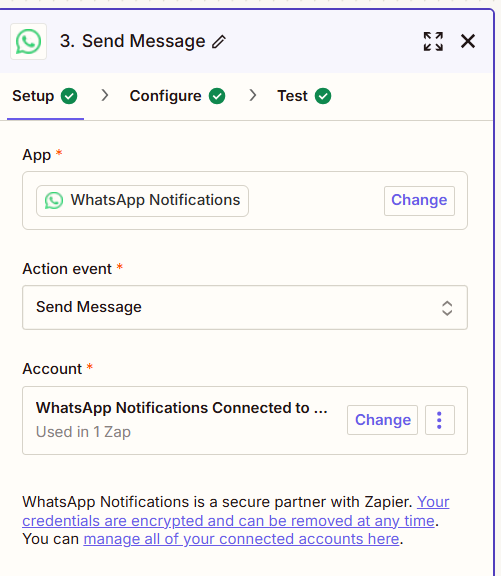
I have created a Zap : 
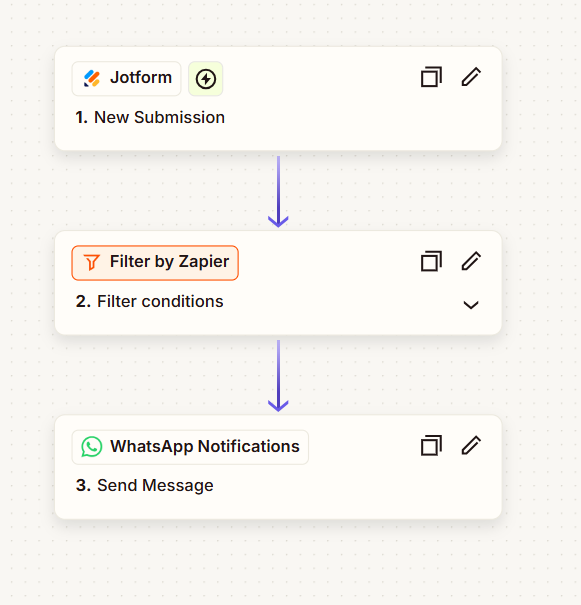


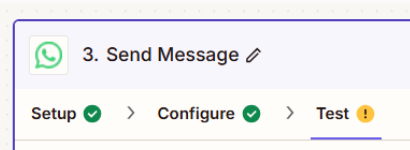
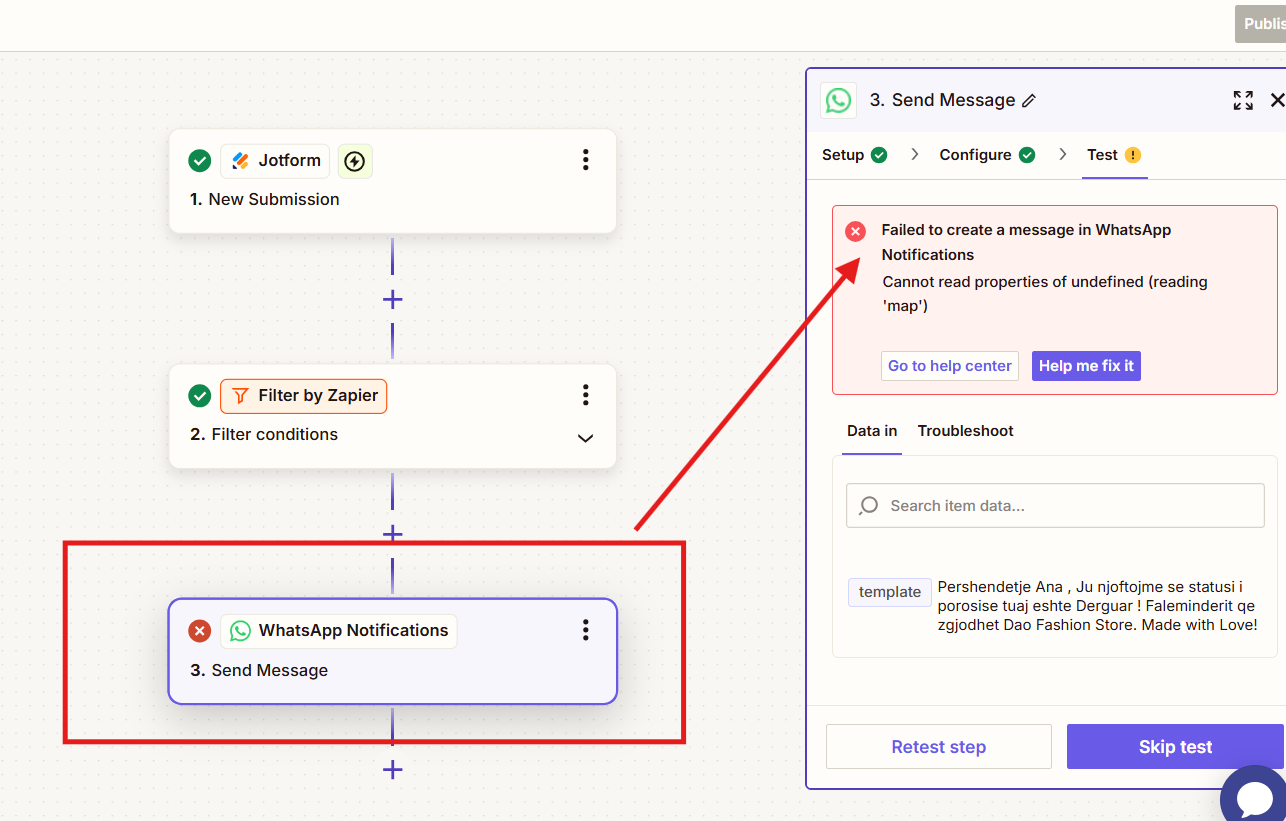
​​​​i tried to make a test and send a message but does not work , i recieved the following error : 
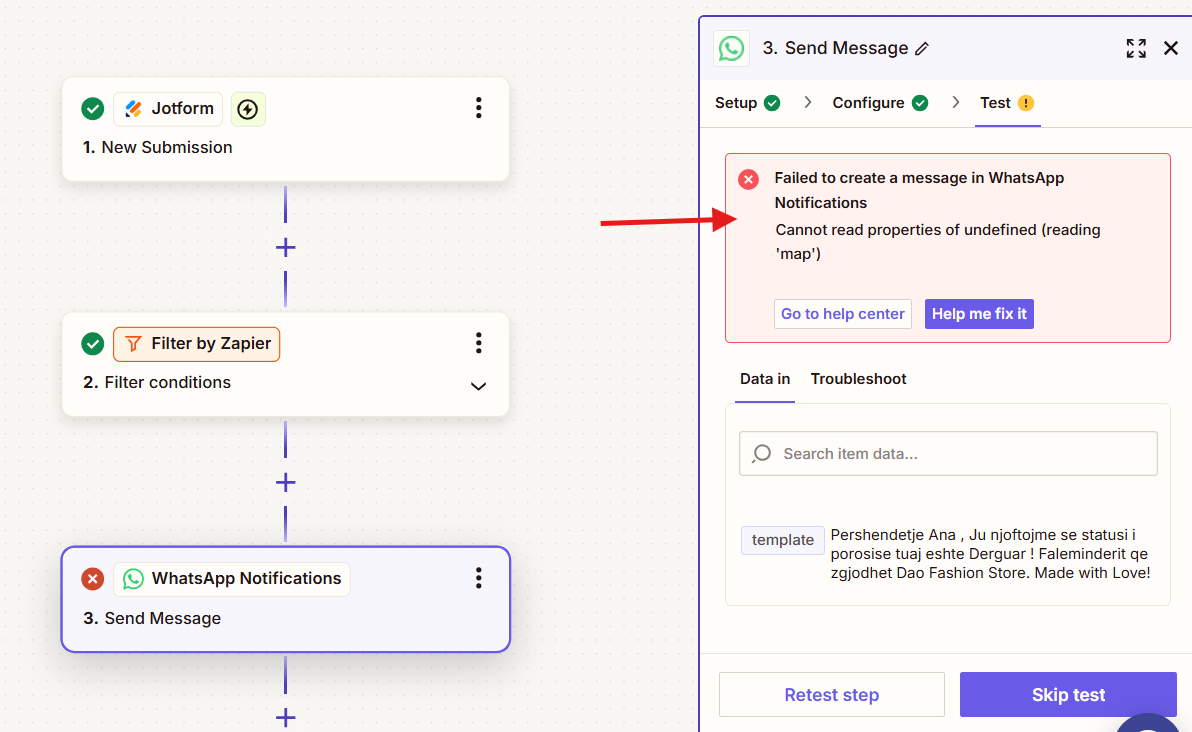


can someone help me ?


Thanks,

This post has been closed for comments. Please create a new post if you need help or have a question about this topic.

5 replies

Troy Tessalone
Zapier Orchestrator & Solution Partner
Forum|alt.badge.img+14
  • Zapier Orchestrator & Solution Partner
  • November 20, 2024

Hi ​@DAO STORE 

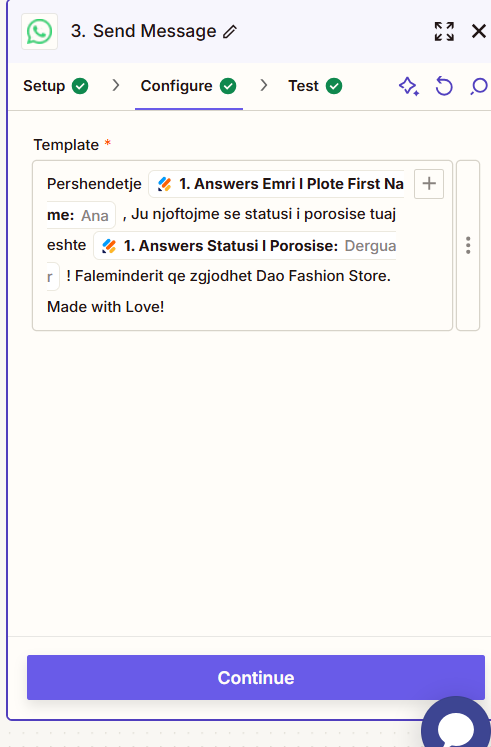
For us to have more info, post screenshots showing how Zap step 3 in configured in the CONFIGURE tab.


Help links for using WhatsApp Notifications in Zaps: https://zapier.com/apps/whatsapp-notifications/integrations#help


  • Author
  • New
  • November 20, 2024


This are the Configuration . I dont know what is going wrong here ….i would appreaciated if you can help me . thank you


JammerS
Forum|alt.badge.img+6
  • Zapier Staff
  • November 21, 2024

Hi ​@DAO STORE,


Welcome to the Community. 


This error typically occurs when Zapier is trying to access undefined data. To troubleshoot, check that your trigger is pulling data correctly, ensure all required fields in the WhatsApp action are filled out, and verify your data mapping, especially for custom fields. Run tests on each Zap step to identify where the error occurs.


I hope this helps. Let me know if you have any other questions.


  • Author
  • New
  • November 21, 2024

Hi Jammer ,thanks for the response.

​​​​​​all the fiels are filled with data as you can see from the template , so the value is reading .if i understand better. maybe should i upgrade twilio to configure a sender number?


The error occurs only on this step : 


JammerS
Forum|alt.badge.img+6
  • Zapier Staff
  • November 22, 2024

Hey ​@DAO STORE,

That will be an excellent workaround to use Twilio instead. It is more diverse than Whatsapp. Keep up the loop so we can assist you further if needed.