Answer

Want create a tag in Active Campaign after a purchase in Copecart (webhook)

  • January 22, 2024
  • 7 replies
  • 133 views

Hi , 


 can somebody help me to create the right zap with the correct parameters.

Copecart is a checkout tool. You can make integratuons with GENERIC  and Webook. 

I have connect it with Copecart. It was succesfull.

I want that after a purchase in Copecart need to ad a TAG in Active Campaign to the new contact. 

Copecart was already conected with Active campaign. But without Tag.  Now i want use Zapier to create a Tag so that i have a tag after a costumer have buy the product.        

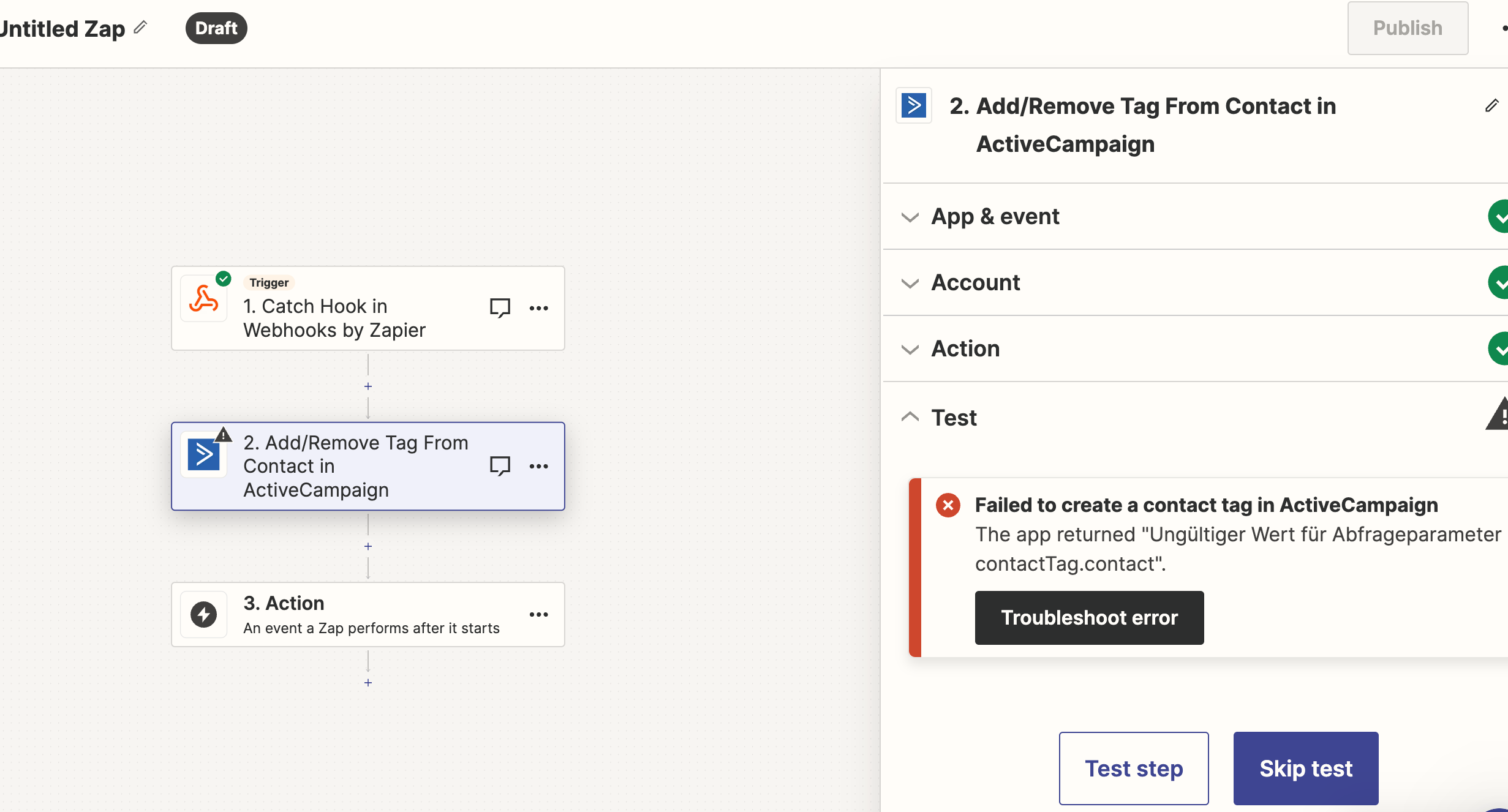
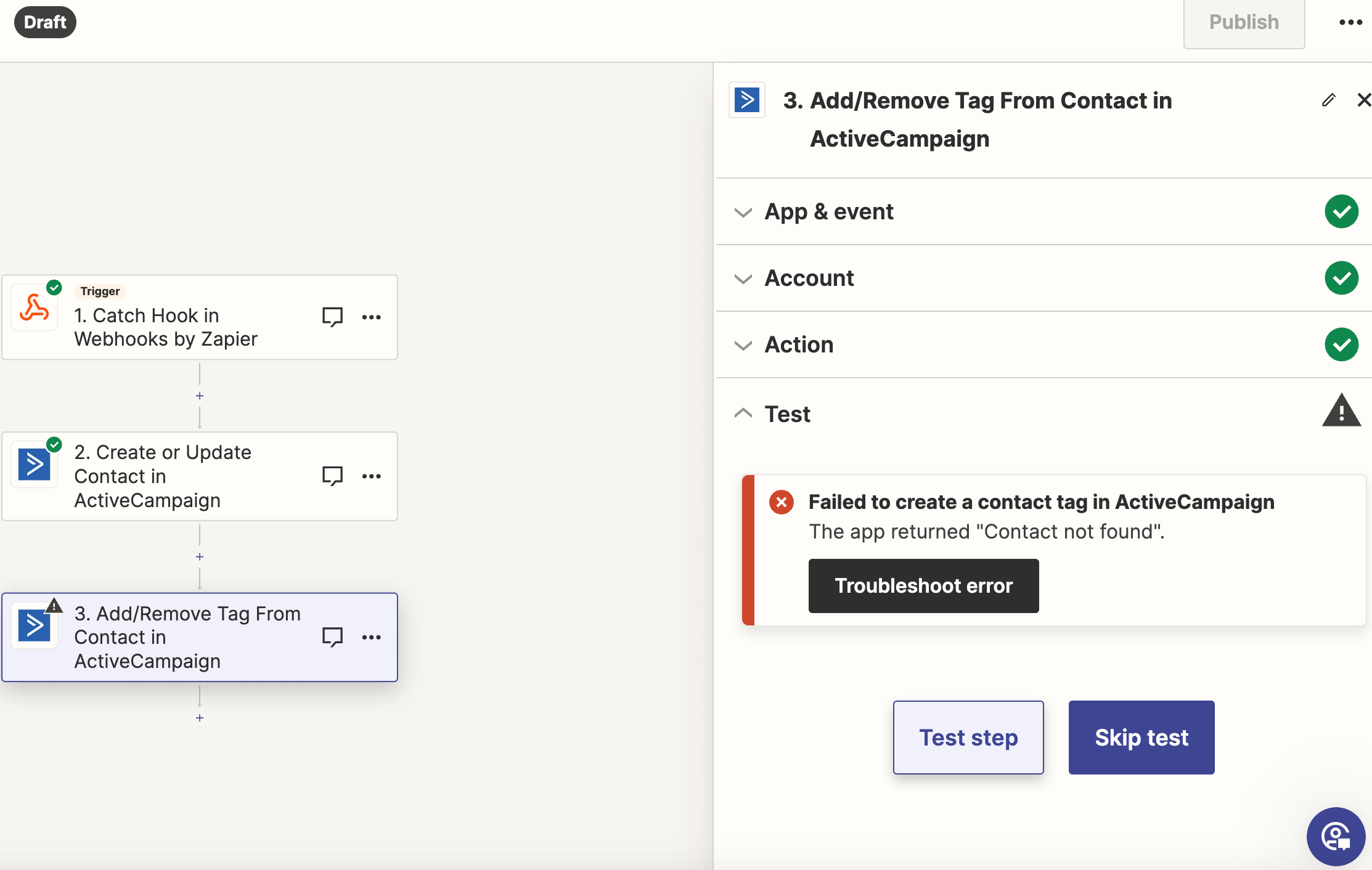
In my zap wehen i make the test there comes a error Troubleshooting. 
Best answer by Troy Tessalone

@VictorMM 

Is there an existing contact in AC with the ID of 7? (Perhaps it was deleted.)

Maybe try retesting each Zap step in order.


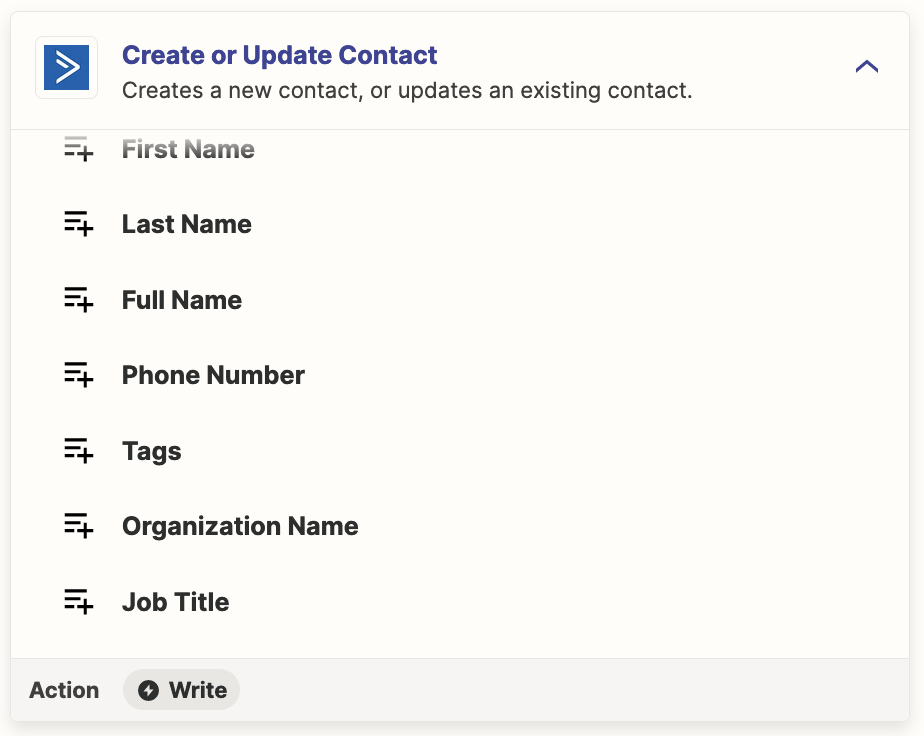
Also, you may not need Step 3, if you are adding Tags, those can be added in Step 2.


This post has been closed for comments. Please create a new post if you need help or have a question about this topic.

7 replies

  • Author
  • Beginner
  • January 22, 2024

here is a screenshot


Troy Tessalone
Zapier Orchestrator & Solution Partner
Forum|alt.badge.img+14
  • Zapier Orchestrator & Solution Partner
  • January 22, 2024

Hi @VictorMM 

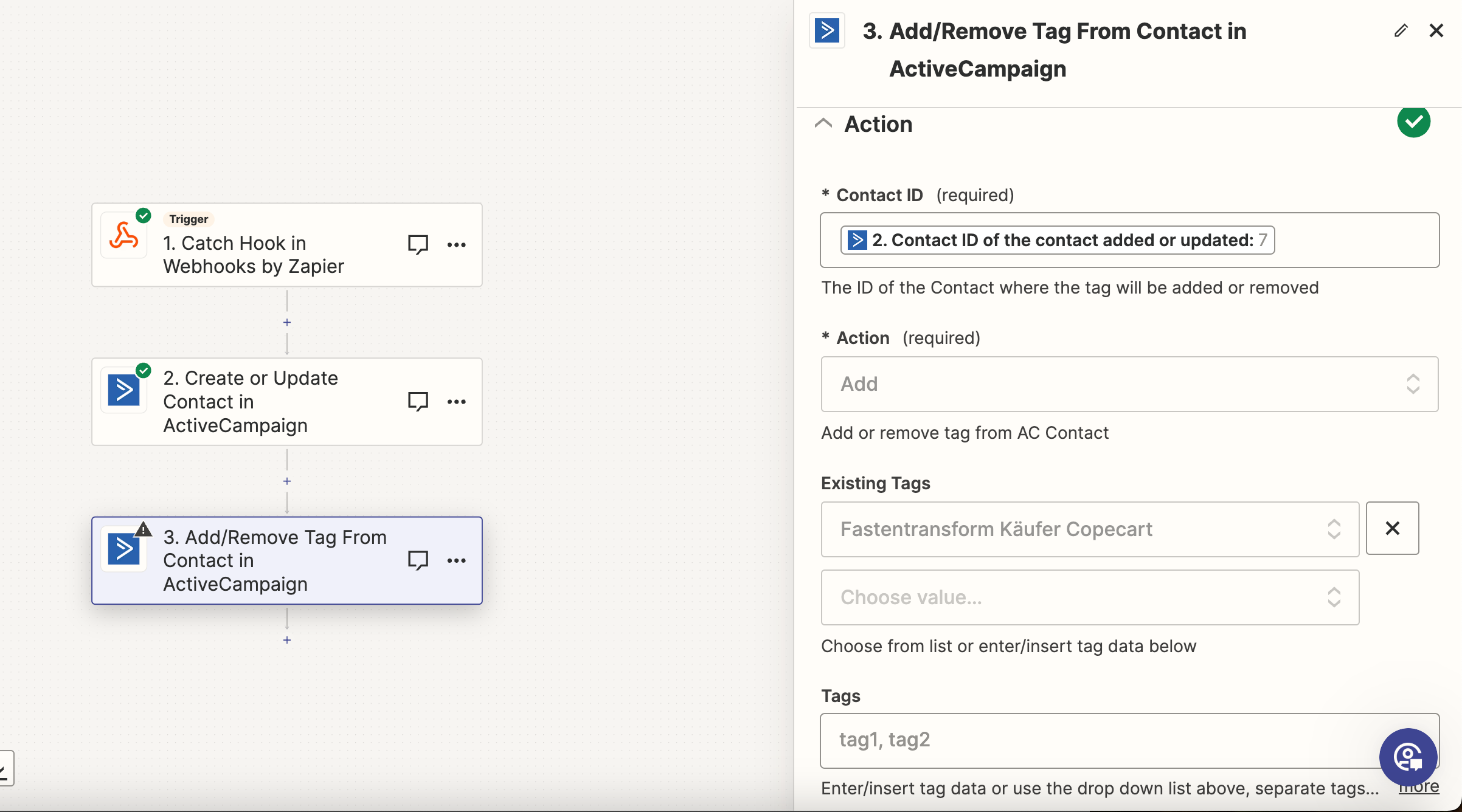
We would need to see screenshots with how your Zap step ‘Action’ section is configured to have full context, thanks.


  • Author
  • Beginner
  • January 22, 2024

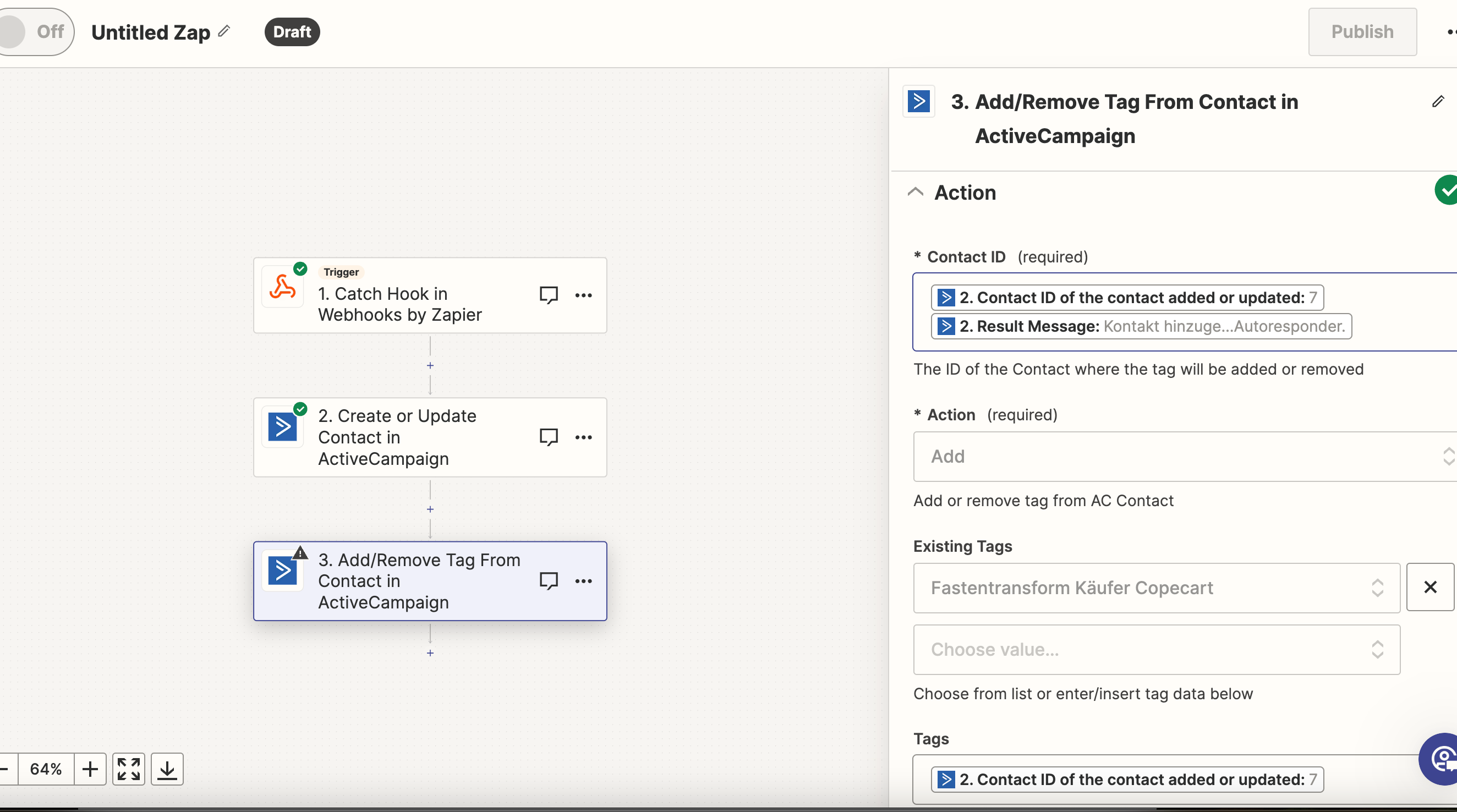
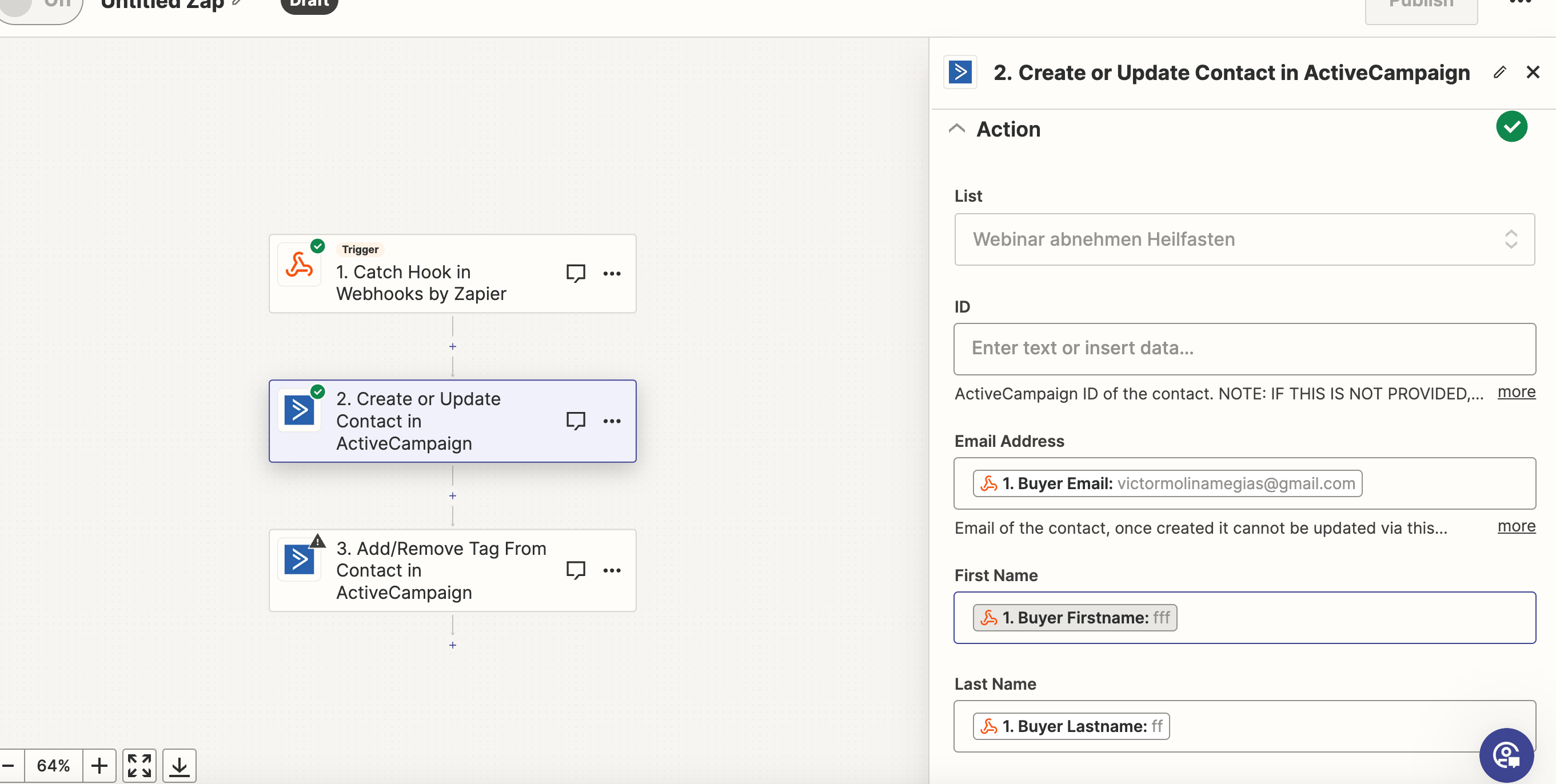
I habe create 2 actions . but i dont know if i need both .   I want that with the purchase on Copecart that the costumer will add to the Tag “Fastentransform Käufer Copecart”


Troy Tessalone
Zapier Orchestrator & Solution Partner
Forum|alt.badge.img+14
  • Zapier Orchestrator & Solution Partner
  • January 22, 2024

@VictorMM 

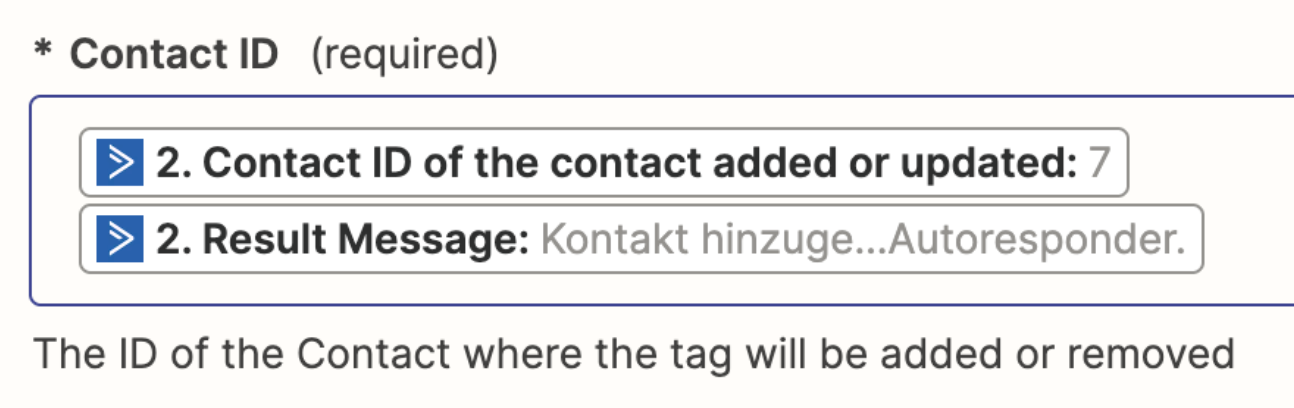
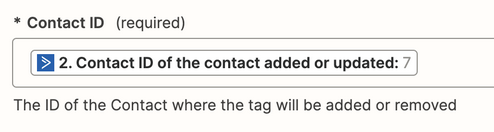
The Contact ID expects the ID of the Contact, as per the field description.

You have 2 variables mapped from Step 2.

Remove the “Result Message” variable.


For the Tags, you do NOT want to map the Contact ID, so remove that.


  • Author
  • Beginner
  • January 22, 2024


I have make the changes. but still Troubleshooting. And now on the AC Account nothing happen


Troy Tessalone
Zapier Orchestrator & Solution Partner
Forum|alt.badge.img+14
  • Zapier Orchestrator & Solution Partner
  • Answer
  • January 22, 2024

@VictorMM 

Is there an existing contact in AC with the ID of 7? (Perhaps it was deleted.)

Maybe try retesting each Zap step in order.


Also, you may not need Step 3, if you are adding Tags, those can be added in Step 2.


  • Author
  • Beginner
  • January 22, 2024

Thank you  Bro. I have make the steps wich you have recomended me.  And i have delte step 3. 

Now it works so how i want it. Thank you for your help