Question

Using Tag ID filter for Intercom conversations but still coming through

  • November 10, 2025
  • 6 replies
  • 34 views

Goal for the Zap:

  1. Newly closed Intercom convo with any of the three tag IDs should not com through
  2. Convo does not contain those tag ID will come through and sent to a slack channel.

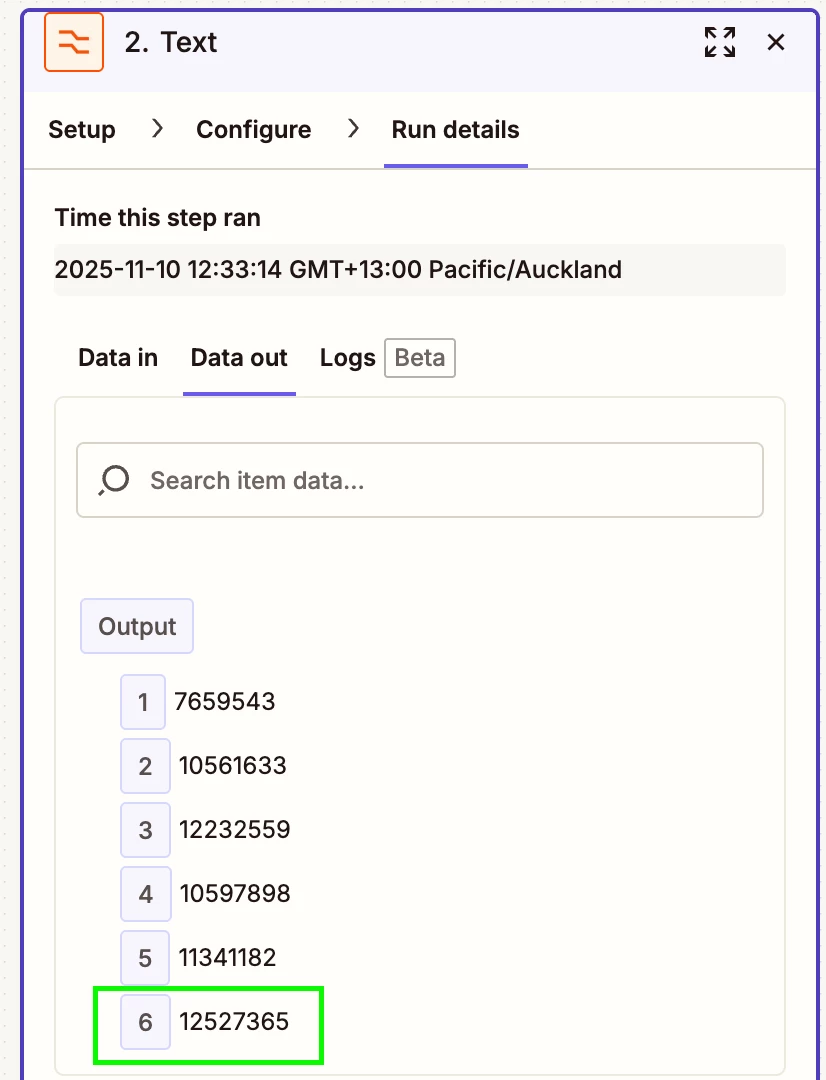
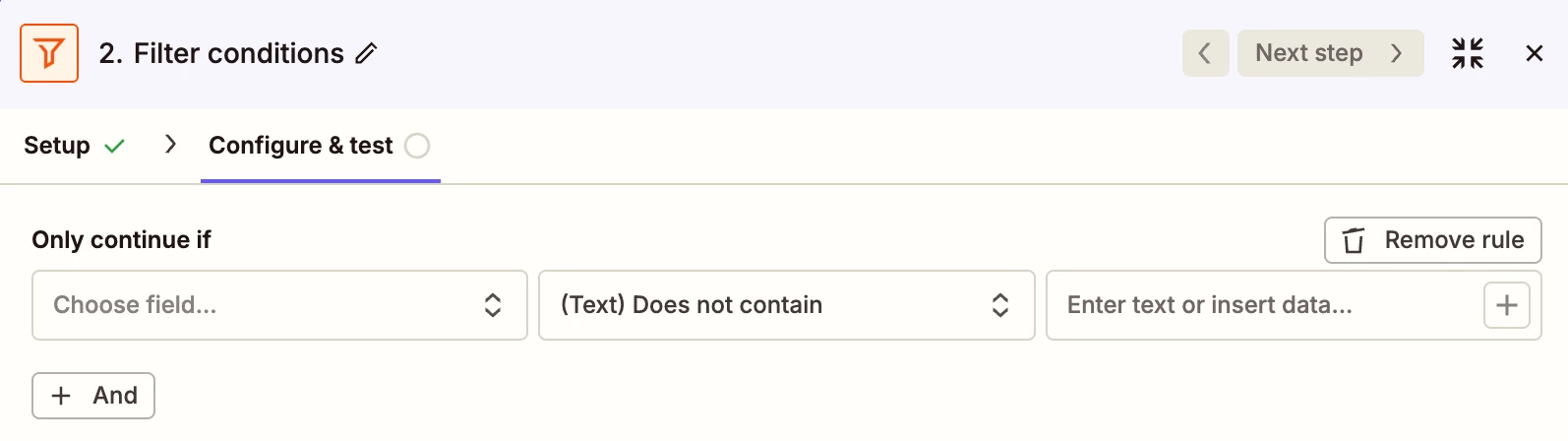
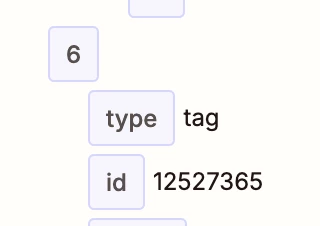
There is no error. I did tests and the convos contain any of those tag IDs were successfully filtered as intended. However, it starts running and sending many convos having those tag IDs through. Some are successfully filtered out but some are not. Chatted to the support team and add “Formatter” as suggested as they said that

  • My workflow setup is correct.
  • Intercom data has formatting issues.

I applied and did tests successfully, it worked as intended. Once start running, it’s still happening. See the screenshots:
 

Any assistance is appreciated, thank you!

This post has been closed for comments. Please create a new post if you need help or have a question about this topic.

6 replies

Troy Tessalone
Zapier Orchestrator & Solution Partner
Forum|alt.badge.img+14
  • Zapier Orchestrator & Solution Partner
  • November 10, 2025

Hi ​@Laylalayla 
For us to have more context, post screenshots showing how your Zap steps are outlined and configured in the CONFIGURE tab while in EDIT mode.


AndrewJDavison
Forum|alt.badge.img+11
  • Zapier Solution Partner
  • November 10, 2025

Open up the zap’s history and get the log for an instance where it ran with one of these tags when it shouldn’t.

Then find the filter step and check the Data Out tab - it should show you why the filer didn’t filter.

Post a screenshot here if you want a second set of eyes.


Sparsh from Automation Jinn
Forum|alt.badge.img+6

Hey ​@Laylalayla,

Please post screenshots of how your filter is configured for us to have more context. You should use the Filter condition of (Text) Does not contain.
 

Hope it helps!


SamB
Community Manager
Forum|alt.badge.img+11
  • Community Manager
  • November 27, 2025

Hi ​@Laylalayla 👋

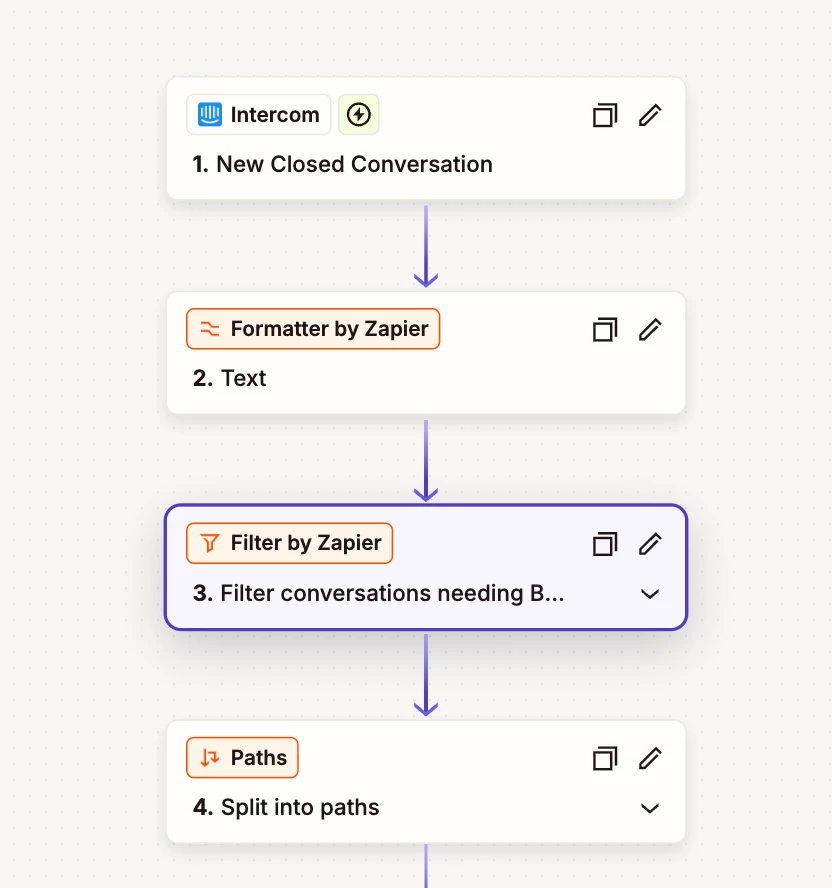
It looks like step 2 of the Zap was a Formatter action rather than a Filter which might have been why the Zap was still running instead of being filtered out. Did Sparsh’s suggestion of using a Filter with the (Text) Does not contain condition help you to get the conversations with the wrong tag IDs filtered correctly?

Want to make sure this gets sorted, so let us know whether you’re in need of any more help at all. I’d be happy to lend a hand! 🙂


  • Author
  • Beginner
  • November 27, 2025

 Hey team, thanks for the help and sorry for the late reply. I wasn’t able to get to this. I had the filter set up, I showed the only Formatter as it’s what the support representative told me to add. Attached the full workflow. 


I just changed the filter from ‘Tags Tags ID’ to ‘Tags Tags Name’ and will see what happens. The test result seems good. Will let it run for a bit and come back to this. Thank you. 😀


SamB
Community Manager
Forum|alt.badge.img+11
  • Community Manager
  • November 28, 2025

No worries ​@Laylalayla! 🤗 Glad to hear the initial test looked good after switching the filter to check the Tags Tags Name field instead. I expect you won’t need the Formatter step if the filter is just checking the tag names now (unless you’re using the output of that elsewhere in the Zap). 

Hopefully the filter is all sorted now, but please do keep us posted on how things go with it.