Question

upload a file from sharepoint to exact record with id matching in Monday CRM

  • December 13, 2025
  • 2 replies
  • 9 views

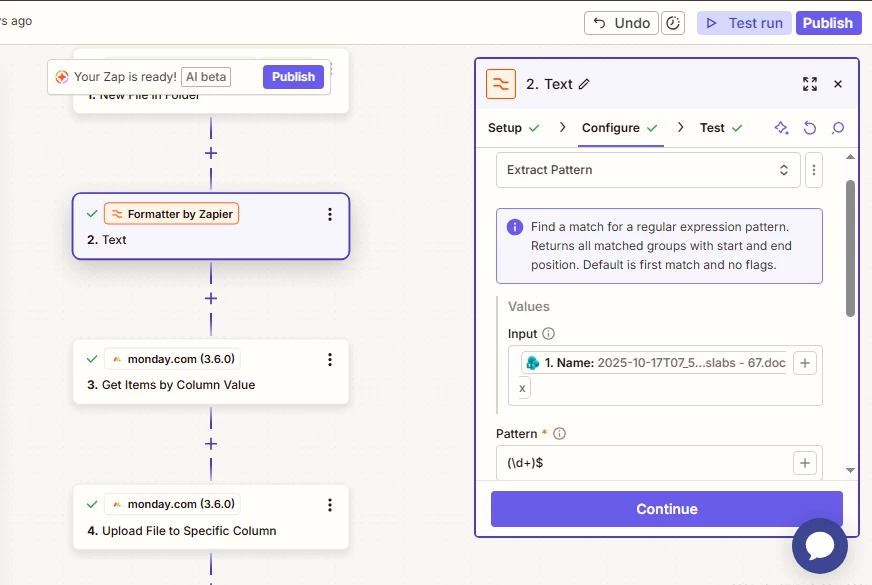
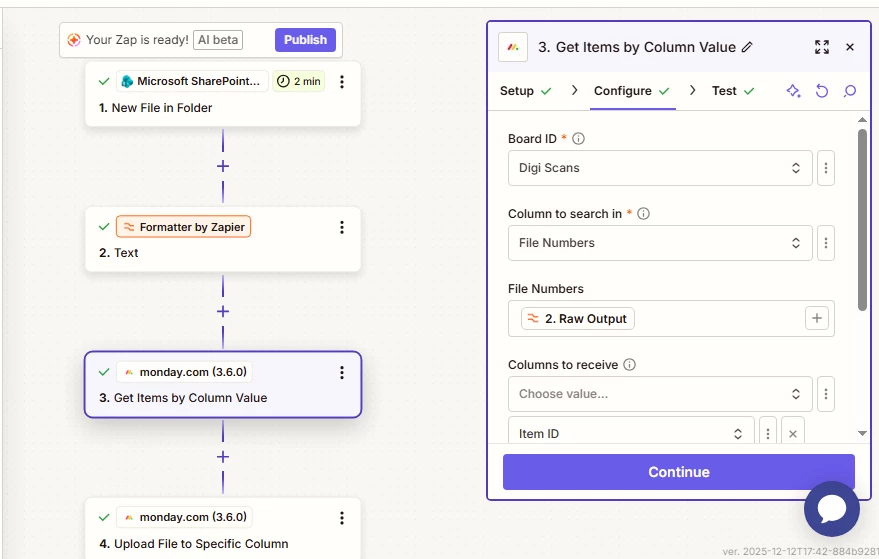
 I’ve set up a Zap in Zapier that follows this flow: (1) get a file from SharePoint, (2) extract the file number from its name, (3) use that number to find the matching item in Monday.com, and (4) upload the file to that item. When I use a static item ID, the upload works correctly. However, when I make the lookup dynamic, so Zapier uses the extracted file number to identify the corresponding Monday.com record, the Zap fails. I double-checked the logic with ChatGPT and Copilot, and everything looks correct on paper, but it simply doesn’t work in practice. I’d appreciate any help in figuring out what’s causing the lookup/upload step to fail.

Summary: Get file from SharePoint → 2. Extract file number → 3. Find matching item in Monday.com → 4. Upload file to that item

 

2 replies

Troy Tessalone
Zapier Orchestrator & Solution Partner
Forum|alt.badge.img+14
  • Zapier Orchestrator & Solution Partner
  • December 13, 2025

Hi ​@AMKB 

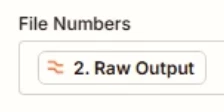
For Zap step 3, for the File Numbers field, you will want to map a different variable from Zap Step 2 that has the extracted file number, rather than the raw output which is the full JSON from Zap step 2.


  • Author
  • New
  • December 14, 2025

Hi ​@Troy Tessalone 

I want to match the file number that is extracted from the file name (using the pattern shown in the image) with the value in the filenumber column in Monday CRM. If the values match, I want to pass the Monday record ID to the next step so the file can be uploaded to the correct record.