Hi everyone,
I’m encountering a very unusual issue in a Zapier → Pipedrive automation and I’m trying to understand what mechanism could cause this.
What the Zap does
A Zap triggers from an order event and creates multiple related records in Pipedrive:
-
Persons
-
Organization linking
-
Additional mapped fields
Normally, the workflow executes perfectly.
The Issue
For a single trigger:
-
Zap correctly creates the intended persons (example: Person A & Person B)
-
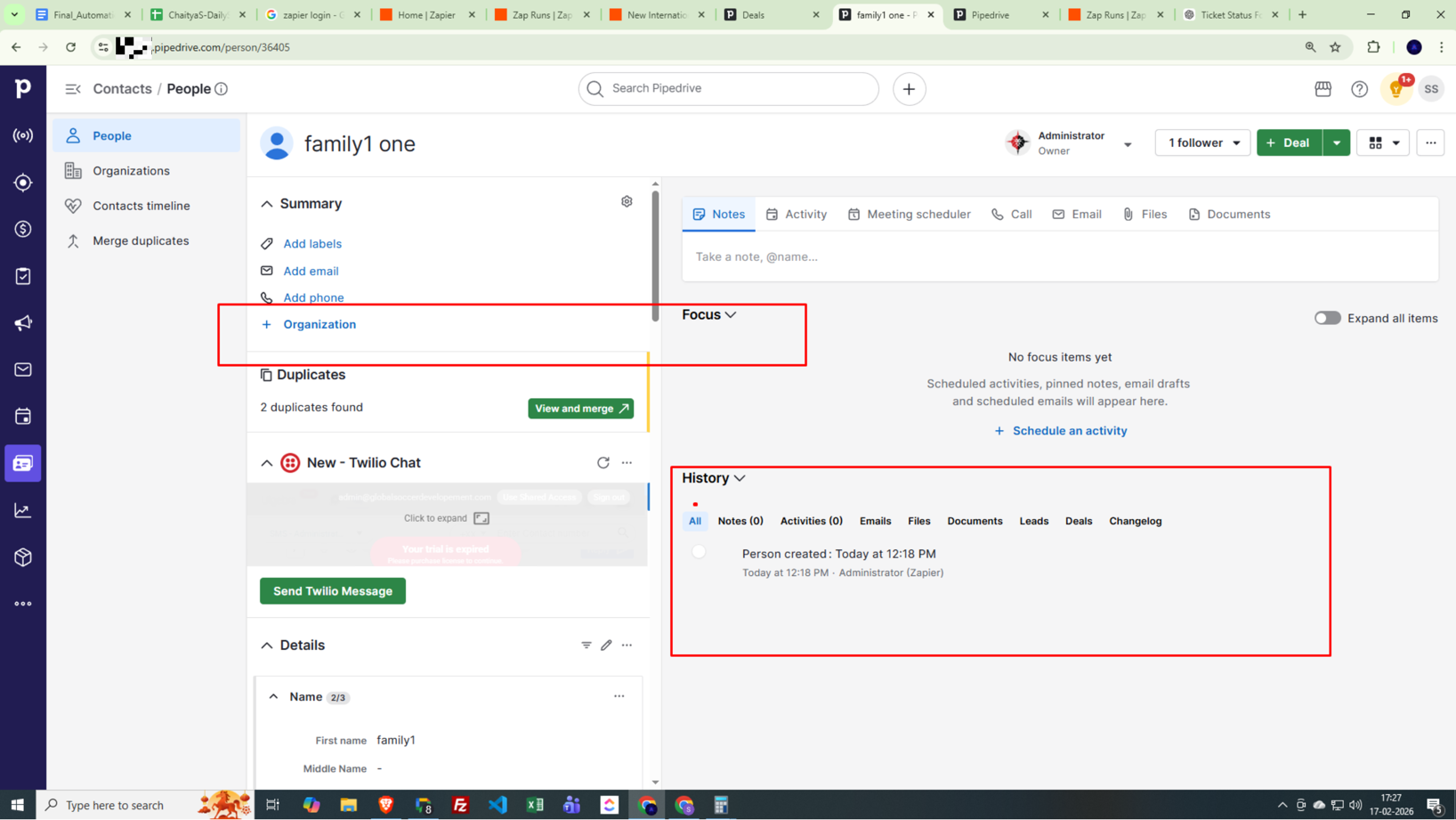
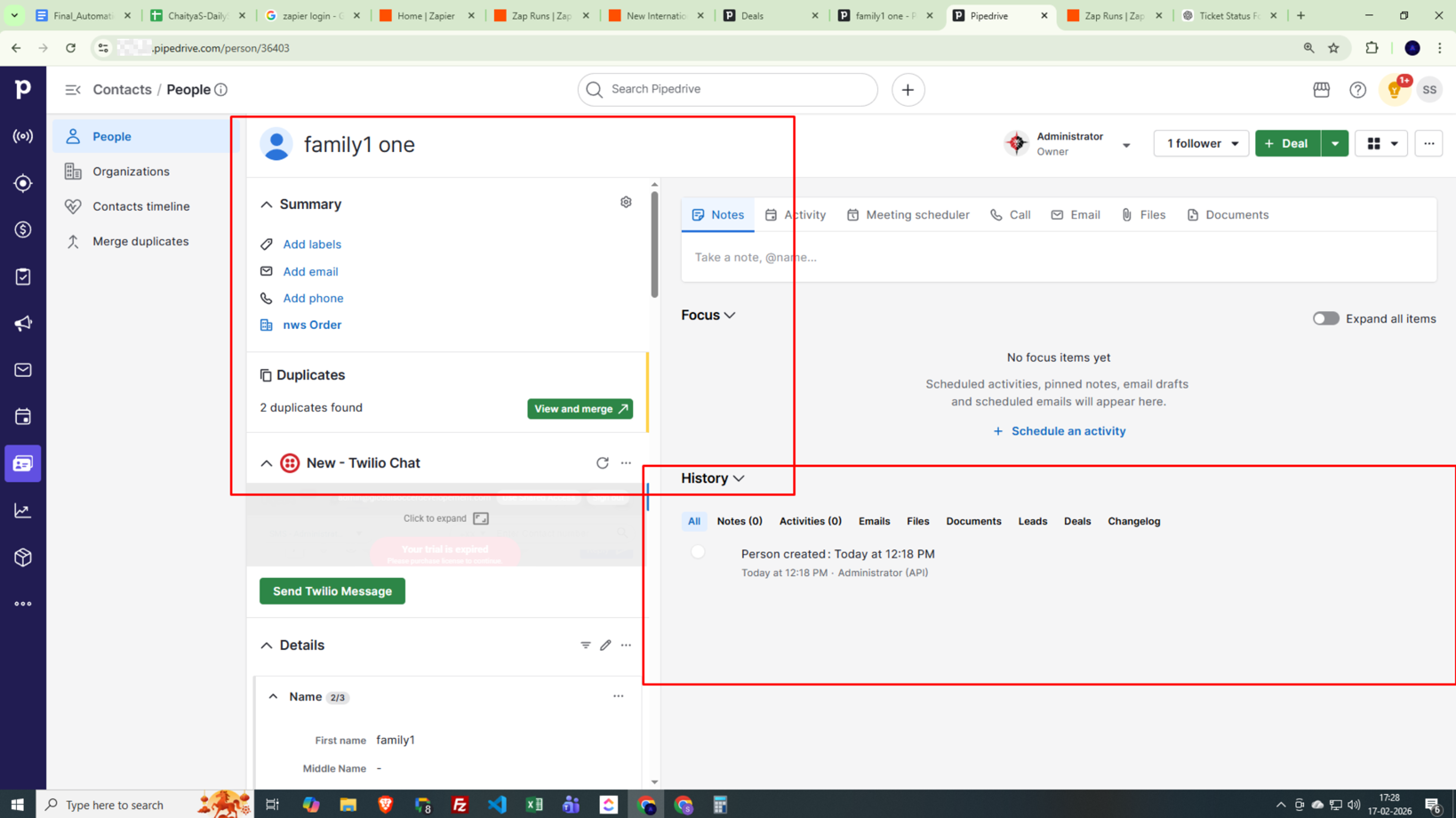
Immediately after (within seconds), additional duplicate persons are created
-
These duplicates:
-
Have similar names
-
Missing several mapped fields
-
Not linked to organization
-
Pipedrive shows they were created by Zapier
-
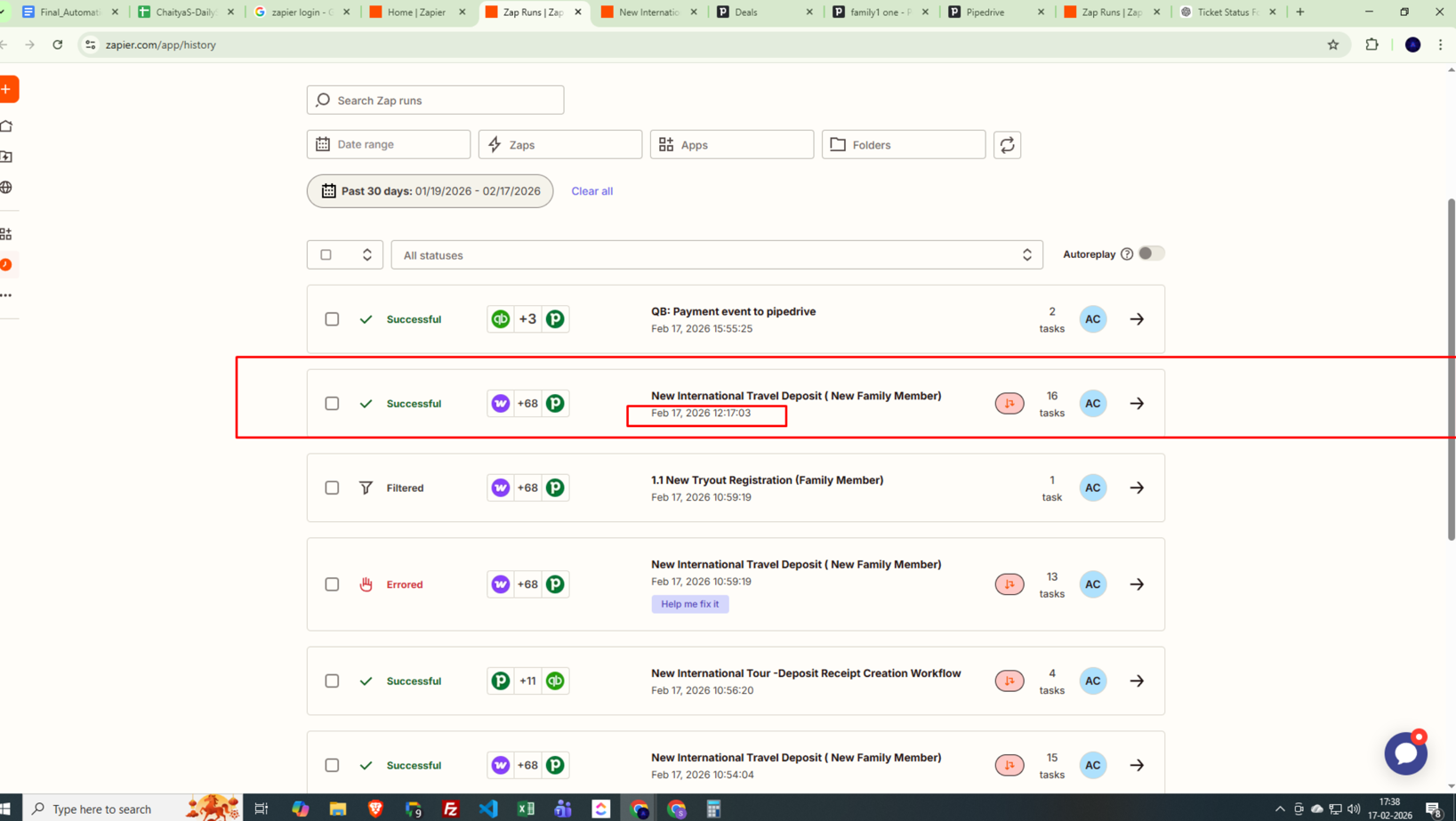
⚠️ However — there is NO Zap run in history for these extra records.
Evidence (Screenshots)
Duplicate records created at same timestamp
Zap run timing (only valid records created)
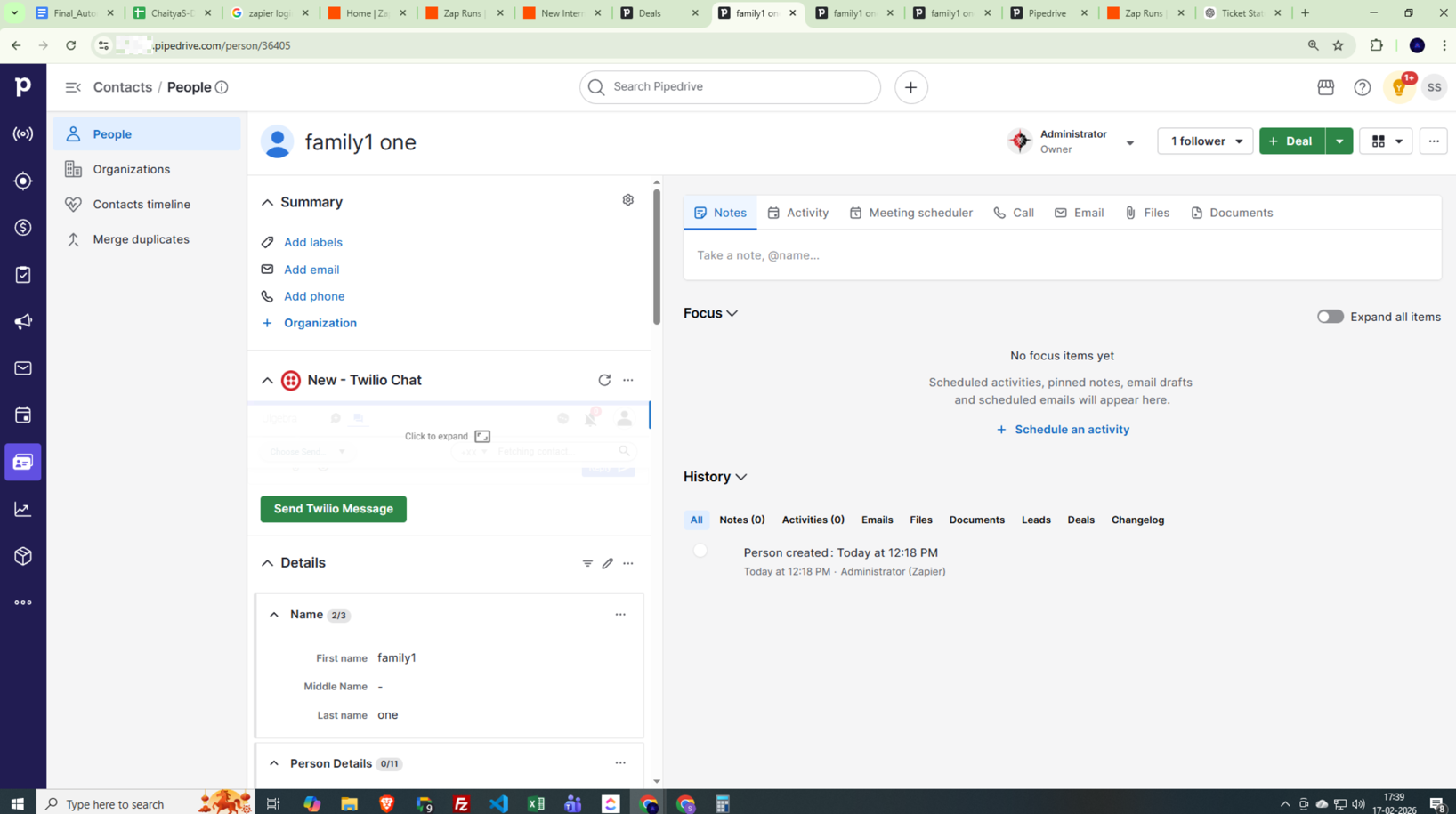
Pipedrive confirms source = Zapier
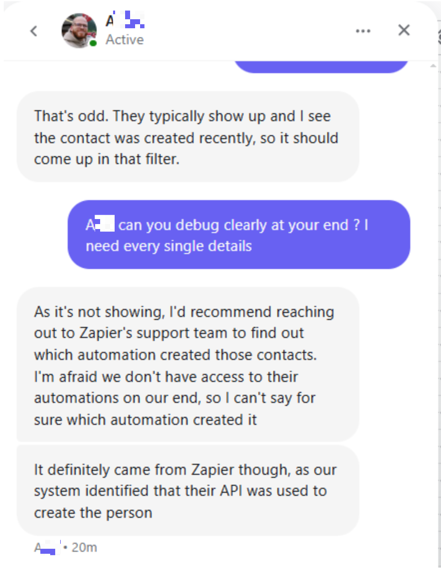
Key Observations
-
Same timestamp duplicates (seconds apart)
-
Zap history only shows valid executions
-
No other Zaps performing this action
-
No long delay steps (>1 min)
-
No additional Zapier accounts connected
-
Not related to errored runs (timing mismatch)
-
Missing organization mapping suggests partial execution
Why this is confusing
Typical duplicate causes:
• multiple triggers
• polling overlap
• auto-replay after error
• retries
But here:
Zapier creates records in the app without a visible run/task.
What I want to understand
Has anyone seen something like:
-
Hidden/internal retries?
-
Background action replay?
-
Partial step re-execution?
-
Provider API retry from Zapier side?
-
Ghost task execution?
I’m not looking for a workaround filter — I want to understand the root behavior so data integrity is safe long-term.
Any insight would really help 🙏
This post has been edited by a moderator to remove personally identifiable information (PII). Please remember that this is a public forum and avoid sharing personal or potentially sensitive details.