
Question

Unable to automatically upload Zoom recordings to YouTube

  • August 16, 2023
  • 5 replies
  • 166 views

Gawronify

Hey. 


I’m having troubles to make one of my automations work. 


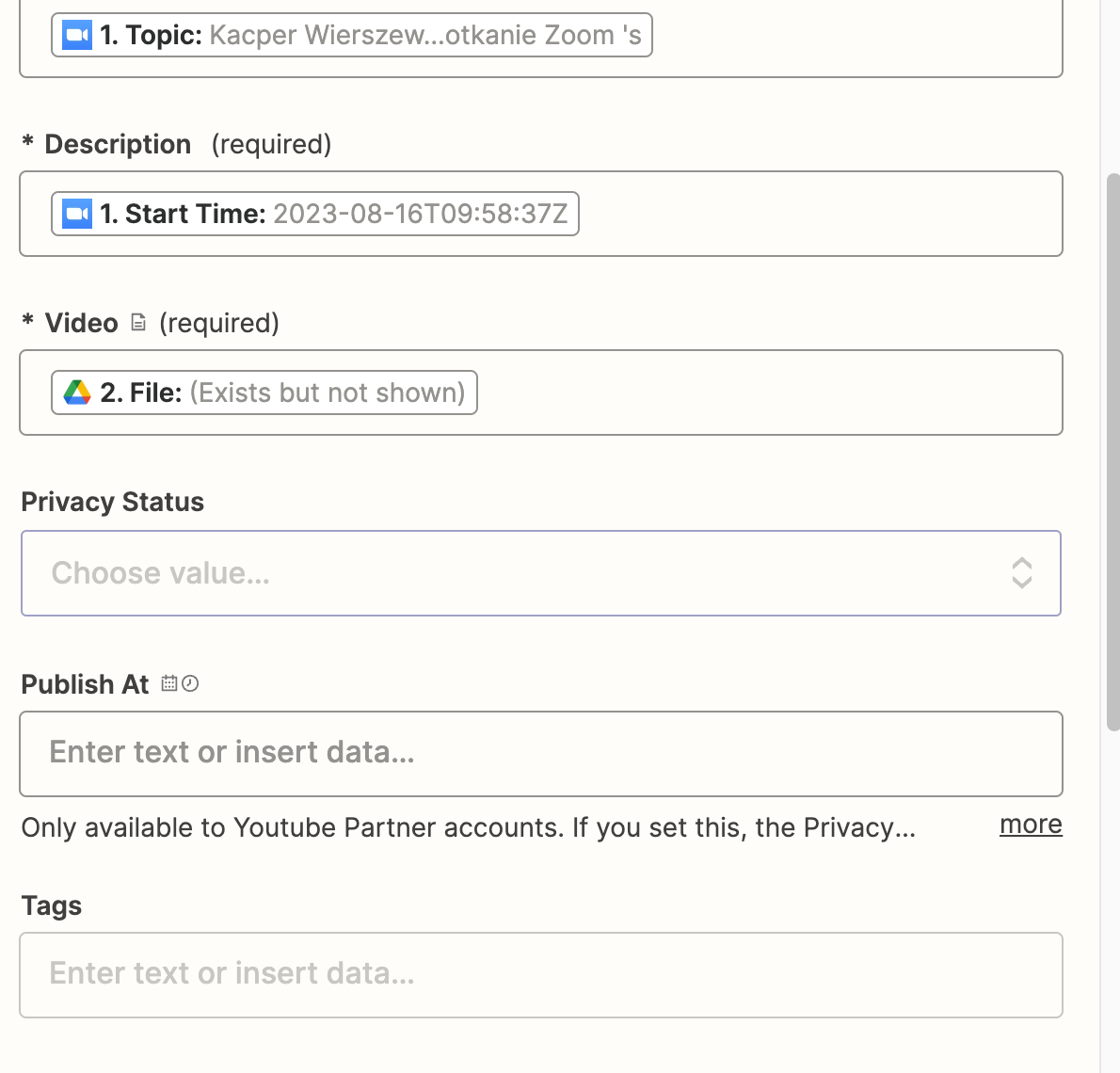
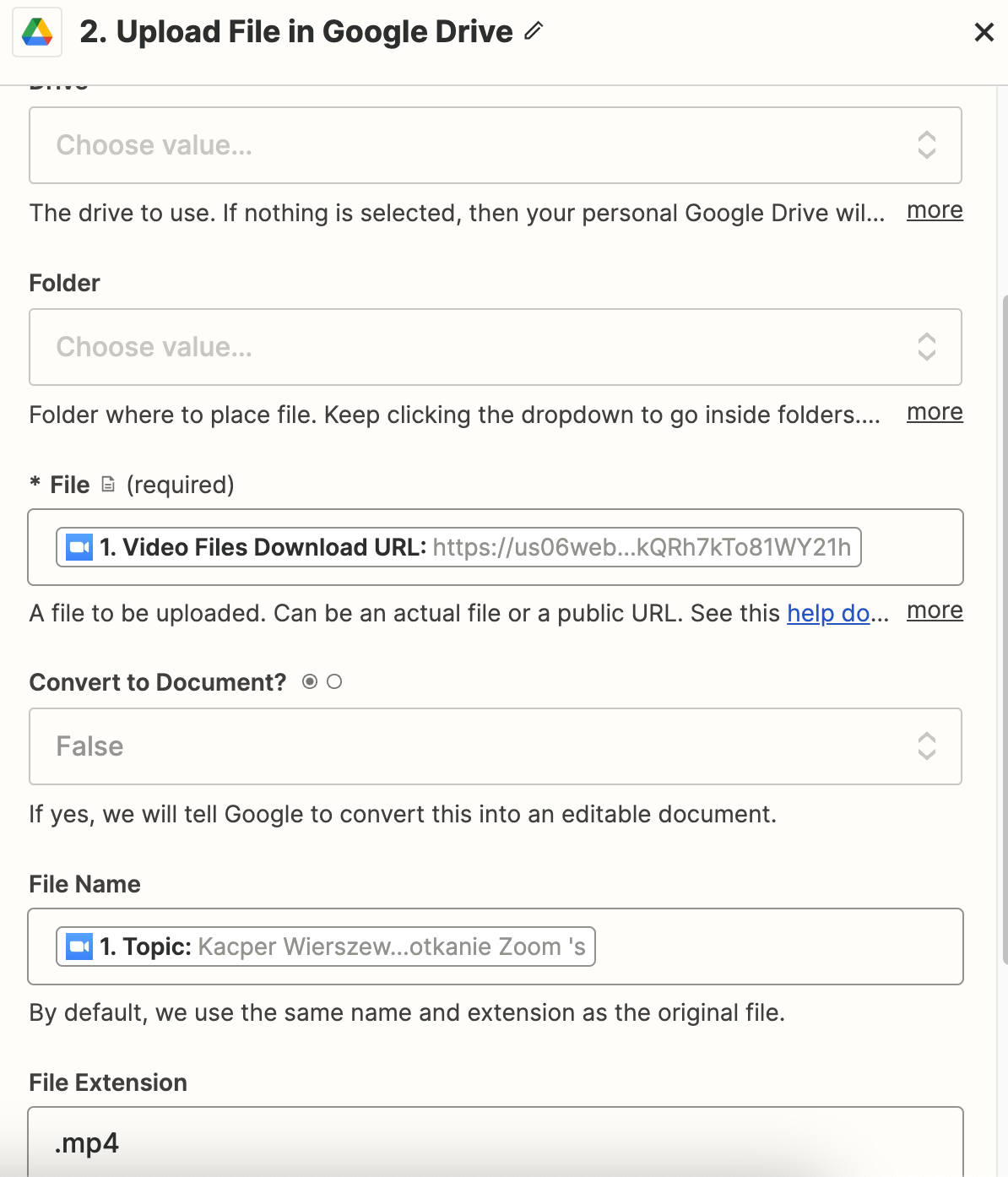
Gameplan: Zoom recording finished → upload to google drive → upload to YouTube → Send link on slack.


Everything works until publishing the video on YouTube - it just don’t upload it.


It’s showing me that information: 
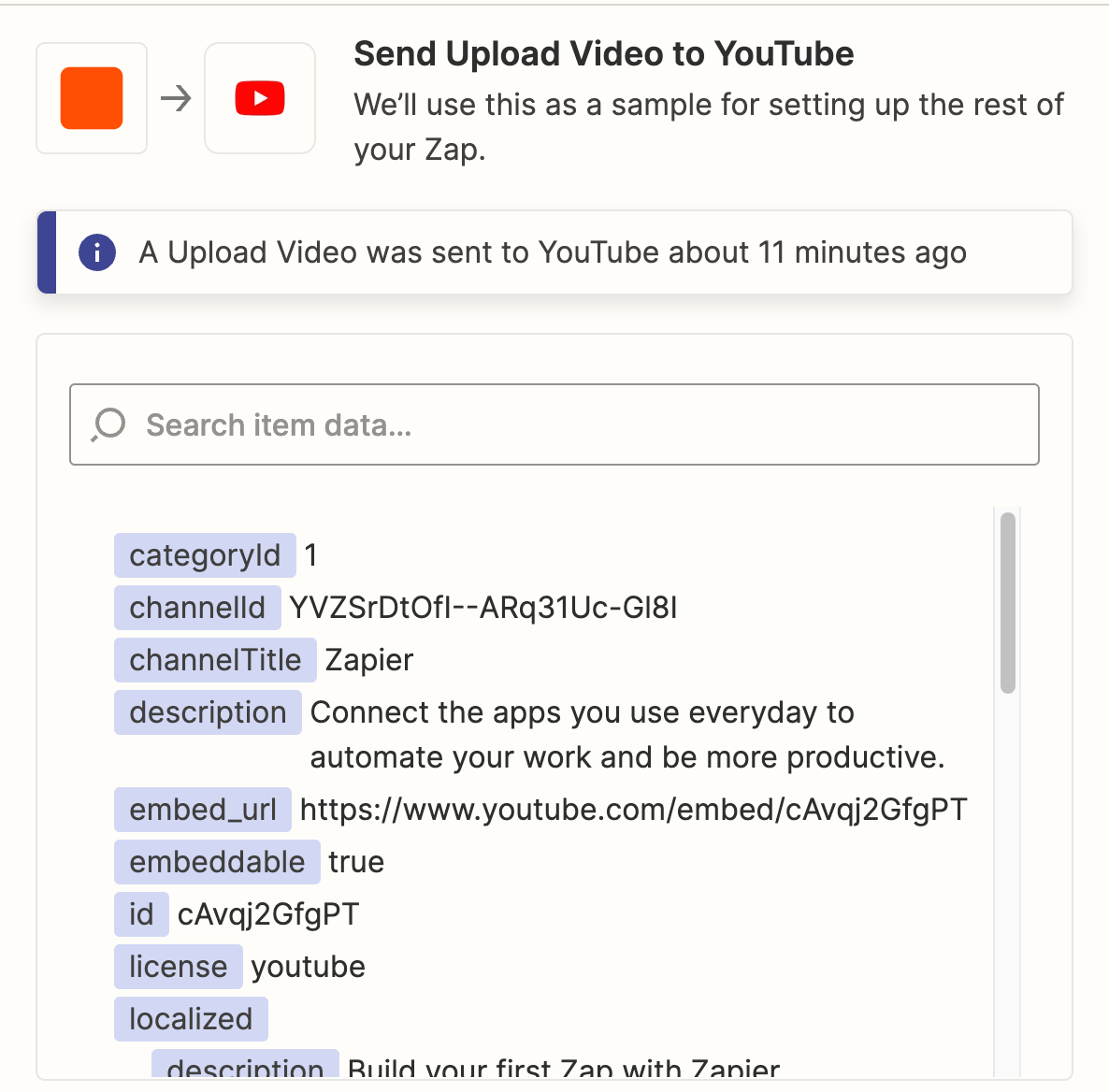
But nothing gets uploaded.

This post has been closed for comments. Please create a new post if you need help or have a question about this topic.

5 replies

Troy Tessalone
Zapier Orchestrator & Solution Partner
Forum|alt.badge.img+14
  • Zapier Orchestrator & Solution Partner
  • August 16, 2023

Hi @Gawronify 

Good question.

We would need to see screenshots with how your Zap steps are configured, thanks.


Gawronify
  • Author
  • Beginner
  • August 16, 2023


Troy Tessalone
Zapier Orchestrator & Solution Partner
Forum|alt.badge.img+14
  • Zapier Orchestrator & Solution Partner
  • August 16, 2023

Hi @Gawronify 

Perhaps these provide guidance…


SoftTimeLimitExceeded Error

The process of downloading the video (from the origin), and uploading it to YouTube must finish within 180 seconds (three minutes). Otherwise, our system will cancel the process. We suggest compressing your video for it to be uploaded correctly.

I can't upload more than 5 videos in a day

If you're on a Free or Trial Zapier plan, you're limited to uploading up to 5 videos in a 24-hour period with the Youtube app. To fix held Zap runs, wait 24 hours, and you can replay them. To upload more than 5 videos in a day, you'll need to upgrade to a Zapier paid plan


Gawronify
  • Author
  • Beginner
  • August 16, 2023

Looks like I cant upload a little 500mb file lol


SamB
Community Manager
Forum|alt.badge.img+11
  • Community Manager
  • September 8, 2023

Hi @Gawronify! 👋

I wonder if the issue might be that the Zoom settings need to be tweaked for the recordings? 

If that’s the case you’ll want to update the settings in Zoom as mentioned in this I am having trouble downloading a recording from the New Recording trigger guide. Then pull in a new test record from Zoom, and test the Google Drive and YouTube action steps in the Zap again.

If not, are you seeing any errors? If so can you please share a screenshot showing the full error so we can take get a bit more context on the issue here. Please remove/hide any private information from the screenshot before sharing (like names, email addresses etc.).

Thanks, looking forward to hearing from you on this!