Hi - I am trying to configure a step in my multi-step Zap that doesn’t seem to be working.
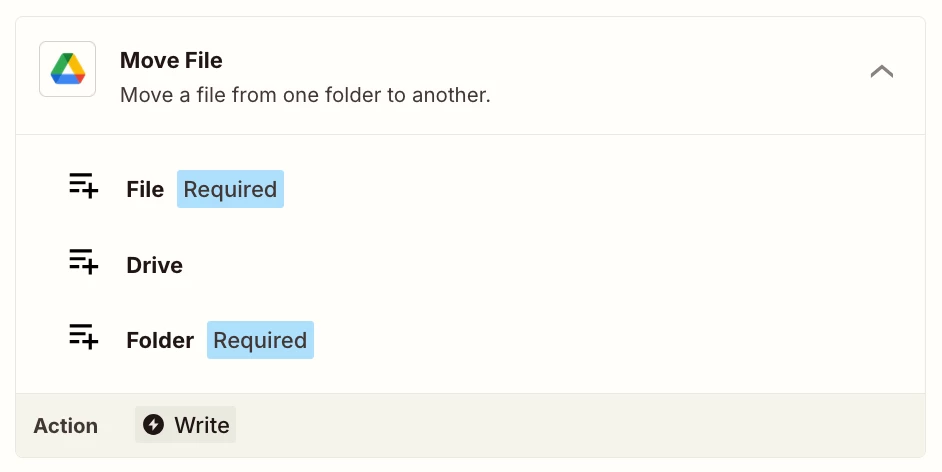
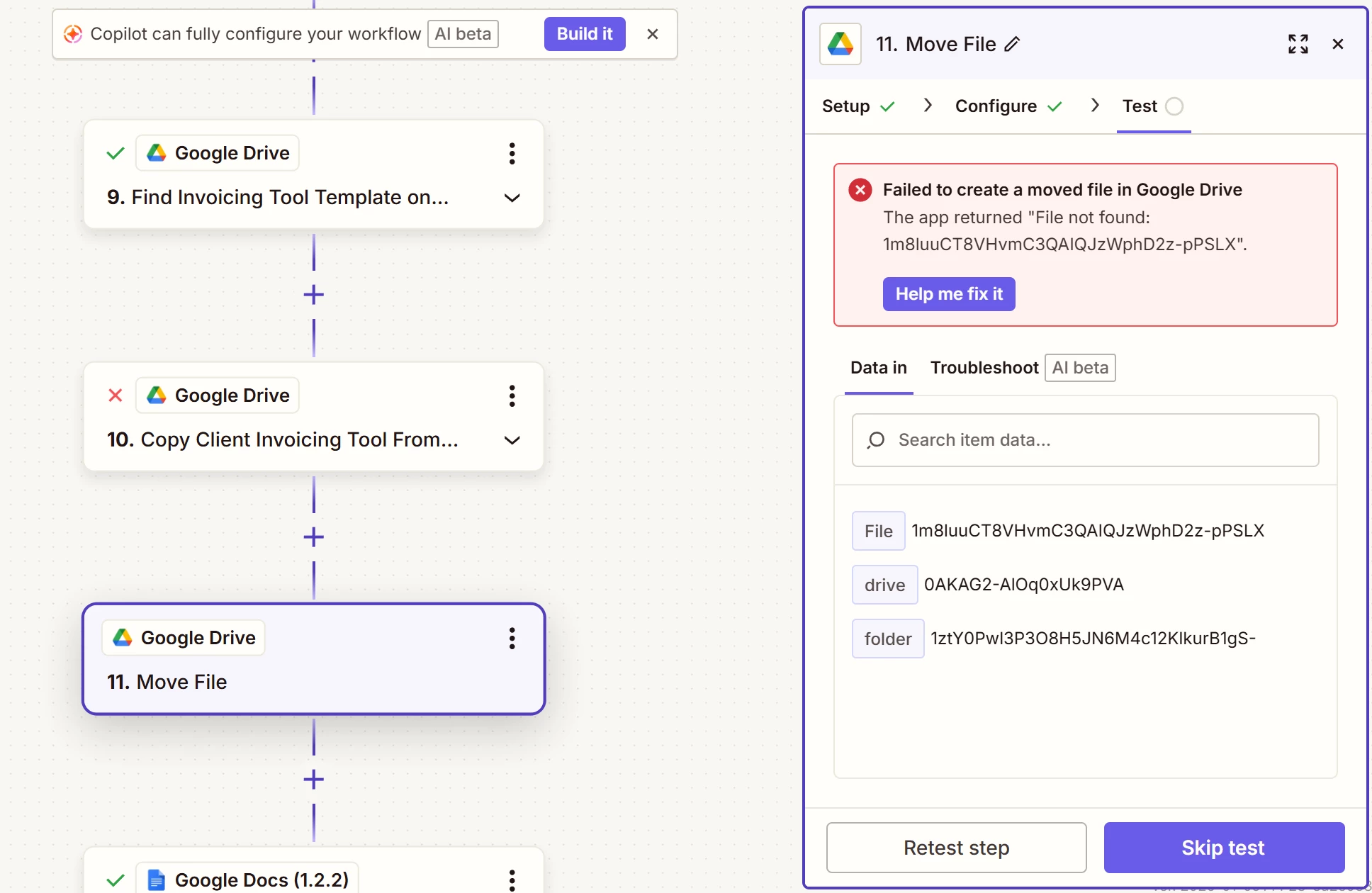
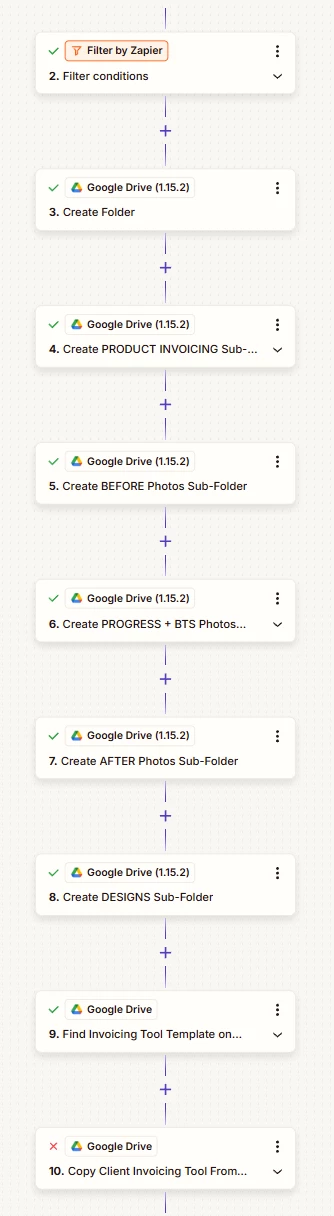
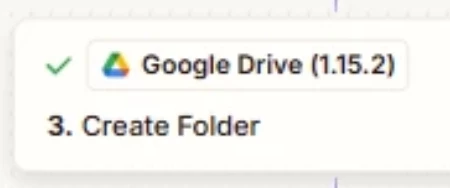
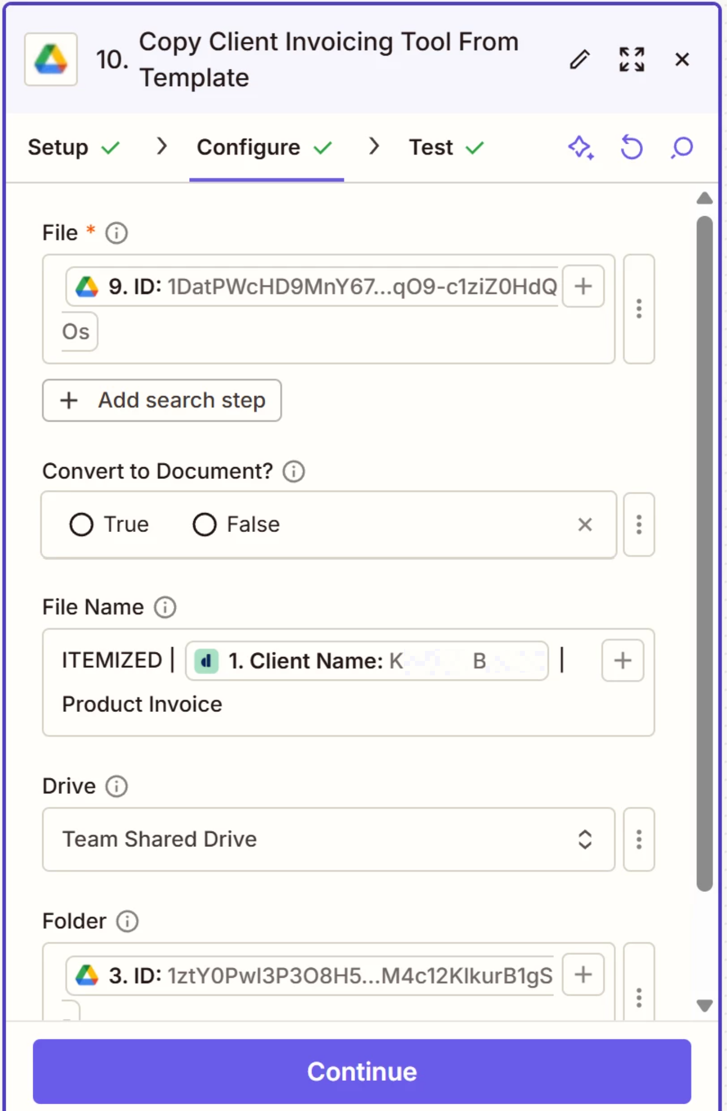
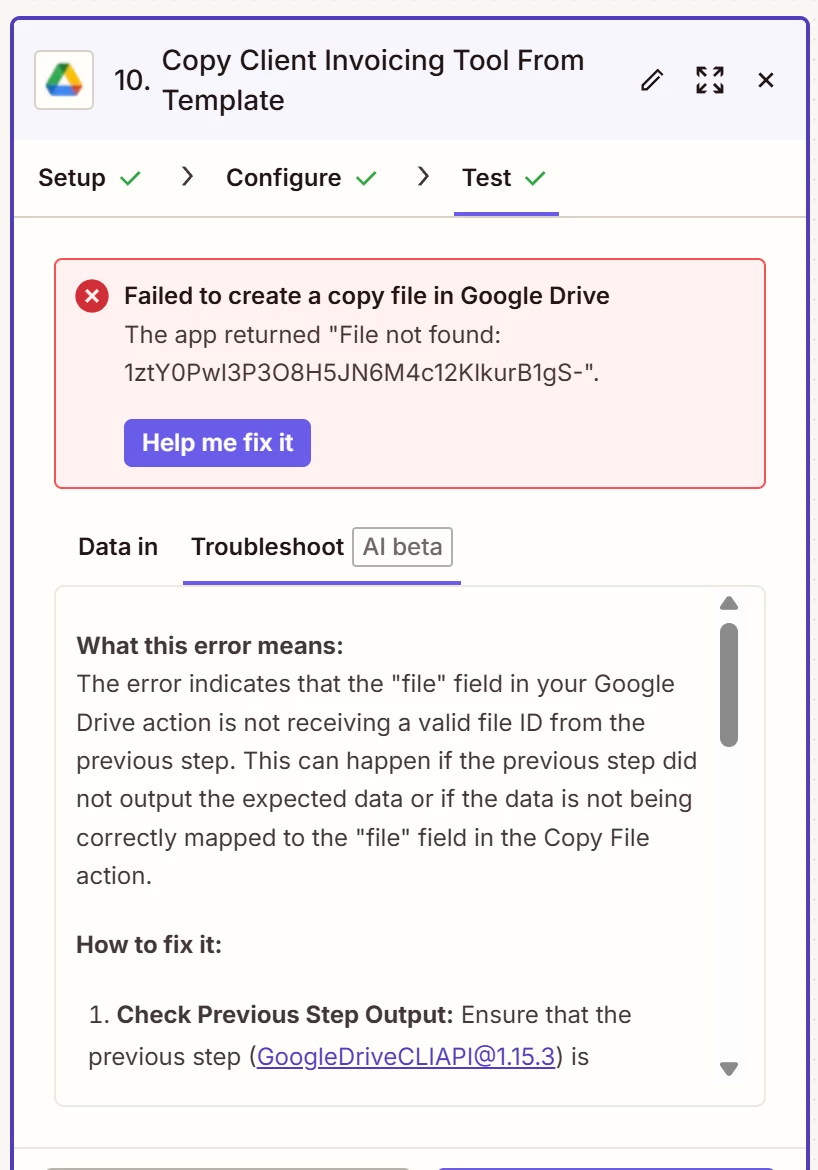
I first added a search step that prompts the Zap to find the template Google Sheet. From there, I copy the template Google Sheet, rename it using a client’s name, and then want to move the named copy to the same client’s folder. The client folder was created in an earlier step in the same Zap (see configuration in first screenshot below). I specify a custom destination folder using the folder ID from the previous step in the Zap, but it’s still rendering the error message that the file was not found (see second screenshot below).
To troubleshoot, I tested what would happen if I set the destination folder as a static folder. The Zap worked, but that’s not ideal. I want the destination folder to be the custom folder from an earlier step in the Zap.
Any thoughts? Thanks in advance for your help troubleshooting this!
This post has been edited by a moderator to remove personally identifiable information (PII). Please remember that this is a public forum and avoid sharing personal or potentially sensitive details.