Question

Troubleshooting errors when setting up a Zap from Jotform to NeonCRM

  • November 29, 2025
  • 2 replies
  • 12 views

I continually getting errors when trying to test data during initial Zap set-up.  Initial it had been with First Name and Last Name and ultimately I had to disconnect the connection and restart the Zap.  The Jotform application is long so now I am testing field by field and continue to come up with issues with the following fields, each of which I am setting up using Custom (vs Static).

Gender

In Configure Step

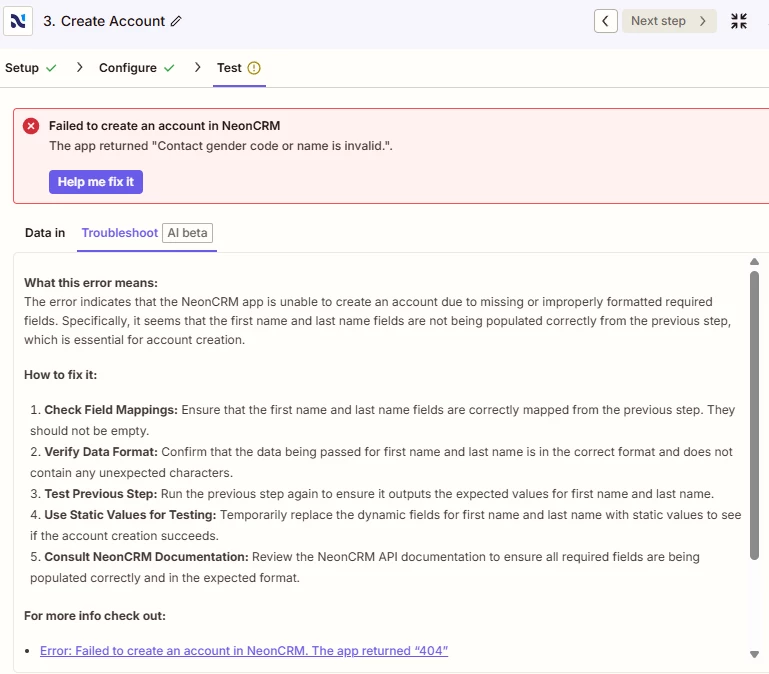
Error Message I am receiving when I add Gender Identity field.  Before I did this the Test (including name) ran successfully.


Barriers/Hardships - TEST is the answer from the Jotform Application test

This is the error I am receiving:
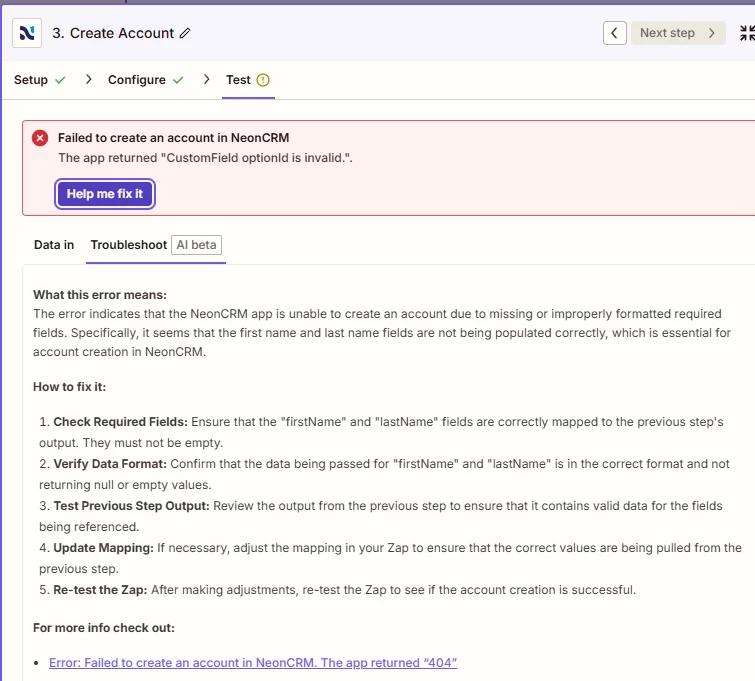
 

I have double checked that all the field options in Neon CRM match the field options in Jotform.  

What else am I missing??

2 replies

Sparsh from Automation Jinn
Forum|alt.badge.img+6

Hey ​@heathparri99,

It’s because NeonCRM expects Option ID for these fields. You can use Lookup Tables if they are not many custom field to match the option id. See more about it here- https://help.zapier.com/hc/en-us/articles/8496305146765-Create-lookup-tables-in-Zaps


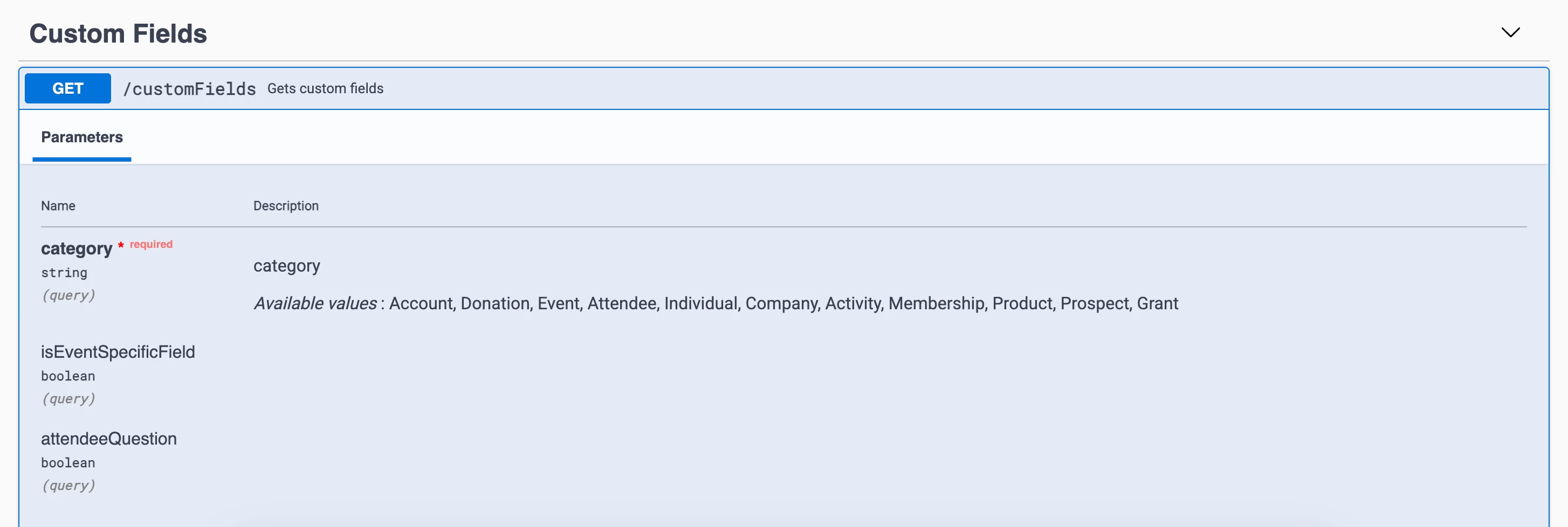
You can directly query the Neon CRM API using Webhooks in Zapier to get the custom fields. Here is a helpful article about it here- https://help.zapier.com/hc/en-us/articles/8496326446989-Send-webhooks-in-Zaps. Hope it helps!

PS: If you need more active help, I’m happy to connect through my Zapier Solution Partner page if you’d like to reach out here- https://zapier.com/partnerdirectory/automation-jinn


Troy Tessalone
Zapier Orchestrator & Solution Partner
Forum|alt.badge.img+14
  • Zapier Orchestrator & Solution Partner
  • December 1, 2025

Hi ​@heathparri99 

Help link for understanding the expected value for dropdown fields: https://help.zapier.com/hc/en-us/articles/8496241696141-Add-custom-values-to-dropdown-menu-fields-in-Zaps