Answer

Trouble queuing multiple videos from Dropbox to Buffer due to file size error

  • August 8, 2024
  • 8 replies
  • 107 views

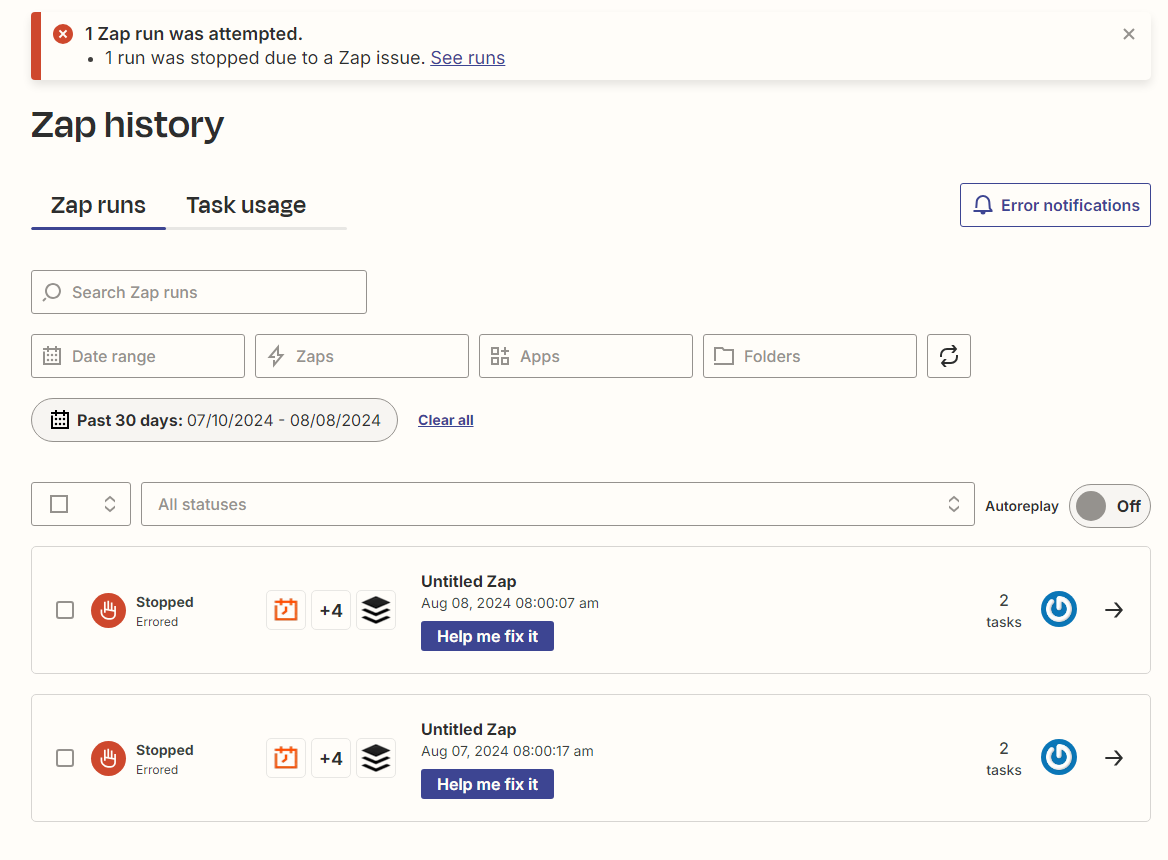
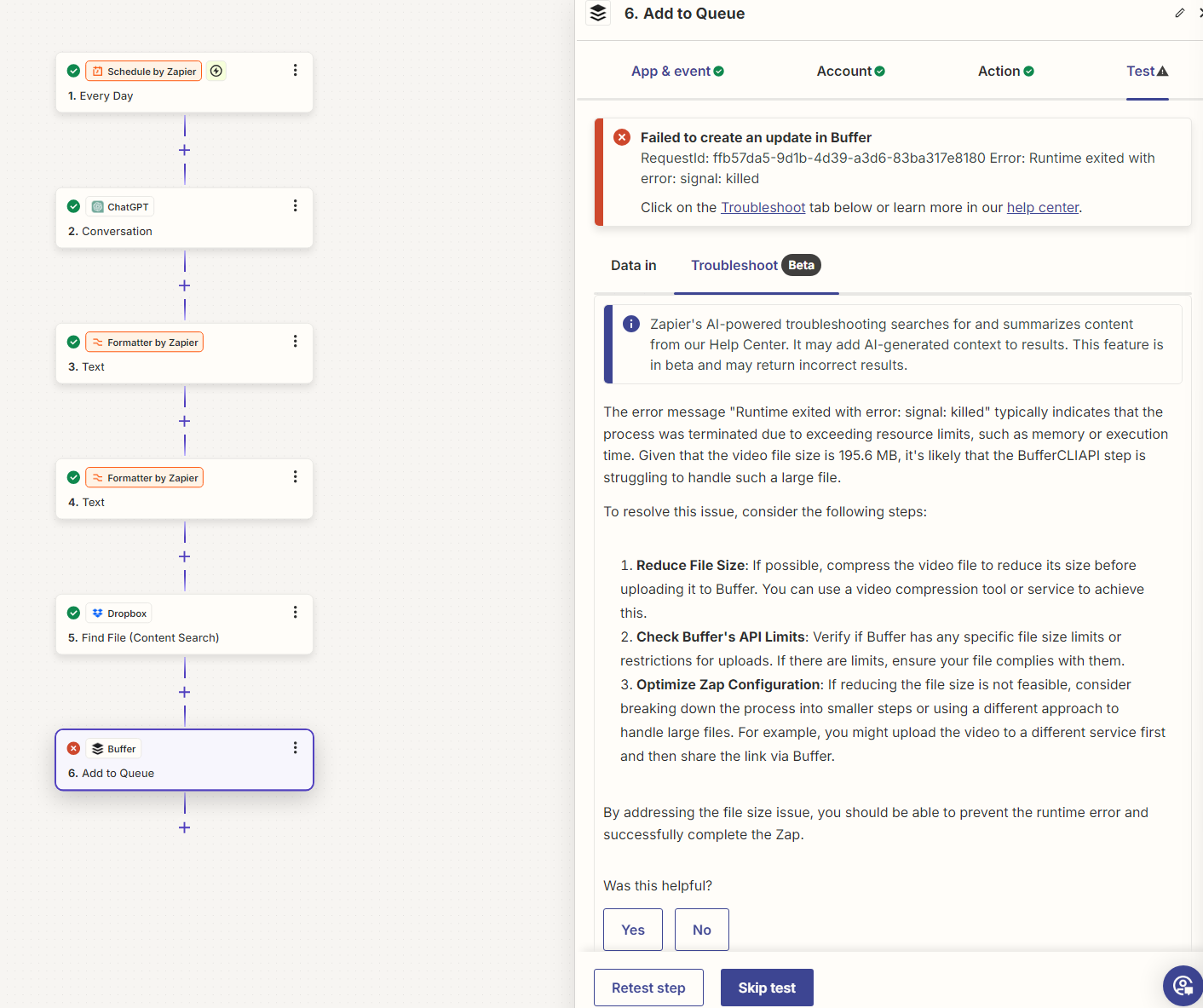
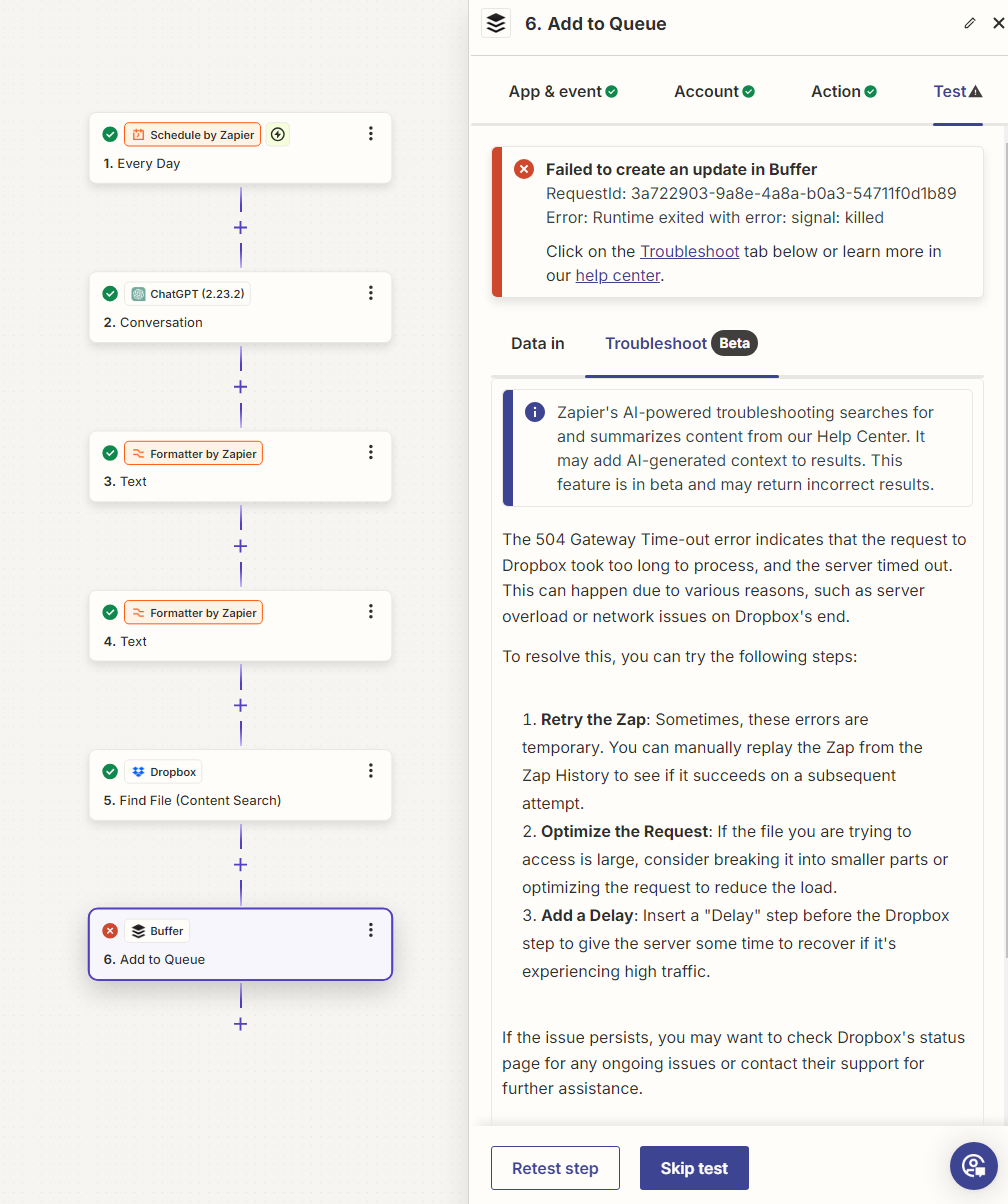
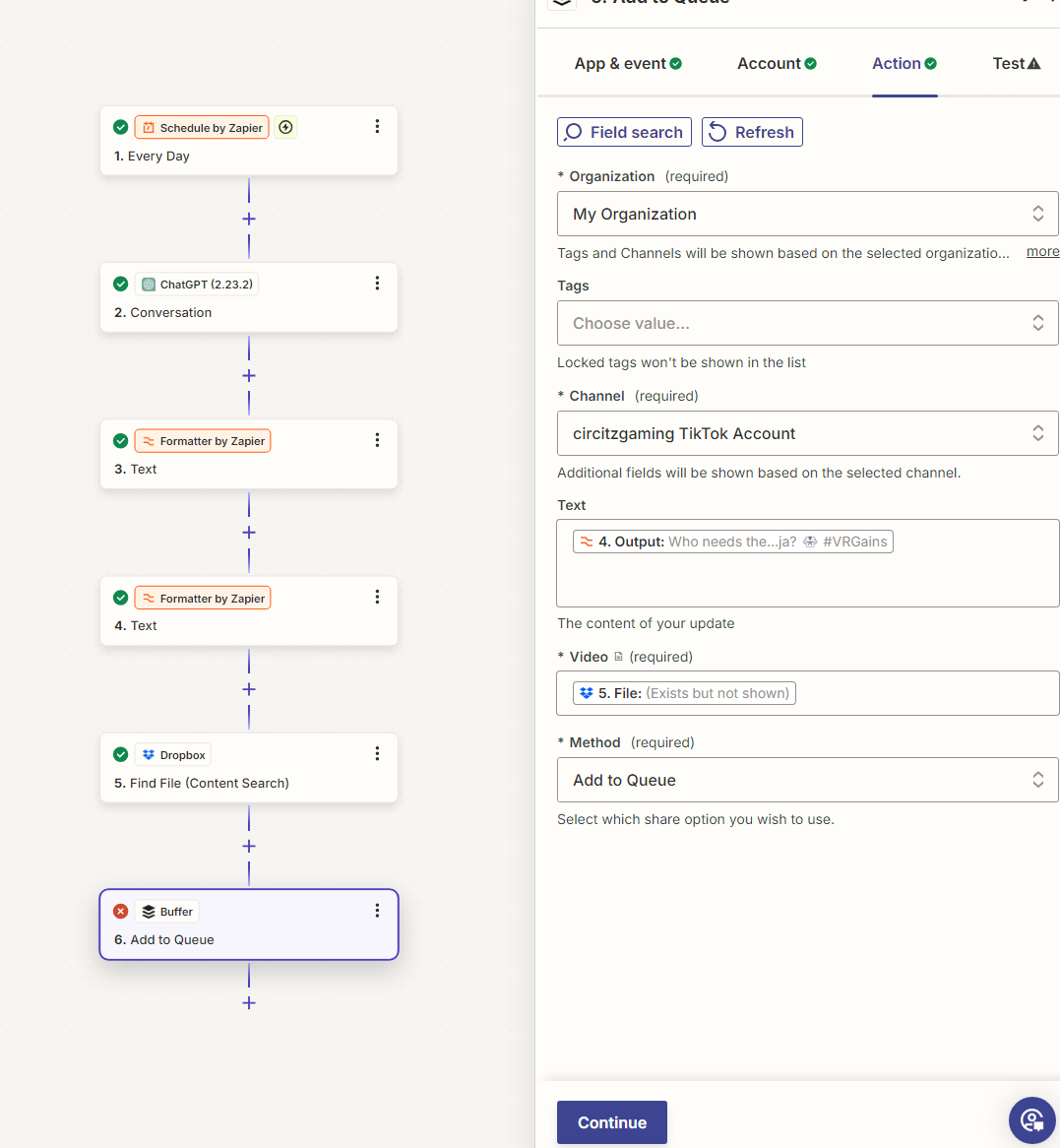
I'm having this issue where I'm trying to drop multiple. pieces of content into a Dropbox folder and I. want buffer to automatically add those videos to a queue. For example, I want to put 30 clips from a stream into the folder and above for automatically. queue those for the rest of the month. I'm getting this error. which I'm assuming the file size is too big, but I'm not sure. a way to work around this since buffer does take the file size I've added. I've seen something about the API size being too large but would like to know is there a way to work around this?


Best answer by ken.a

Hi there @Circitz,

I appreciate the update here.

I did some digging into this, and it seems like this is a known bug with Buffer. There’s an existing bug report for the Product team over at Buffer who owns and manages the integration on our platform and I've added you to the list of affected users to ensure that you'll be notified as soon as there's an update.

I'm afraid I can’t provide an ETA for when this issue might be resolved because prioritization is largely dependent on the number of customers affected. We will reach out to you via email once it is resolved.

You can add a 1-day delay and then the Buffer step (it might work with a several hours delay too).

Hopefully, this helps.

This post has been closed for comments. Please create a new post if you need help or have a question about this topic.

8 replies

ken.a
Forum|alt.badge.img+6
  • Zapier Staff
  • August 8, 2024

Hi there @Circitz,

Welcome to the Community! 🎉

Before we dig deeper into this, could you please try to replay the Zap run? I suspect the issue was the result of a temporary problem with the Buffer's servers.

You can do that by clicking the "Replay" button on the top-right corner of the Zap run.

I'll be keeping an eye out for your response!


  • Author
  • New
  • August 9, 2024


ken.a
Forum|alt.badge.img+6
  • Zapier Staff
  • August 12, 2024

Hi @Circitz,

Thanks for giving that a try.

Could you please let me know the file size you’re trying to upload to Buffer? Please note that there’s a 100MB size limit when uploading to Buffer via Zapier.

I'll be keeping an eye out for your response!


  • Author
  • New
  • August 12, 2024

i see i think i might be that its 10 or mb over the size limit. No work around?


  • Author
  • New
  • August 12, 2024

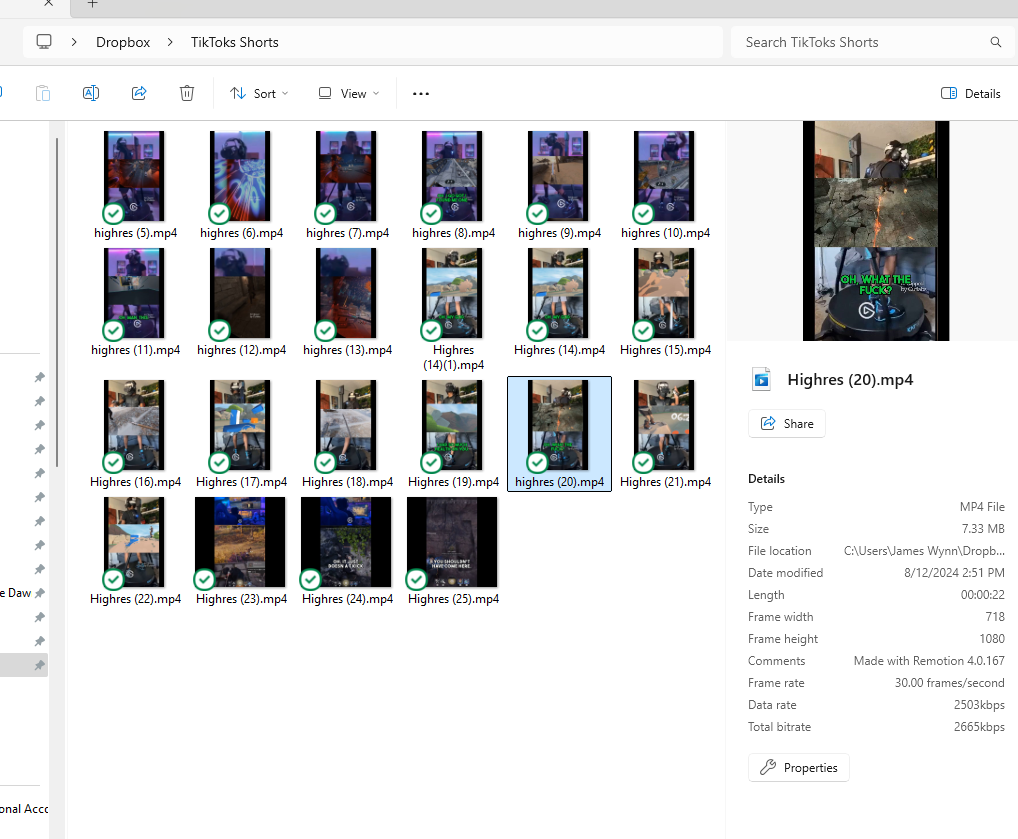
So i tried compressing the file and i still get this message 

This is folder and file sizes 


ken.a
Forum|alt.badge.img+6
  • Zapier Staff
  • Answer
  • August 13, 2024

Hi there @Circitz,

I appreciate the update here.

I did some digging into this, and it seems like this is a known bug with Buffer. There’s an existing bug report for the Product team over at Buffer who owns and manages the integration on our platform and I've added you to the list of affected users to ensure that you'll be notified as soon as there's an update.

I'm afraid I can’t provide an ETA for when this issue might be resolved because prioritization is largely dependent on the number of customers affected. We will reach out to you via email once it is resolved.

You can add a 1-day delay and then the Buffer step (it might work with a several hours delay too).

Hopefully, this helps.


  • New
  • November 13, 2024

In case anybody was wondering - I solved this - buffer for being a known bug this was an easy fix that could have been solved… - for the homies out there the fix is after the trigger of a new file into a folder - do a delay action set for 5 minutes - then this gives enough time for the file to breath and then after the 5 minutes it will be good to “add to queue” 

Hope this helps

Kevin


JammerS
Forum|alt.badge.img+6
  • Zapier Staff
  • November 14, 2024

Hi @zapwizard,


Thank you for sharing a work around for the issue. This will significantly help our Community members to fix the issue.