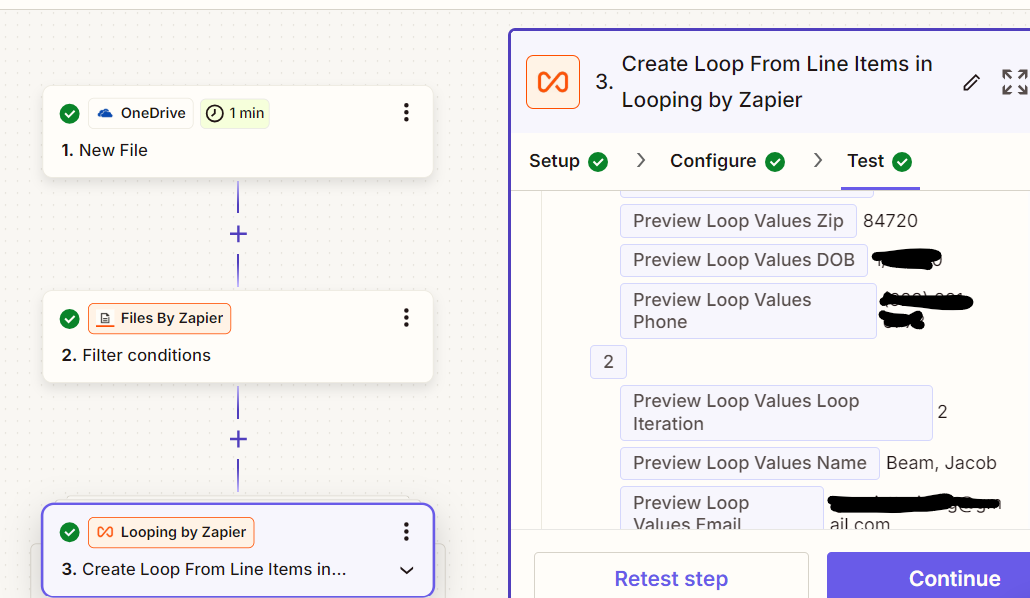
Hi everyone, new user here! Searched a lot for an answer but couldn’t find anything that answered my question, so hoping someone can explain to me the correct way to set it up. I also posted this a few days ago but now it doesn’t show that it’s been posted, so my apologies if this is a duplicate.
I am trying to trigger a zap to go off when a new Excel file is added into a folder on my desktop. The folder is called “Zaps”, and I have a file in there already called “Zap test”. The Excel file contains rows of data that should then be dropped into a CRM and new leads be created from each row.
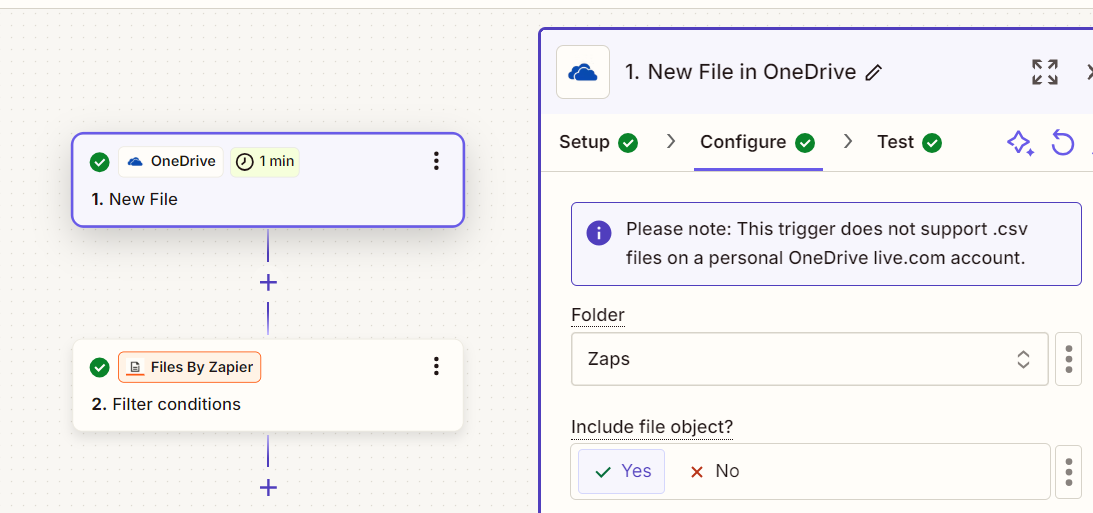
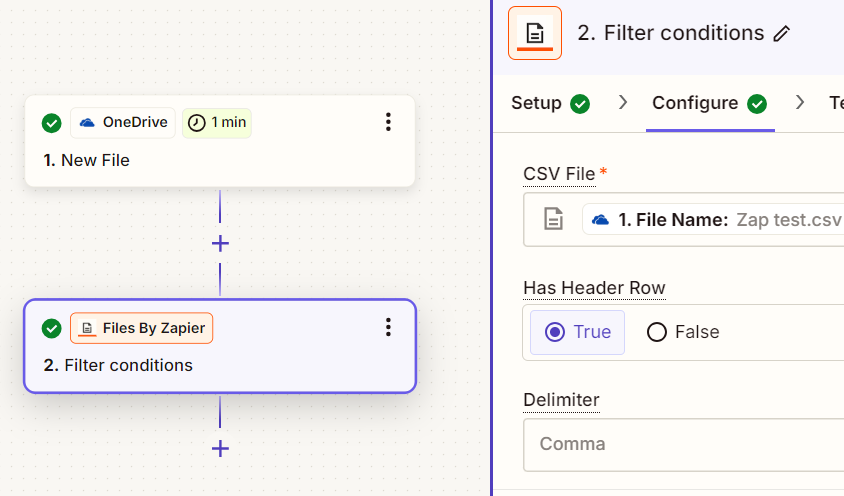
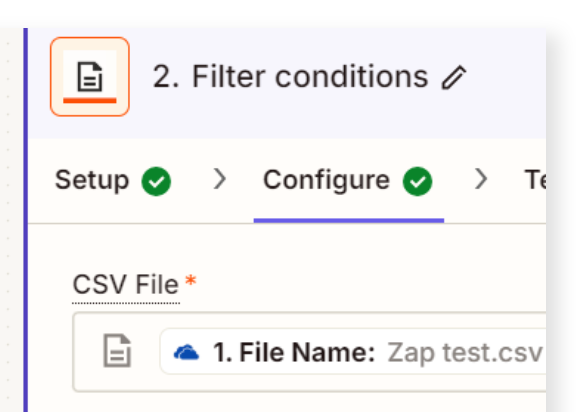
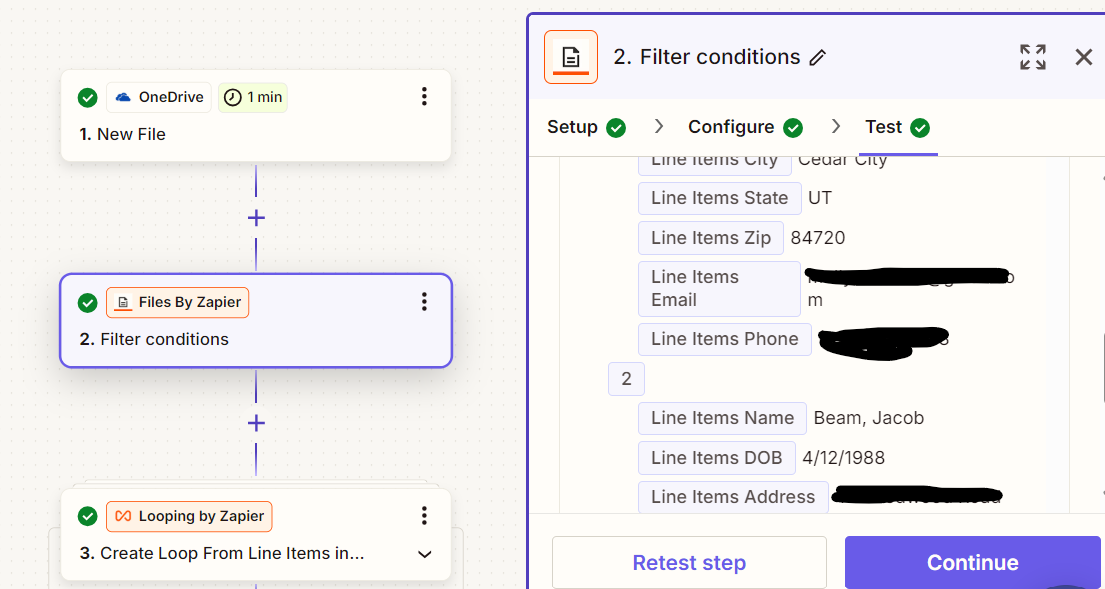
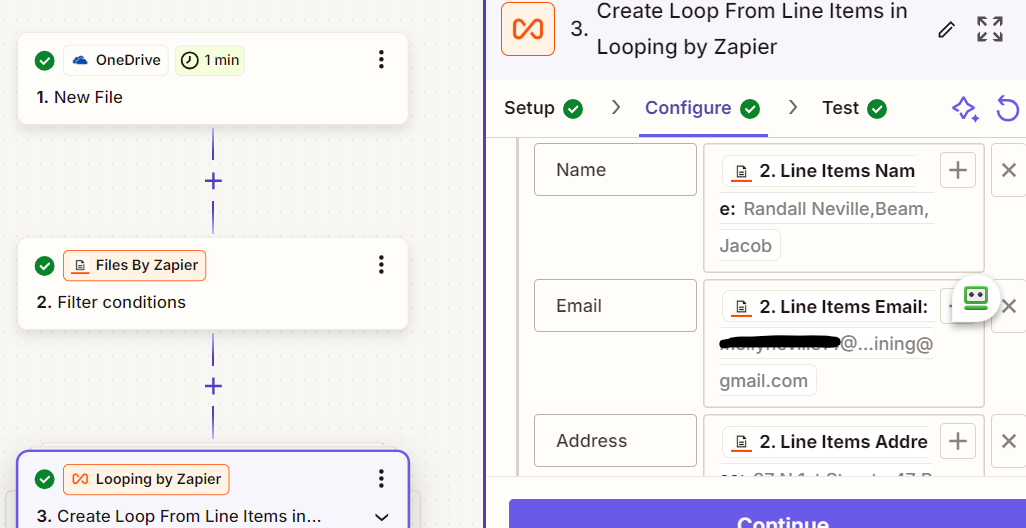
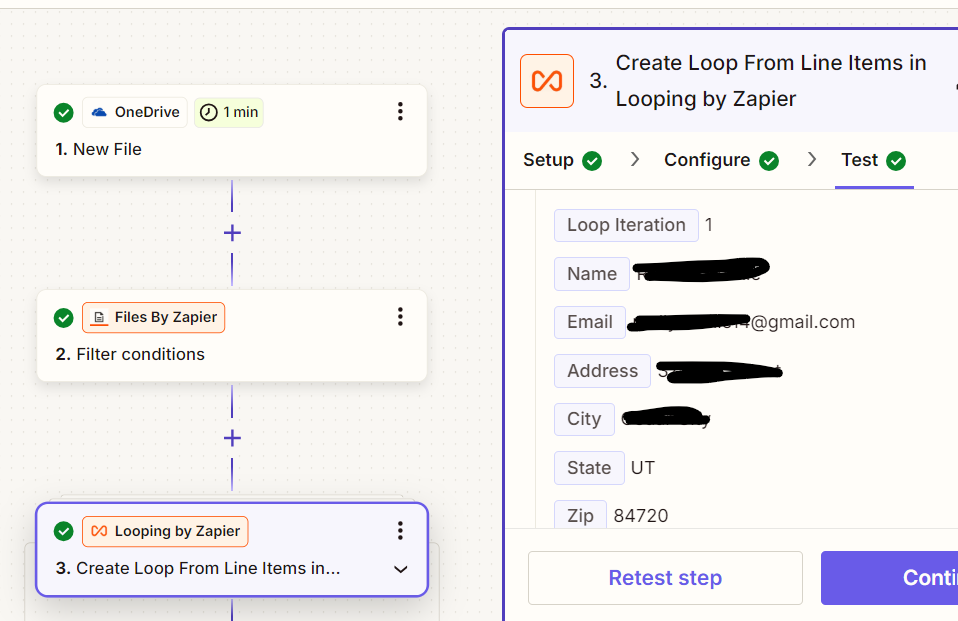
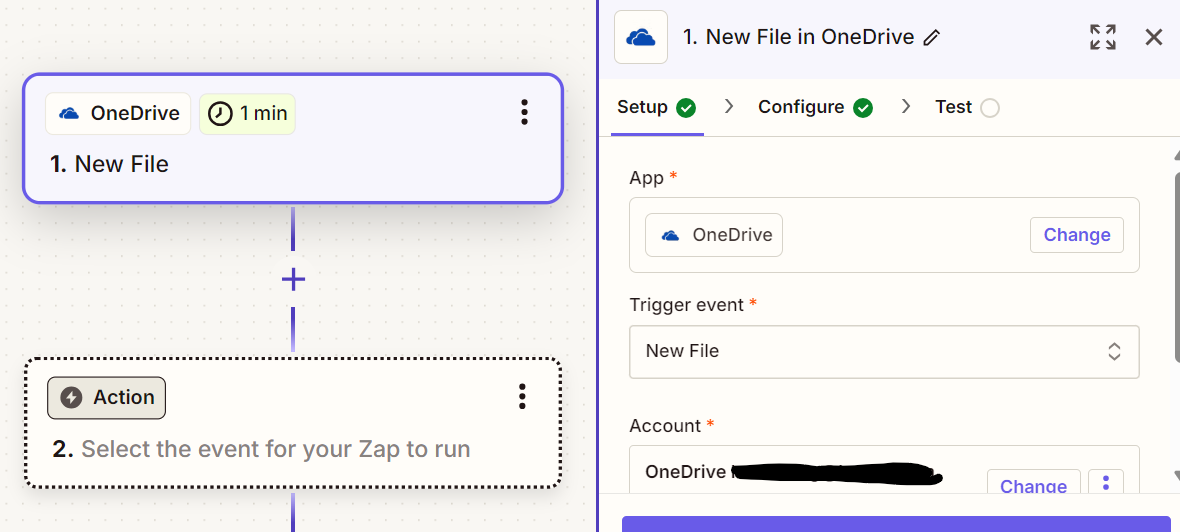
I tried setting up the zap where Excel and OneDrive were the triggers, and neither seem to work. Below are screen shots for the OneDrive setup.

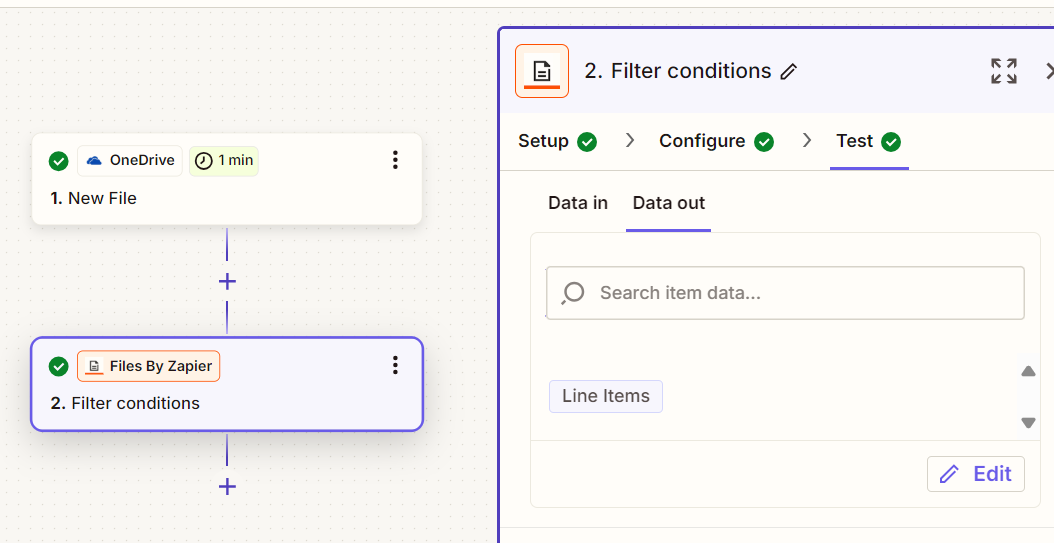
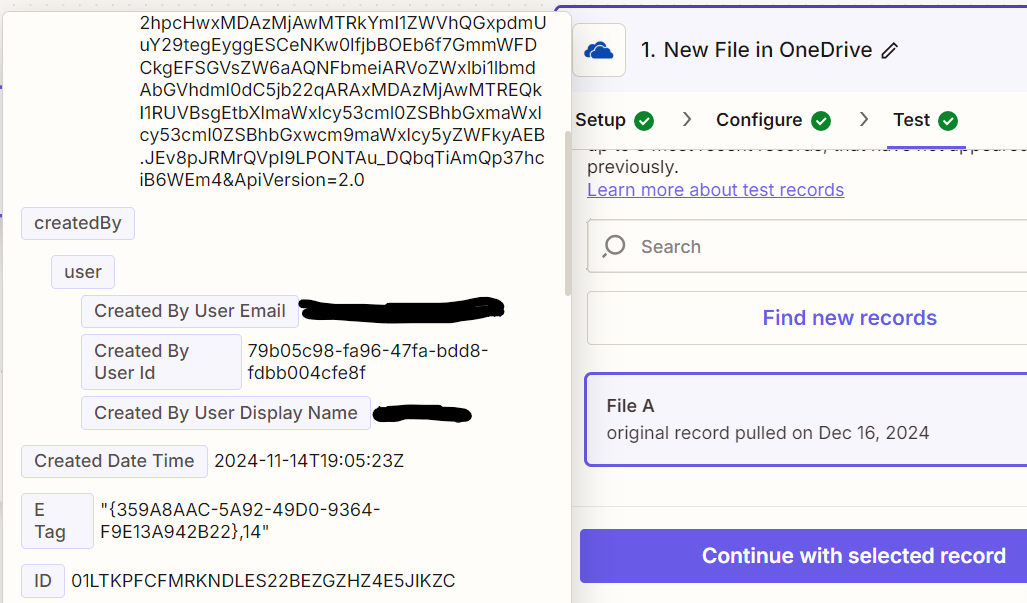
It will then pull data fields like this, but I want it to pull the Excel file header fields like Name, Email, etc. Setting it up as Excel as the trigger did not pull the relevant Excel file headers either.
How do I set up the trigger correctly where it would recognize whenever there’s a new Excel file in the folder on the desktop, it will then parse the relevant info and create a new lead? Thanks for your help!