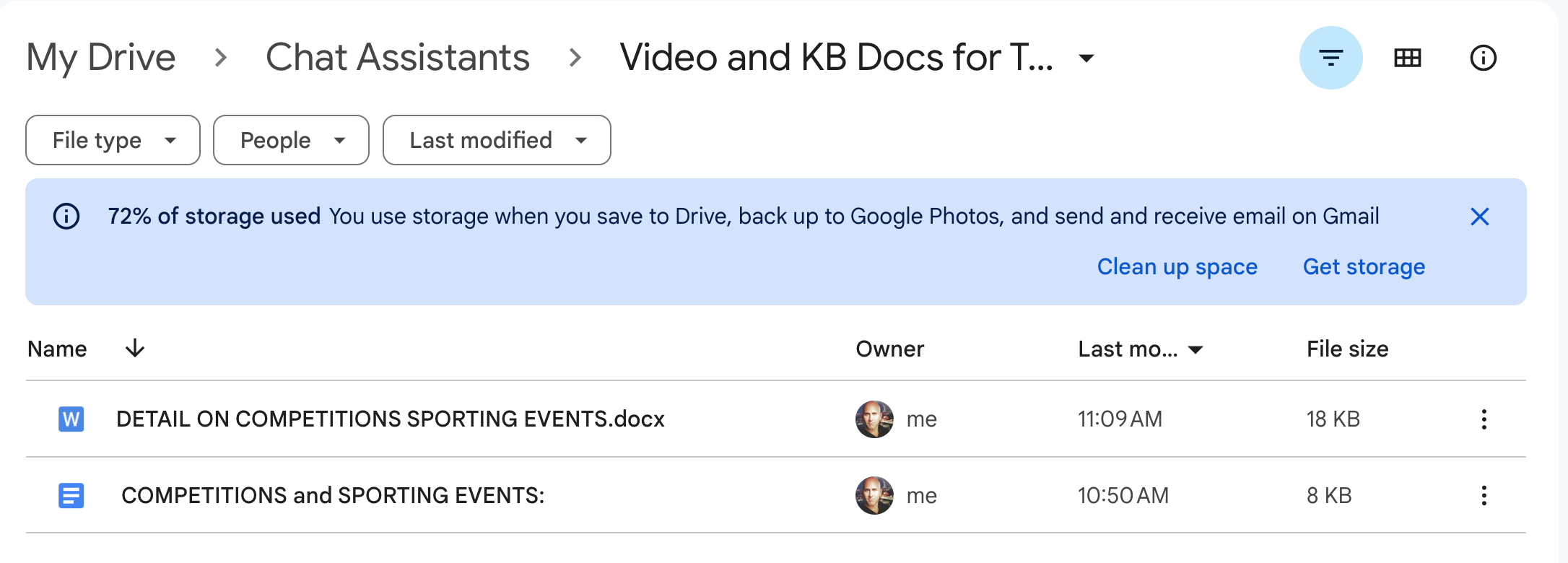
I am setting up a transcription Zap, but the Zap Trigger fails to find the New_file_in_folder. It is defaulted to my Drive, and I have selected the correct folder in “Account” (“Video and KB Docs for Transcription”) which has my test file upload and a new Google Sheet added to it, so here are 2 new files the Zap should find.
GDrive target folder for Zap
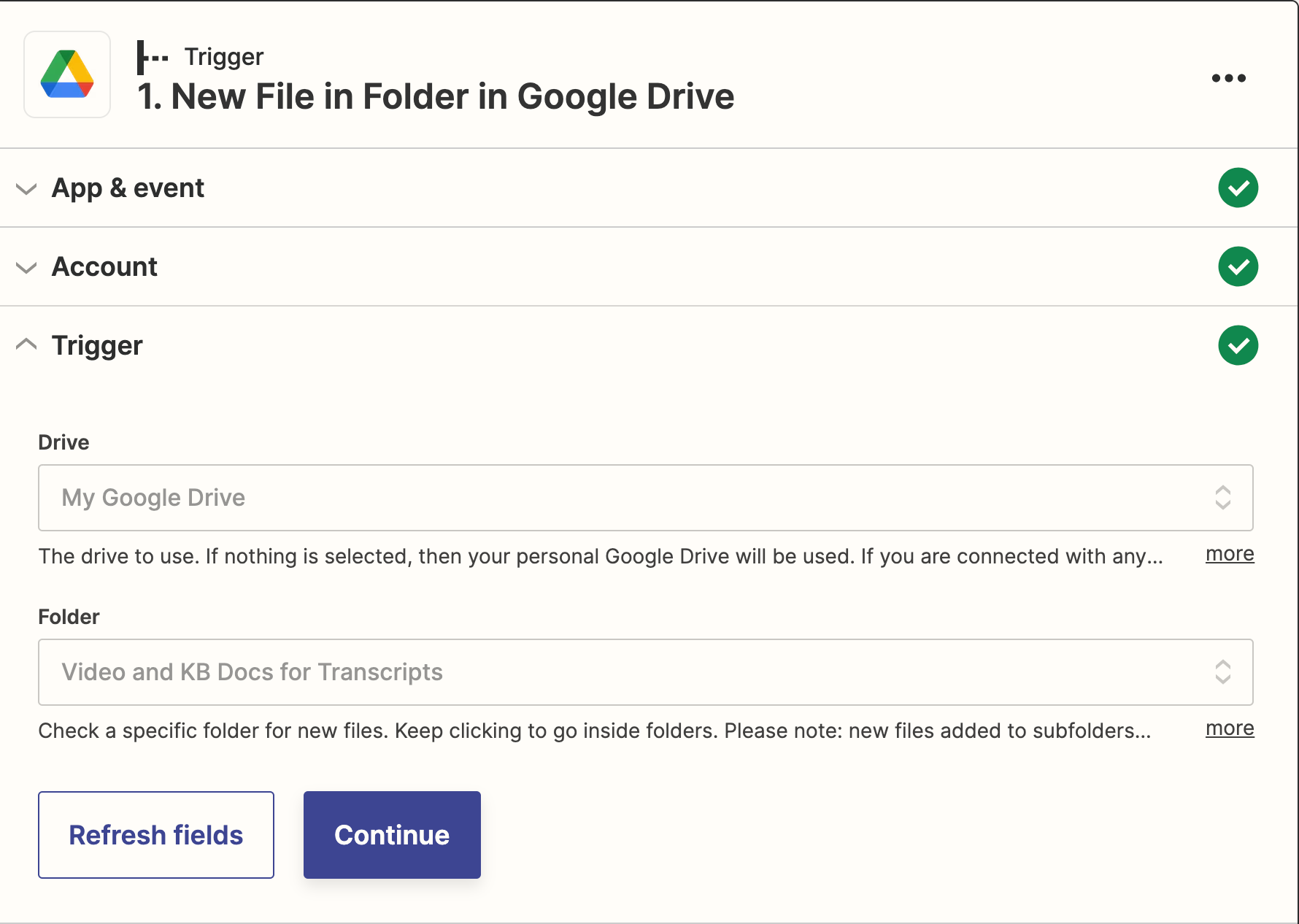
Here is the Account Target setting:
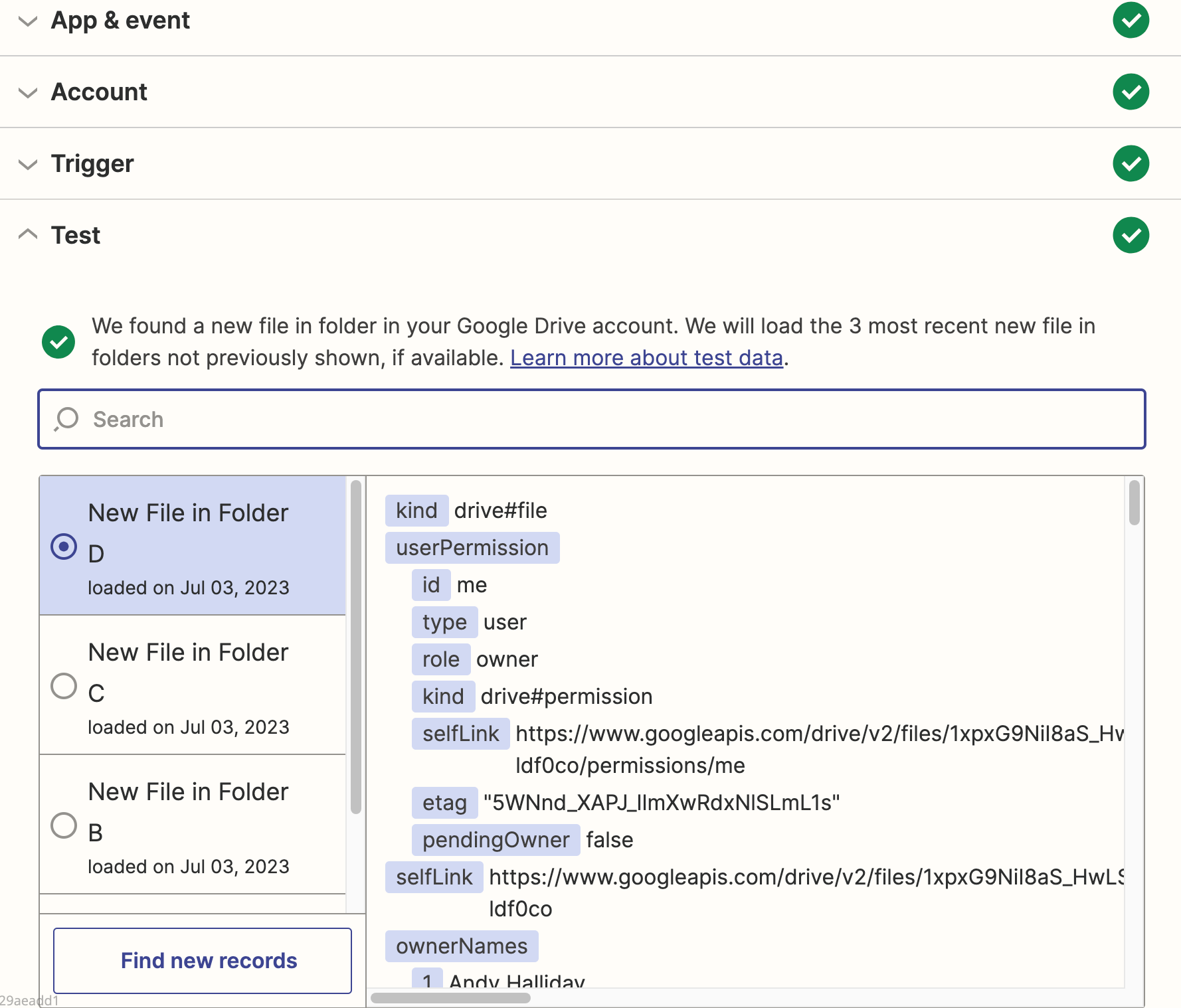
As you can see above, the Account panel is set up to track the same folder in my drive. But when I test the Trigger, it only returns some extraneous file not in that folder, uploaded three weeks ago, I don’t know what that file is, and clicking “Find New Records” results in pulling in the same weird file.
Anyone know how to get the contents (binary) of a non-google file? None of the fields work. “File” is empty, “File (Exists but not shown) just has a short amount of base64 that’s not the content...
Build and deploy automations from AI tools you already use. With Agentic Management, if anything breaks, the agent diagnoses the issue and proposes a fix.
Join us September 23rd, 2026 for a free, one-day virtual event with 30+ sessions on AI automation. Get live build-alongs, playbooks, and strategies to lead AI transformation at your organization.