Answer

The Google Calendar "Delete Event" action is not deleting the correct event

  • June 8, 2024
  • 2 replies
  • 106 views

LittleGansgter

I have made an appointment set up chatbot in Voiceflow which sends variables of the customers information such as time and name through API calls to the catch hook in Zapier, making an appointment on google calendar, all the appointment set up work/Zap flow works fine.


And I have made another Zap for Canceling the appointment. 


For the canceling the appointment Zap, the chatbot will send the same variables to my Zap, so 1st step is Zap will catch the hook, which gets the same variables as the appointment set up


And 2nd step of finding events in google calendar which works fine, it does find the right event.


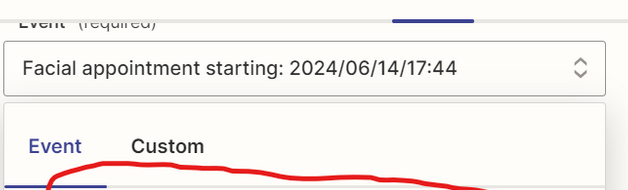
but the next one action, the “delete event in google calendar”, inside the action section, the ”*event (required)” will only delete the old and previous event record, not the newest record(the one should be delete),
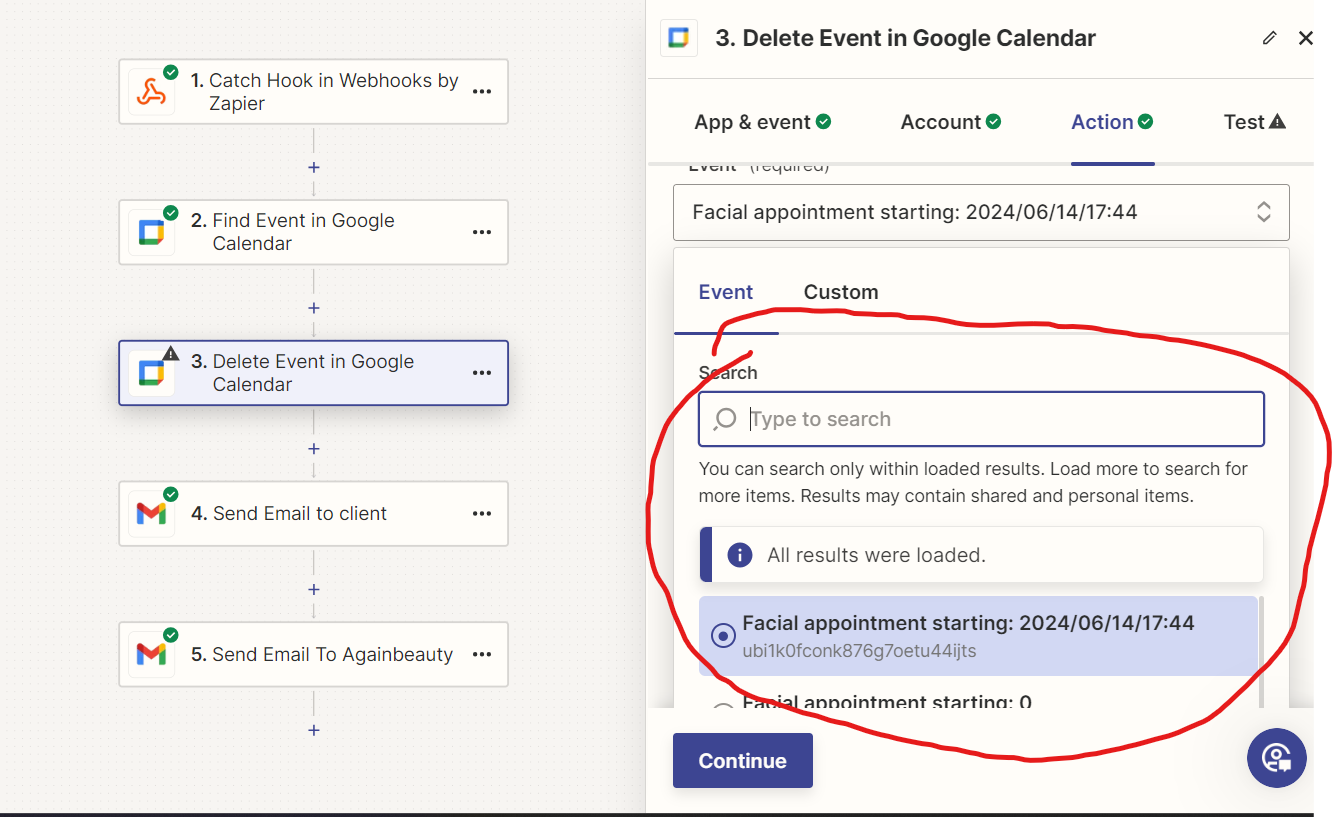
and I have to manually select the newest record, this is the problem, I want the *event (required) selecting the newest event record.


So how can I fix this problem, or is there a step I m missing?



Best answer by ken.a

Hi there @LittleGansgter,

I just came across your post here and wanted to check in here to see how you’re getting on. Have you tried Troy’s suggestion to use the Event ID from the 2nd step to the “Event” field of the 3rd step?

Please do let us know if you’re still in need of some help on this at all we’re happy to assist further! 🤗

This post has been closed for comments. Please create a new post if you need help or have a question about this topic.

2 replies

Troy Tessalone
Zapier Orchestrator & Solution Partner
Forum|alt.badge.img+14
  • Zapier Orchestrator & Solution Partner
  • June 8, 2024

Hi @LittleGansgter 

Use the ‘Custom’ tab to map the GCal Event “ID” from Step 2 to the Event field in Step 3.


ken.a
Forum|alt.badge.img+6
  • Zapier Staff
  • Answer
  • June 10, 2024

Hi there @LittleGansgter,

I just came across your post here and wanted to check in here to see how you’re getting on. Have you tried Troy’s suggestion to use the Event ID from the 2nd step to the “Event” field of the 3rd step?

Please do let us know if you’re still in need of some help on this at all we’re happy to assist further! 🤗