Answer

Teachable Course Completion triggering on enrollment instead with 0% completion

  • June 5, 2023
  • 13 replies
  • 187 views

Parascheva1014
Forum|alt.badge.img

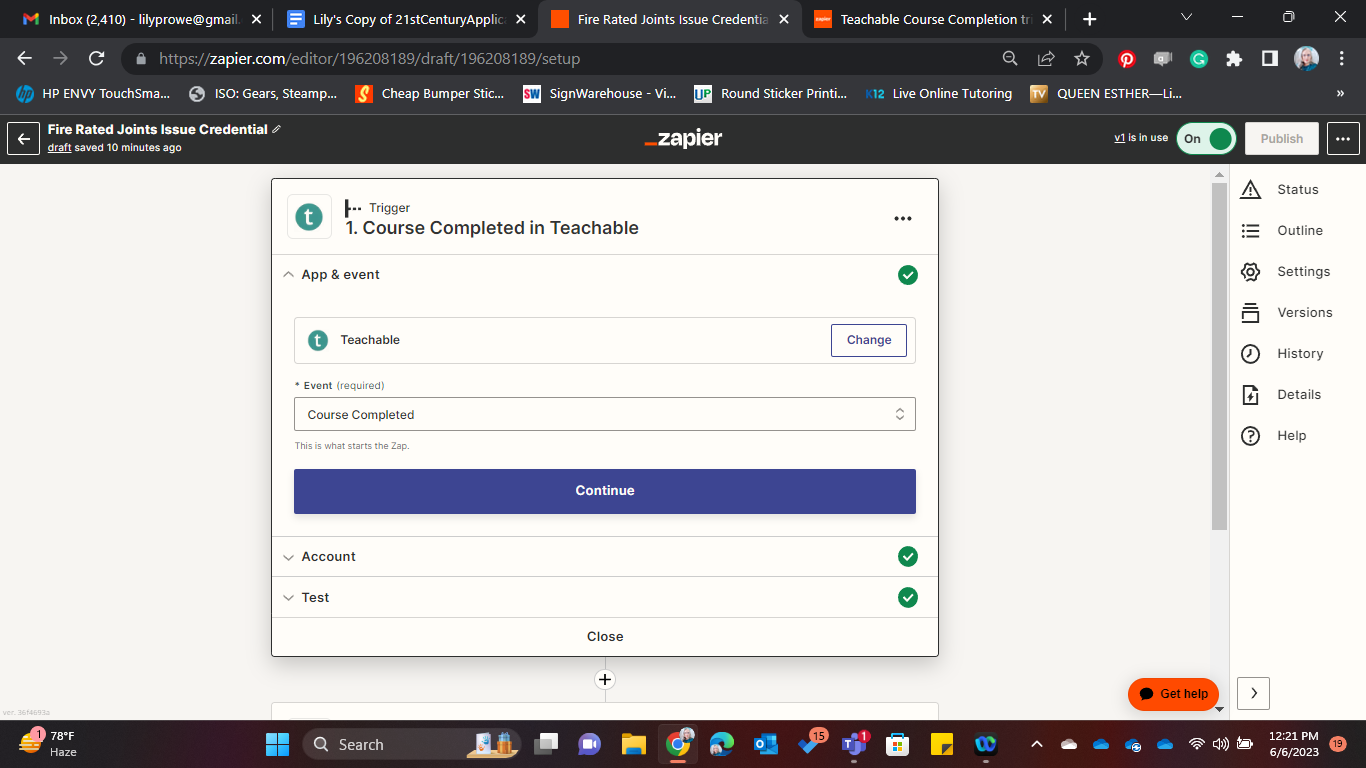
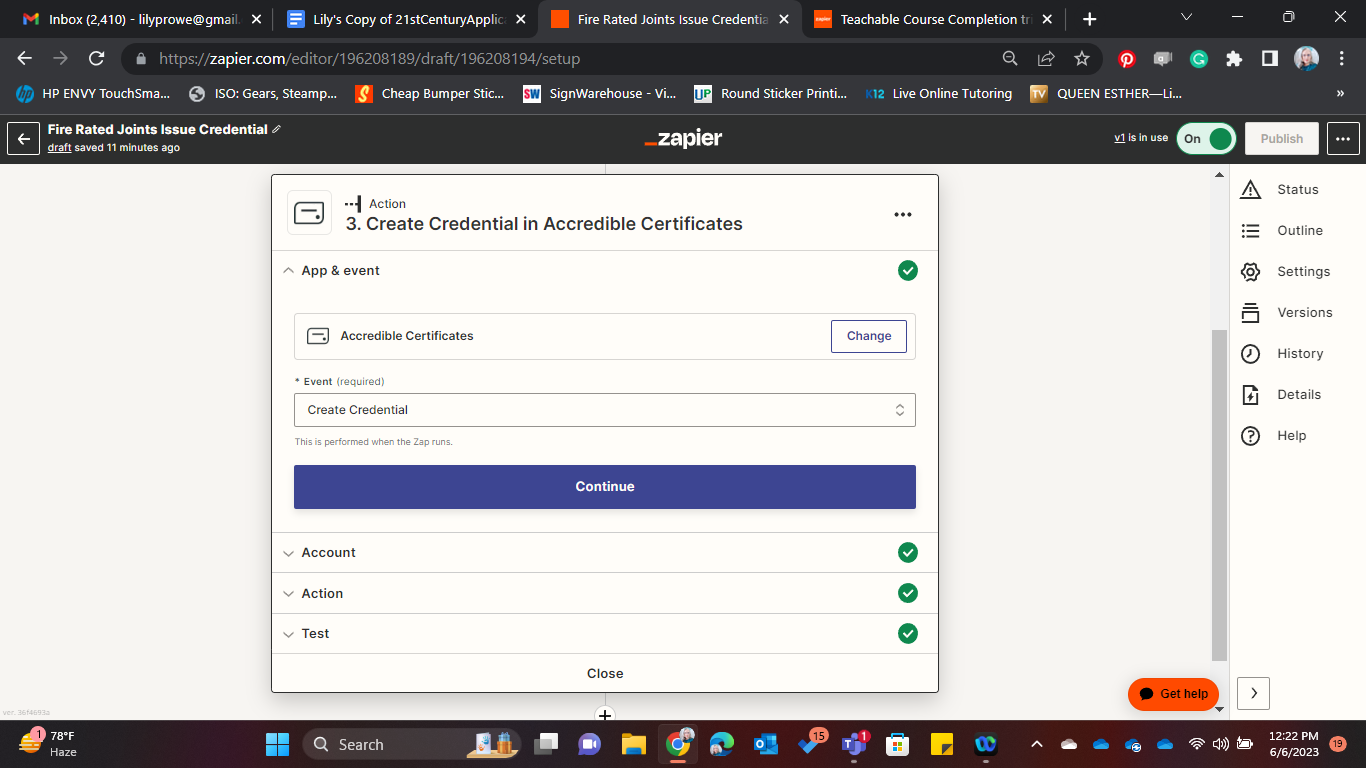
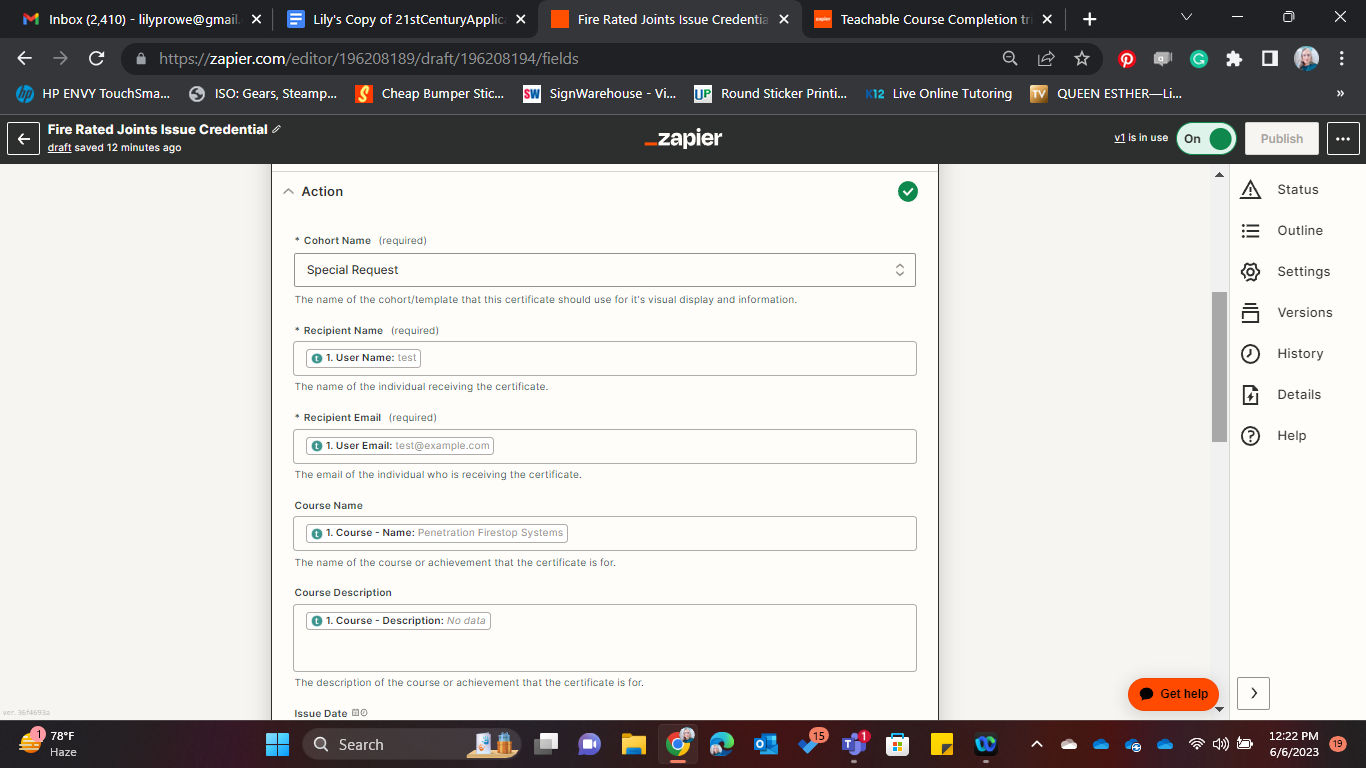
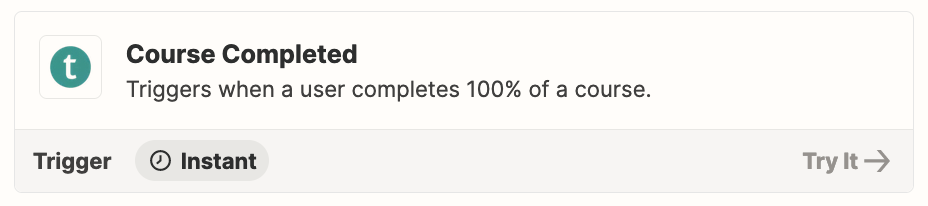
I just set up a zap for a teachable.com course with accredible. Instead of triggering the zap on completion it triggers the zap on enrollment and issues a credential for a course with 0% completion. I saw someone set up a filter to correct this but I don’t see it really spelled out anywhere how to do that and I’m not really sure how. Can someone help please?

Best answer by Parascheva1014

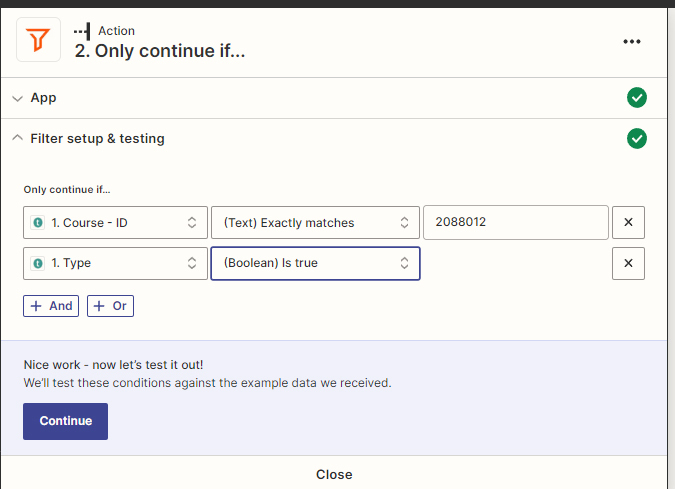
So after much frustration and basically reverse engineering this whole process here is the proper filter setup to get Teachable to issue certificates upon course completion within Accredible. The Course ID can be found in the admin URL for the course within the Teachable admin console. 

The first filter field is Course ID and the second one is Type Enrollment.Completed
 

This post has been closed for comments. Please create a new post if you need help or have a question about this topic.


13 replies

Troy Tessalone
Zapier Orchestrator & Solution Partner
Forum|alt.badge.img+14
  • Zapier Orchestrator & Solution Partner
  • June 5, 2023

Hi @Parascheva1014 

Good question.

For Step 2 in the Zap add a Filter: https://zapier.com/apps/filter/help

Left side parameter would be the value that indicates the % from Step 1.

Middle operator would be IS.

Right side condition would be a static value of 100 or 100%.


Parascheva1014
Forum|alt.badge.img

Is Enrollment percent complete: a text box or a number box?


Troy Tessalone
Zapier Orchestrator & Solution Partner
Forum|alt.badge.img+14
  • Zapier Orchestrator & Solution Partner
  • June 5, 2023

@Parascheva1014 

Please post detailed screenshots to show the DATA OUT from the Teachable Step 1 that you are trying to use in the Filter step.


Parascheva1014
Forum|alt.badge.img

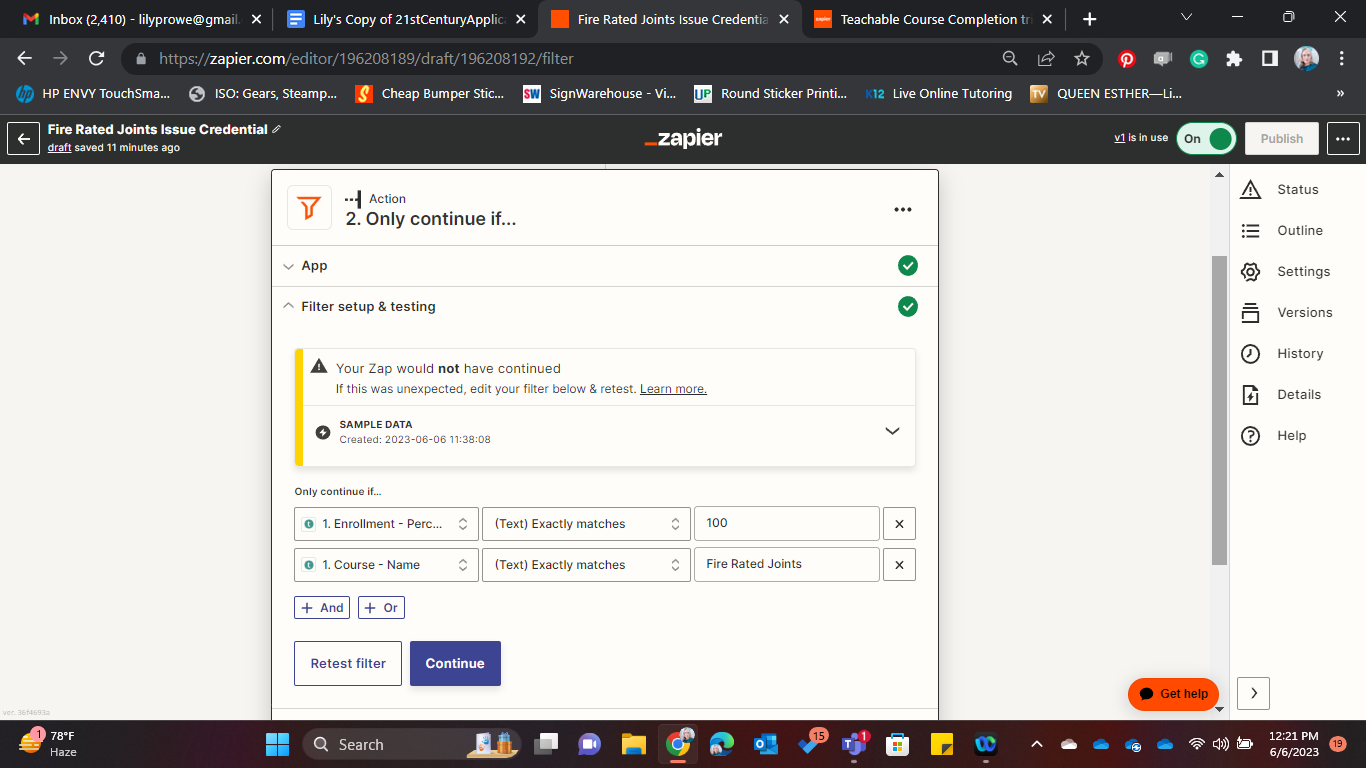
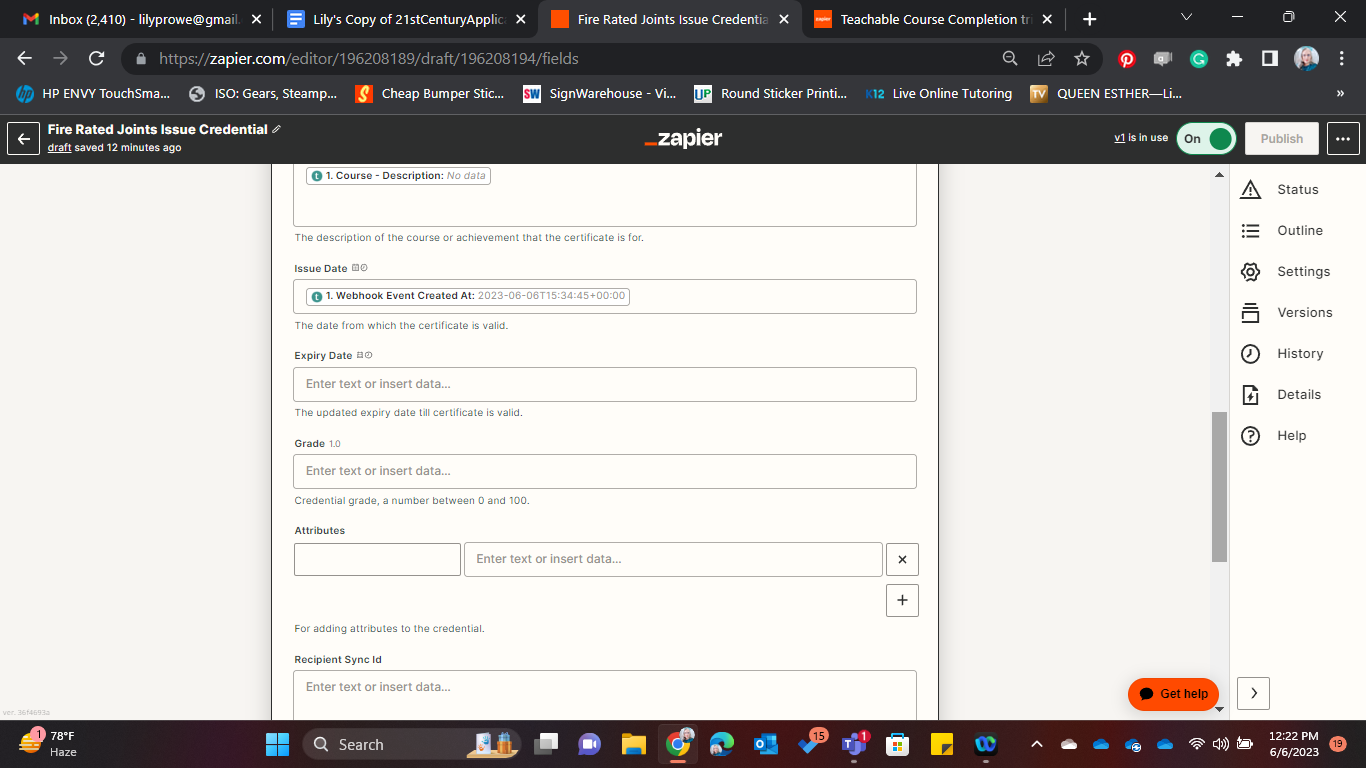
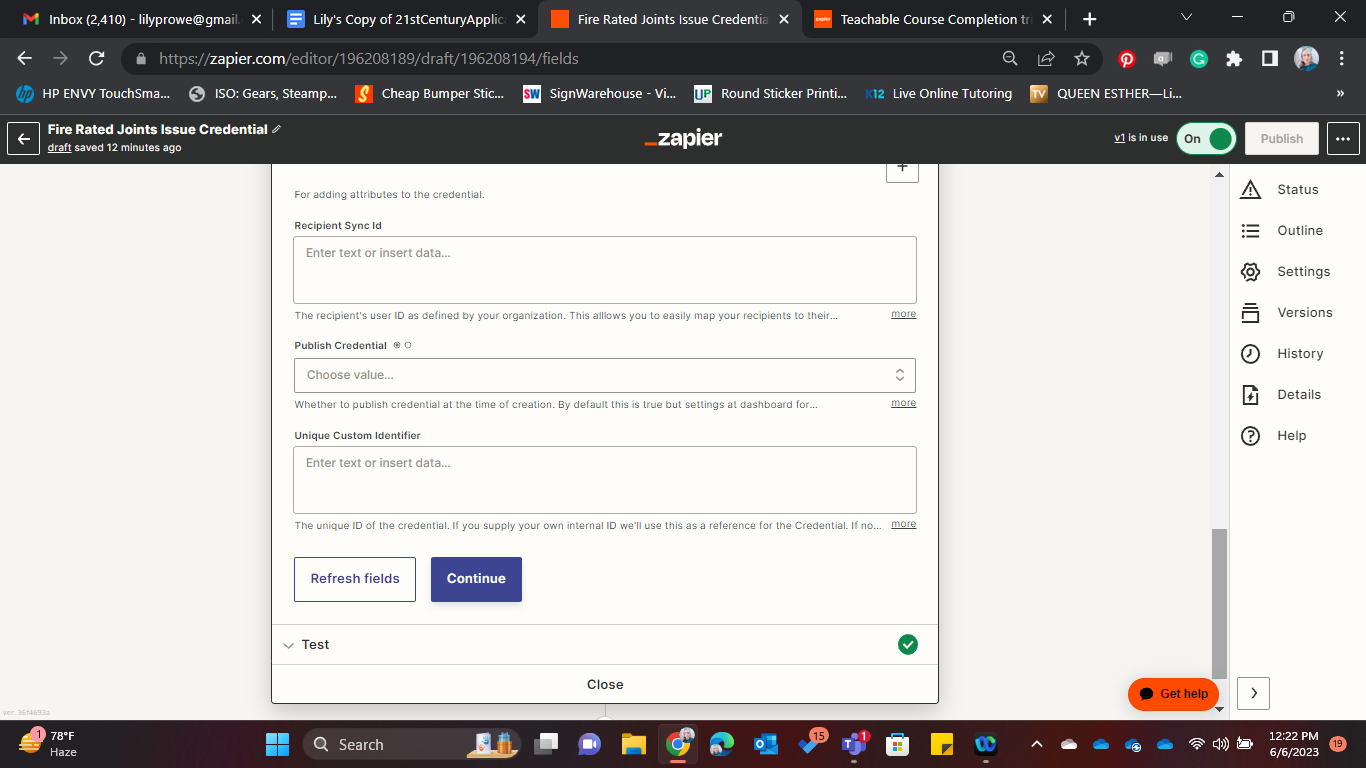
This is the image of how I have the filter’s set up. But the other problem I’m having is that once the course was completed the zap didn’t trigger at all. So it seems like it only triggers on enrollment but the filter stops the zap because of course the course hasn’t even been started let alone completed, then when the course is completed nothing happens. 


Troy Tessalone
Zapier Orchestrator & Solution Partner
Forum|alt.badge.img+14
  • Zapier Orchestrator & Solution Partner
  • June 6, 2023

@Parascheva1014 

Did you test with the Zap ON?

If yes, did you check the Zap Runs history logs to see the DATA IN/OUT for each Zap step?

https://zapier.com/app/history/


Parascheva1014
Forum|alt.badge.img

Yes I did. 

I set up a zap and then enrolled in the course. I then completed the course. When I completed the course nothing happened and there is nothing in the zap history. 


Troy Tessalone
Zapier Orchestrator & Solution Partner
Forum|alt.badge.img+14
  • Zapier Orchestrator & Solution Partner
  • June 6, 2023

@Parascheva1014 

You can try this workaround.

Follow this Teachable guides: https://docs.teachable.com/docs/add-and-manage-webhooks

Zap trigger: Webhooks - Catch Hook

This will generate the unique webhook URL to place in Teachable.


Parascheva1014
Forum|alt.badge.img

I also checked the webhooks in Teachable and they are there and look like they are setup properly.

The link you provided doesn’t tell me what the webhook URL in Zapier would be or even how to find it but the Zapier webhook is there in teachable and when I look at it to edit it, it looks correct. So setting up something custom wouldn’t have any different settings than the one that is already there now. 


Troy Tessalone
Zapier Orchestrator & Solution Partner
Forum|alt.badge.img+14
  • Zapier Orchestrator & Solution Partner
  • June 6, 2023

@Parascheva1014 

You may want to try reaching out to Teachable Support: https://support.teachable.com/hc/en-us


Parascheva1014
Forum|alt.badge.img
  • Author
  • Beginner
  • Answer
  • June 7, 2023

So after much frustration and basically reverse engineering this whole process here is the proper filter setup to get Teachable to issue certificates upon course completion within Accredible. The Course ID can be found in the admin URL for the course within the Teachable admin console. 

The first filter field is Course ID and the second one is Type Enrollment.Completed


christina.d
Forum|alt.badge.img+9
  • Zapier Staff
  • June 7, 2023

Ah, way to troubleshoot and get this sorted! 

I know it can be a frustrating process sometimes and really appreciate you taking the time to share what you learned with the community. 🙂


Parascheva1014
Forum|alt.badge.img

What is really insane is that the instructions for how to do this on the Teachable website are completely wrong. 


SamB
Community Manager
Forum|alt.badge.img+11
  • Community Manager
  • June 8, 2023

Hi @Parascheva1014! 👋

I’m not sure what Teachable guide you were using for reference but it’s possible that things have changed a bit since it was written, it may just be out of date. Super glad you were able to find a solution here though, fantastic work! 🙌