Question

StreakCRM "Find a box", unable to find streak columns (field)

  • January 12, 2026
  • 4 replies
  • 18 views

​​​​​​Hello everyone,

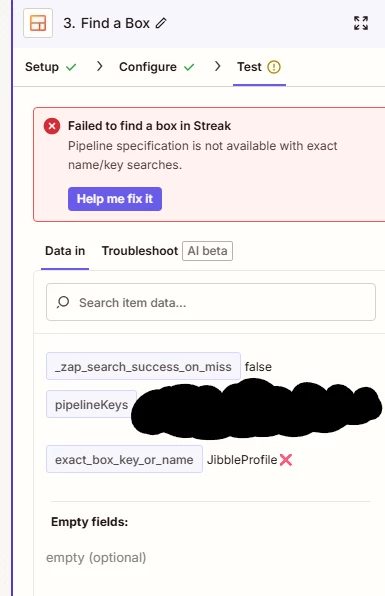
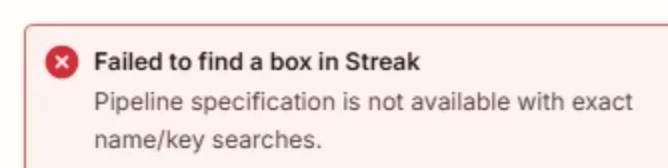
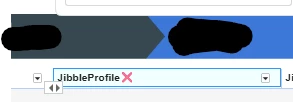
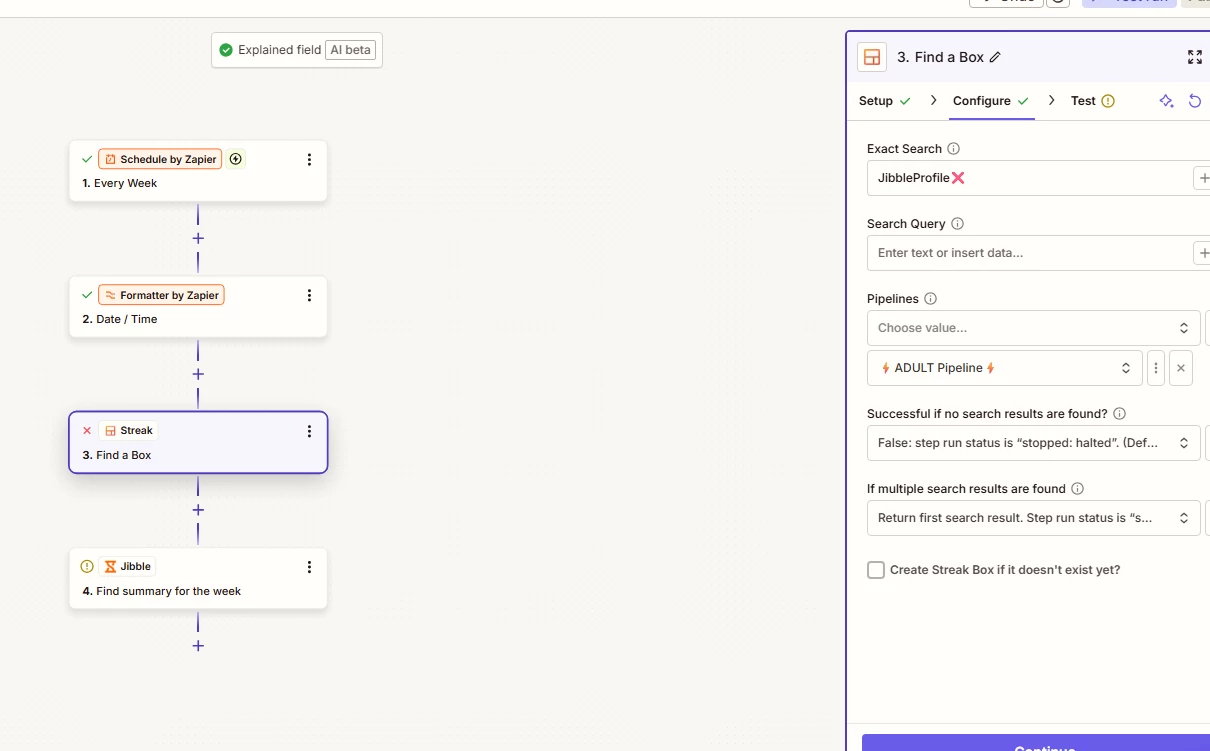
I’ve been having an issue where I am not able to find a field/column in streak using the exact search and search query fields. I’m trying to access my streak CRM using find a box to find records that have jibble profile IDs that I can use for other actions. I’m getting the “failed to find a box in Streak” error when I put my column name.

Does anyone have advice on how to fix this? If I used streak as my initial trigger it’d be easy to grab this info, but because I’m not I have to use find a box.
 

4 replies

  • Author
  • New
  • January 12, 2026

Here’s another photo.


Troy Tessalone
Zapier Orchestrator & Solution Partner
Forum|alt.badge.img+14
  • Zapier Orchestrator & Solution Partner
  • January 12, 2026

Hi ​@NylandoR 

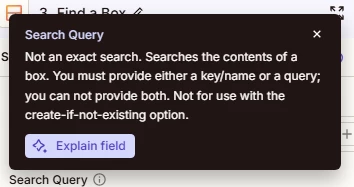
TIP: Click field labels to see tooltips with more info about the field that may provide guidance.


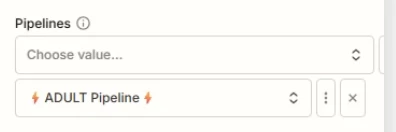
Error indicates that you can’t specify Pipelines if you are using the Exact Search, so you will need to adjust your Zap step 3 field criteria.


Help links for using Streak in Zaps: https://zapier.com/apps/streak/integrations#help


  • Author
  • New
  • January 12, 2026

@Troy Tessalone 

Hi Troy, the search query unfortunately doesn’t give me the option to specify columns, and the link you provided doesn’t contain information that is relevant or helpful, unfortunately.


Troy Tessalone
Zapier Orchestrator & Solution Partner
Forum|alt.badge.img+14
  • Zapier Orchestrator & Solution Partner
  • January 12, 2026

@NylandoR 

What the error means, in plain terms:

Streak cannot resolve the Pipeline when you use Exact Search.

In this Zap step, you are using Exact Search = JibbleProfile and also selecting a Pipeline (⚡ ADULT Pipeline ⚡). Streak’s API does not allow pipeline context to be applied when the lookup is done by an exact box name or box key. As a result, Zapier cannot determine which pipeline to search in, so the request fails.

Why this happens:

  • Exact Search uses a direct name or box key lookup.

  • That lookup bypasses pipeline metadata.

  • Streak’s API explicitly blocks pipeline specification for exact name or key searches.

  • Zapier surfaces this as:
    “Pipeline specification is not available with exact name/key searches.”

How to fix it (pick one):

Option 1: Remove the Pipeline field

  • Keep Exact Search populated.

  • Clear the Pipelines field entirely.

  • Use this when box names are globally unique.

Option 2: Stop using Exact Search

  • Clear Exact Search.

  • Use Search Query instead.

  • Keep the Pipeline selected.

  • Use this when pipeline scoping matters.

Option 3: Use Box Key only

  • If you already have the Box Key, do not set Pipeline.

  • Box Keys are globally unique in Streak.

Rule of thumb:

  • Exact Search or Box Key → no Pipeline

  • Search Query → Pipeline allowed