Question

Squarespace form to Asana task with custom fields

  • November 2, 2023
  • 15 replies
  • 67 views

Hi again @Troy Tessalone and others.

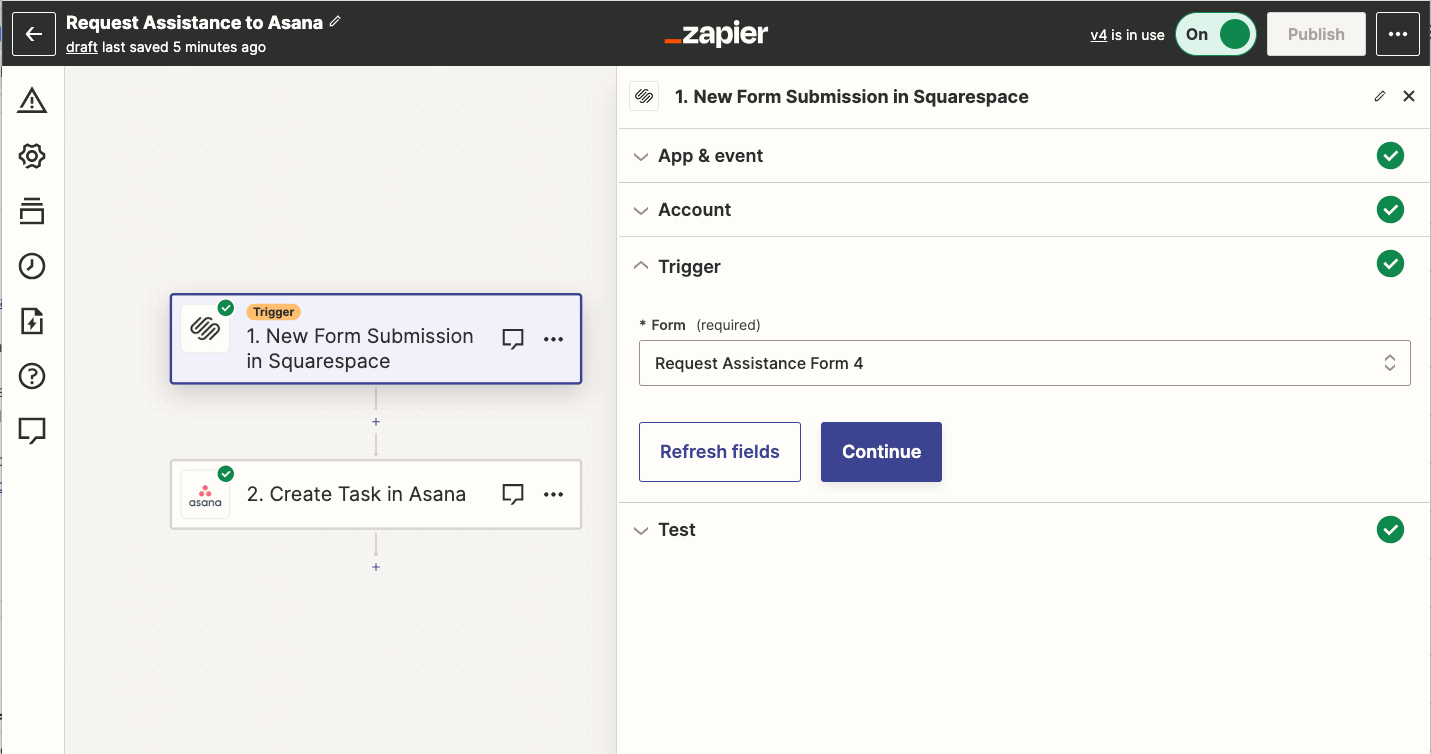
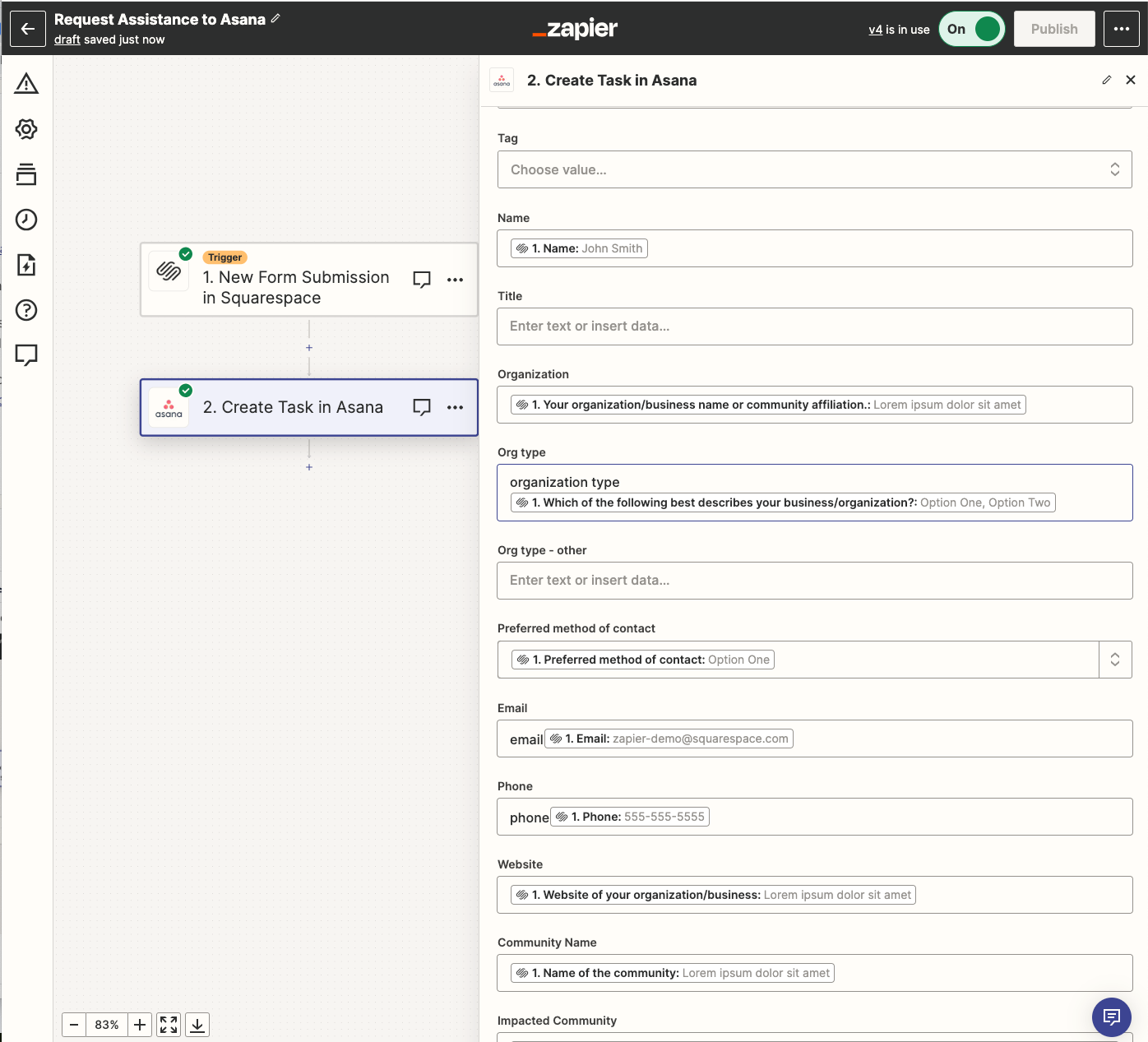
My Zap is triggering the creation of a new Task in Asana, and I can see and map the custom fields in Zapeir, but it is not populating any of the custom Asana fields. Here are screenshots of how my Zap is set up.


This post has been closed for comments. Please create a new post if you need help or have a question about this topic.

15 replies

Troy Tessalone
Zapier Orchestrator & Solution Partner
Forum|alt.badge.img+14
  • Zapier Orchestrator & Solution Partner
  • November 2, 2023

@NWEJC 

Try turning the Zap ON and testing LIVE.

Then check the Zap Runs for activity/issues and to see the DATA IN/OUT for each Zap step.

https://zapier.com/app/history/


NOTE: You’ll want to remove the static “organization type”


  • Author
  • Beginner
  • November 2, 2023

Thanks @Troy Tessalone

The Data In/out seems to be flowing correctly. Any other ideas?


Troy Tessalone
Zapier Orchestrator & Solution Partner
Forum|alt.badge.img+14
  • Zapier Orchestrator & Solution Partner
  • November 2, 2023

@NWEJC 

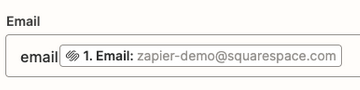
You’ll want to remove the static “email” value in the Email field.


Troy Tessalone
Zapier Orchestrator & Solution Partner
Forum|alt.badge.img+14
  • Zapier Orchestrator & Solution Partner
  • November 2, 2023

@NWEJC 

We would need to see updated screenshots with how your Zap steps are configured after making the recommended adjustments.

We would need to see screenshots with the DATA IN/OUT as part of the Zap Run steps for context.

We would need to see screenshots with how the data is shown in Asana.


  • Author
  • Beginner
  • November 2, 2023

@Troy Tessalone - Yes. The Zap is sending all of the correct data out, but it is not populating in Asana. 


Troy Tessalone
Zapier Orchestrator & Solution Partner
Forum|alt.badge.img+14
  • Zapier Orchestrator & Solution Partner
  • November 2, 2023

@NWEJC 

Without screenshots our ability to evaluate and advise is limited.

We would need to see updated screenshots with how your Zap steps are configured after making the recommended adjustments.

We would need to see screenshots with the DATA IN/OUT as part of the Zap Run steps for context.

We would need to see screenshots with how the data is shown in Asana.


  • Author
  • Beginner
  • November 2, 2023

@Troy Tessalone 


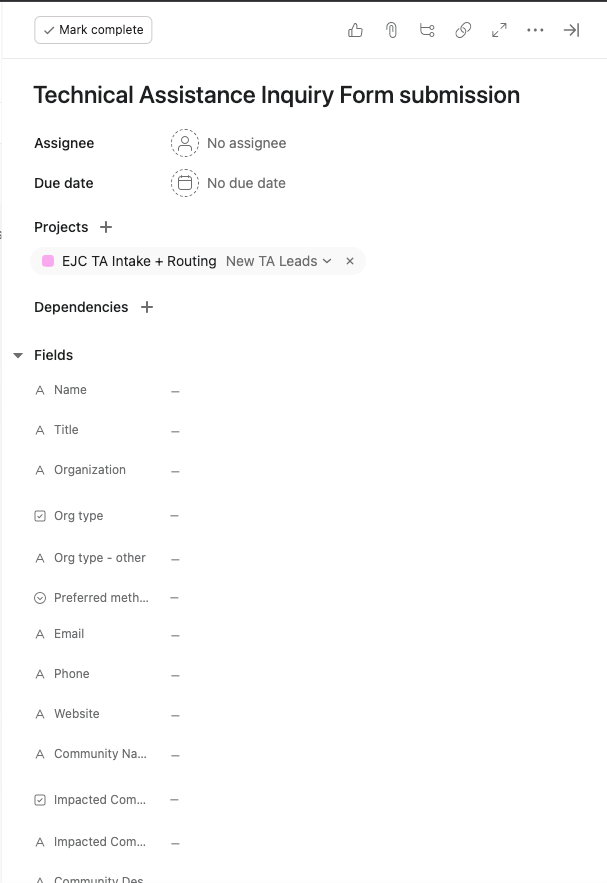
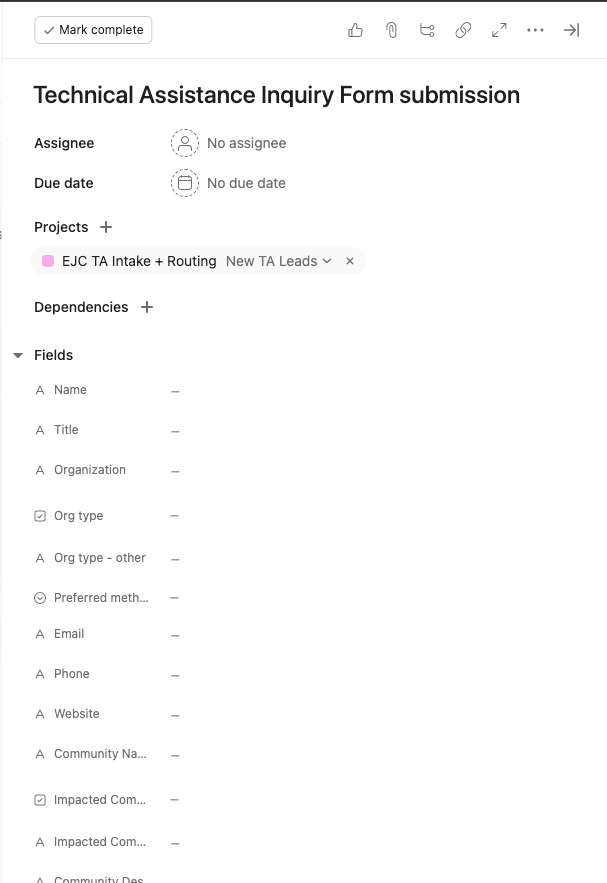
This is what populates in the new Asana task:

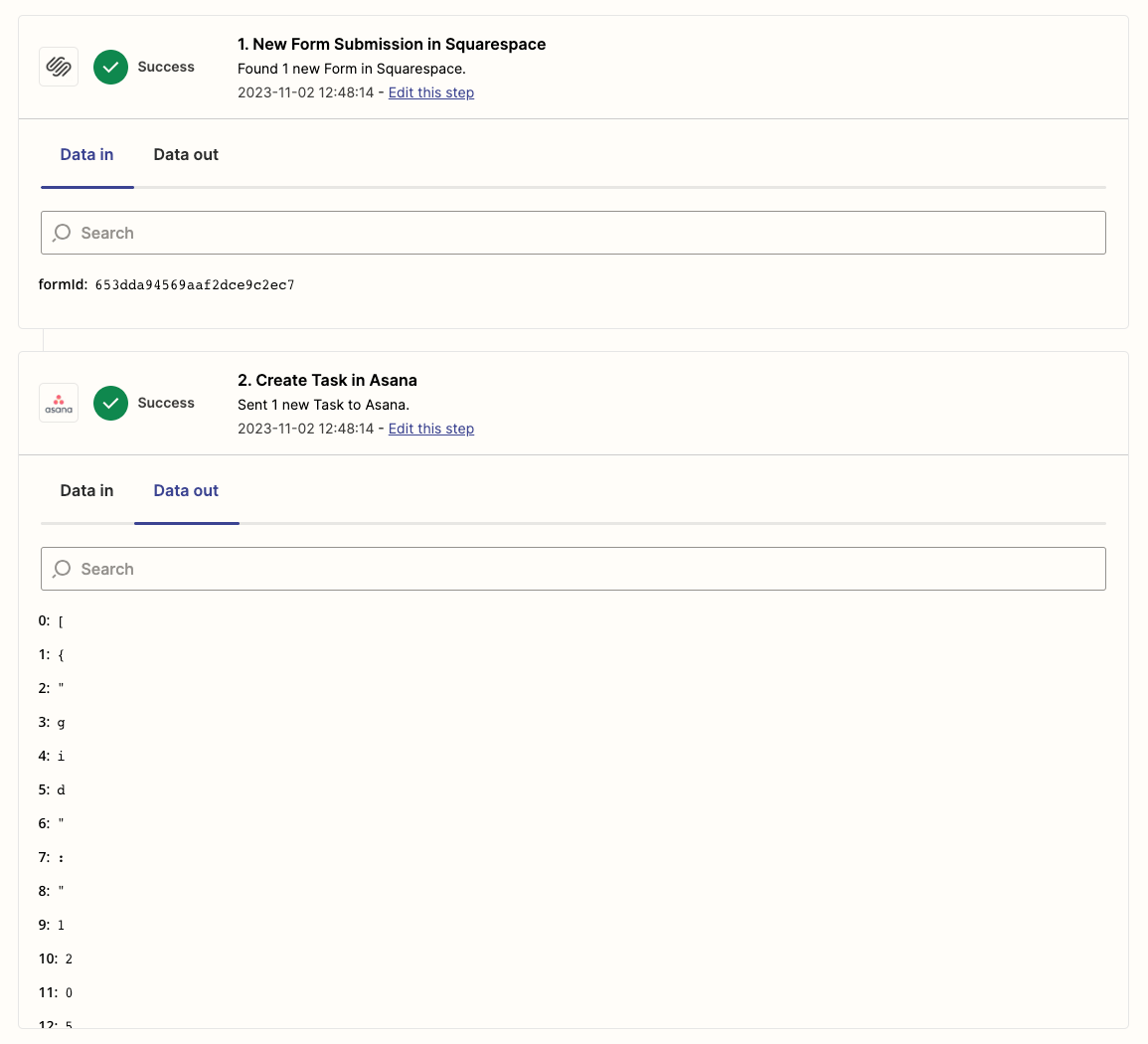
Here is the Data out report from Zapier:


Troy Tessalone
Zapier Orchestrator & Solution Partner
Forum|alt.badge.img+14
  • Zapier Orchestrator & Solution Partner
  • November 2, 2023

@NWEJC 

We would need to see screenshots of the DATA IN/OUT from the related Zap Run: https://zapier.com/app/history/


  • Author
  • Beginner
  • November 2, 2023

@Troy Tessalone 


Troy Tessalone
Zapier Orchestrator & Solution Partner
Forum|alt.badge.img+14
  • Zapier Orchestrator & Solution Partner
  • November 2, 2023

@NWEJC 

Please post screenshots of the DATA IN/OUT for each Zap step in a Zap Run. (click the right arrow to see more details)


  • Author
  • Beginner
  • November 2, 2023

@Troy Tessalone 


Troy Tessalone
Zapier Orchestrator & Solution Partner
Forum|alt.badge.img+14
  • Zapier Orchestrator & Solution Partner
  • November 2, 2023

@NWEJC 

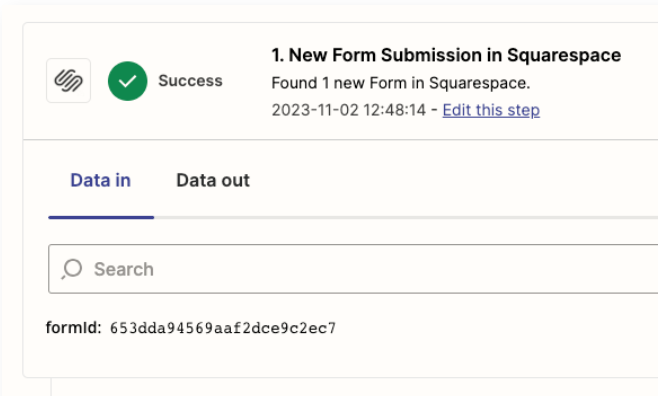
We would need to see screenshots of the DATA OUT tab from step 1 and the DATA IN tab for step 2.


SamB
Community Manager
Forum|alt.badge.img+11
  • Community Manager
  • November 8, 2023

Hi @NWEJC! 👋

Just wanted to check in to see how you’re getting on. Were you able to get this all sorted out?

If yes, would you be up for sharing some details on the solution you found? There could well be others in the Community running into similar issues who could benefit from your experience here. 🙂

If no, please can you share further screenshots as Troy mentioned of the Data Out from the Squarespace trigger, and the Data In for the Asana action for that run of the Zap? That’ll help us to better identify what’s causing the issue here. And please remember to remove/hide any private information (like names, emails, addresses etc.) from any screenshots before sharing.

Looking forward to hearing from you!


  • Author
  • Beginner
  • November 8, 2023

Hi @SamB. Thanks for checking in. 


No. We haven’t been able to get this sorted. After a good amount of time on support with Asana and Zapier I learned that there is a known issue with connecting Zaps to custom fields in Asana and no current solution in the works. 


Troy Tessalone
Zapier Orchestrator & Solution Partner
Forum|alt.badge.img+14
  • Zapier Orchestrator & Solution Partner
  • November 8, 2023

@NWEJC 

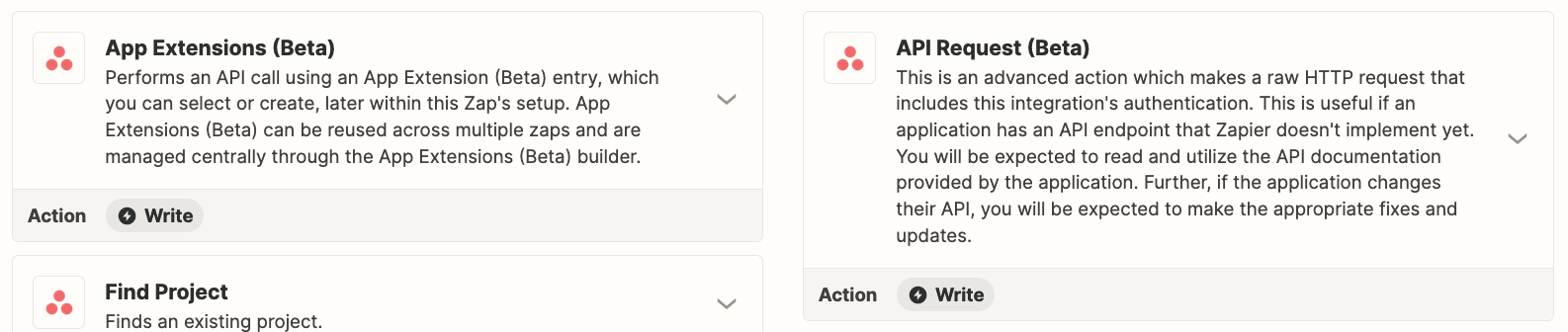
A workaround would likely involve using the Asana API: https://developers.asana.com/reference