
Best answer

Squarespace form Select list to Salesforce opportunity picklist

  • Oct 27, 2022 8:14 PM UTC
  • 9 replies
  • 242 views

Forum|alt.badge.img

Hi there

I have seen a version of this question here and tried the Utilities Formatter with limited success. My squarespace form has several fields and one field that is a “select” field with three options. I am trying to map it to a custom opportunity field in Salesforce with the same with three picklist options. I have created a lookup key and a lookup table with 3 options. When the Zap tests itself it creates an option one opportunity in Salesforce. When I test it in real time with the actual squarespace form and choose option two it it creates an opportunity with the fallback value instead of option two.

That seems to indicate anything besides option one isn’t recognized.


Ideas?


thanks for your help~

 

Best answer by pg0112

Your answer didn’t work- but I followed this advice below and renamed my options. instead of option two and three I used the actual answer in both columns of the lookup table- and that did it :)


View original
This post has been closed for comments. Please create a new post if you need help or have a question about this topic.

9 replies

Troy Tessalone
Zapier Orchestrator & Solution Partner
Forum|alt.badge.img+14
  • Zapier Orchestrator & Solution Partner
  • Oct 27, 2022 9:08 PM UTC

Hi @pg0112 

Good question.

To troubleshoot, check your Zap Runs history details to see the DATA IN/OUT for each Zap step to help you understand the data values were used.

https://zapier.com/app/history/


Forum|alt.badge.img
  • Author
  • Beginner
  • Oct 27, 2022 9:41 PM UTC

thanks!


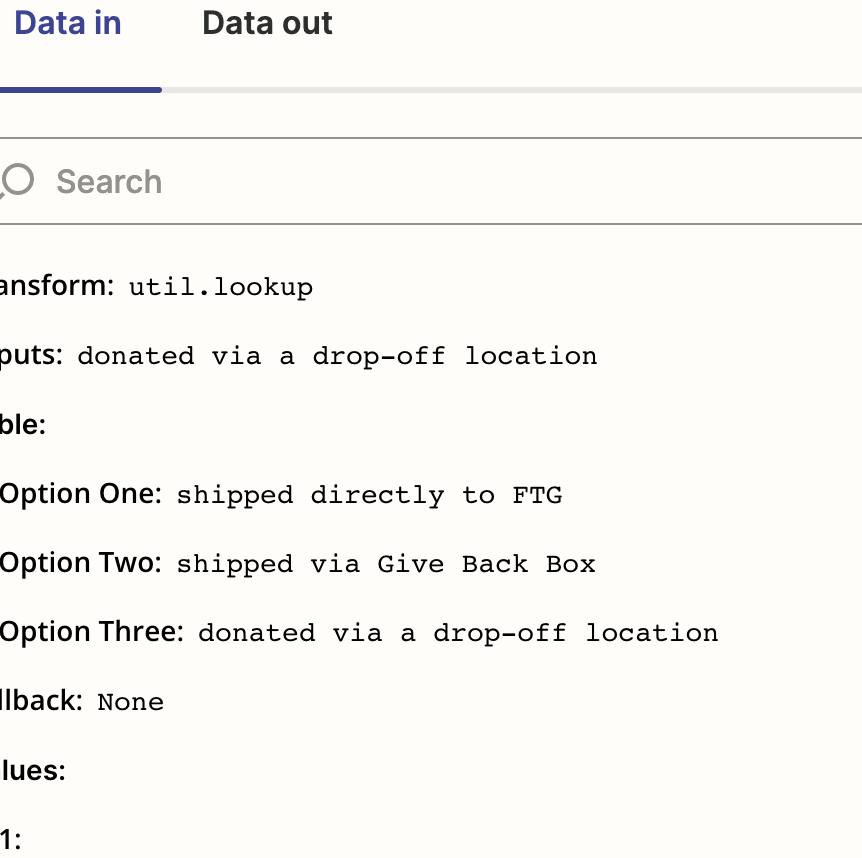
data in:

transform:    util.lookup
inputs:    donated via a drop-off location
table:
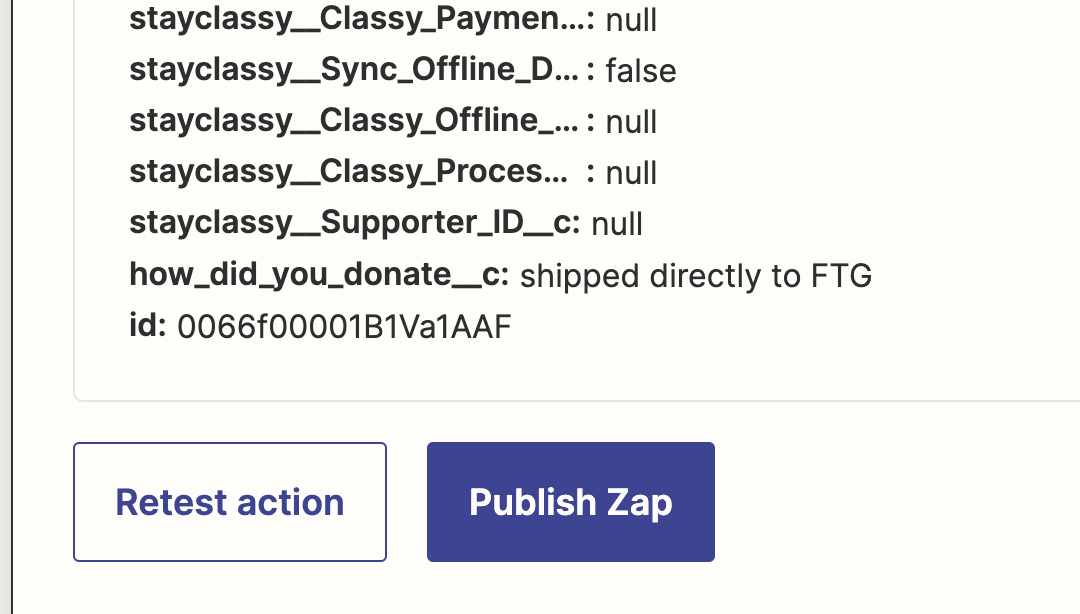
Option One:    shipped directly to FTG
Option Two:    shipped via Give Back Box
Option Three:    donated via a drop-off location
fallback:    None
values:
1:
inputs:    donated via a drop-off location


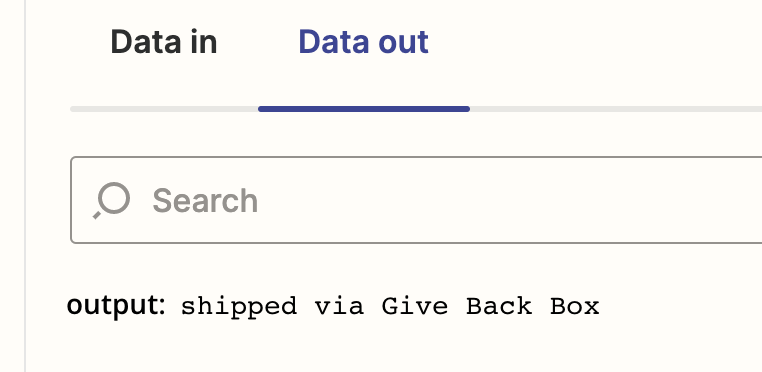
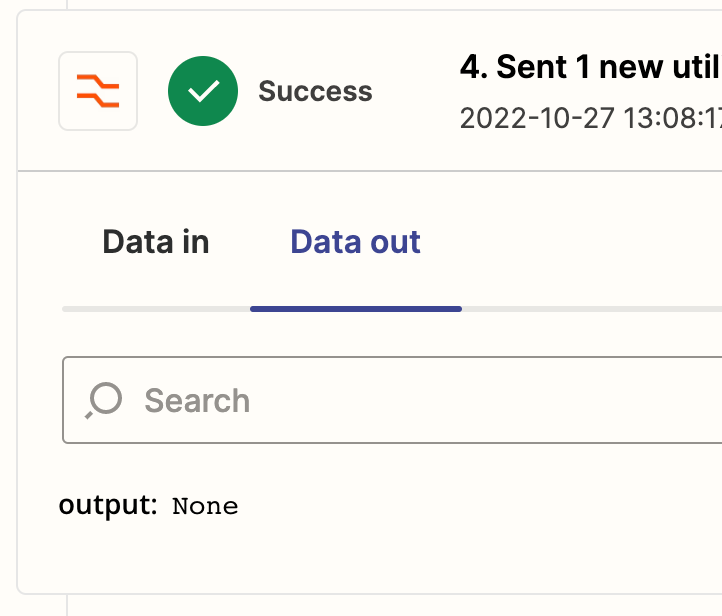
data out:

output:

None

Does this give you any insight?


Troy Tessalone
Zapier Orchestrator & Solution Partner
Forum|alt.badge.img+14
  • Zapier Orchestrator & Solution Partner
  • Oct 27, 2022 10:02 PM UTC

@pg0112 

Better to provide screenshots, thanks.


Forum|alt.badge.img
  • Author
  • Beginner
  • Oct 27, 2022 10:12 PM UTC


Troy Tessalone
Zapier Orchestrator & Solution Partner
Forum|alt.badge.img+14
  • Zapier Orchestrator & Solution Partner
  • Oct 27, 2022 10:33 PM UTC

@pg0112 

Make sure there aren’t extra spaces before/after or in the middle of either the input value or the lookup option.


Forum|alt.badge.img
  • Author
  • Beginner
  • Oct 27, 2022 11:33 PM UTC

I appreciate you persevering with me~

I had thought of spaces and spelling myself. I did check that- and I just re-did and re-checked.

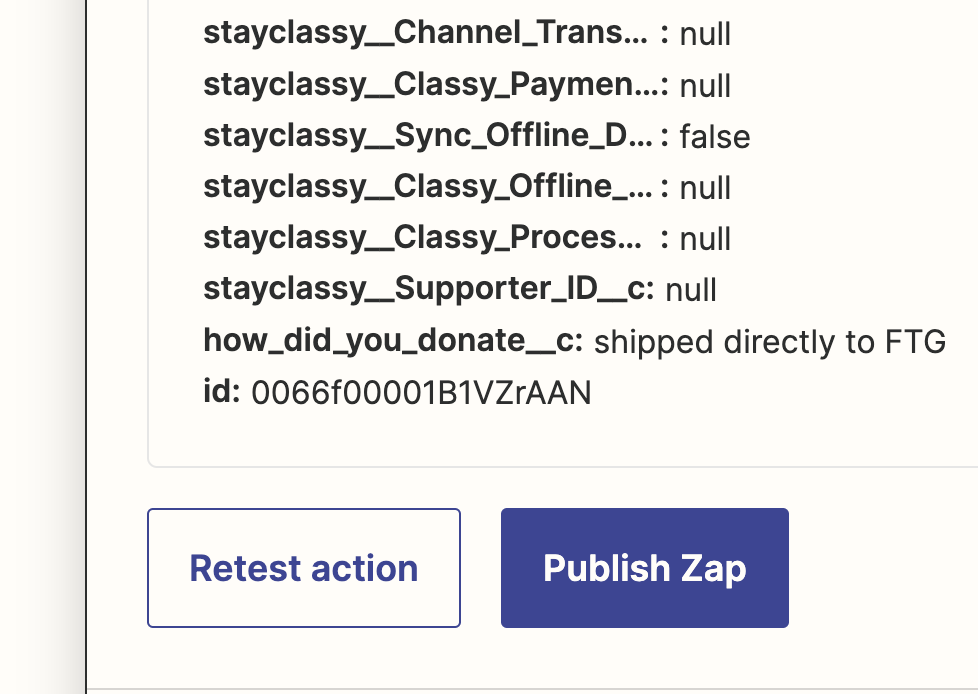
Mystifying to me- the internal zap check works for option one. But the realtime Squarespace form check returns the none value for any of the options.


Let me know if there are othr helpful screenshots I shoud share


Troy Tessalone
Zapier Orchestrator & Solution Partner
Forum|alt.badge.img+14
  • Zapier Orchestrator & Solution Partner
  • Oct 27, 2022 11:37 PM UTC

@pg0112 

Might be due to the data point type: string VS array

Try using a Formatter > Utilities > Line Items to Text step first.


Forum|alt.badge.img
  • Author
  • Beginner
  • Answer
  • Oct 28, 2022 1:31 AM UTC

Your answer didn’t work- but I followed this advice below and renamed my options. instead of option two and three I used the actual answer in both columns of the lookup table- and that did it :)


jesse
Forum|alt.badge.img+9
  • Architect
  • Oct 31, 2022 6:28 PM UTC

@pg0112 Wonderful! So glad you were able to find a solution to this through another thread. 🙂