Best answer

Square to Google Sheets zap isn't sending to new Sheet, but is working during tests

  • Jan 27, 2024 9:45 PM UTC
  • 5 replies
  • 106 views

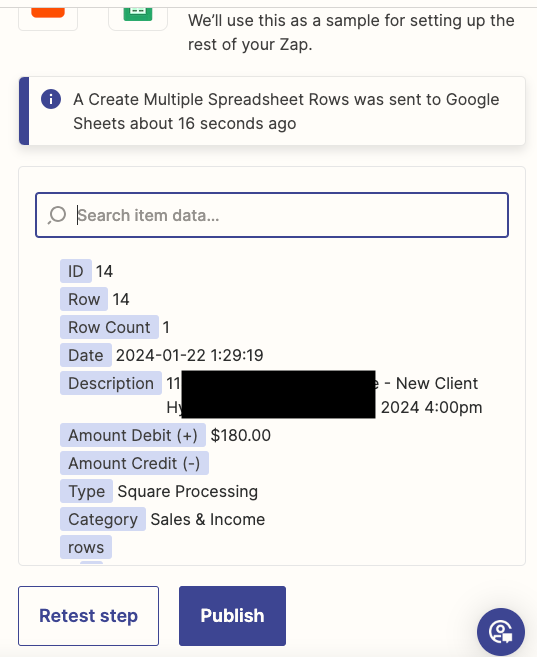
I changed my Square → Google Sheets Zap to connect to a new Google Sheet. I went through all the testing a few times, and made sure to turn the zap off during adjustments. 


Even though all of my test zaps are going to the new (correct) sheet, when real time zaps go through they are still going to the old sheet!


I read through the Zappier/Google Sheets guide and I am following all the steps correctly. 

Best answer by Hypnoclarity

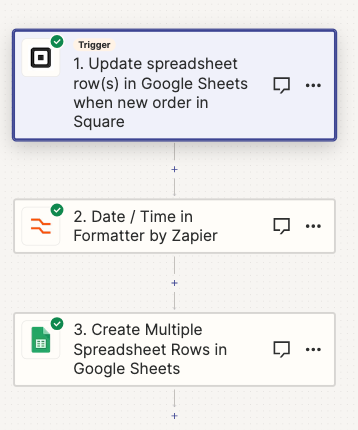
i got it to work! Turns out I had 3 steps and didn’t have the paid version, so it wasn’t publishing properly. 

View original
This post has been closed for comments. Please create a new post if you need help or have a question about this topic.

5 replies

Troy Tessalone
Zapier Orchestrator & Solution Partner
Forum|alt.badge.img+14
  • Zapier Orchestrator & Solution Partner
  • Jan 28, 2024 4:48 PM UTC

Hi @Hypnoclarity 

Make sure you published the changes.

We would need to see detailed screenshots with how your Zap steps are configured in the Zap Editor VIEW mode to have full context.


  • Author
  • Beginner
  • Jan 29, 2024 12:00 AM UTC

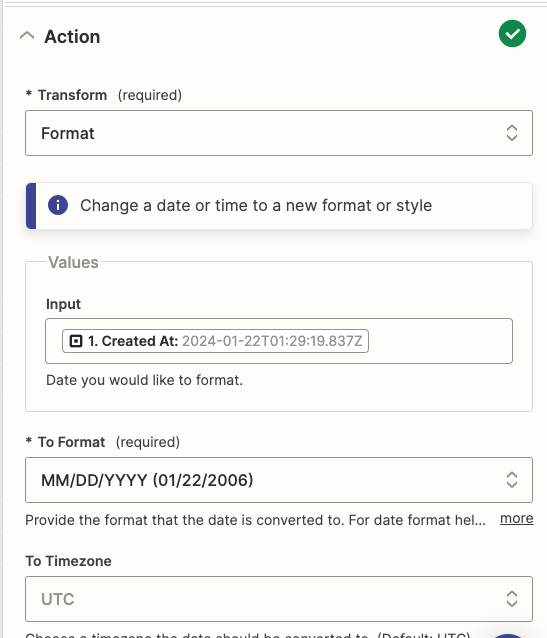
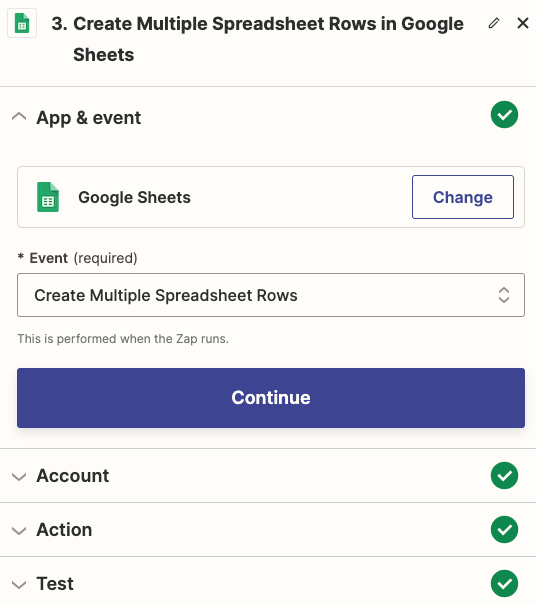
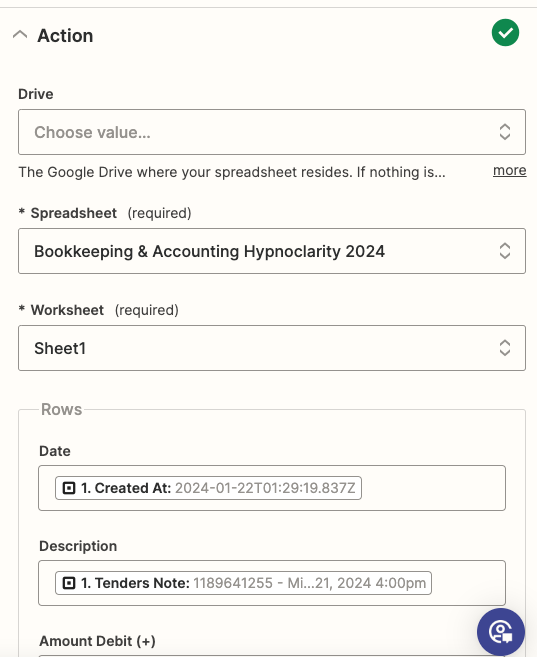
Haha yes, indeed. I clicked publish a few times. Here are some screenshots. Thanks!


Troy Tessalone
Zapier Orchestrator & Solution Partner
Forum|alt.badge.img+14
  • Zapier Orchestrator & Solution Partner
  • Jan 29, 2024 2:48 AM UTC

@Hypnoclarity 

Try publishing the Zap again.

Check your Zap Runs to see the DATA IN/OUT for each Zap step.

https://zapier.com/app/history/


  • Author
  • Beginner
  • Answer
  • Jan 30, 2024 6:56 PM UTC

i got it to work! Turns out I had 3 steps and didn’t have the paid version, so it wasn’t publishing properly. 


ken.a
Forum|alt.badge.img+6
  • Zapier Staff
  • Jan 31, 2024 9:31 AM UTC

That’s an awesome news @Hypnoclarity! We’re glad to hear you we’re able to resolve the issue.

Happy Zapping! ⚡️