Best answer

Send the leads to google spaces in the chat box

  • September 10, 2022
  • 5 replies
  • 425 views

Hello,

I have google form and if the user summit the form then I will get the  leads on my google sheet and i have send the leads to my google spaces in the chat box.

I have connected the google sheet to the zapier and tested. i am getting the leads from my google sheet.

Now, I am little bit confused here do i need to connect the zapier to hangout chat  or is there any other apps to connect?


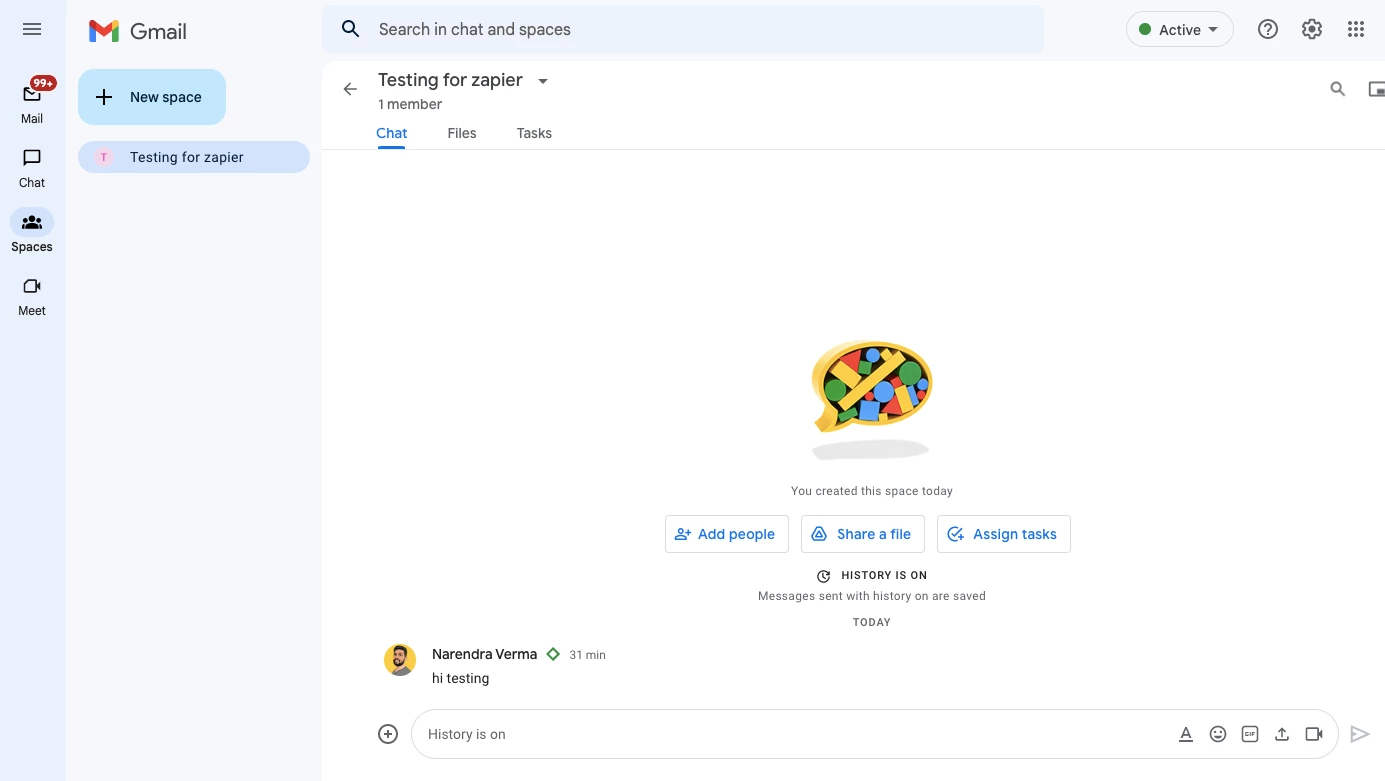
I am sharing the screenshot below where i need my leads. I have created the Testing for zapier space in the gmail and i have to send it in the chat.

Any idea how to solve this?
 

Best answer by MohSwellam

Hi @Naren , 


Since you need to connect to Google Chat , this article might help you do so.

https://zapier.com/blog/gmail-message-to-hangouts-chat/ 


For example, you need the Zapier Bot to be added and configured with the Allow Zaps command in the rooms you are trying to work on. 


Let me know if this is what you are looking for. 

This post has been closed for comments. Please create a new post if you need help or have a question about this topic.

5 replies

  • Author
  • New
  • September 10, 2022

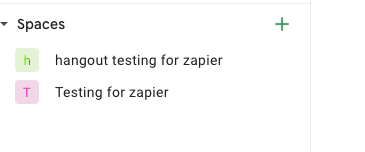
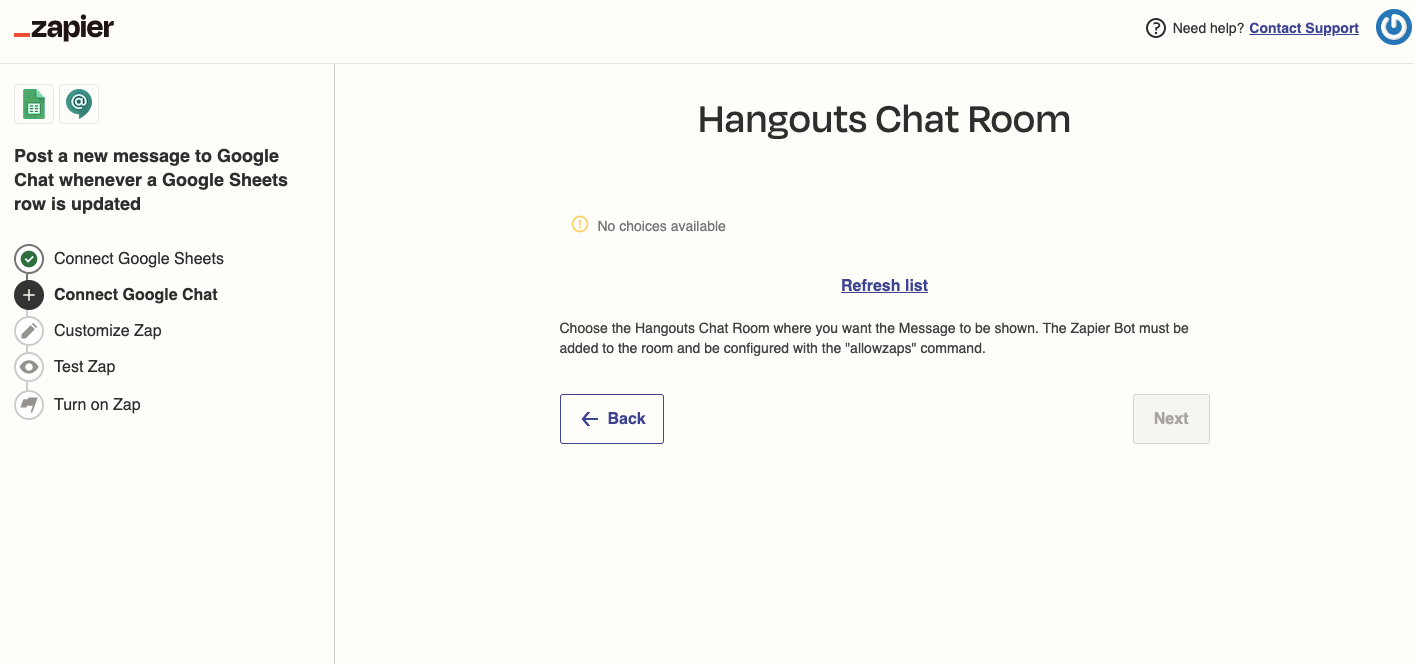
i have tried hangout chat but it’s not showing my room in the lis. i have created two list but both are not showing

1.


2.


MohSwellam
Zapier Orchestrator & Solution Partner
Forum|alt.badge.img+8
  • Zapier Orchestrator & Solution Partner
  • Answer
  • September 12, 2022

Hi @Naren , 


Since you need to connect to Google Chat , this article might help you do so.

https://zapier.com/blog/gmail-message-to-hangouts-chat/ 


For example, you need the Zapier Bot to be added and configured with the Allow Zaps command in the rooms you are trying to work on. 


Let me know if this is what you are looking for. 


Danvers
Forum|alt.badge.img+12
  • Zapier Staff
  • September 23, 2022

Hi @Naren!

Did @MohSwellam’s suggestions help? Were you able to find the answer in the help guide that they linked to? We’d love to know how you got on :) 


@Danvers and @MohSwellam  , I apologize for the late reply, Yes, @MohSwellam , Answer help me.

I had  allowed the zapier bot in the spaces and then spaces are started showing in the  zapier portal.


Thank you so much for the help me support.


christina.d
Forum|alt.badge.img+9
  • Zapier Staff
  • September 26, 2022

Woohoo! 🎉 Very excited to hear that! 

Thanks for letting us know how you were able to resolve this! It’s so helpful for other users in the community stumbling on the same issues and very much appreciated. 🤗