Hello Zapier Community,
I'm currently working on a Zapier workflow to automate my Instagram posts using images from my Dropbox folder. While I've been able to set up the workflow to post an image, I'm facing challenges with scheduling and ensuring it runs reliably on a daily basis.
Specifically, I have the following questions:
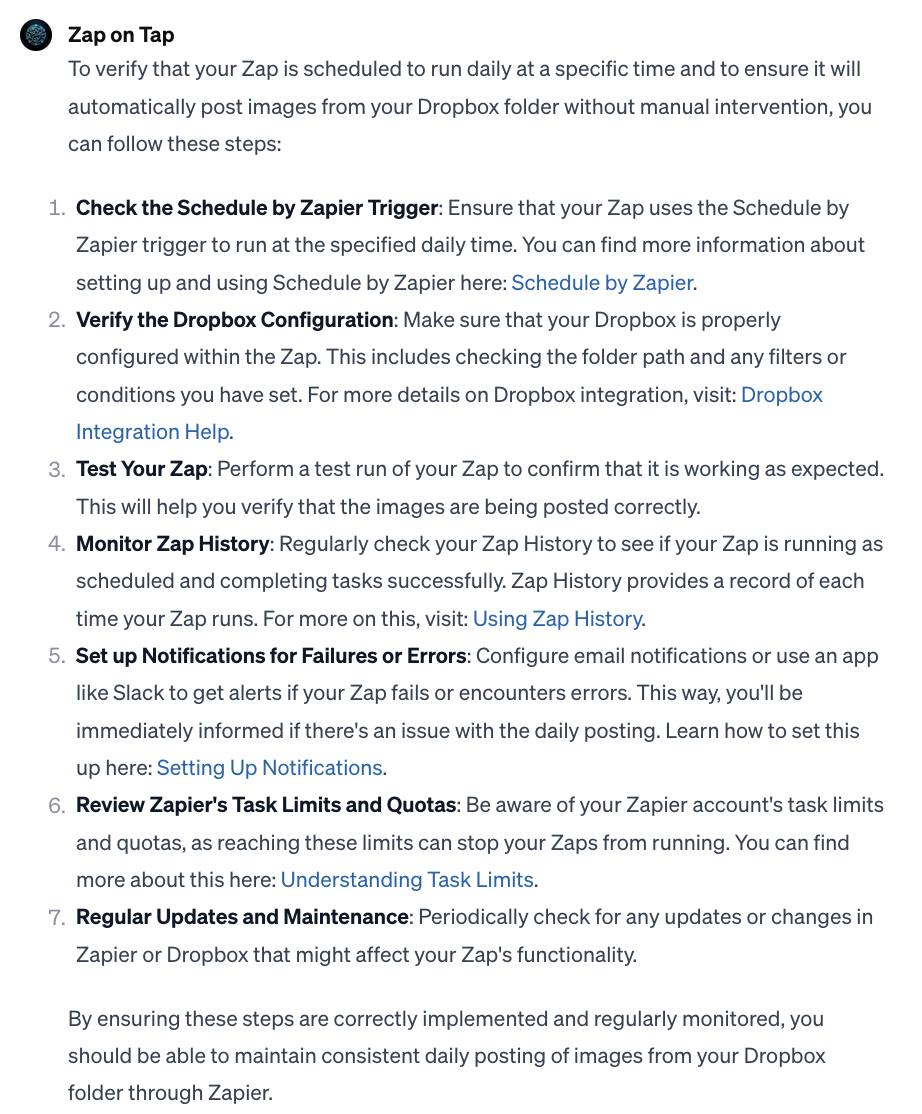
- How can I verify that my Zap is scheduled to run daily at the specified time?
- What methods or tools can I use to confirm that it will continue to post images from my Dropbox folder without manual intervention?
- Are there any specific settings or configurations within Zapier that I should be aware of to ensure consistent daily posting?
I'd greatly appreciate any guidance, tips, or insights from the community to help me address these scheduling and automation issues. If you have experience with similar workflows or can point me in the right direction, I'd be grateful for your assistance.
Thank you for your time and expertise.