
Hello! Hope you are well.
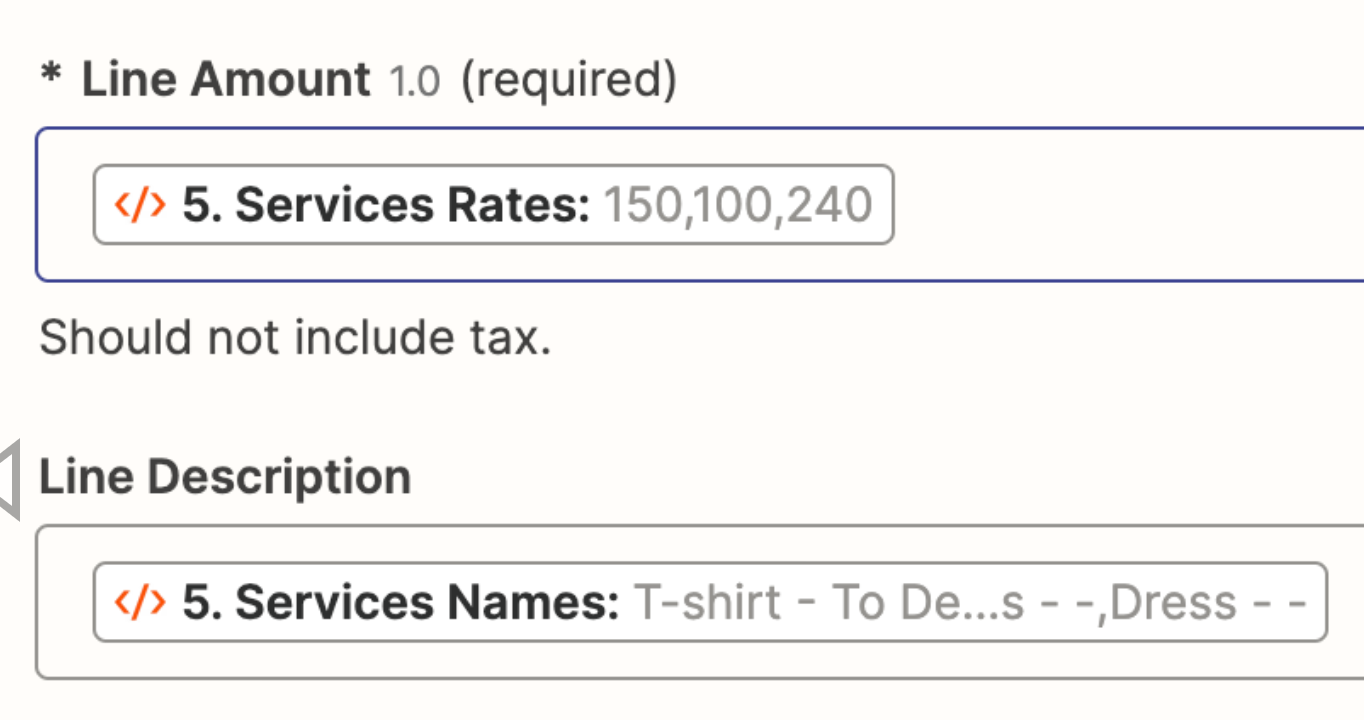
I am facing an issue when generating an estimate on Quickbooks. I have multiple Line Amount, but only one Line Item/Product.
So when the document is generated, the Line Item/Product(after the first one) become the one by default.
Does anyone know how to resolve that? I have tried putting more Line Item/Product manually in my Zap, but it didn’t work.
Thank you,

Best answer
QuickBooks Online estimate generates incorrect line items for multiple line amounts.

- Beginner
Best answer by Elodiew
Hi Troy,
Sorry I forgot to reply 😅
I actually solved my problem by creating a Python Library with Code by Zapier (AI). I will leave the code here if anyone has the same issue in the future.
Thank you!
# Split the item_list string into a list of items using comma as the separator
item_list = input_data["item_list"].split(",")

# Get the service type from the input data
service_type = input_data["service_type_quickbooks"]

# Create a dictionary with the service type as the key and the item list as the value
output = {service_type: item_list}

# Create a list with the service type repeated for each item in the item list
output_list = [service_type] * len(item_list)

# Create a dictionary to store the output list
output = {"output_list": output_list}
This post has been closed for comments. Please create a new post if you need help or have a question about this topic.






Early access

Next Gen Zaps
Build and deploy automations from AI tools you already use. With Agentic Management, if anything breaks, the agent diagnoses the issue and proposes a fix.
Request access now
Enter your E-mail address. We'll send you an e-mail with instructions to reset your password.