

Question

Puzzle with mapping that gives blank fields

  • April 8, 2026
  • 5 replies
  • 26 views

nzer1
Forum|alt.badge.img

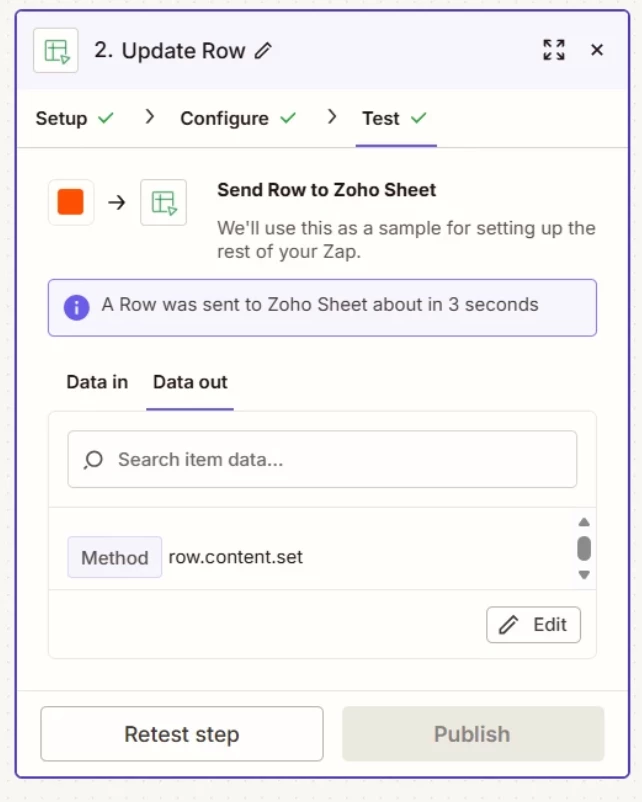
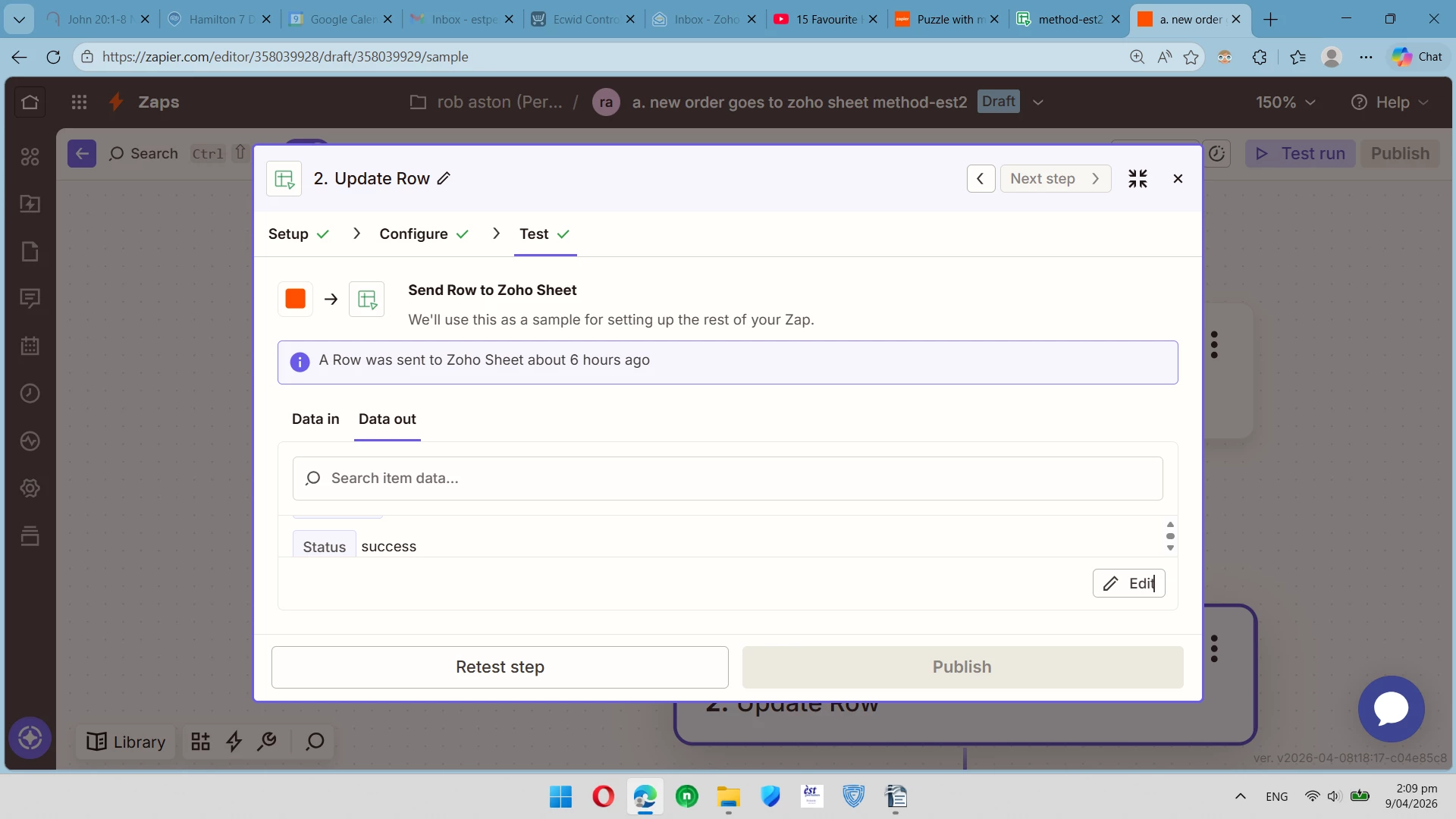
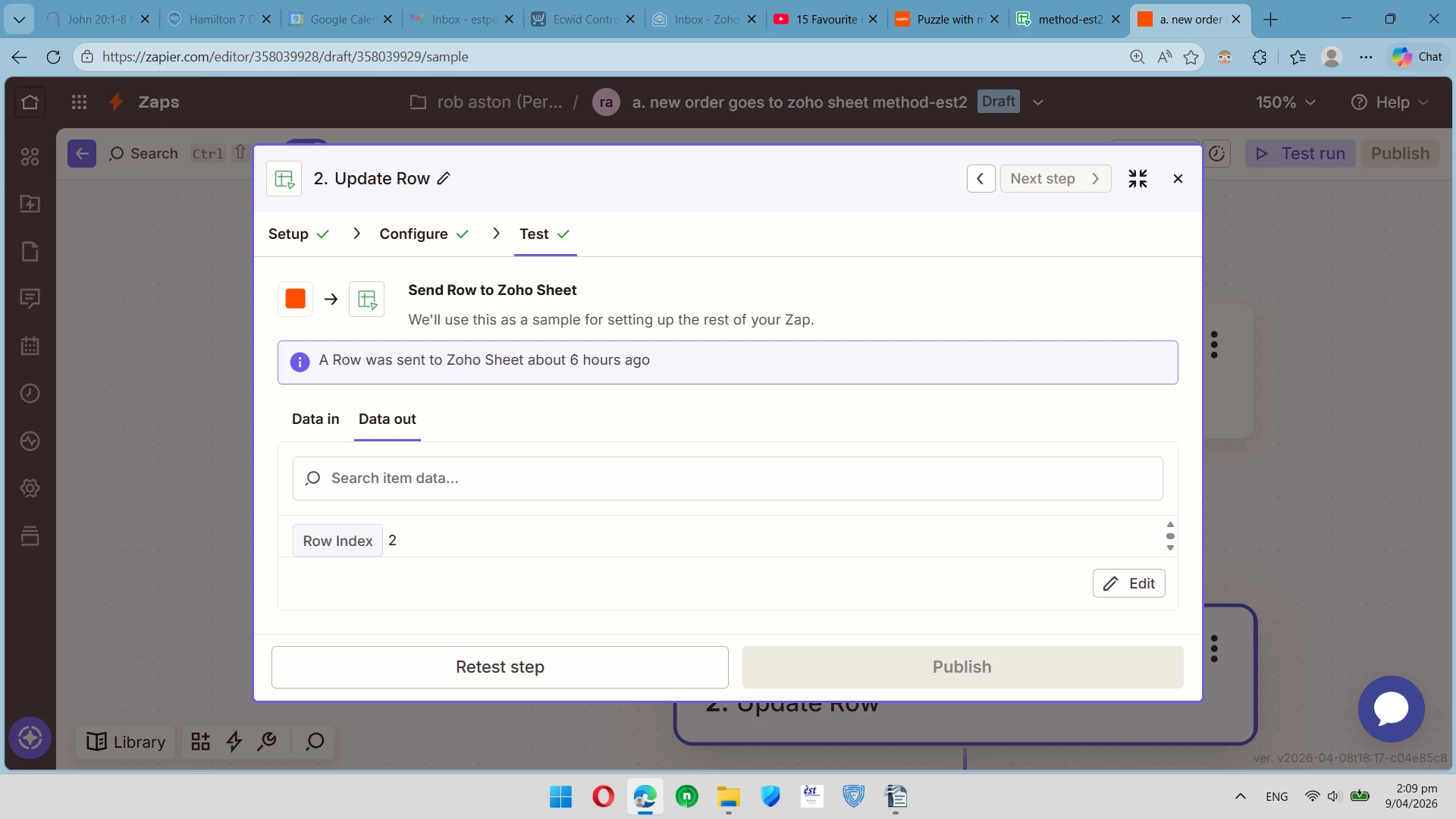
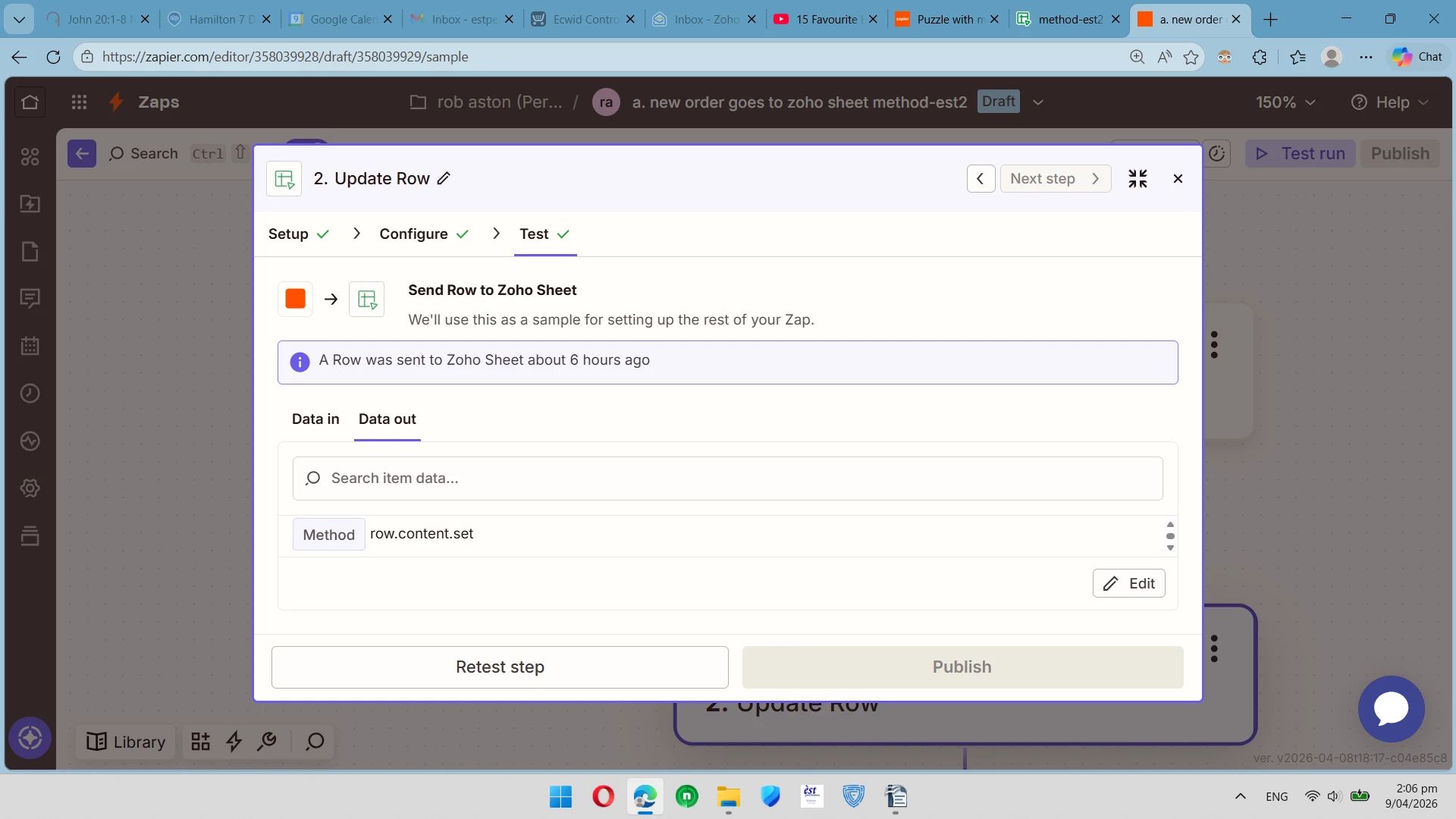
I have a simple zap which maps just 4 fields onto a Zoho Sheet attached is the results everything seem successful however I get blank fields in the sheet

5 replies

Troy Tessalone
Zapier Orchestrator & Solution Partner
Forum|alt.badge.img+14
  • Zapier Orchestrator & Solution Partner
  • April 8, 2026

Hi ​@nzer1 

Try refreshing the Zoho Sheet after testing.

For your DATA OUT from Zap step 2, make the modal bigger so you can see more data.

Post screenshots showing all of the data returned by scrolling up/down.


wisdomdavid
Forum|alt.badge.img

Hi ​@nzer1  
When a Zap runs successfully but fields come through blank, it almost always means the sample data used during setup had values in those fields but the live trigger data doesn't. Go back to your trigger step and check the live data coming through... specifically confirm the fields you're mapping actually contain values in the real records, not just in the test sample. If the fields are empty in the trigger data, that's why they're blank in Zoho Sheets.


nzer1
Forum|alt.badge.img
  • Author
  • Beginner
  • April 9, 2026

Hi ​@nzer1 

Try refreshing the Zoho Sheet after testing.

For your DATA OUT from Zap step 2, make the modal bigger so you can see more data.

Post screenshots showing all of the data returned by scrolling up/down.

………………..

Troy I can't seem to get the make the modal bigger attached is the better I can do


Troy Tessalone
Zapier Orchestrator & Solution Partner
Forum|alt.badge.img+14
  • Zapier Orchestrator & Solution Partner
  • April 9, 2026

@nzer1 
When the modal is not in focus mode (centered) and instead shown pinned to the right side, you can drag the bottom left corner to resize.

You can also zoom out in your browser to see more info.


Sparsh from Automation Jinn
Forum|alt.badge.img+6

Hey ​@nzer1,

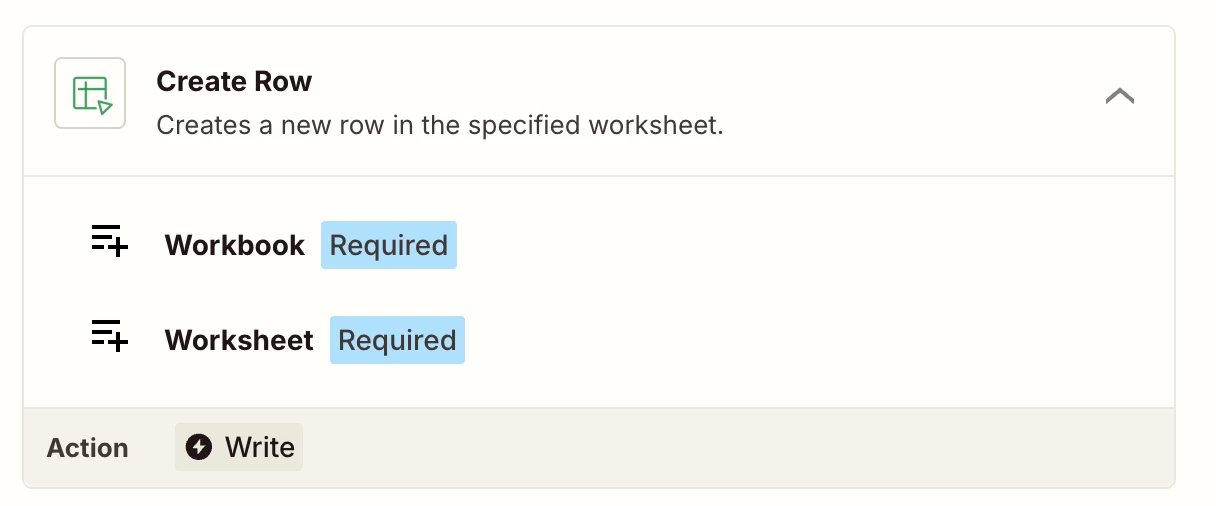
You will have to use Create Row action instead of Update Row action for creating new rows. Update Row will only work for rows with exisiting values.

Hope it helps!