
Question

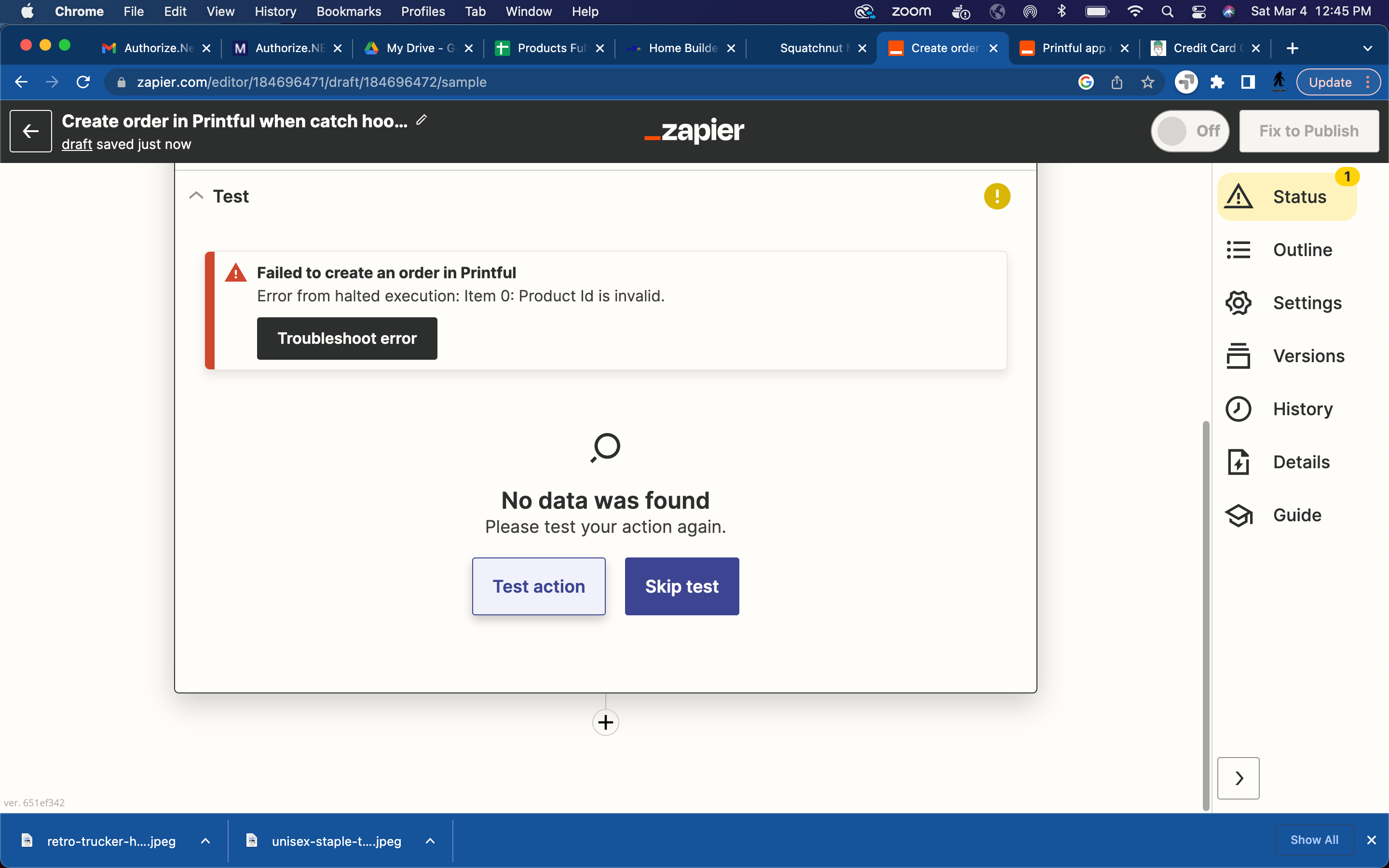
Printiful error: Error from halted execution: Item 0: Product Id is invalid.

  • March 4, 2023
  • 3 replies
  • 86 views

Squatchnut

I have tried multiple product ID options including:

  • ID from product url
  • ID below the product name
  • Name of printful product i.e. Unisex Staple T-Shirt | Bella + Canvas 3001

Nothing seems to work and every time I test the connection I get an error:

Error from halted execution: Item 0: Product Id is invalid.

This post has been closed for comments. Please create a new post if you need help or have a question about this topic.

3 replies

Troy Tessalone
Zapier Orchestrator & Solution Partner
Forum|alt.badge.img+14
  • Zapier Orchestrator & Solution Partner
  • March 4, 2023

Hi @Squatchnut 

Good question.

In order for us to have context, please post detailed screenshots with how your Zap steps are configured, thanks.

Make sure to include any encountered error messages.


Squatchnut
  • Author
  • Beginner
  • March 4, 2023

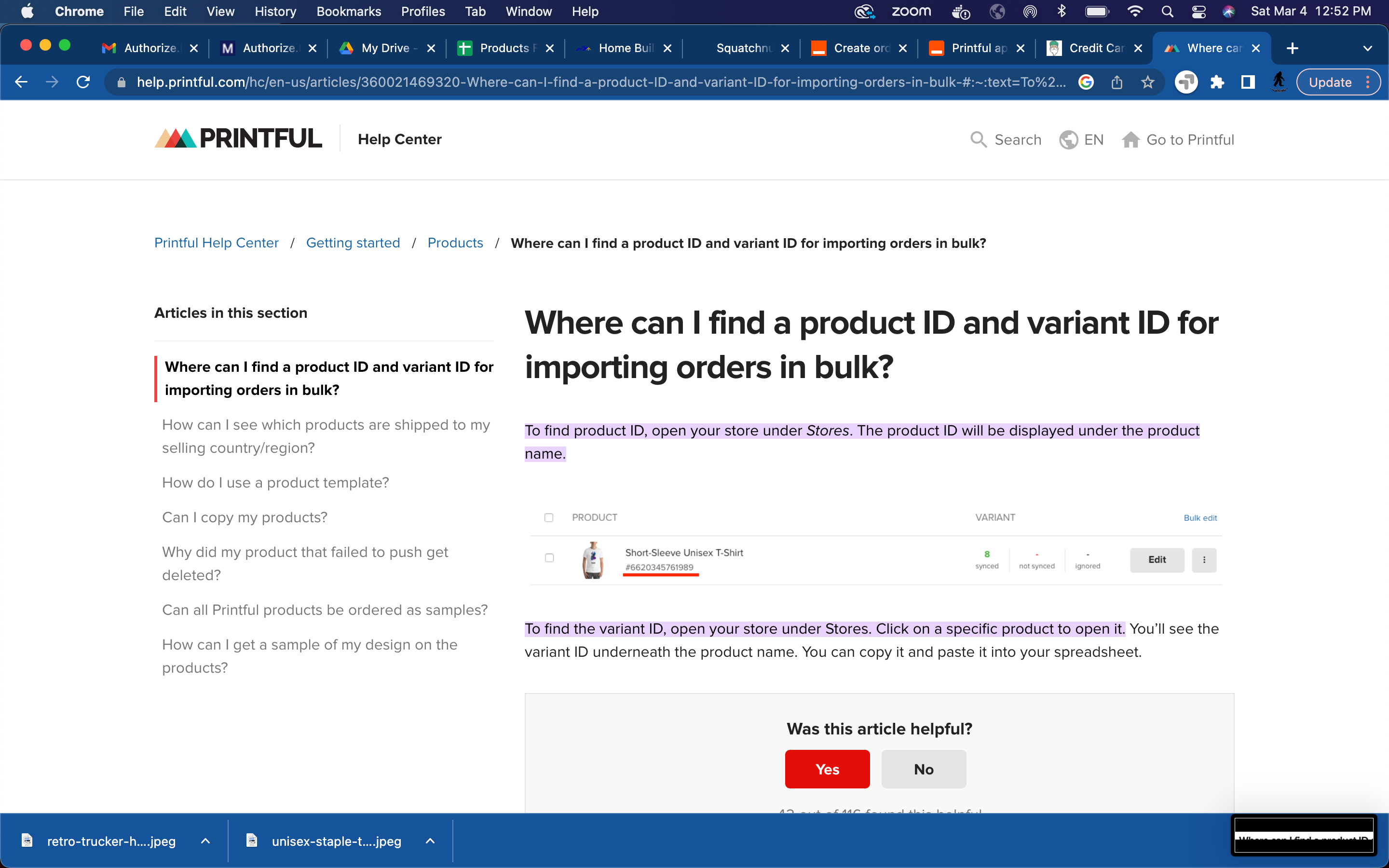
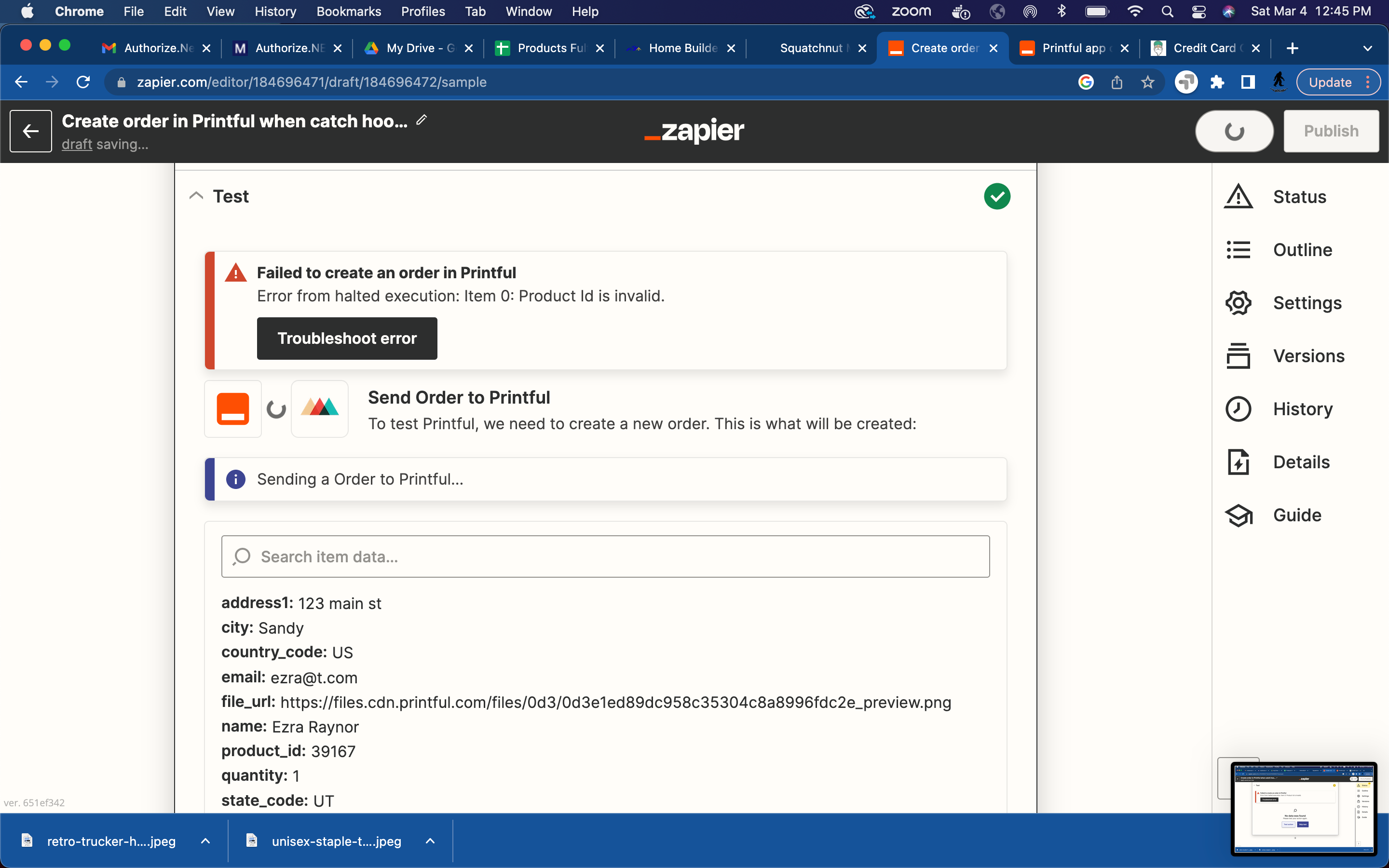
So I am using a Zap webhook to capture data  from a third party application not supported by Zapier.  The webhook gathers data through an order form and hits the webhook endpoint. That works great and dandy. I then connect it to Printful and use the data from the webhook to fill in certain data required by Printful like customer address and email. I have have entered in the products product ID from Printful but each time I click test it returns an error that the product ID is invalid. According to Printful I am getting the correct product ID:


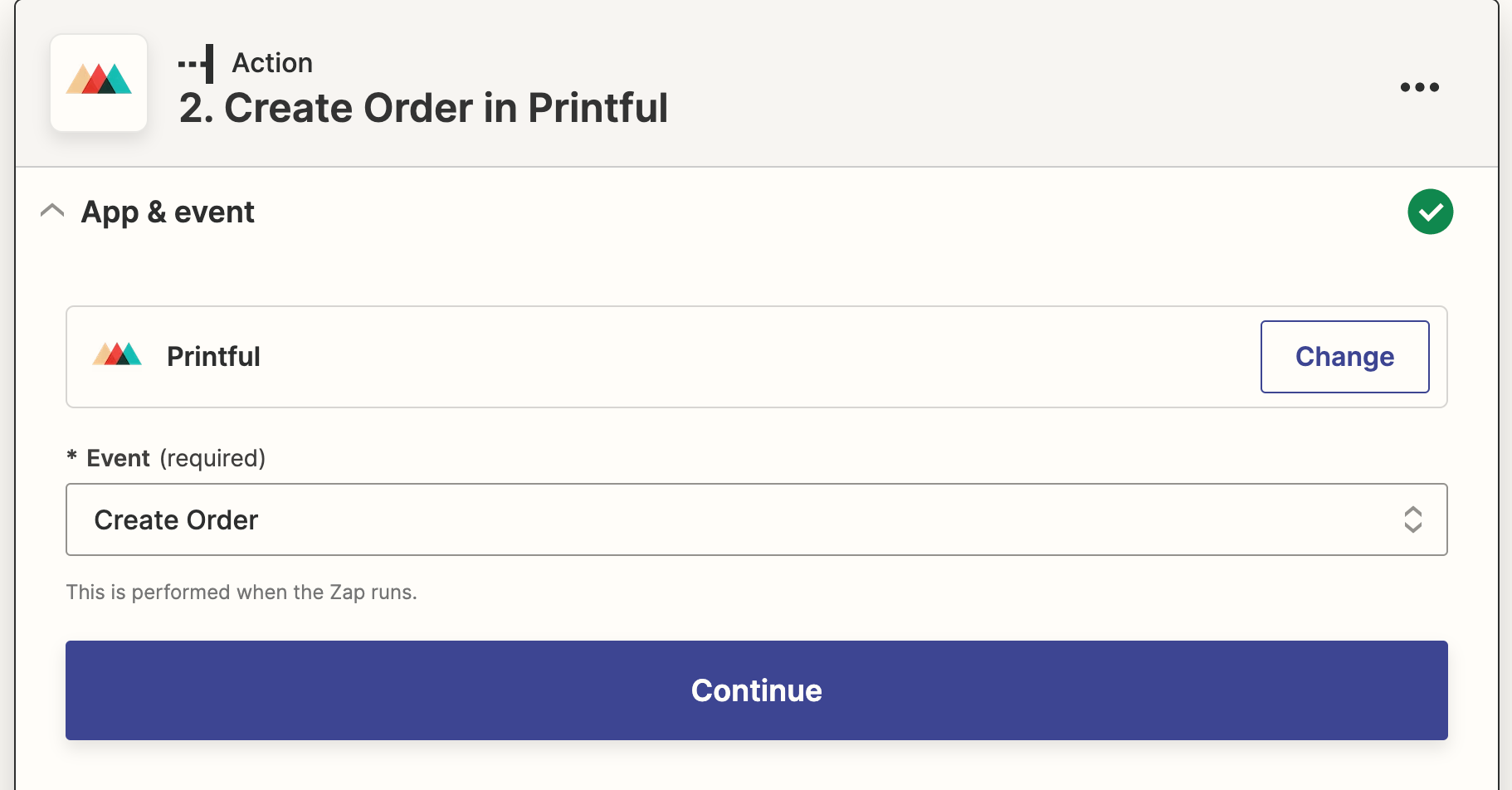
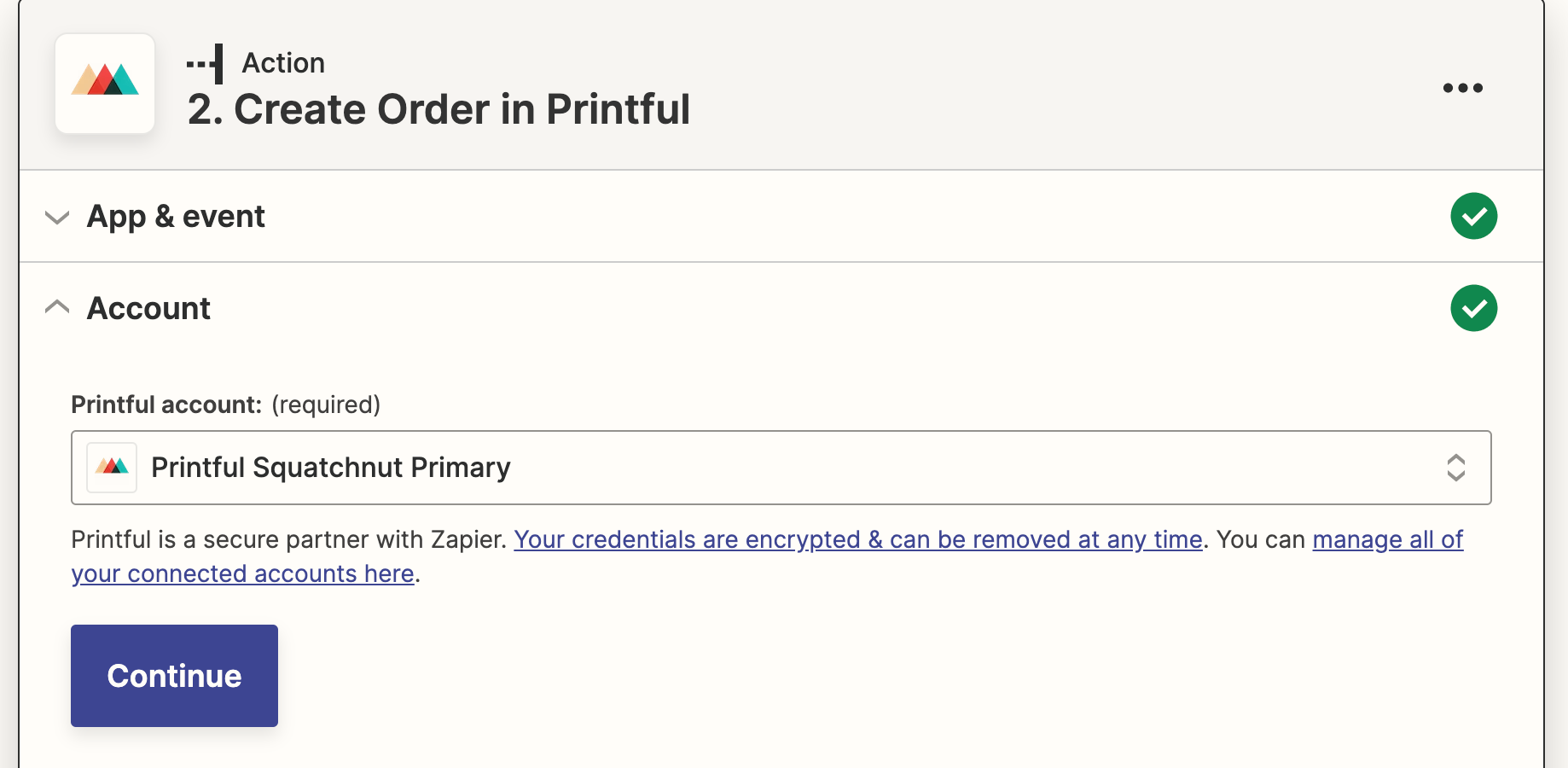
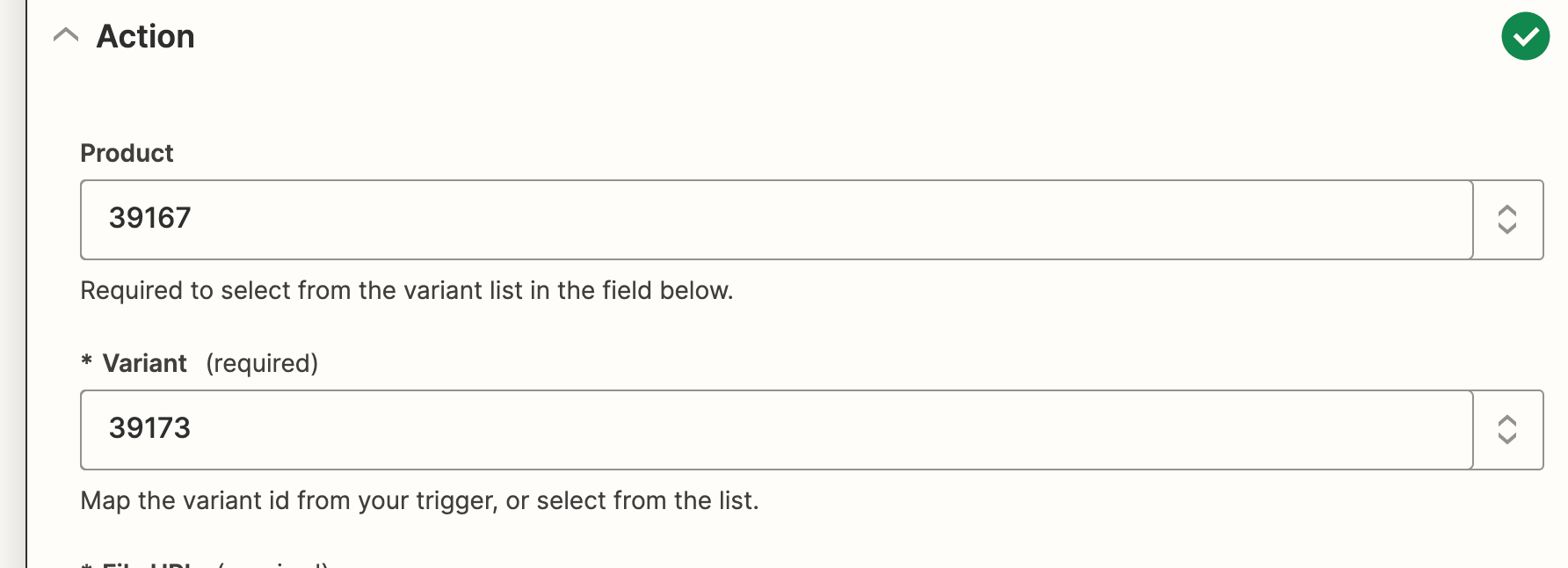
Here are my screen shots showing my Zap steps:


Troy Tessalone
Zapier Orchestrator & Solution Partner
Forum|alt.badge.img+14
  • Zapier Orchestrator & Solution Partner
  • March 4, 2023

@Squatchnut 

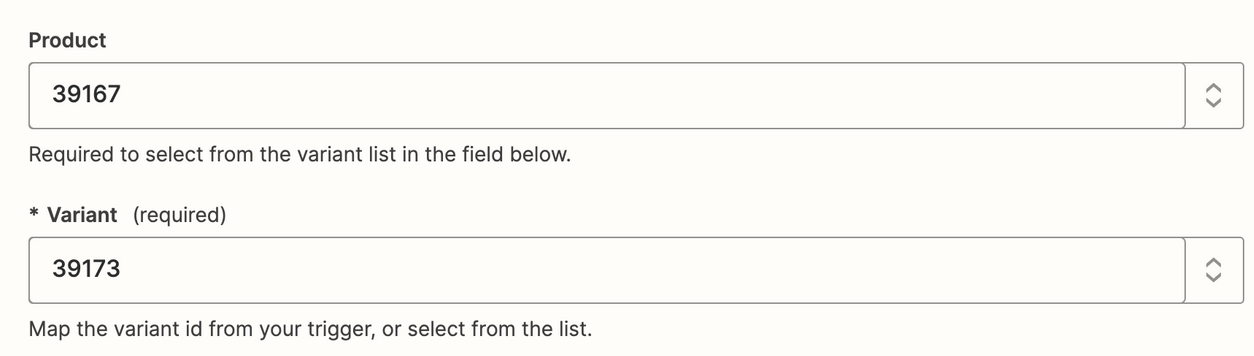
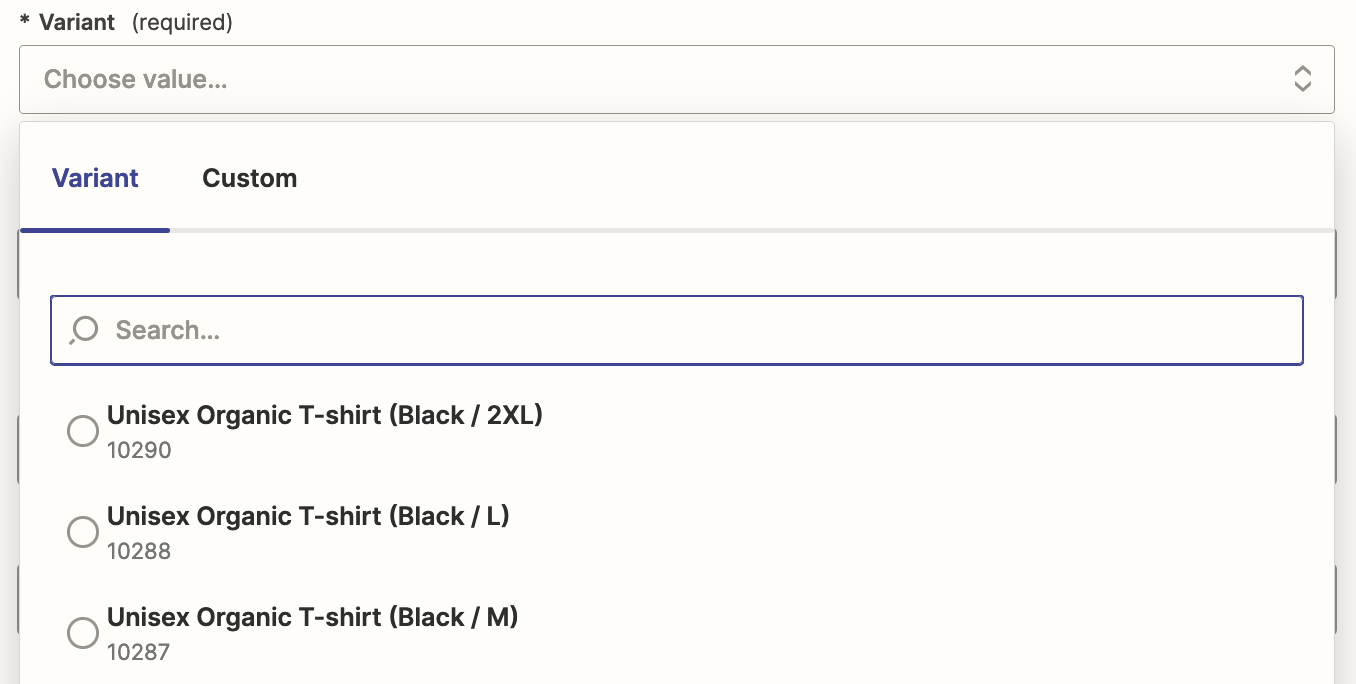
Only Variant is required.

Make sure the combo of Product AND Variant is valid.

Try


EXAMPLES

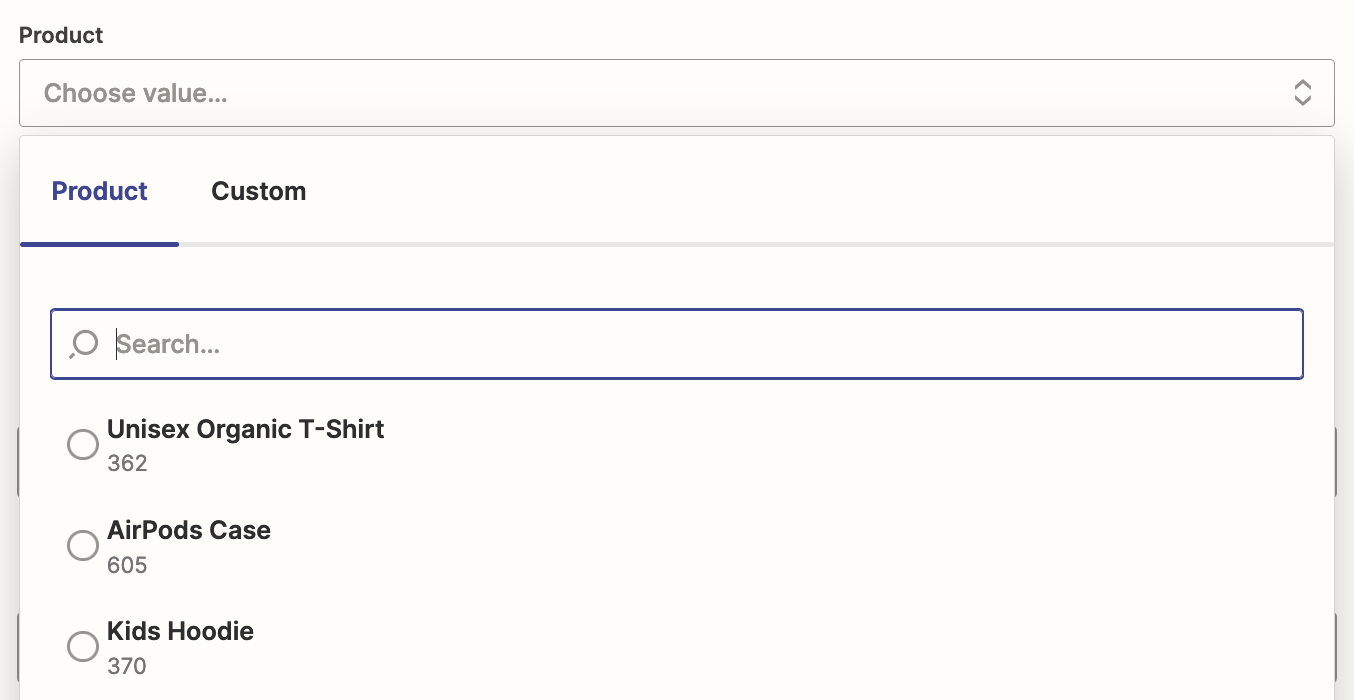
Look at the Product and Variant dropdown options.

The field expects the number (e.g. 362) related to each Product or Variant.