

Hello all, I followed the instructions found here on how to ping a user group. However, when I tested it, it did not result in a ping.
What I inputted
<@S043CN1F9BJ>
What resulted

Any help in troubleshoot is appreciated

Hello all, I followed the instructions found here on how to ping a user group. However, when I tested it, it did not result in a ping.
What I inputted
<@S043CN1F9BJ>
What resulted
Any help in troubleshoot is appreciated
Best answer by Troy Tessalone
Hi
Good question.
“User group” notification (notifies all members of a user group):
EXAMPLE<!subteam^abcde123456>
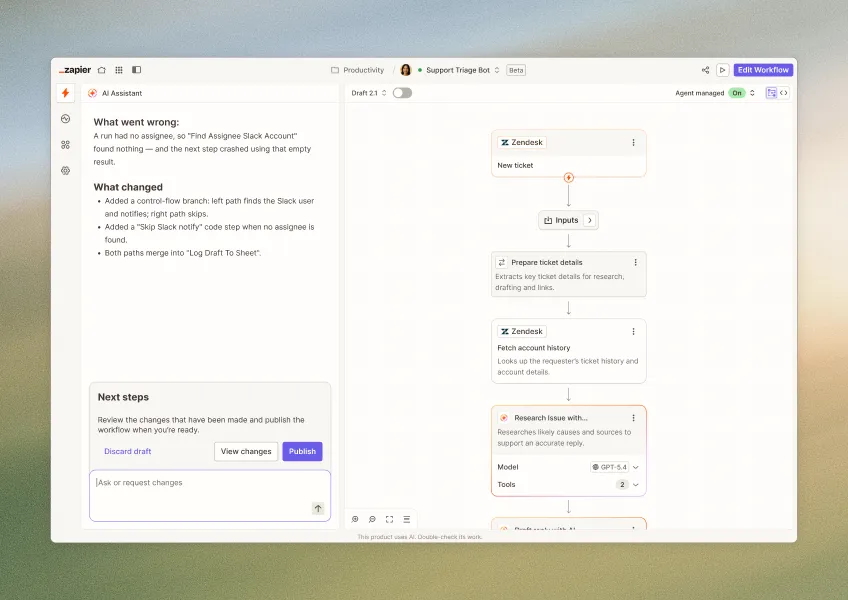
Build and deploy automations from AI tools you already use. With Agentic Management, if anything breaks, the agent diagnoses the issue and proposes a fix.
Enter your E-mail address. We'll send you an e-mail with instructions to reset your password.