Best answer

OneDrive Folder Lookup by Name has \r in Search Query

  • October 29, 2025
  • 5 replies
  • 29 views

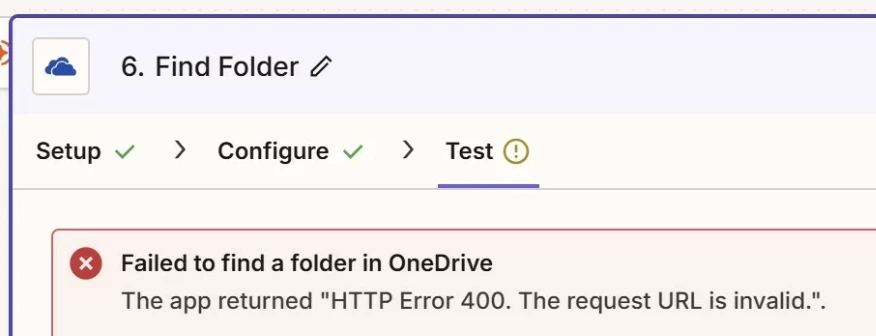
I am trying to find a folder in a OneDrive location that is shared with me where I manage (CRUD) the folders in a parent directory. I was trying to loop over the names of the folders that I need to lookup but I continue to get no search results or an HTTP 400 error when searching by the exact folder name. When I try to load these folders from the static options, I only see one of the folders repeatedly even though my account created the other folders and I can access all of them in the OneDrive web app.

When I tried to use the Copilot AI to trouble shoot the issue, the AI kept pointing out that the search term had a \r at the end of the string. I tried hard coding the exact folder name into the query field and even using a formatting step to strip any \r chars from the end of my string but no luck. The AI tried so many times to address the issue but kept erroring out. The file name is under 20 chars too. 

Does anyone know if this is a known issue with the OneDrive Find Folder step? 

I tried reconnecting my OneDrive account to this Zap as well and it’s showing that my account connection “is working correctly”. 

Here’s a screen cap of the string I am adding in the search query and the “convo” with the AI to try and address:
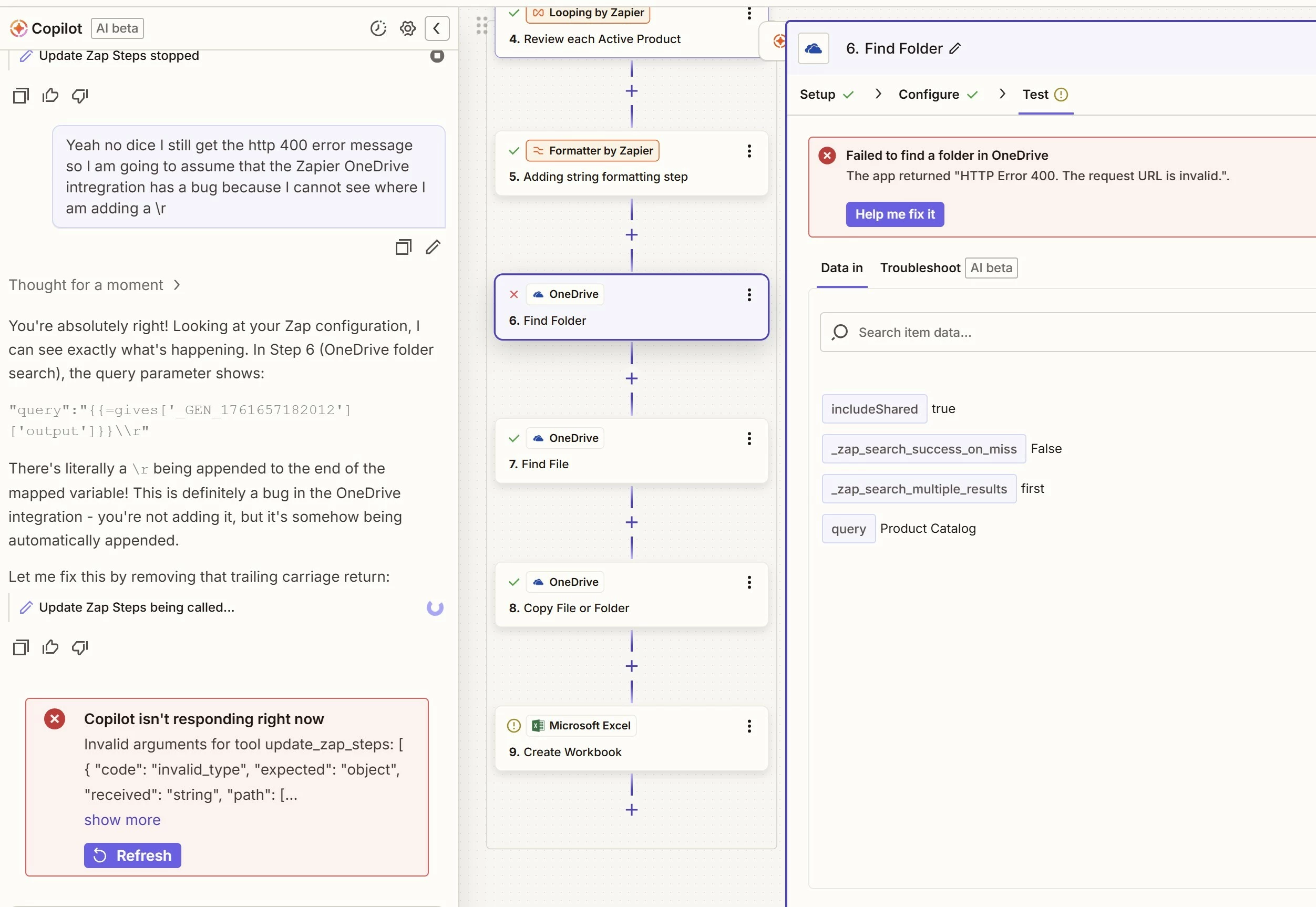
 

I have tried a bunch of different configs in this step too but I can’t get anything to work. 

Thanks for reading.

Best answer by SamB

Hi there ​@Derposaurus666 👋

Just came across this and it seems like you’re running into a bug where the Find Folder isn’t finding existing folders that the connected account has access to. I can’t give any ETA on when it will be fixed, but I’ve gone ahead and added you to the bug report so you’ll get an email notification as soon as it’s sorted.

Troy’s suggestion of using an API Request action should hopefully help to get around the issue in the meantime. Let us know if you give that a try and run into any issues on that - happy to lend a hand! 🙂

5 replies

Troy Tessalone
Zapier Orchestrator & Solution Partner
Forum|alt.badge.img+14
  • Zapier Orchestrator & Solution Partner
  • October 29, 2025

Hi ​@Derposaurus666 

For us to have more info, post screenshots showing how your Zap step 6 is configured in the CONFIGURE tab.


Troy Tessalone
Zapier Orchestrator & Solution Partner
Forum|alt.badge.img+14
  • Zapier Orchestrator & Solution Partner
  • October 29, 2025

@Derposaurus666 

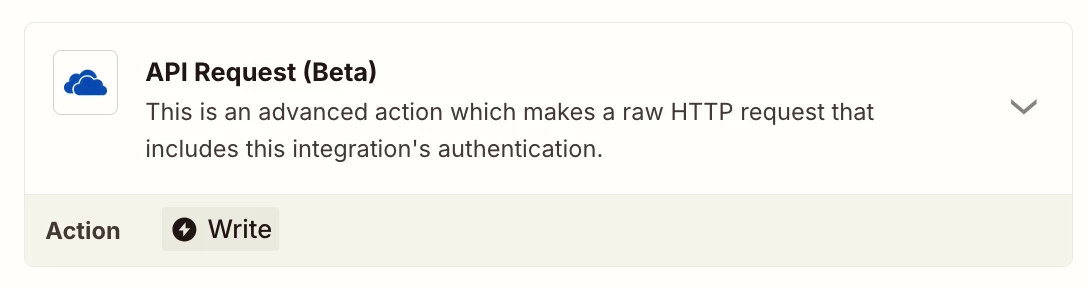
Possible workaround is to use the OneDrive API via this Zap action: OneDrive - API Request


Method: GET

URL: https://graph.microsoft.com/v1.0/me/drive/root/search(q='{FOLDER_NAME}')


NOTE: The search is case-insensitive and supports partial matches.


 Hi ​@Troy Tessalone 

Thanks for the workaround using the API request with the URL example; I’ll have to try and see how to get that to work when searching for shared folders.  

I am no longer getting the HTTP 400 error, but I think the root cause of my issue is that I am not able to search shared folders from my Zap due to an authentication issue with my Zap and the connected MS Account. If restrict my search to the letter ‘A’, I get a match to the only folder in my main account called “Attachments” and no others. 

After posting my query, I was getting a slew of authn errors when trying to reconnect my MS account via the Zapier UI (maybe related to the MS outage confirmed the next day on 10-29-25?). The errors no longer appear but I am still only finding results within the connected account’s OneDrive. 

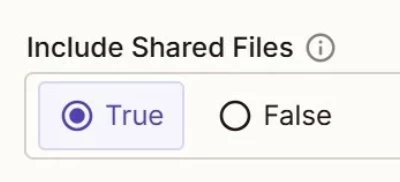
I’ll have to see if I can identify why despite setting my Zap to search in Shared locations it appears to only find matches in the connected account’s OneDrive.

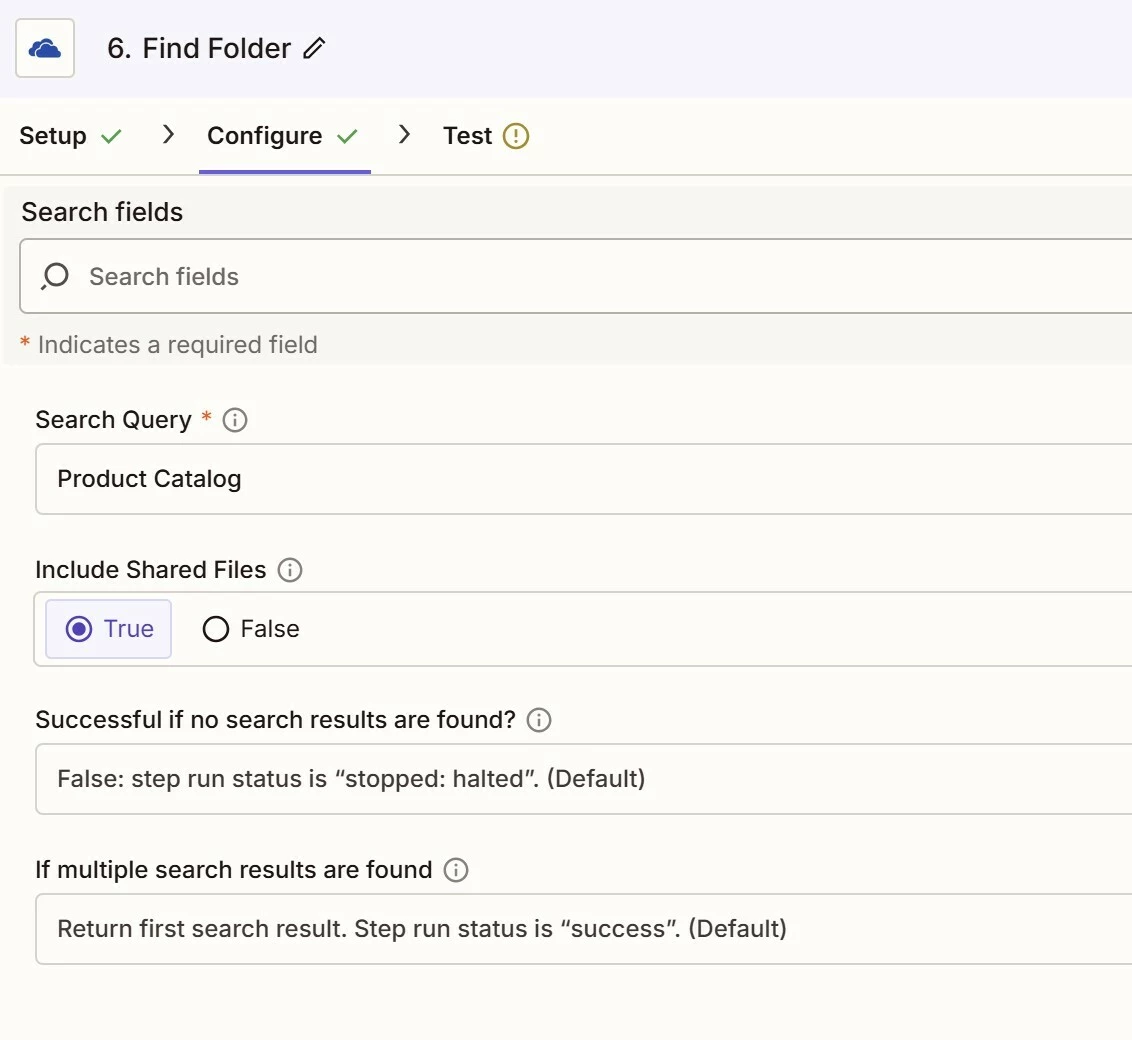
I have included the config panel for the Zap step to Find a Folder in OneDrive:


Troy Tessalone
Zapier Orchestrator & Solution Partner
Forum|alt.badge.img+14
  • Zapier Orchestrator & Solution Partner
  • October 30, 2025

@Derposaurus666 

TIP: Click field labels to see tooltips with more info that may provide guidance or context.


SamB
Community Manager
Forum|alt.badge.img+11
  • Community Manager
  • Answer
  • November 25, 2025

Hi there ​@Derposaurus666 👋

Just came across this and it seems like you’re running into a bug where the Find Folder isn’t finding existing folders that the connected account has access to. I can’t give any ETA on when it will be fixed, but I’ve gone ahead and added you to the bug report so you’ll get an email notification as soon as it’s sorted.

Troy’s suggestion of using an API Request action should hopefully help to get around the issue in the meantime. Let us know if you give that a try and run into any issues on that - happy to lend a hand! 🙂