



The Notion integration has an action “Find Data Source Item”, which will find an existing item or optionally create one if none is found.
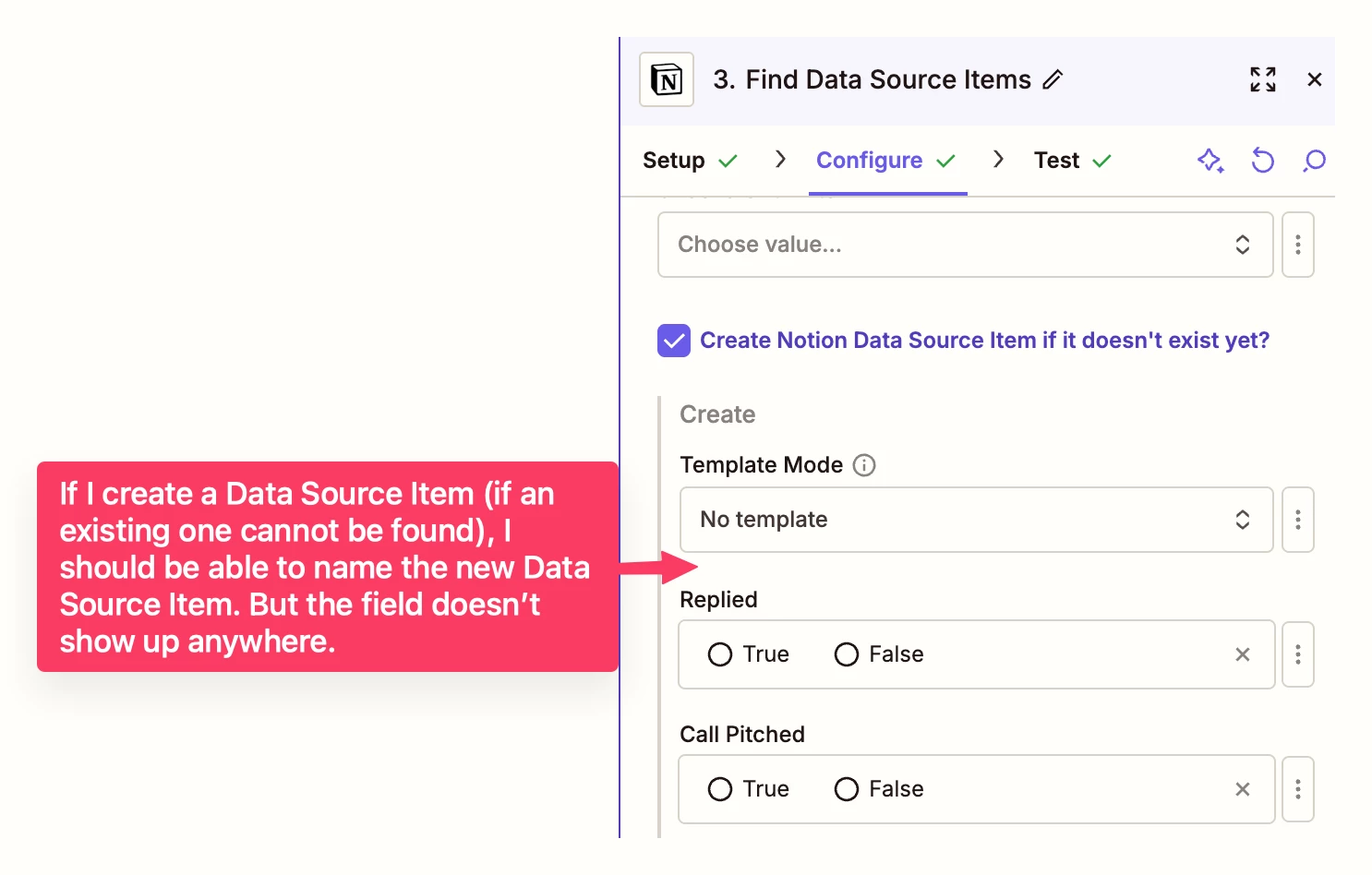
It works great – except for the fact that when creating a new Data Source item, I cannot specify the name of that database item (the page title). That’s the most basic field one can set for a Notion database item, so I’m a bit surprised:
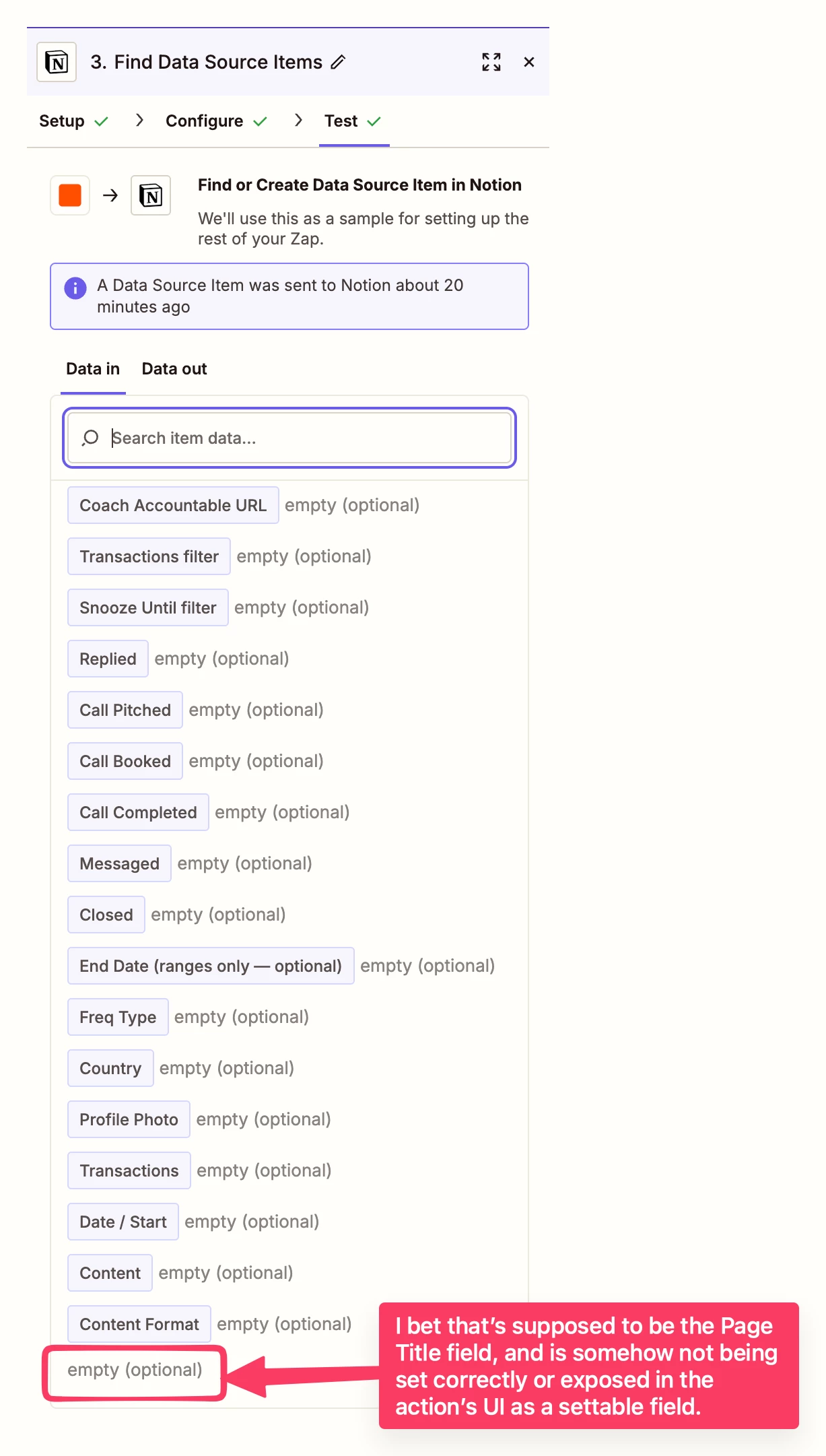
You can see the input step to the action, there seems to be a blank field at the bottom missing a key. I’m guessing that is supposed to be the Page Title, but because the key is missing, it isn’t being exposed as a settable field in the Action UI:
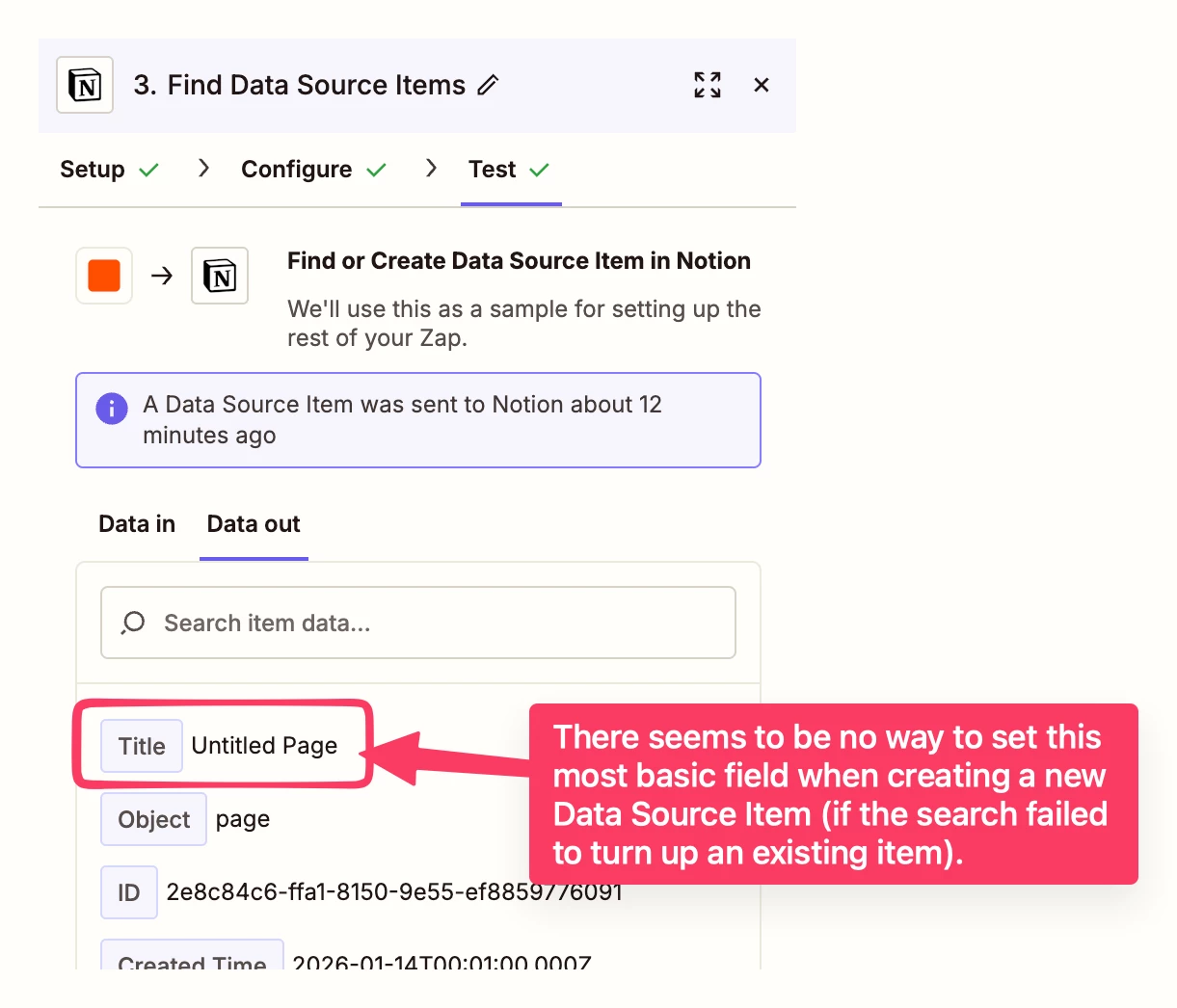
And you can see in the output of the Zap action, the page title indeed is coming back empty:
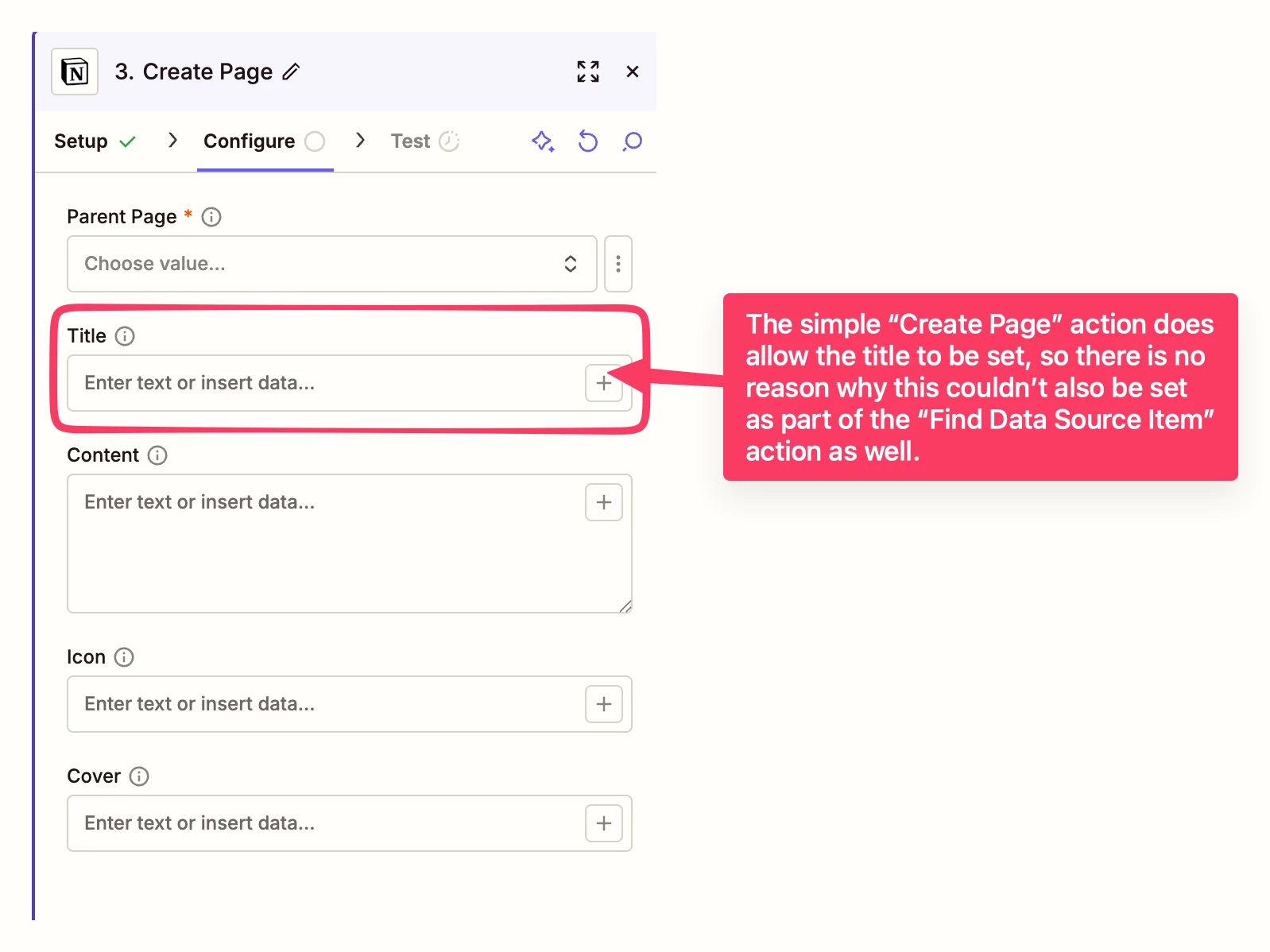
This feels like a bug to me, especially since if I use the “Create Page” Notion Action, I have the option to set a Title when I create a new page:
Am I doing something wrong, or could this be a bug? Without the ability to set the title when creating a page in the same action, I have to create an Update action (and use another task) just to get the name set correctly.





