Answer

New Calendar Entry with Attachment from Outlook to a New Task in ClickUp

  • March 16, 2023
  • 2 replies
  • 52 views

SusanDimasi

Hello,

What’s the best flow to create a new task in ClickUp from a new calendar entry with attachment from Outlook?

I’ve tried a couple of Zaps and I can’t

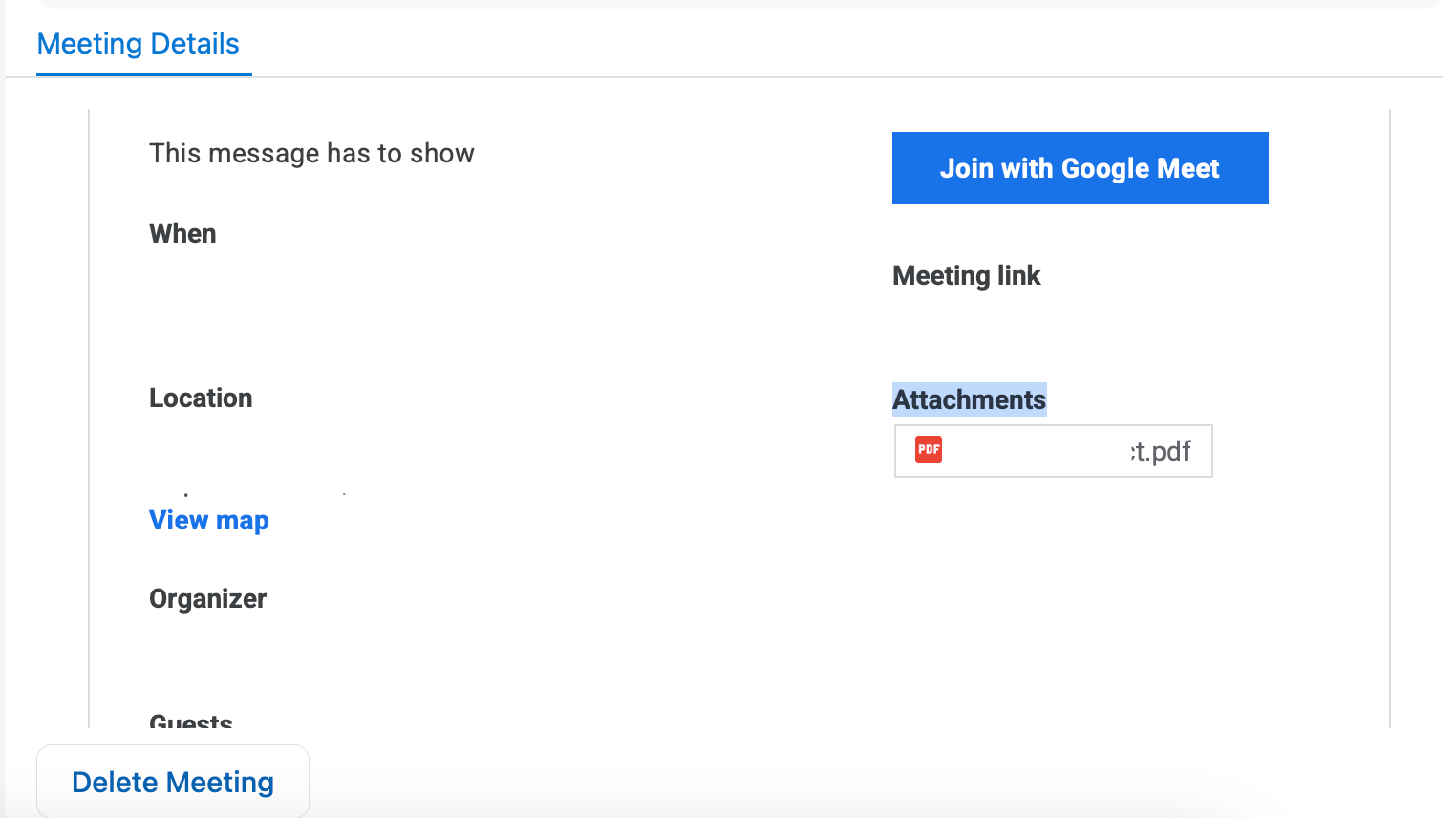
  • Pull the attachment from Outlook - Attachments appears as attached in Outlook and it’s not being recognized as a file in Zapier (or I’m most likely not aware of other things)
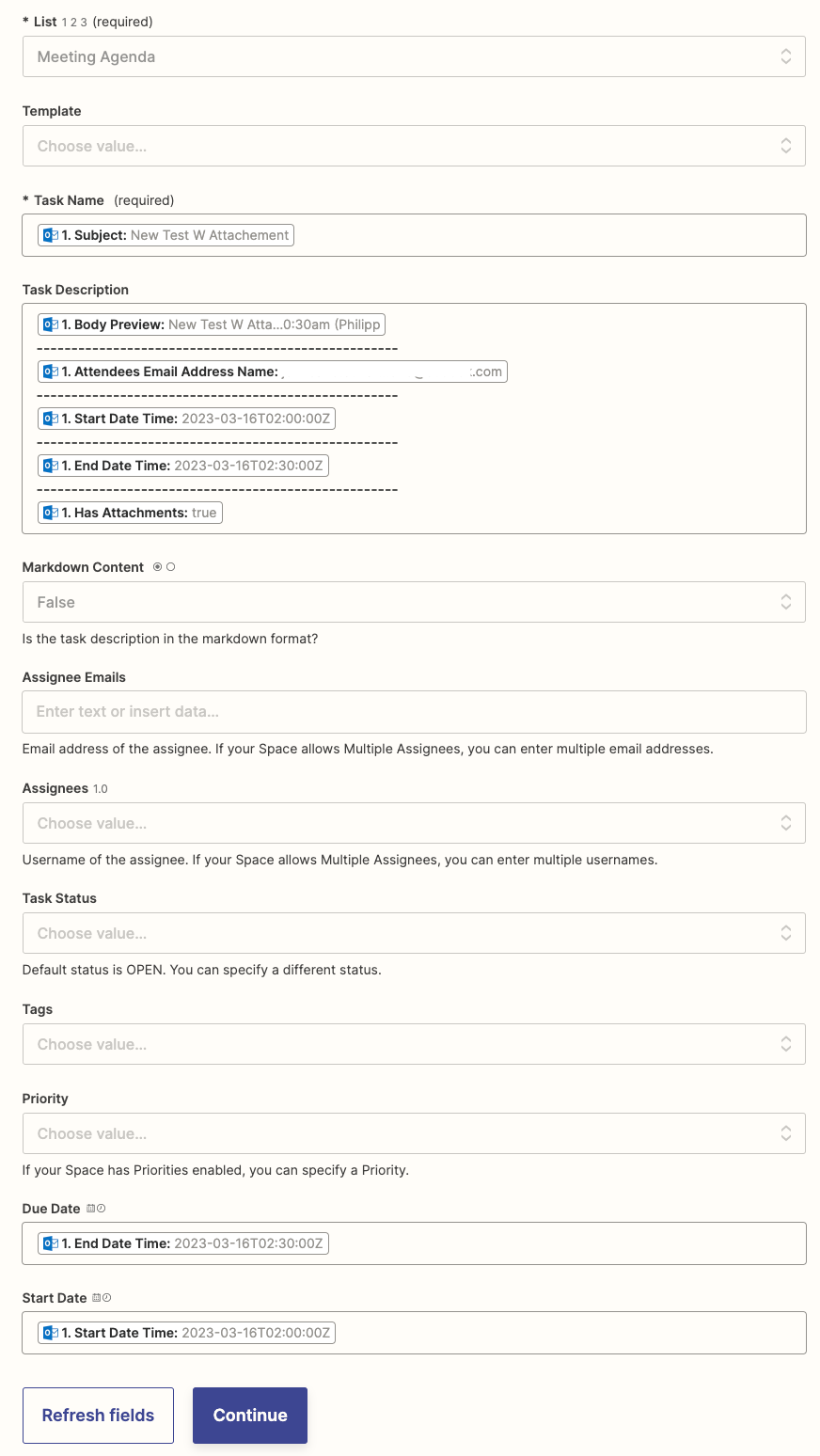
  • Attachment does not appear as an action field as attached
    •  

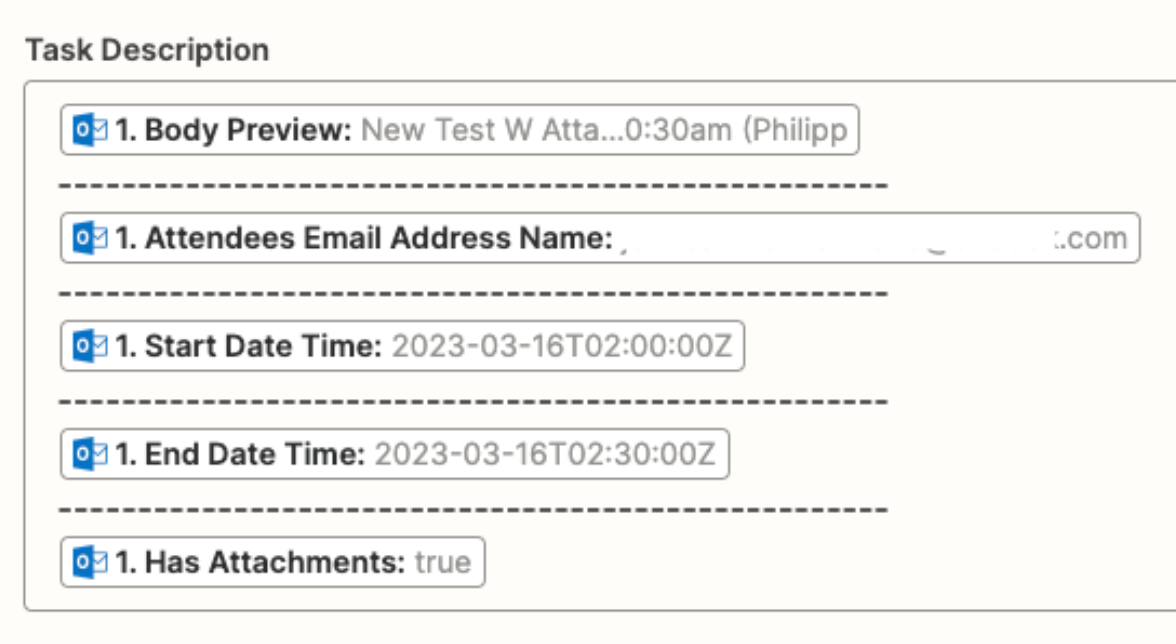
  • Pull just the “message” from the event - it always has the html version which makes the description in ClickUp “crowded”
Please send help.

Best answer by dhon_b

Hi @SusanDimasi !

It appears that the New Calendar Event trigger of the Microsoft Outlook integration does not expose the actual file attachment. However, I see how it can be used in automation.

I've submitted this as a feature request to the team in charge of this integration on your behalf.

While not all feature requests are implemented, customer feedback like this is a huge part of how we continue to grow our platform. If this feature does get developed, we'll reach out to you directly to let you know!

This post has been closed for comments. Please create a new post if you need help or have a question about this topic.

2 replies

Troy Tessalone
Zapier Orchestrator & Solution Partner
Forum|alt.badge.img+14
  • Zapier Orchestrator & Solution Partner
  • March 16, 2023

Hi @SusanDimasi 

Good question,

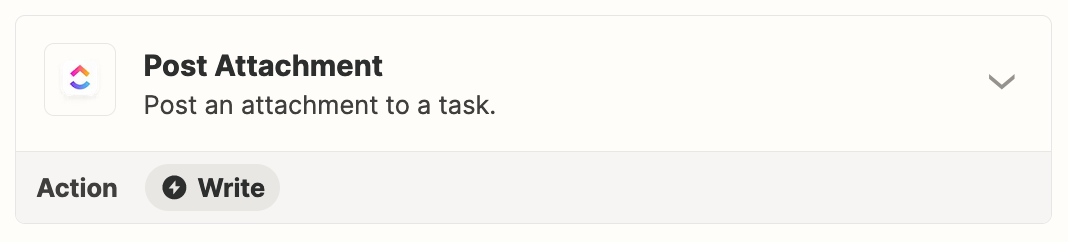
Try adding this Zap action: ClickUp - Post Attachment


Observation

You may want to add static labels in the Task Description before each of the mapped dynamic variables to give you context about each.


dhon_b
Forum|alt.badge.img
  • Zapier Staff
  • Answer
  • March 16, 2023

Hi @SusanDimasi !

It appears that the New Calendar Event trigger of the Microsoft Outlook integration does not expose the actual file attachment. However, I see how it can be used in automation.

I've submitted this as a feature request to the team in charge of this integration on your behalf.

While not all feature requests are implemented, customer feedback like this is a huge part of how we continue to grow our platform. If this feature does get developed, we'll reach out to you directly to let you know!