Question

Need WooCommerce order update to change status in Google Sheets - Failed to create a spreadsheet row

  • November 4, 2022
  • 4 replies
  • 164 views

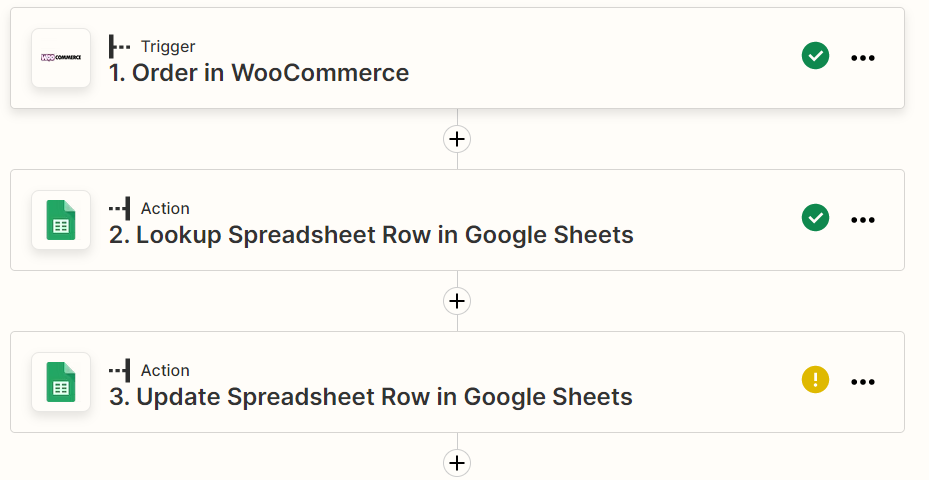
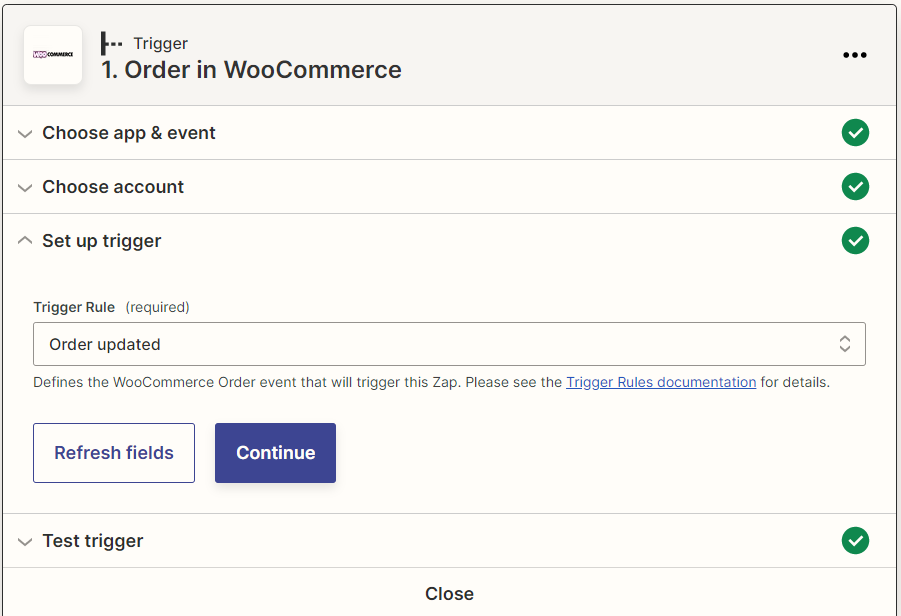
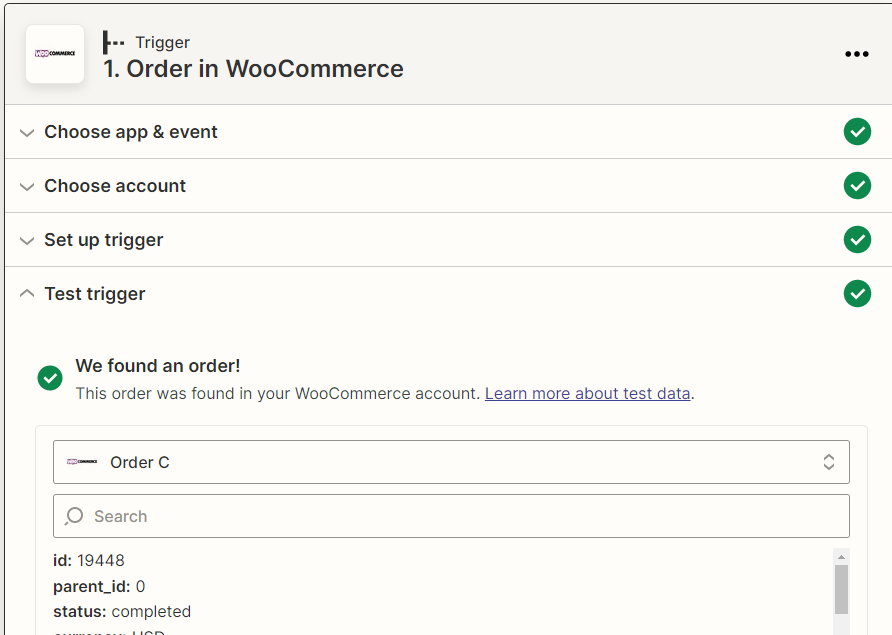
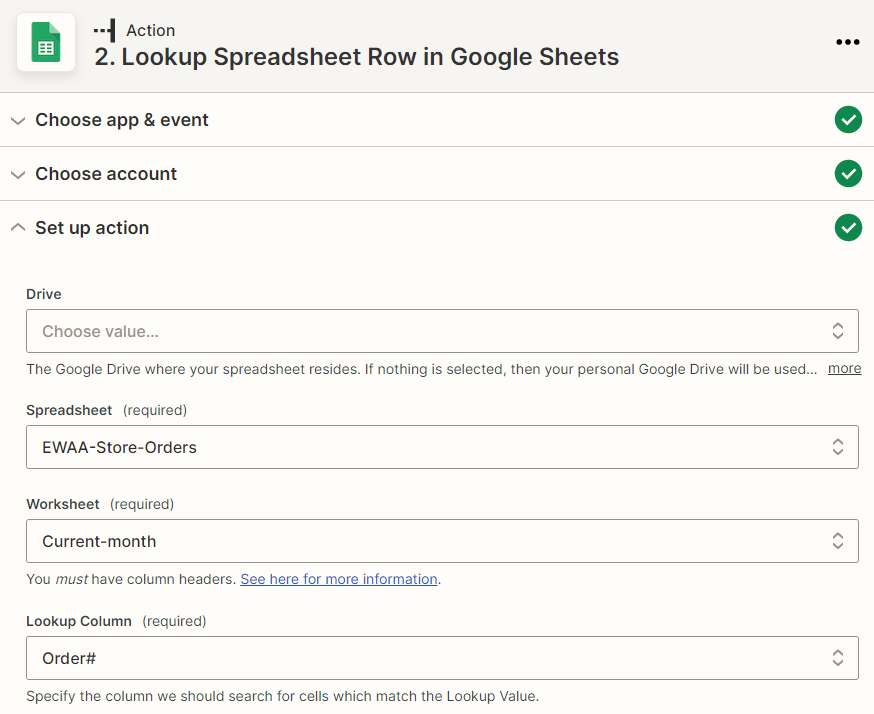
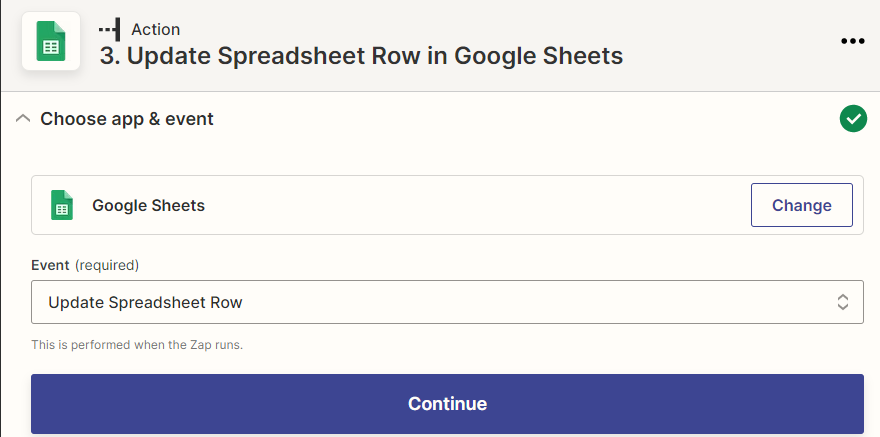
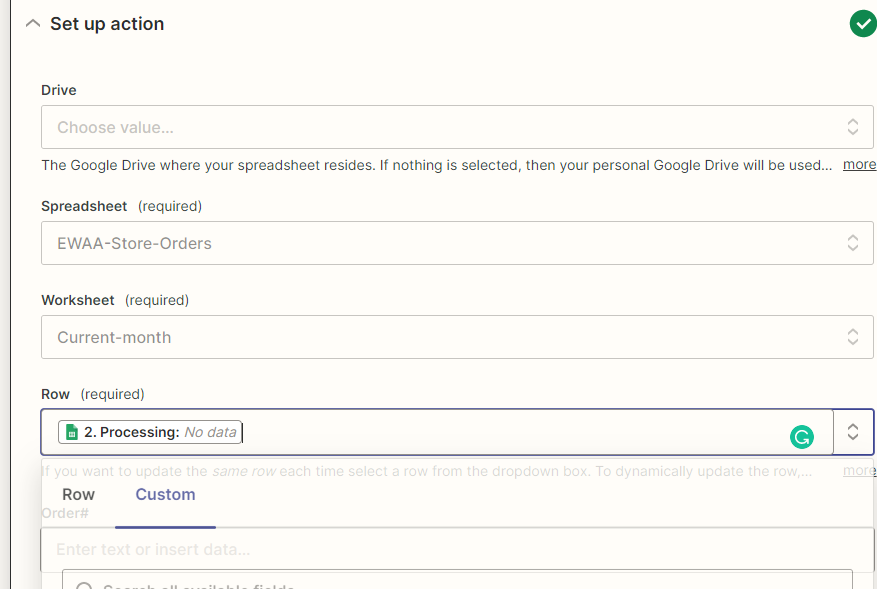
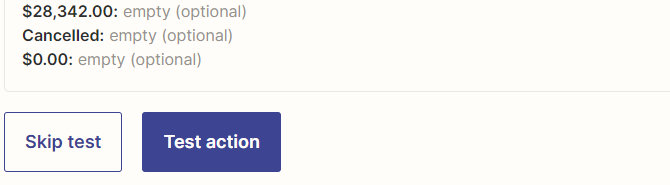
I have a WooCommerce zapier that is creating a new row for every new order in GoogleSheets. That is great for my dashboard but I also need it to update the row status for canceled or completed when appropriate. So far I can test the step to find the update in WooCommerce, but when I test the step to locate the correct row in GoogleSheets I keep getting the error below:


Failed to create a spreadsheet row in Google Sheets

Cursor has gone out of bounds.


The troubleshooting is not helpful. I did find another similar posts and tried to follow the steps prescribed but still getting the same error. 

This post has been closed for comments. Please create a new post if you need help or have a question about this topic.

4 replies

Troy Tessalone
Zapier Orchestrator & Solution Partner
Forum|alt.badge.img+14
  • Zapier Orchestrator & Solution Partner
  • November 5, 2022

Hi @mark-eho 

Good question.

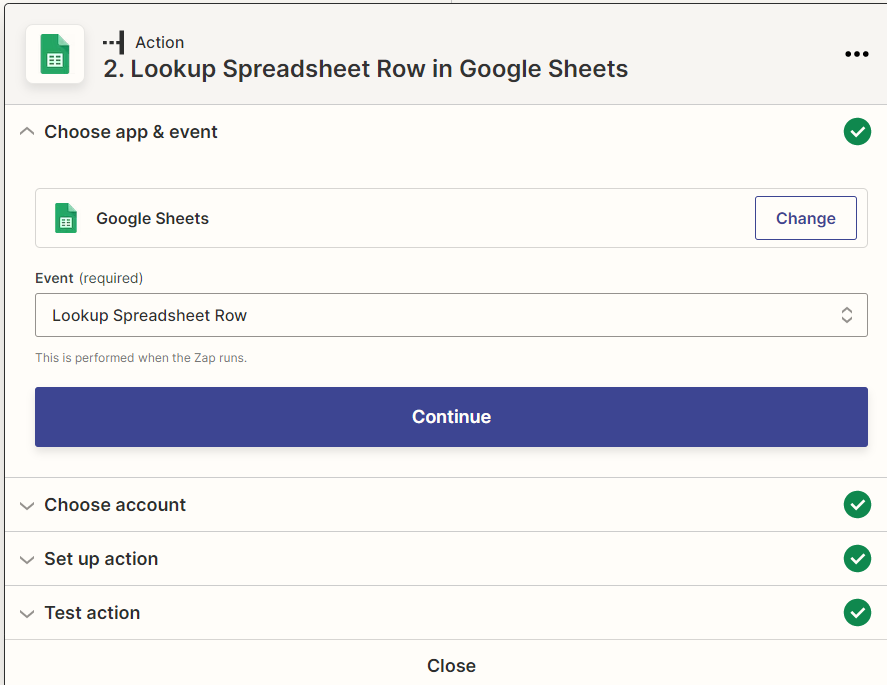
Please post screenshots with how your Zap steps are configured in order for us to have context.


christina.d
Forum|alt.badge.img+9
  • Zapier Staff
  • November 11, 2022

Hey there, @mark-eho! I wanted to swing by and see if you were able to get this sorted? If you are still experiencing this error, we definitely want to help!

As Troy mentioned, screenshots of your zap search or action step (with any personal details removed. ex. names, phone numbers, emails) would be super helpful. 🙂

Let us know! 


  • Author
  • Beginner
  • November 13, 2022


chanelle
Forum|alt.badge.img+8
  • Zapier Staff
  • November 14, 2022

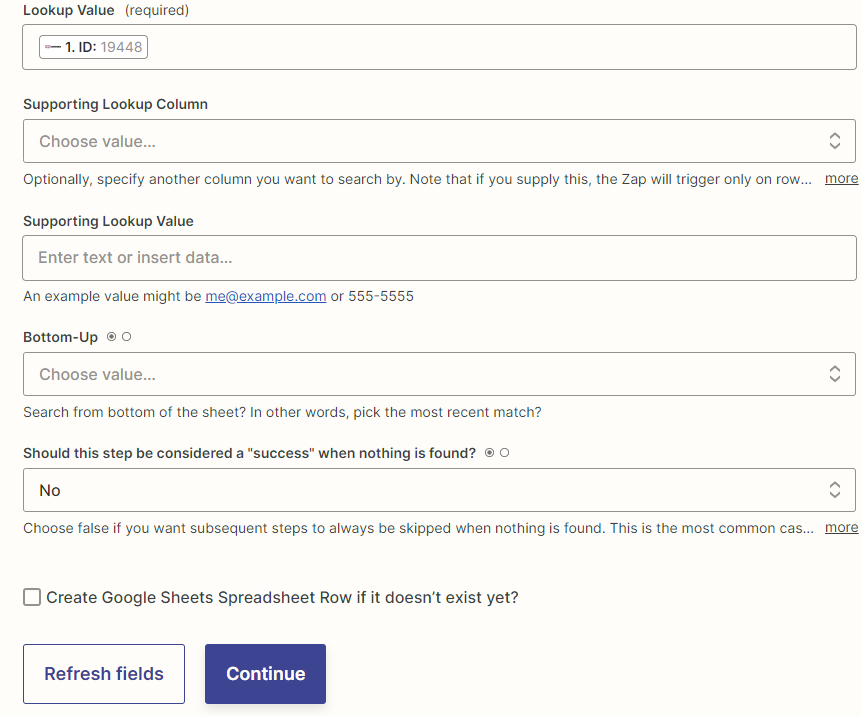
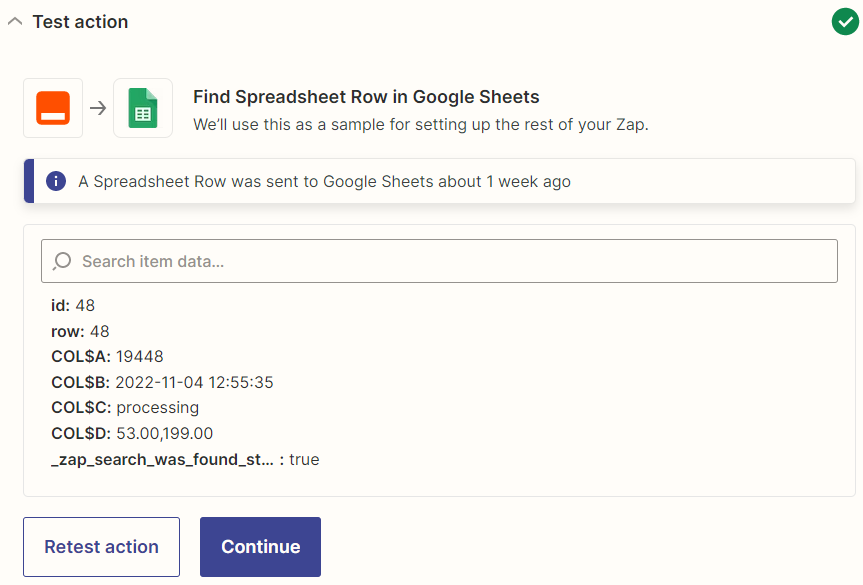
Hi @mark-eho at first glance I am not noticing anything off about the mapping in your Zap. I could totally be overlooking it, but my initial thought is that you currently have “No” selected in Action 2 when asked if it should be considered a success if no matching info was found. Can you try changing it to “Yes” and see what happens? It could be that since there is no matching info to pull, the Zap is held up. I see that it was ran successfully a week ago. If not, then please reach out to our excellent Support team for additional 1:1 guidance!