Question

Monday.com not pulling Client Name from ABC Trainerize

  • February 4, 2025
  • 5 replies
  • 22 views

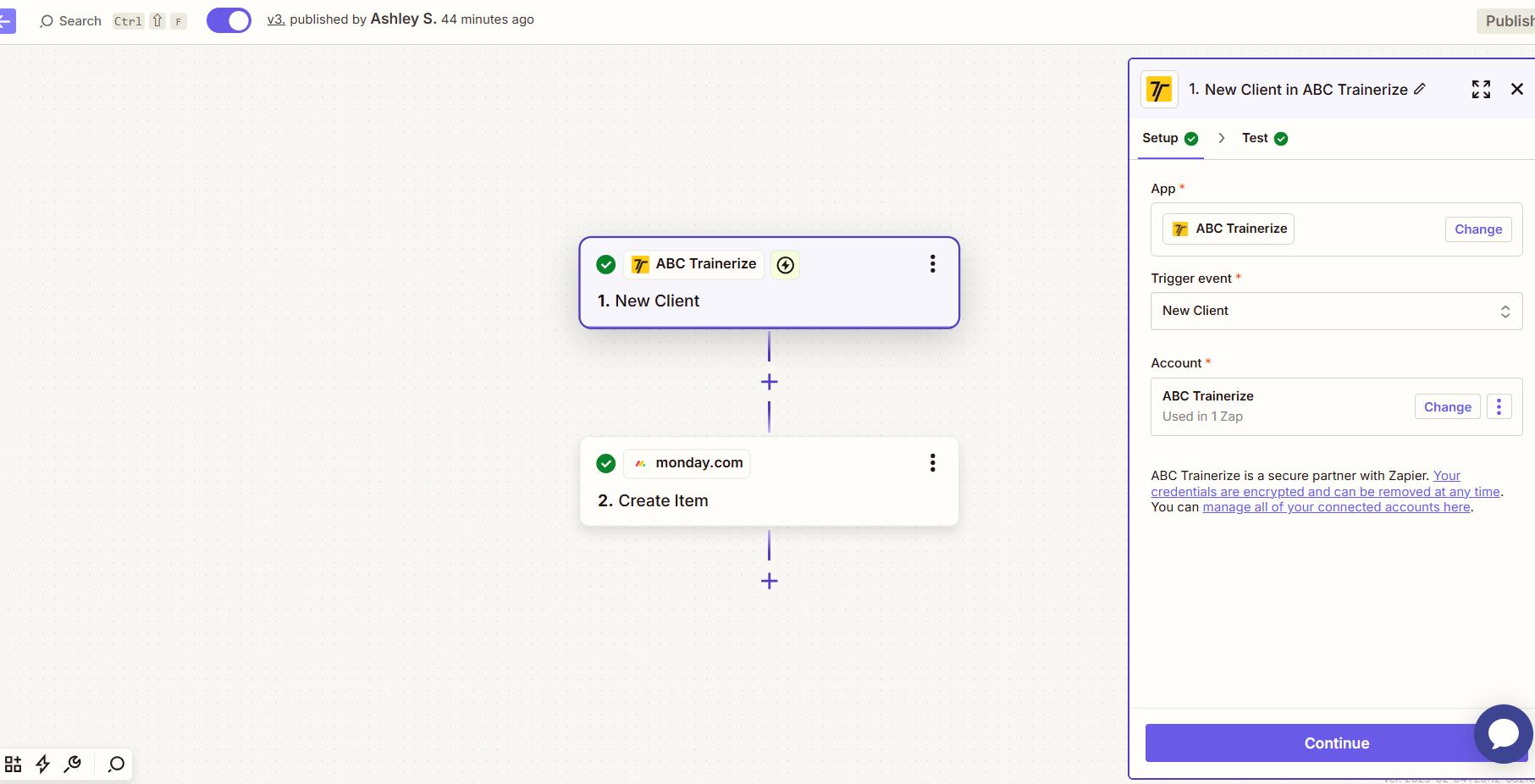
using the link below i tried to set up a zap to create a task in Monday.com when i create a new client in ABC Trainerize. The function is working however its not pulling the client name in as requested. it is just pulling the input values. Am i missing something with the integration? 



https://zapier.com/apps/abc-trainerize/integrations/monday/1325496/add-new-clients-in-trainerize-to-mondaycom-as-items

This post has been closed for comments. Please create a new post if you need help or have a question about this topic.

5 replies

Troy Tessalone
Zapier Orchestrator & Solution Partner
Forum|alt.badge.img+14
  • Zapier Orchestrator & Solution Partner
  • February 4, 2025

Hi ​@TheBusyMomMethod 

Help us have more info by posting screenshots showing how your Zap steps are outlined and configured in EDIT mode with the field mappings visible.


This post has been edited by a moderator to remove personal information. Please remember that this is a public forum and to remove any sensitive information prior to posting.


SamB
Community Manager
Forum|alt.badge.img+11
  • Community Manager
  • February 11, 2025

Hi there, ​@TheBusyMomMethod 👋

Were you able to get it sorted?

If not, it looks like the test record that was selected from ABC Trainerize doesn’t contain any actual client details. This can sometimes happen if the trigger’s test was skipped, or if the trigger only provides a default test record. Can you try loading in a new test record to see if that then gives you some real client details to work with? You can learn more about how to change test records here: Change the test record in your Zap trigger

Looking forward to hearing from you! 🙂


Hi ​@SamB Thank you for reaching out. i tried running a new test record and it still just pulled in default test records and nothing changed to fix the issue i have.  any other thoughts would be extremely helpful! Thank you! 


JammerS
Forum|alt.badge.img+6
  • Zapier Staff
  • February 13, 2025

Hi ​@TheBusyMomMethod,


To troubleshoot the issue, try these steps: reconnect your ABC Trainerize and Monday.com accounts in Zapier, ensure your trigger is set to fire when a new client is created, and confirm that the client name is correctly mapped to the appropriate field in Monday.com. Additionally, check if all data is available immediately, and consider adding a delay step before creating the task. After making these adjustments, test your Zap again. 


Let us know if you need further assistance.