Question

Missing fields for "add new customer" for Square

  • May 23, 2024
  • 5 replies
  • 31 views

I added the action from google forms to square - new customer. It’s only showing a few fields, not all. 

Anyone know how I can get the fields created via square.

This post has been closed for comments. Please create a new post if you need help or have a question about this topic.

5 replies

Troy Tessalone
Zapier Orchestrator & Solution Partner
Forum|alt.badge.img+14
  • Zapier Orchestrator & Solution Partner
  • May 23, 2024

Hi @inplay 

For us to have more context, elaborate about which fields you are trying to get/use, and post screenshots with how your Zap steps are outlined and configured in EDIT mode.


  • Author
  • Beginner
  • May 23, 2024

I made custom fields in square, but they’re not showing up in Zapier 


Troy Tessalone
Zapier Orchestrator & Solution Partner
Forum|alt.badge.img+14
  • Zapier Orchestrator & Solution Partner
  • May 23, 2024

@inplay 

Often Zap app integrations do not support custom fields.

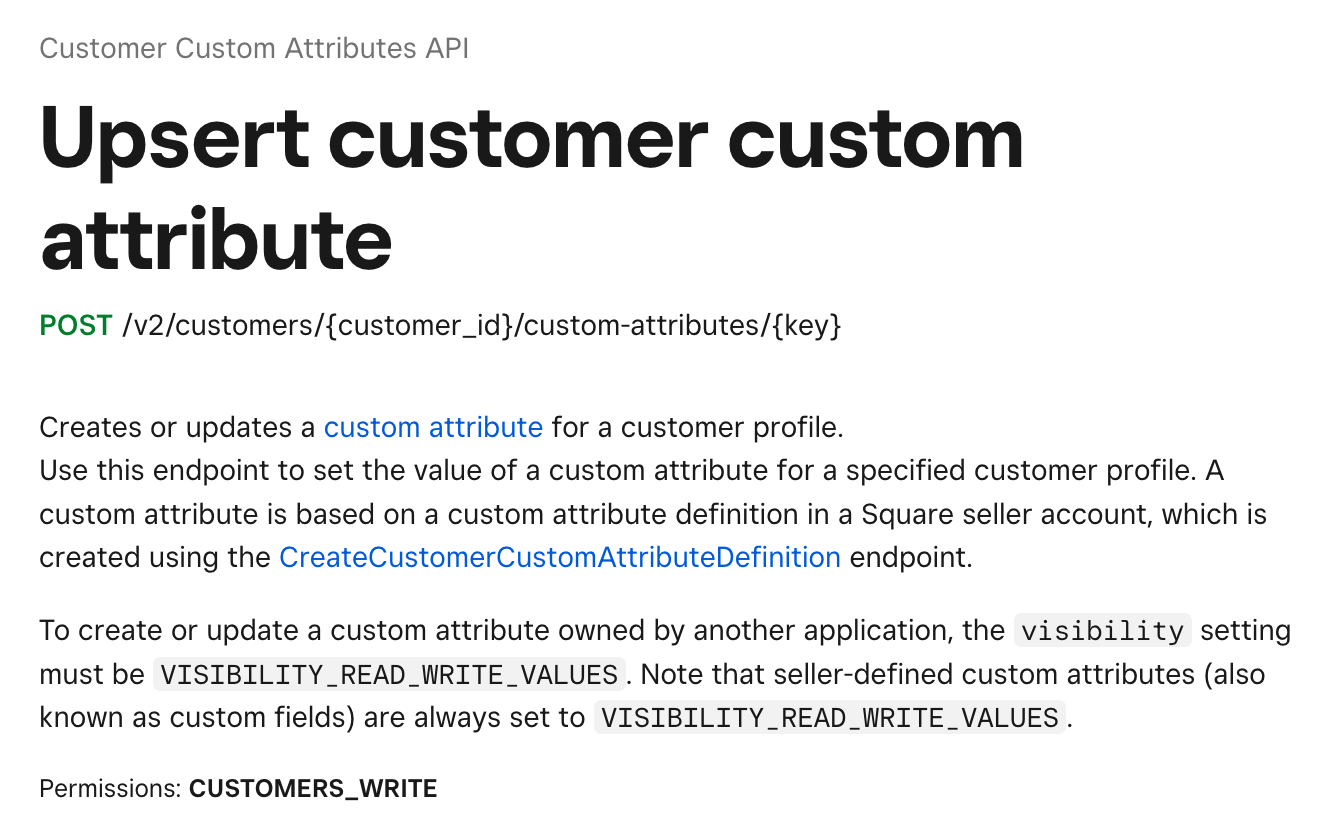
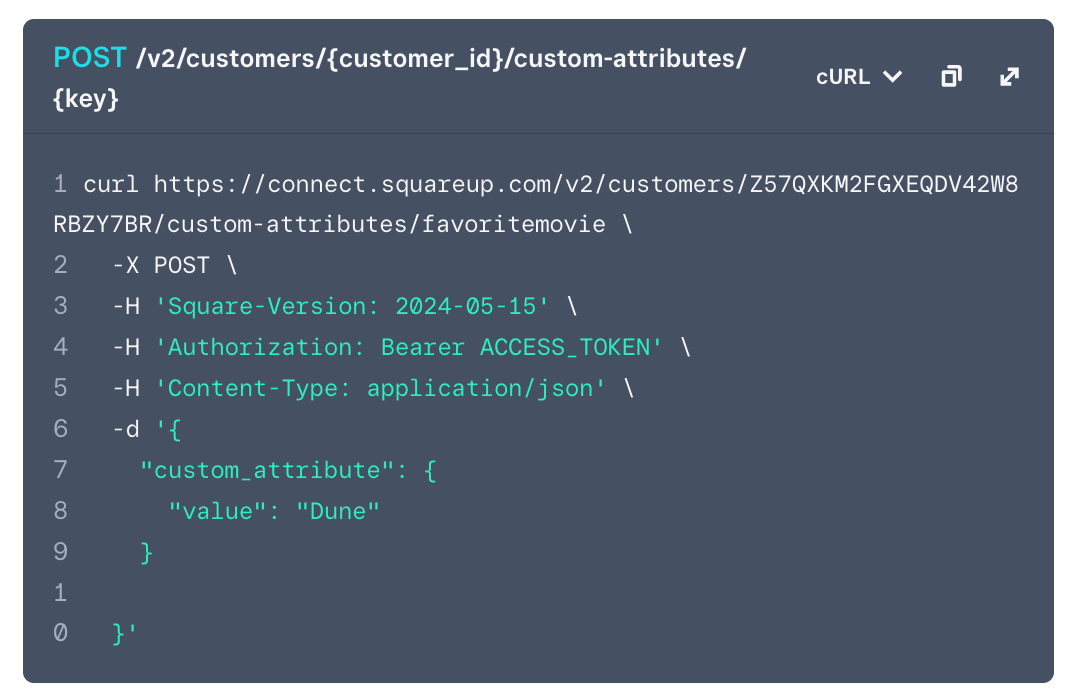
You would likely have to use the Square API to set the custom fields.

https://developer.squareup.com/reference/square/customer-custom-attributes-api/upsert-customer-custom-attribute


You can do so via one of these options:

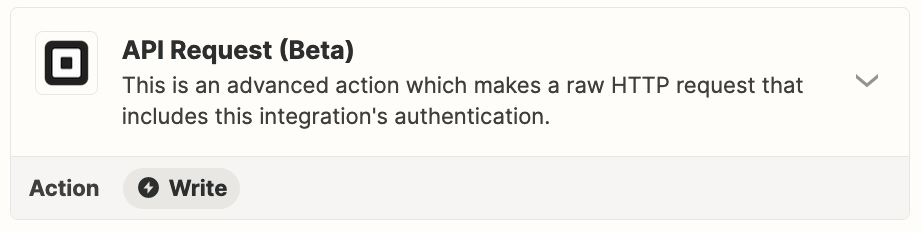
  • API Request
  • Custom Action (with the help of AI)


  • Author
  • Beginner
  • May 23, 2024

Okay! I don’t know how to do that. Looks difficult, can someone help me with that?


Troy Tessalone
Zapier Orchestrator & Solution Partner
Forum|alt.badge.img+14
  • Zapier Orchestrator & Solution Partner
  • May 24, 2024

@inplay 

If you are looking to hire help, check the directory of Certified Zapier Experts: https://zapier.com/experts