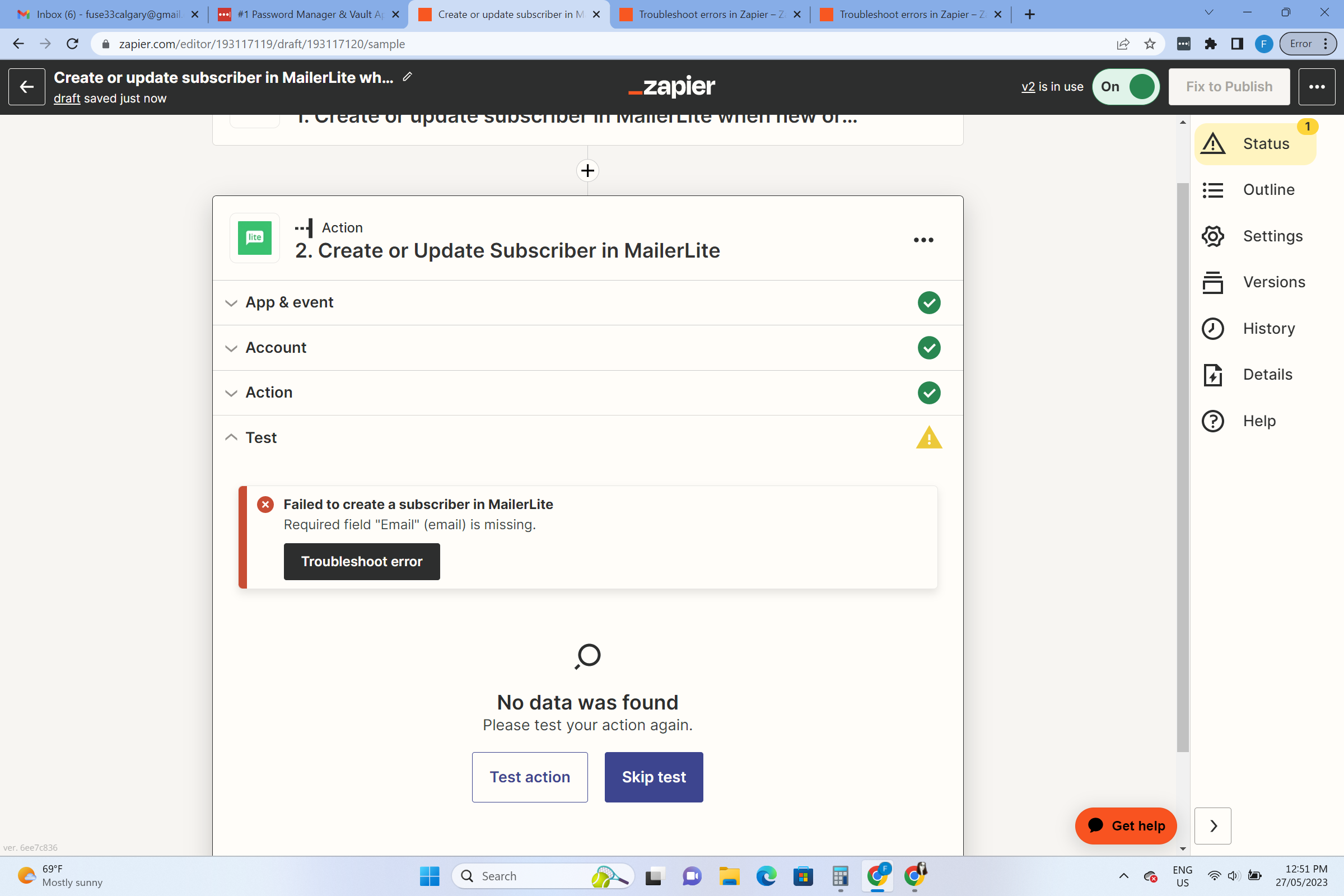
I have other zaps set up the same way-what gives? Why isnt this one working?


I have other zaps set up the same way-what gives? Why isnt this one working?

Build and deploy automations from AI tools you already use. With Agentic Management, if anything breaks, the agent diagnoses the issue and proposes a fix.
Enter your E-mail address. We'll send you an e-mail with instructions to reset your password.