

Hi, I’m using zapier to create a post in WordPress containing the content of a Mailchimp newsletter; the idea is that a non-WP Admin can create gallery posts in Mailchimp using a template, and import them into the website. This uses the “New Campaign” trigger to catch the Mailchimp email , and the “Create Post” trigger to create the post in WordPress. The email contains Video Content Blocks, each with a url to a youtube video; clicking on the thumbnail in the email (eg in Outlook) opens the video as expected. In the WordPress post, the thumbnail is displayed correctly, but clicking on it does not open the video; nothing appears to happen.
The code inspector shows the following when selecting the page element
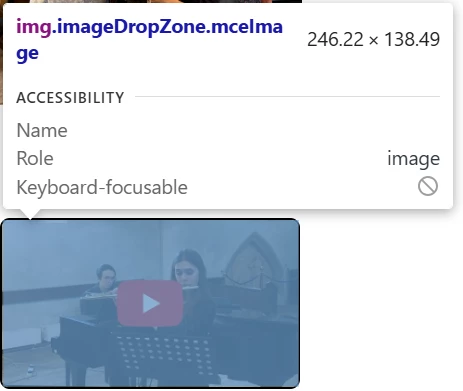
Copying the image link gives https://XXXXXXXXXXXXX.com/43e2b897ff147014f4c461868/video_thumbnails_new/c3496818711a0b09dfdabfbf8cfbeabd.png
The code inspector shows the following in the Properties tab
- accessKey: ""
- align: ""
- alt: ""
- attributeStyleMap: StylePropertyMap {size: 7}
- attributes: NamedNodeMap {0: decoding, 1: class, 2: style, 3: src, 4: alt, 5: width, 6: height, decoding: decoding, class: class, style: style, src: src, alt: alt, …}
- attributionSrc: ""
- autocapitalize: ""
- autofocus: false
- baseURI: "https://XXXXXXXXXXXXX.org/galleries/"
- border: ""
- browsingTopics: false
- childElementCount: 0
- childNodes: NodeList []
- children: HTMLCollection []
- classList: DOMTokenList(2) ['imageDropZone', 'mceImage', value: 'imageDropZone mceImage']
- className: "imageDropZone mceImage"
- clientHeight: 138
- clientLeft: 0
- clientTop: 0
- clientWidth: 246
- complete: true
- contentEditable: "inherit"
- currentCSSZoom: 1
- currentSrc: "https://XXXXXXXXXXXXX.com/43e2b897ff147014f4c461868/video_thumbnails_new/c3496818711a0b09dfdabfbf8cfbeabd.png"
- dataset: DOMStringMap {}
- decoding: "async"
- dir: ""
- draggable: true
- elementTiming: ""
- enterKeyHint: ""
- fetchPriority: "auto"
- height: 138
- hidden: false
- hspace: 0
- id: ""
- inert: false
- innerHTML: ""
- innerText: ""
- inputMode: ""
- isConnected: true
- isContentEditable: false
- isMap: false
- lang: ""
- loading: "auto"
- localName: "img"
- longDesc: ""
- lowsrc: ""
- name: ""
- namespaceURI: "http://www.w3.org/1999/xhtml"
- naturalHeight: 360
- naturalWidth: 640
- nodeName: "IMG"
- nodeType: 1
- nonce: ""
- offsetHeight: 138
- offsetLeft: 0
- offsetParent: td
- offsetTop: 0
- offsetWidth: 246
- outerHTML: "<img decoding=\"async\" class=\"imageDropZone mceImage\" style=\"display: block; max-width: 100%; height: auto; border-radius: 6px;\" src=\"https://XXXXXXXXXXXXX.com/43e2b897ff147014f4c461868/video_thumbnails_new/c3496818711a0b09dfdabfbf8cfbeabd.png\" alt=\"\" width=\"278\" height=\"auto\">"
- outerText: ""
- ownerDocument: document
- parentElement: td
- parentNode: td
- part: DOMTokenList [value: '']
- referrerPolicy: ""
- scrollHeight: 138
- scrollLeft: 0
- scrollTop: 0
- scrollWidth: 246
- sharedStorageWritable: false
- sizes: ""
- slot: ""
- spellcheck: true
- src: "https://XXXXXXXXXXXXX.com/43e2b897ff147014f4c461868/video_thumbnails_new/c3496818711a0b09dfdabfbf8cfbeabd.png"
- srcset: ""
- style: CSSStyleDeclaration {0: 'display', 1: 'max-width', 2: 'height', 3: 'border-top-left-radius', 4: 'border-top-right-radius', 5: 'border-bottom-right-radius', 6: 'border-bottom-left-radius', accentColor: '', additiveSymbols: '', alignContent: '', alignItems: '', alignSelf: '', …}
- tabIndex: -1
- tagName: "IMG"
- textContent: ""
- title: ""
- translate: true
- useMap: ""
- virtualKeyboardPolicy: ""
- vspace: 0
- width: 246
- writingSuggestions: "true"
- x: 186
- y: 414
and the EventListeners tab shows (not sure if relevant)
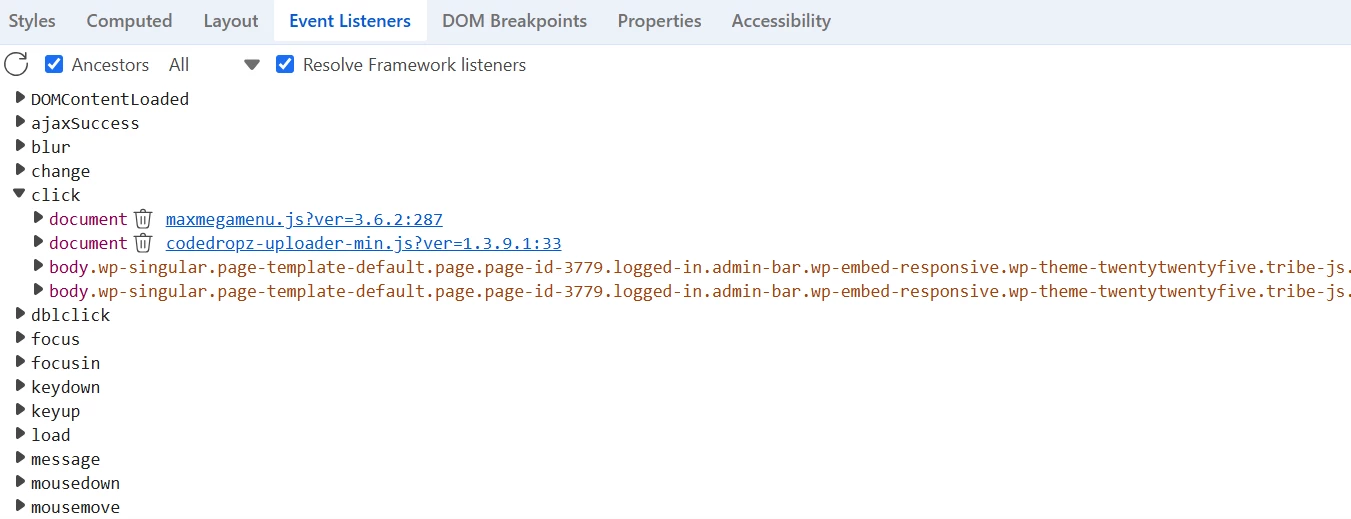
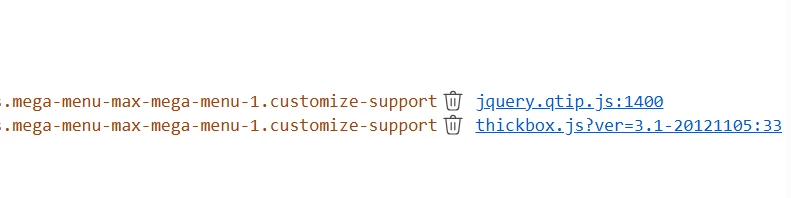
Seems like the href is missing, so the click event is not seeing the youtube link at all?
Thanks for any help
Steve XXXXXXXXXXX
This post has been edited by a moderator to remove personally identifiable information (PII). Please remember that this is a public forum and avoid sharing personal or potentially sensitive details.

