Question

Limited items returned when mapping Outlook Calendar Events to Google Sheet

  • February 20, 2026
  • 2 replies
  • 0 views

Hi,

I need help with a Zap I am currently building.

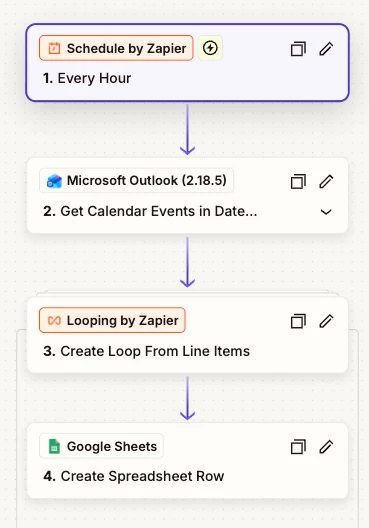
The goal is for the Zap to run daily at a specific time and capture all events from the Outlook calendar for that day, then transfer details such as Event ID, Title, Start Time, End Time, etc., into a Google Sheet.

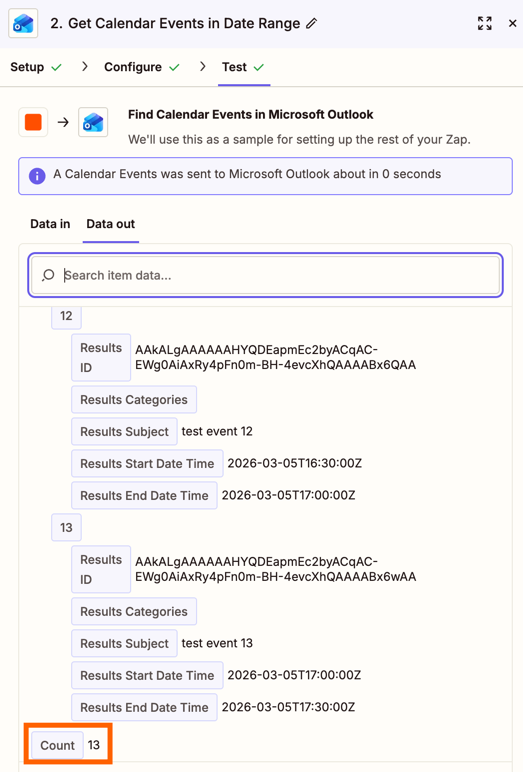
The issue is that it only returns a limit of 10 events to the Google Sheet and not all events for that day.

Does anyone knows how to resolve this?

Thank you.

2 replies

Troy Tessalone
Zapier Orchestrator & Solution Partner
Forum|alt.badge.img+14
  • Zapier Orchestrator & Solution Partner
  • February 20, 2026

Hi ​@sab 

Make sure you using the updated Outlook Zap app version.

How many records are returned from the Outlook step? (screenshot)

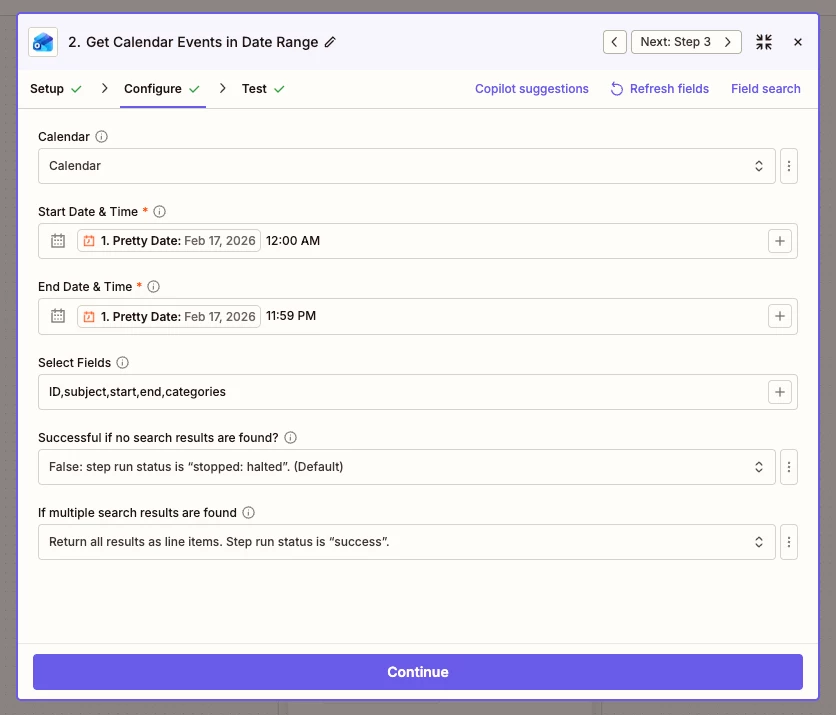
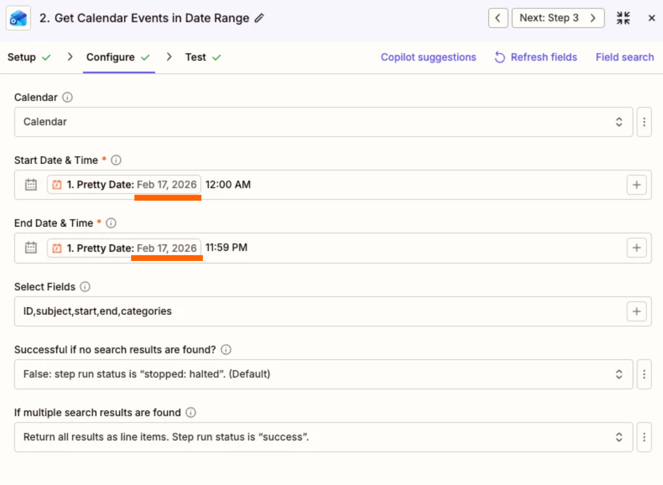
How is your Outlook step configured? (screenshot)


You probably do NOT need the Looping step.

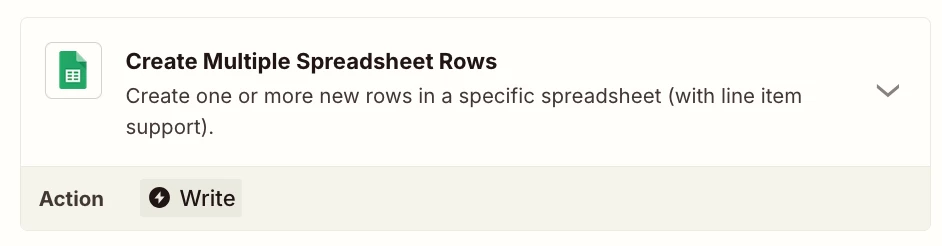
Instead, use this GSheet action: GSheets - Create Multiple Spreadsheet Rows


drtanvisachar
Forum|alt.badge.img+5
  • Zapier Solution Partner
  • February 21, 2026

Hello ​@sab 
 

Hi there

This is usually because the Outlook step is only returning the first page of results, often 10 events by default.

Try this:

  1. Turn on pagination in the Microsoft Outlook step so Zapier pulls all available events.

  2. Increase the Max Results field if it’s available.

Also, if the Outlook step outputs multiple line items, you likely don’t need Looping. Zapier can automatically create multiple Google Sheets rows from line items.

Once pagination is enabled, you should see all events for that day.

Dr. Tanvi Sachar
Monday Certified Partner, Tuesday Wizard