Question

Jira Software Cloud error: You do not have permission to view attachment with id

  • October 10, 2023
  • 9 replies
  • 389 views

Hello all,

I need to include an attachment from a Jira Software Cloud issues to a Sharepoint folder.

What I’ve implemented:

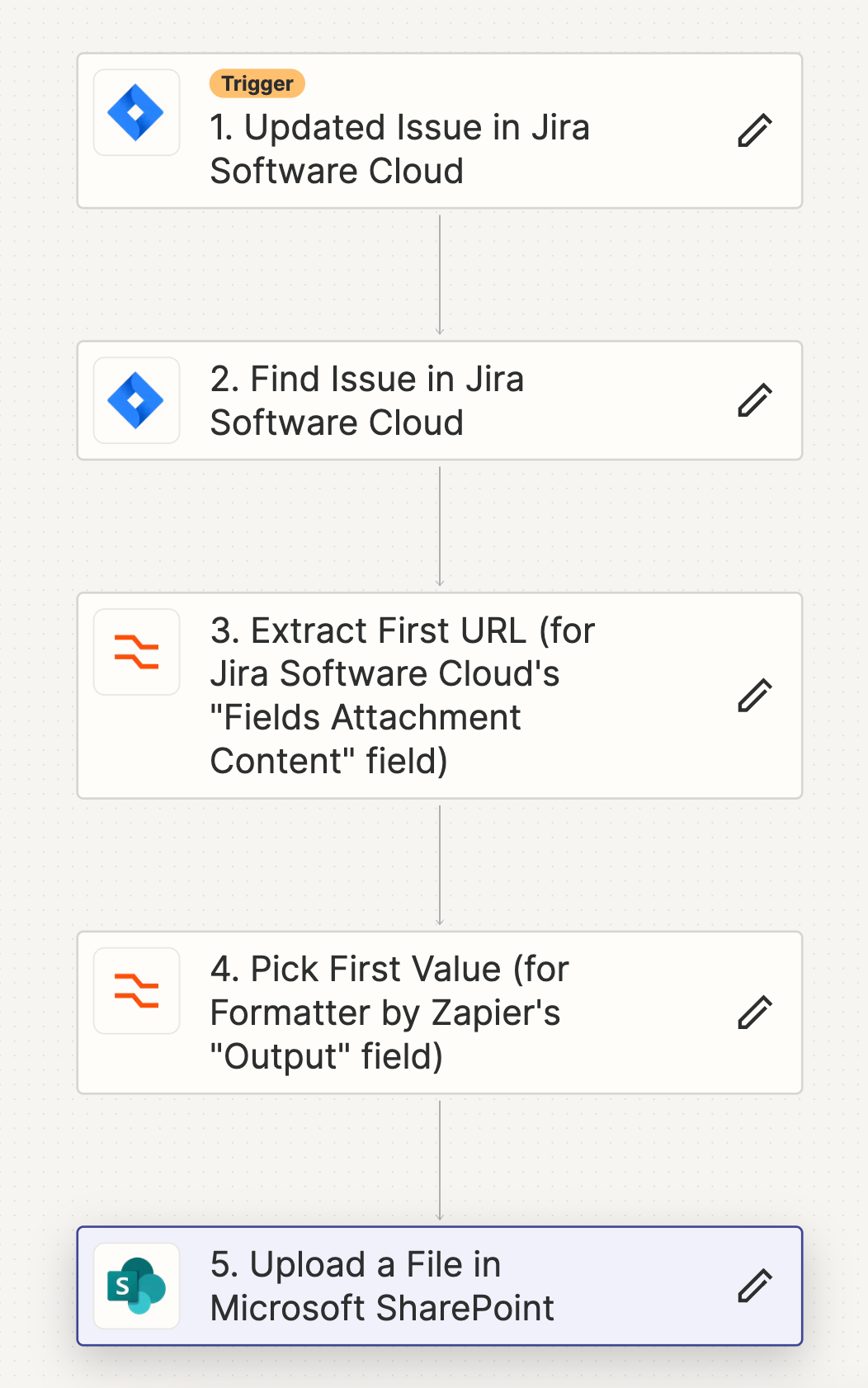
  1. Jira Updated trigger
  2. Find issue in Jira software cloud to get the Attachment URL

So far so good.

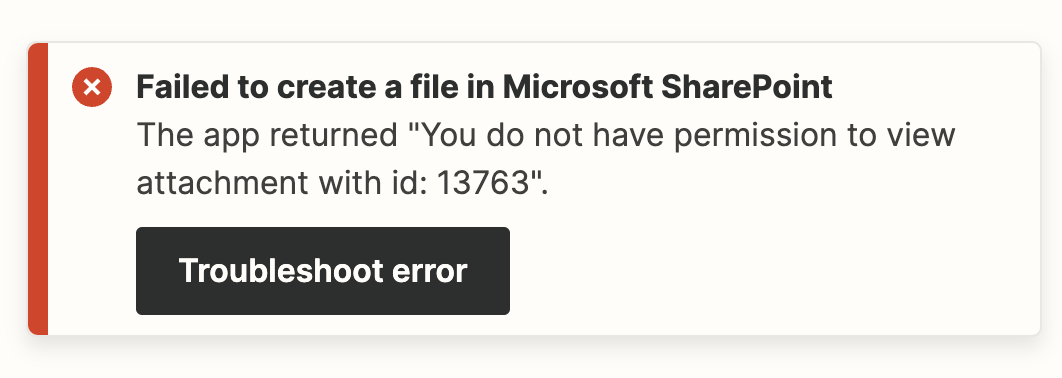
Whatever I am trying to do next, I am not able to correctly authorize to the cloud instance. The error is as follows: “You do not have permission to view attachment with id:”

I have tried both in the Jira Rest API step or Sharepoint step with the attachment URL as output.

For Jira Rest API step, I have also tried with my own authorization header, that proved unsuccessful as well.


Please advise on how to move forward.


Thanks,

Cosmin

This post has been closed for comments. Please create a new post if you need help or have a question about this topic.

9 replies

Troy Tessalone
Zapier Orchestrator & Solution Partner
Forum|alt.badge.img+14
  • Zapier Orchestrator & Solution Partner
  • October 10, 2023

Hi @cosminppdpl 

Good question.

We would need to see screenshots with how your Zap steps are configured along with the encountered error.


  • Author
  • New
  • October 11, 2023


  • Author
  • New
  • October 11, 2023

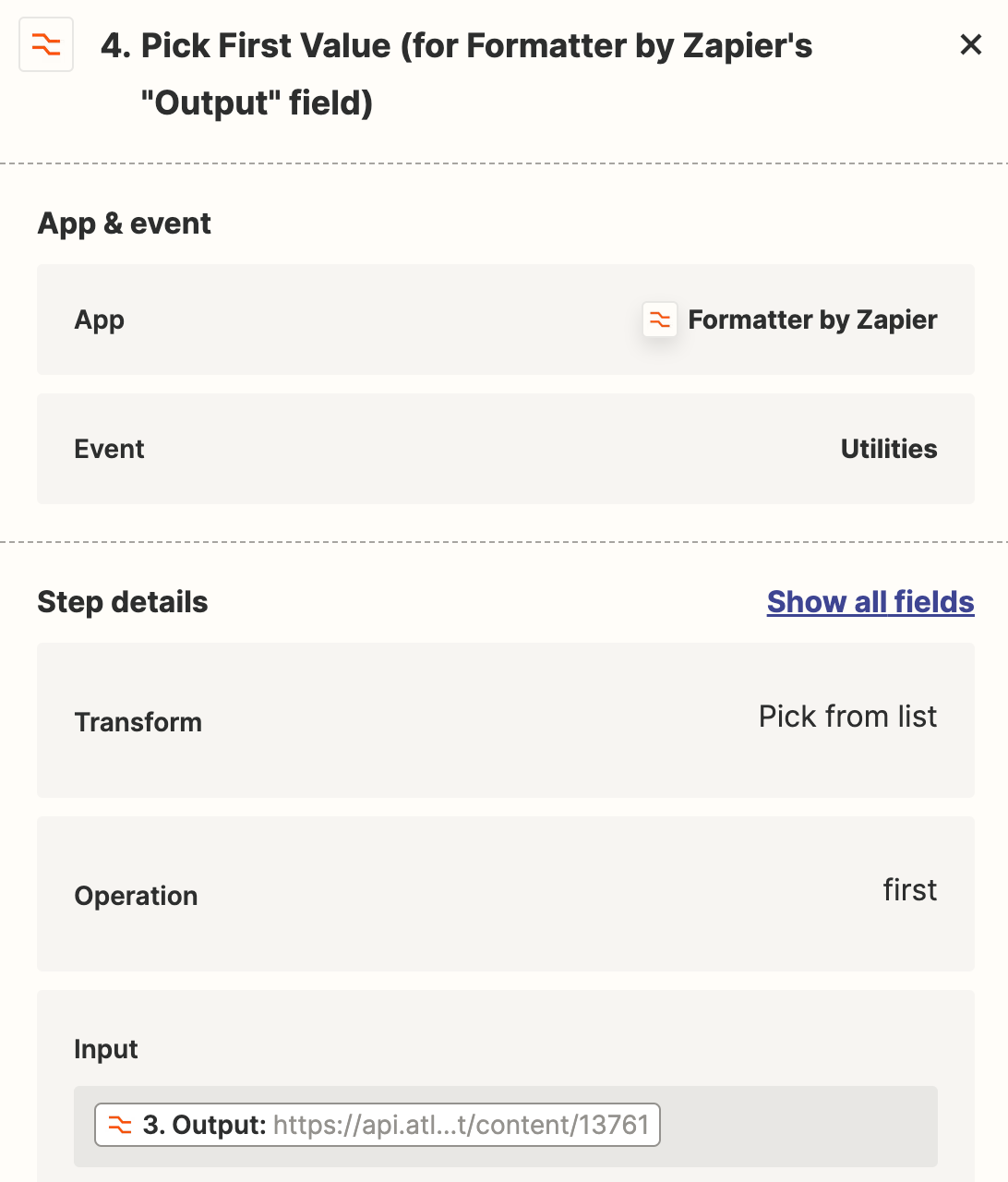
Basically the step 4 provides the attachment link of the latest attachment, step 5 uses the output from step 4 and the error is the following:


Troy Tessalone
Zapier Orchestrator & Solution Partner
Forum|alt.badge.img+14
  • Zapier Orchestrator & Solution Partner
  • October 11, 2023

@cosminppdpl 

We would need to see screenshots with how Step 4 is configured.


  • Author
  • New
  • October 12, 2023


  • Author
  • New
  • October 12, 2023

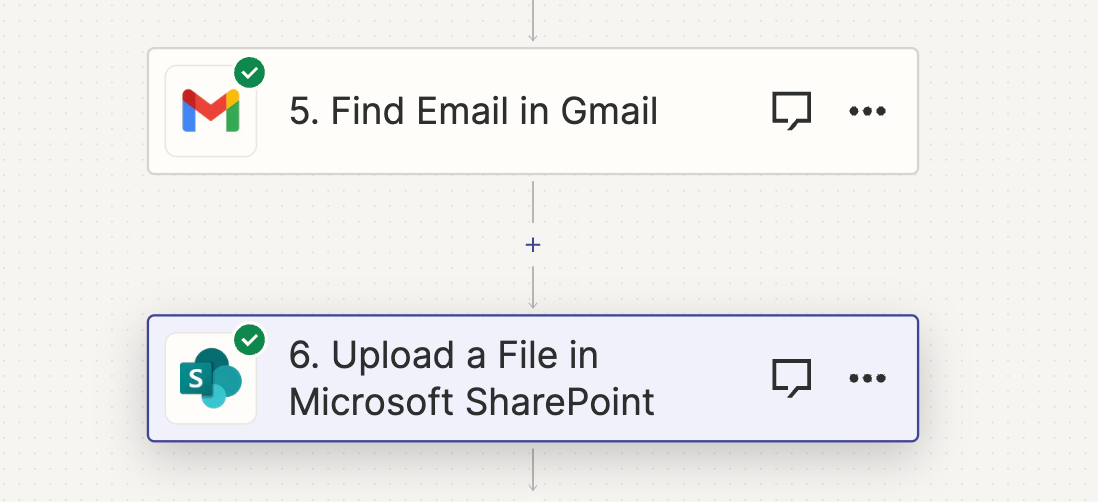
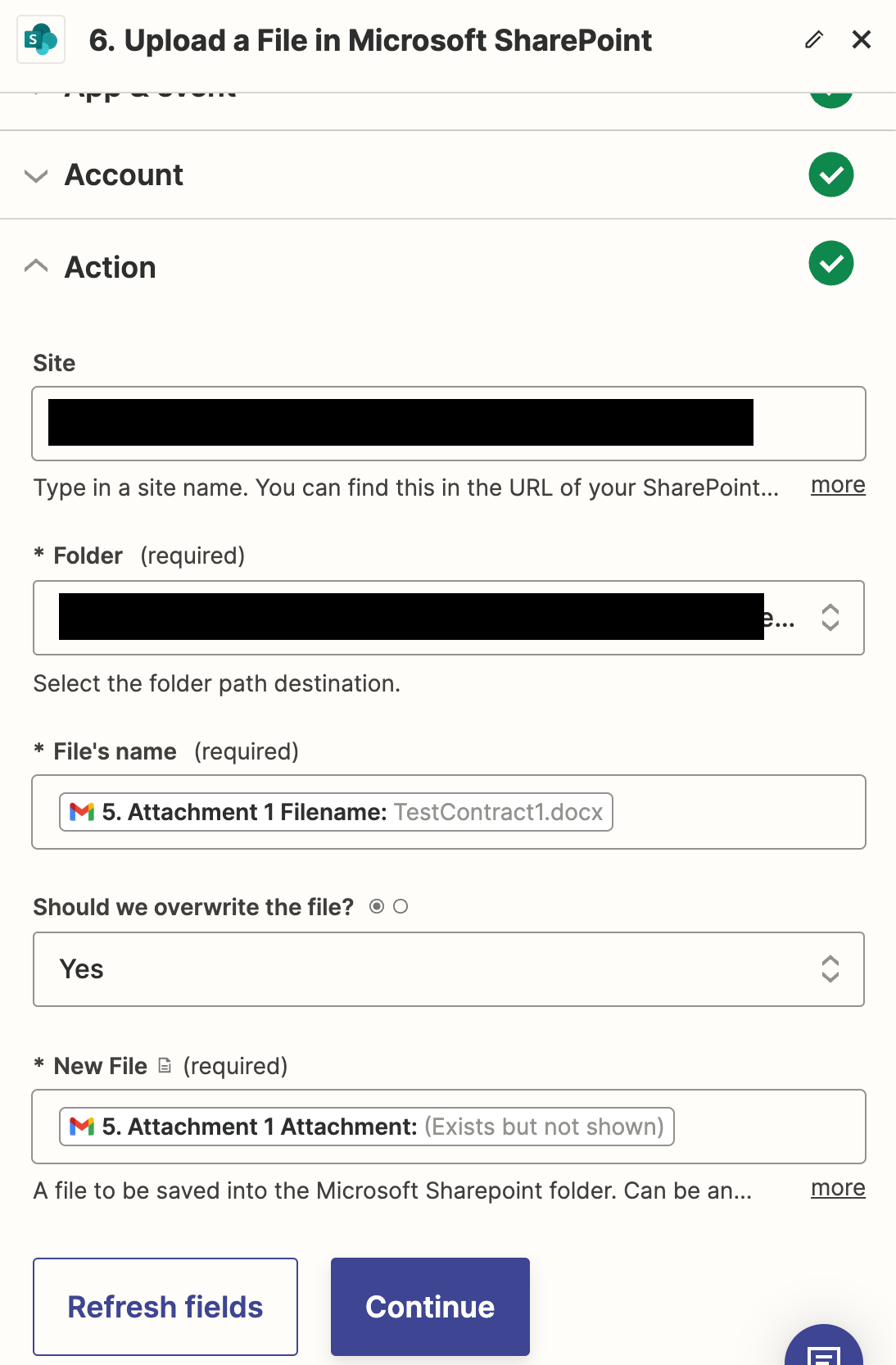
I’ve been making more tests with another approach:

  1. Take the fail form an email sent in Gmail with Gmail action;
  2. Use the output of the Gmail action for the Sharepoint action;

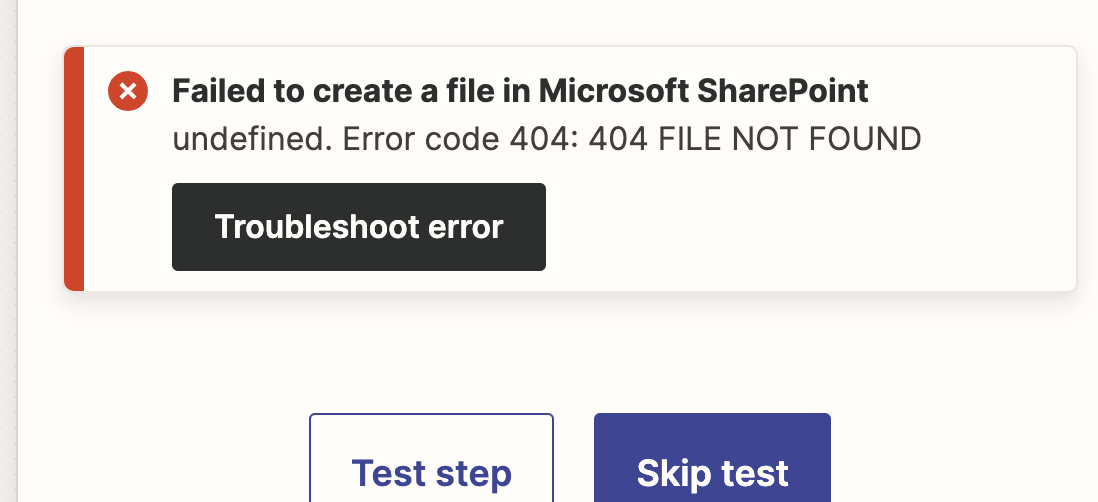
However this throws an error as well:

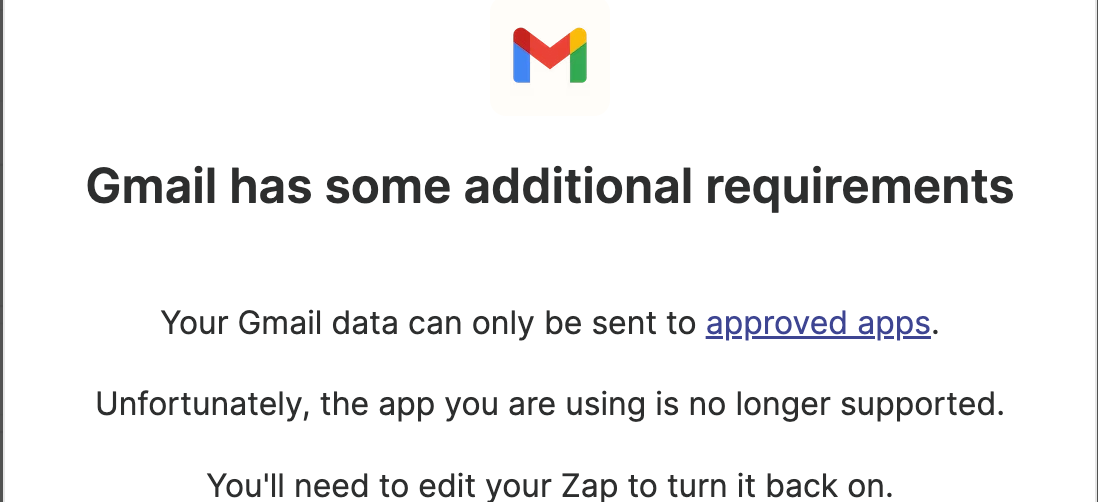
When trying to save I get this error, which might be related. Is there any trouble with connecting Gmail with sharepoint?


Troy Tessalone
Zapier Orchestrator & Solution Partner
Forum|alt.badge.img+14
  • Zapier Orchestrator & Solution Partner
  • October 12, 2023

@cosminppdpl 

You’d need a paid Gmail account.

Reference this help article: https://help.zapier.com/hc/en-us/articles/8495919107853-Common-Problems-with-Gmail-on-Zapier


  • Author
  • New
  • October 12, 2023

Understood. So is there actually a way to donwload the attachment from Jira and send it to Sharepoint?

Would it work to have another email integration working on using the attachment?


Troy Tessalone
Zapier Orchestrator & Solution Partner
Forum|alt.badge.img+14
  • Zapier Orchestrator & Solution Partner
  • October 12, 2023

@cosminppdpl 

Your original screenshot did not include the Gmail step.

We would need to see detailed screenshots with how your Formatter steps are configured in the Edit mode.

As well as screenshots with how your SharePoint step is configured with dynamic variables from the Formatter steps.