Question

Issue to format my google Docs the way I want

  • July 8, 2025
  • 6 replies
  • 77 views

Hello Zapier Community,

I’m working on a Zap to automate the creation of a Google Docs document from Plaud.AI summaries and transcripts, but I’m struggling with formatting issues and could use some expert advice.


In the following, you can see how my document looks like, how I want it to look like and how it is looking in the background in Zapier.


Please help me, I would mean a lot. 



This post has been closed for comments. Please create a new post if you need help or have a question about this topic.

6 replies

Troy Tessalone
Zapier Orchestrator & Solution Partner
Forum|alt.badge.img+14
  • Zapier Orchestrator & Solution Partner
  • July 8, 2025

Hi ​@Steven0age 

Plaud.AI is returning the data formatted as Markdown.

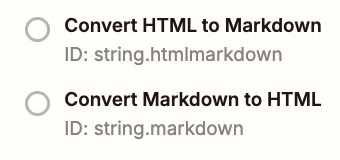
Try adding this Zap step: Formatter > Text > Convert Markdown to HTML

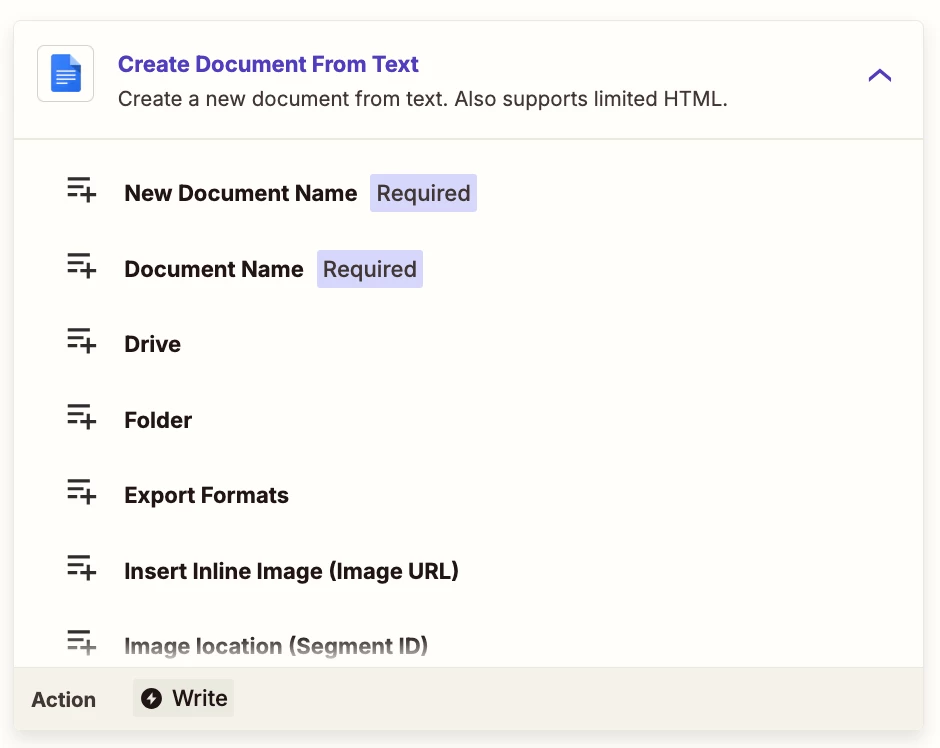
Or you can add another AI step to convert the Markdown to HTML, which GDoc expects.


  • Author
  • Beginner
  • July 9, 2025

Even though I put this Zap Step in: ormatter > Text > Convert Markdown to HTML - it still does not work.


What else could I try?


Troy Tessalone
Zapier Orchestrator & Solution Partner
Forum|alt.badge.img+14
  • Zapier Orchestrator & Solution Partner
  • July 9, 2025

@Steven0age 

Try this suggestion:

Or you can add another AI step to convert the Markdown to HTML, which GDoc expects.


SamB
Community Manager
Forum|alt.badge.img+11
  • Community Manager
  • July 18, 2025

Hi ​@Steven0age 👋

Were you able to get this sorted by using an AI action instead of that Formatter one? 

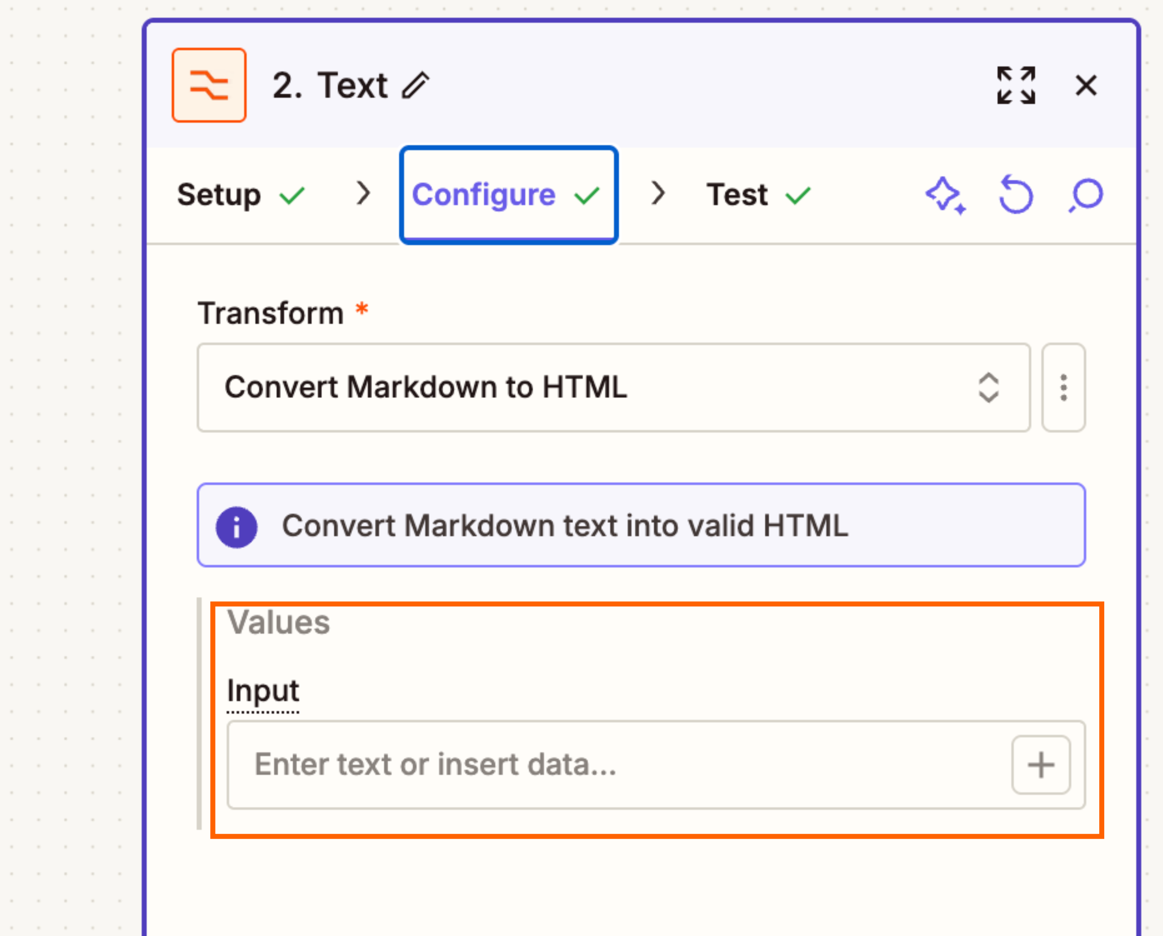
If not, it looks like the Formatter action didn’t have anything mapped into the Input field:

309cd1a2ea1f0496f98e1d8601d27f30.png
 

So it won’t have been converting any Markdown into HTML.

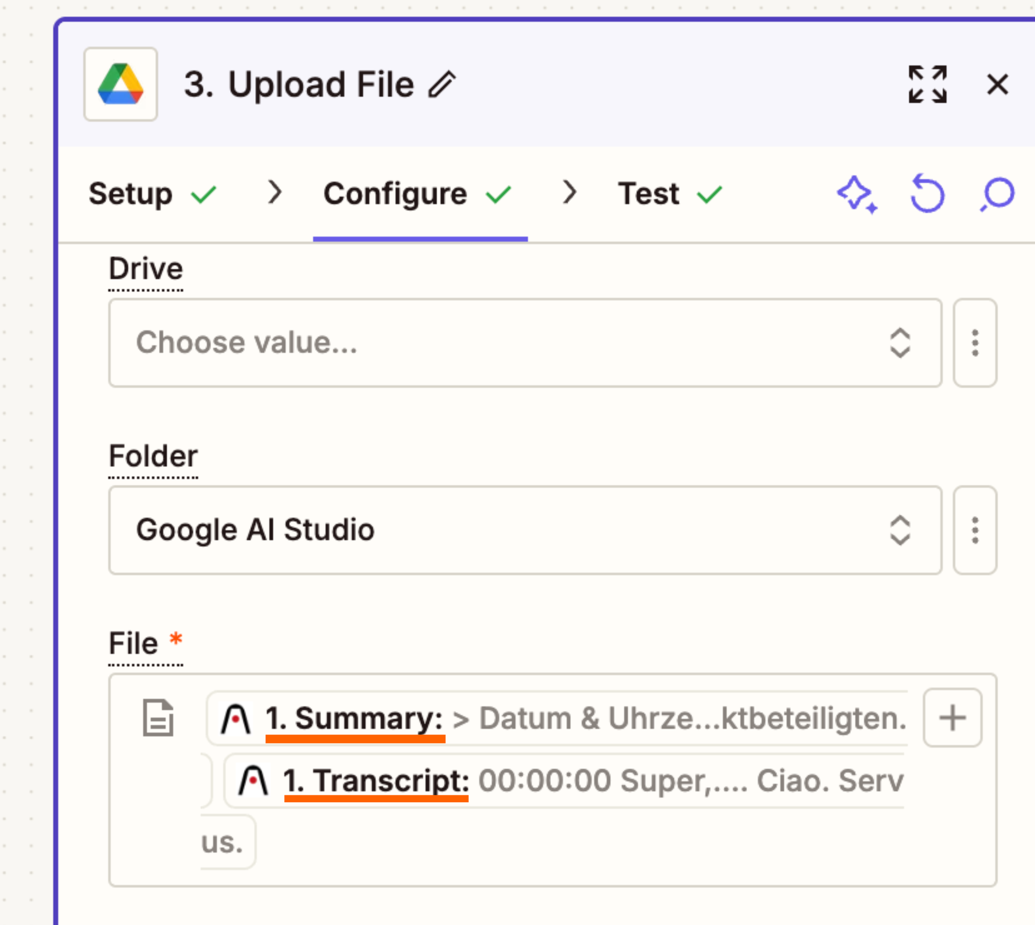
Also, the Google Drive action has the Summary and Transcript mapped from the trigger, so even if the Formatter action was converting the Markdown into HTML, it wouldn’t have used it. It would have only used the original Markdown version:

4d96134461df827b9562c517ff43e67e.png
 

Hope that helps. Keep us posted on how you’re getting on, want to make sure this gets sorted! 🙂


  • Author
  • Beginner
  • July 24, 2025

Thank you, guys. I solved it now, you are amazing


SamB
Community Manager
Forum|alt.badge.img+11
  • Community Manager
  • July 25, 2025

Yay! So glad to hear it’s sorted now ​@Steven0age! 🎉

Out of curiosity, was it an AI action that fixed things, or did you manage to get the Markdown to HTML conversion working with Formatter?