Question

Issue adding Bright HR approved absences into ClickUp

  • January 21, 2026
  • 2 replies
  • 11 views

I am having issues trying to get approved absences to create a task in clickup.

There seems to be the option to add ‘New Pending Absence Requests’ but not ones I have approved. 
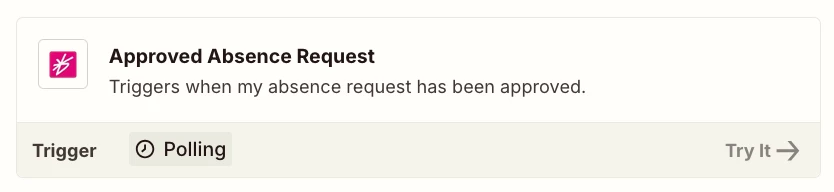
There is only ‘Approved Absence Request’ for when my own absence is approved, I need all approved absences for all users in my bright hr account to be added to a list in clickup, not just my own


2 replies

Troy Tessalone
Zapier Orchestrator & Solution Partner
Forum|alt.badge.img+14
  • Zapier Orchestrator & Solution Partner
  • January 21, 2026

Hi ​@visionsdesign 

Try reaching out to BrightHR Support for help with their Zap app integration.


drtanvisachar
Forum|alt.badge.img+3
  • Zapier Solution Partner
  • January 21, 2026

Hello ​@visionsdesign  Use New Pending Absence Requests as the trigger and add a Filter by Zapier step to continue only when the status becomes Approved. This depends on whether BrightHR sends an update when approval happens.

If you don’t need real time tasks, use Schedule by Zapier to regularly pull absence data, filter for Approved, then create the ClickUp task. This is usually the most reliable option.

If this is important for your workflow, it’s worth submitting a feature request for an “approved absences for all users” trigger.

Dr. Tanvi Sachar
Monday Certified Partner, Tuesday Wizard