Question

INVALID_USERNAME_FOR_RECIPIENT in Send Envelope Using Template in DocuSign

  • January 23, 2025
  • 6 replies
  • 64 views

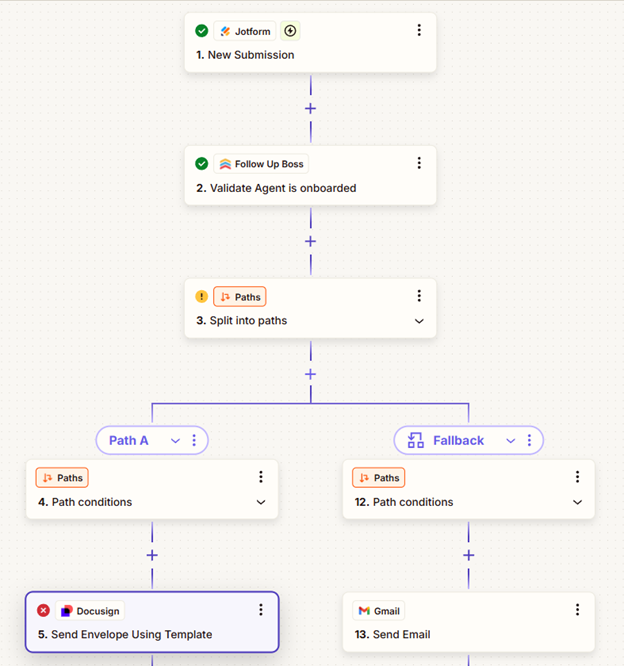
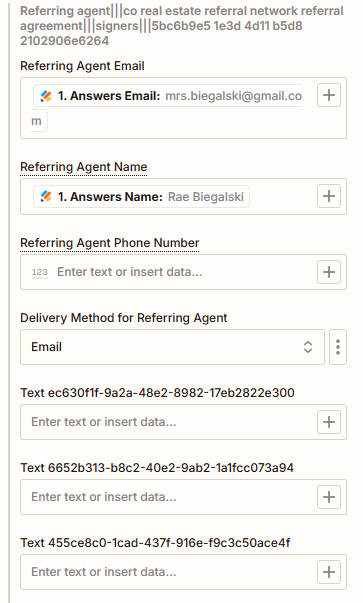
I’m getting an error. The trigger is a form completion from Jotform.

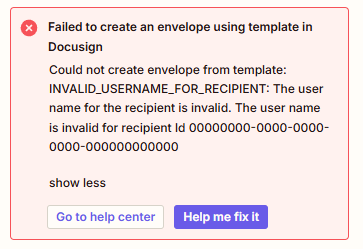
Failed to create an envelope using template in Docusign

Could not create envelope from template: INVALID_USERNAME_FOR_RECIPIENT: The user name for the recipient is invalid. The user name is invalid for recipient Id 00000000-0000-0000-0000-000000000000

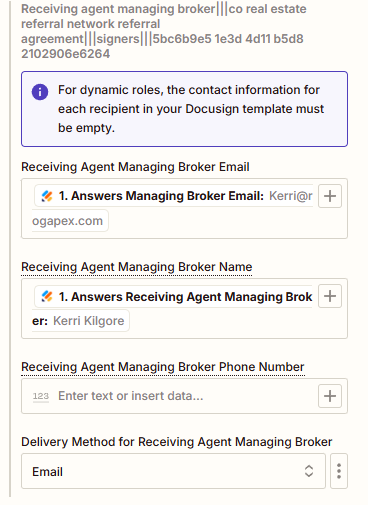
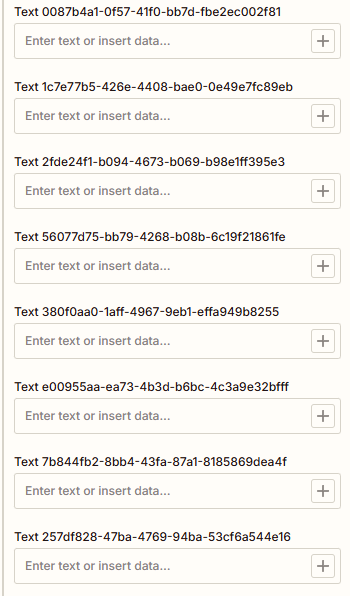
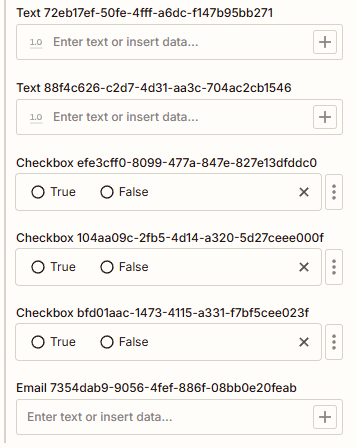
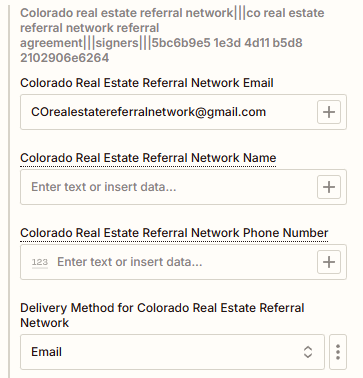
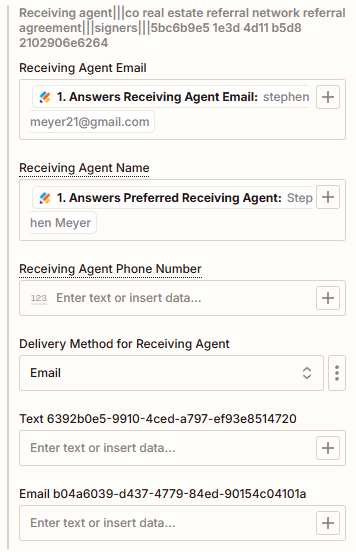
In my input, it looks like the test data is correct. I have three signers in the template. Is there a way to tell which signer field is failing?


This post has been closed for comments. Please create a new post if you need help or have a question about this topic.

6 replies

Troy Tessalone
Zapier Orchestrator & Solution Partner
Forum|alt.badge.img+14
  • Zapier Orchestrator & Solution Partner
  • January 23, 2025

Hi ​@Wads502 

Help us have more context about the error by posting these screenshots:

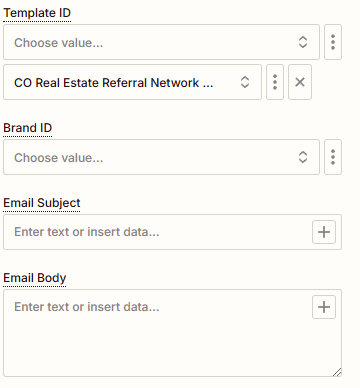
  • how your Zap step is configured in EDIT mode with the field mappings visible
  • the encountered error on the Zap step

  • Author
  • New
  • January 23, 2025


Troy Tessalone
Zapier Orchestrator & Solution Partner
Forum|alt.badge.img+14
  • Zapier Orchestrator & Solution Partner
  • January 23, 2025

@Wads502 

Related Zapier Community Topics: https://community.zapier.com/search?q=docusign%20invalid%20recipient&source%5B0%5D=community


Try this tip:

Make sure the DocuSign template that you are using is empty in client name, otherwise, there will be conflict. 

https://cdn.zappy.app/251a8538aff3046adc3437abd7921601.png


  • Author
  • New
  • January 23, 2025

Verified that all recipients in the template only have the field “Role” filled in. Saved the template, refreshed my fields in zapier and got the same error on the test.


Troy Tessalone
Zapier Orchestrator & Solution Partner
Forum|alt.badge.img+14
  • Zapier Orchestrator & Solution Partner
  • January 23, 2025

@Wads502 

You can try turning the Zap ON and test live.

Then check your Zap Runs history details to see the DATA IN/OUT for each step to help you troubleshoot.

Check the “LOGS” tab to see the underlying API request/response that may contain additional context to help you troubleshoot the error.

https://zapier.com/app/history/


ken.a
Forum|alt.badge.img+6
  • Zapier Staff
  • January 27, 2025

Hi ​@Wads502,

I just came across your post here and wanted to check in here to see how you’re getting on. Were you able to follow Troy’s latest suggestion here?

Please do let us know if you’re still in need of some help on this at all - happy to assist further! 🤗