Question

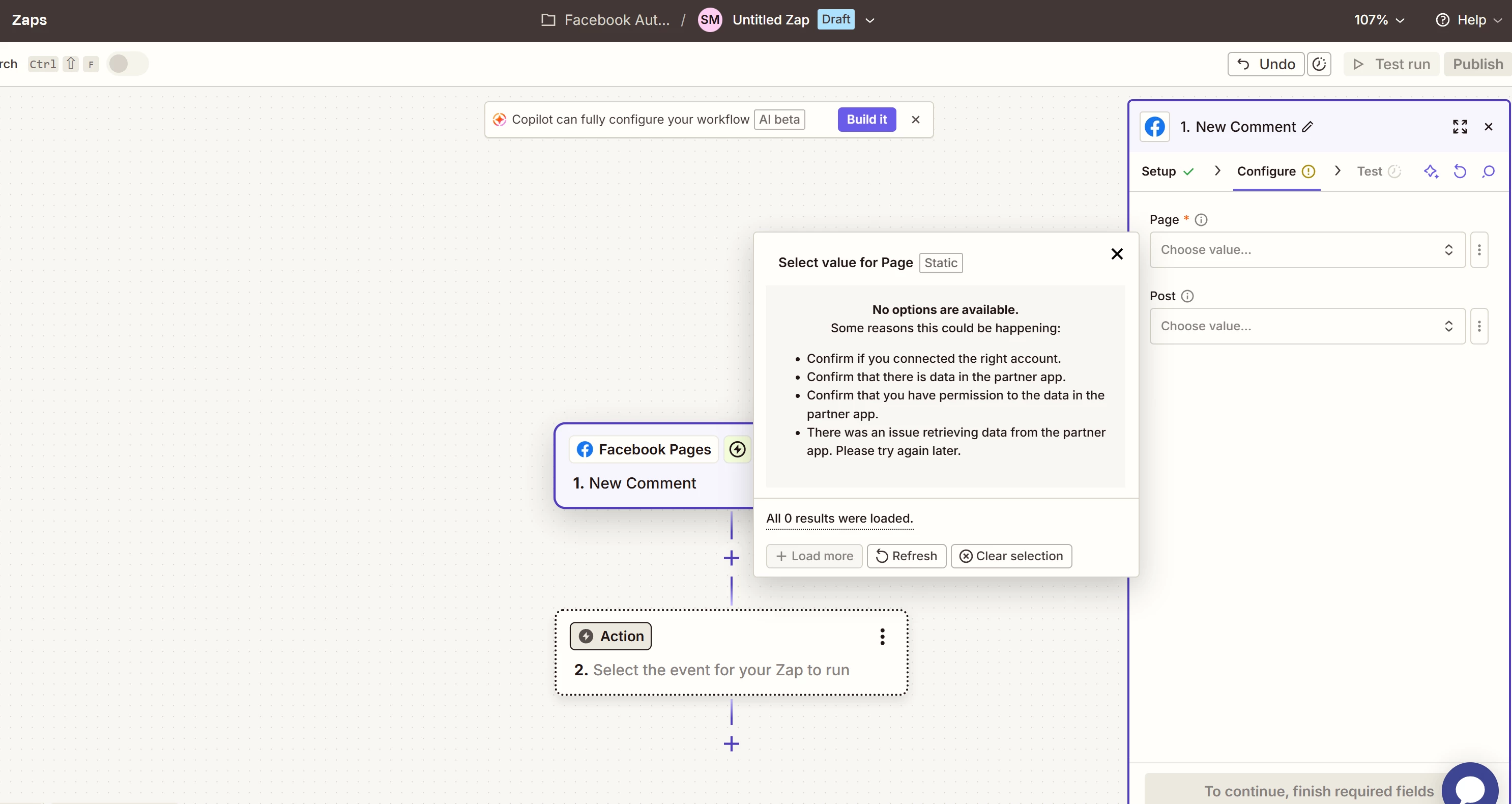
I am unable to select any Facebook pages from drop down when using New Comment trigger

  • March 9, 2026
  • 4 replies
  • 22 views

I have connected my Facebook account and I am unable to see any Facebook pages when setting up a new trigger for Facebook Pages > New Comment. I’ve tried refreshing and clearing selection as well as reconnecting the accounts multiple times.
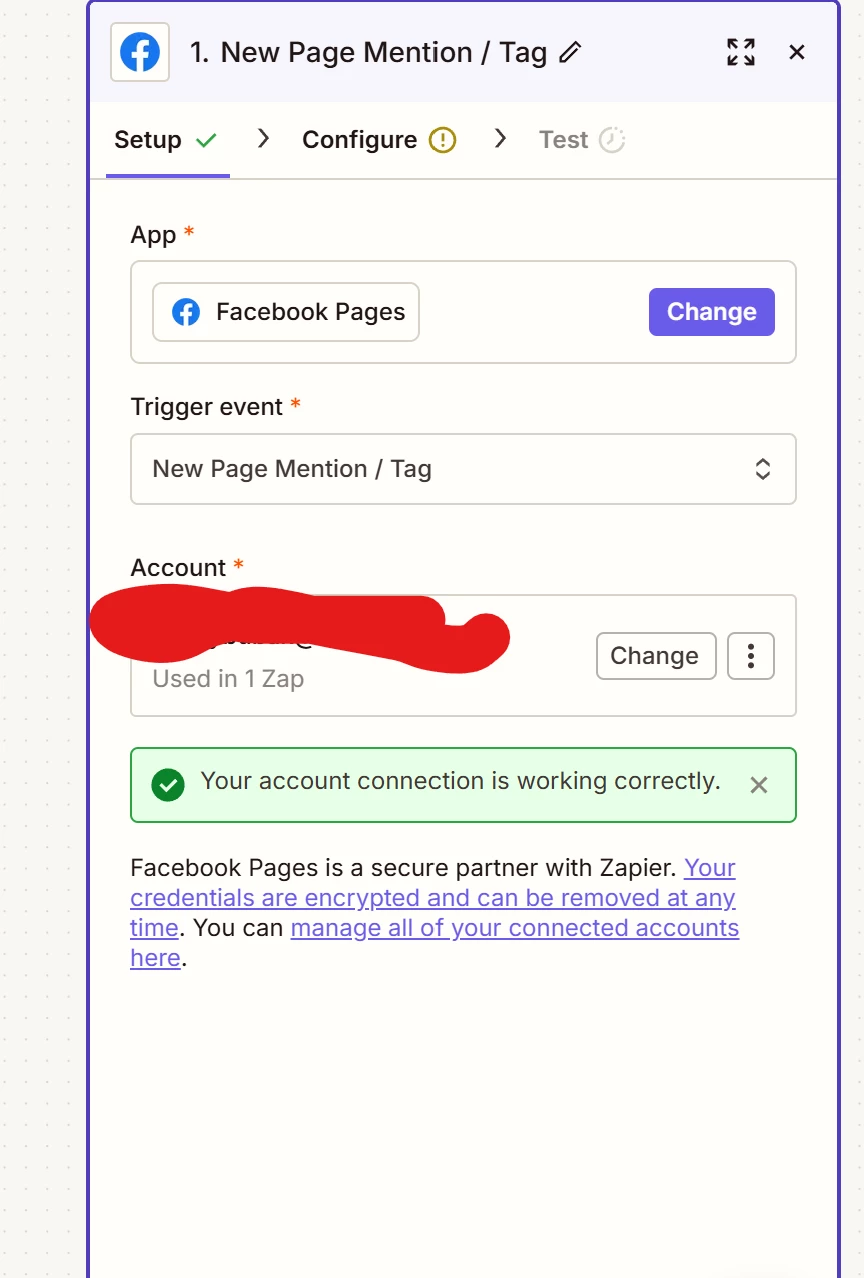
I’ve also checked my Meta Business Settings, I have full admin, page is fine and all looks fine inside the integration tab on Meta side.
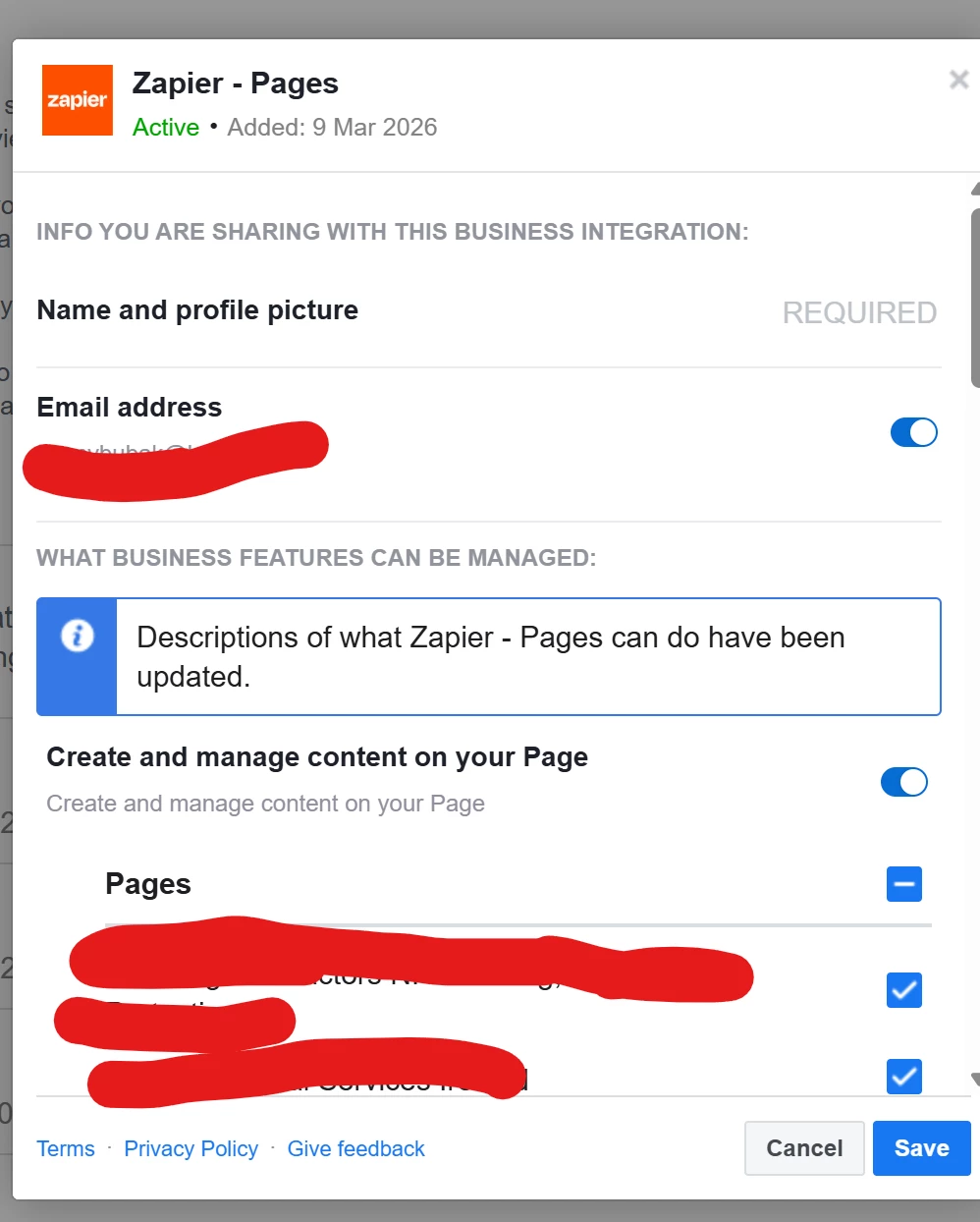


I would appreciate any help with this.

4 replies

Troy Tessalone
Zapier Orchestrator & Solution Partner
Forum|alt.badge.img+14
  • Zapier Orchestrator & Solution Partner
  • March 9, 2026

Hi ​@Causeway Cleaning Group 

Help links for using Facebook Pages in Zaps: https://zapier.com/apps/facebook-pages/integrations#help

Make sure you have the correct permissions and settings configured in Facebook.


AutomateMyBiz
Forum|alt.badge.img
  • Zapier Solution Partner
  • March 10, 2026

Hey, have you tried adding another admin and seeing it from there?

If you need further assistance, we offer a free 20min Zapier troubleshooting call for fixing any such issues.

You’ll find the link to schedule the call here: https://zapier.com/partnerdirectory/automatemybiz


Hi ​@Causeway Cleaning Group 

Help links for using Facebook Pages in Zaps: https://zapier.com/apps/facebook-pages/integrations#help

Make sure you have the correct permissions and settings configured in Facebook.

Hi ​@Troy Tessalone ,

I have full portfolio access and page admin access. I have asked my client to try it on their side as they are admin as well and no luck.

We are both connected with full Meta Admin access inside Business Portfolio + Pages but the pages are still not coming up.

I also checked the Meta Business Integration section and it seems that all settings are fine.


SamB
Community Manager
Forum|alt.badge.img+11
  • Community Manager
  • March 11, 2026

Hi ​@Causeway Cleaning Group 👋

Sorry to hear the pages still aren’t appearing despite having the correct permissions in place. We had a similar post about this in the Community a couple of weeks ago:


Since you mentioned you’ve already reconnected the account I wonder if it might be worth trying to manually select the missing page. There’s instructions on how to do that in that other thread but including those here in case it helps:

You can do that by first finding the page’s ID, then select the custom option in the Page field (on the Facebook trigger) and enter the ID there.


Let us know whether that does the trick!