
Best answer

HubSpot → Shopify: ‘Add Tag to Customer’ step can’t find Customer (email not mapping)

  • November 12, 2025
  • 5 replies
  • 35 views

Hey everyone 👋

I’m trying to connect HubSpot and Shopify using Zapier to automate our consultation flow, but I’ve hit a wall.

Here’s my setup:

  • Trigger: HubSpot → New Contact Property Change
    (I’m watching a custom contact property called Consultation Status that changes to “Booked,” “Completed,” or “No-Show.”)

  • Action: Shopify → Add Tag to Customer
    (Tag = consultation-booked)

Goal:
When the HubSpot field changes, the corresponding customer in Shopify should automatically get a tag (e.g., consultation-booked) so my Shopify Flow can start.

Problem:
In the Shopify step, the “Customer” field requires me to map a customer, but no email data appears in the dropdown.
I added email to the “Properties to retrieve” in the trigger, but Zapier still can’t seem to recognize it.
When I test, it either says “Customer not found” or the Customer field is blank.

What I’ve tried:

  • Added email as an additional property in the trigger setup.

  • Tested with HubSpot sample data showing the email field.

  • Set the tag correctly (consultation-booked) and “overwrite existing tags = false.”

  • Tried adding a “Find Customer” step, but the Zap fails because the email value isn’t coming through from HubSpot.

Question:
👉 How can I make the “Customer” field in the Shopify action recognize the HubSpot contact’s email from the trigger?
Or is there a better trigger to use for tracking custom property changes like this (Consultation Status)?

Any workaround or best practice would be amazing — I’ve been stuck for a while and really need this connection running 😅

Thanks a ton in advance! 🙏
— Denis
Best answer by Sparsh from Automation Jinn

Hey ​@Denis G.,

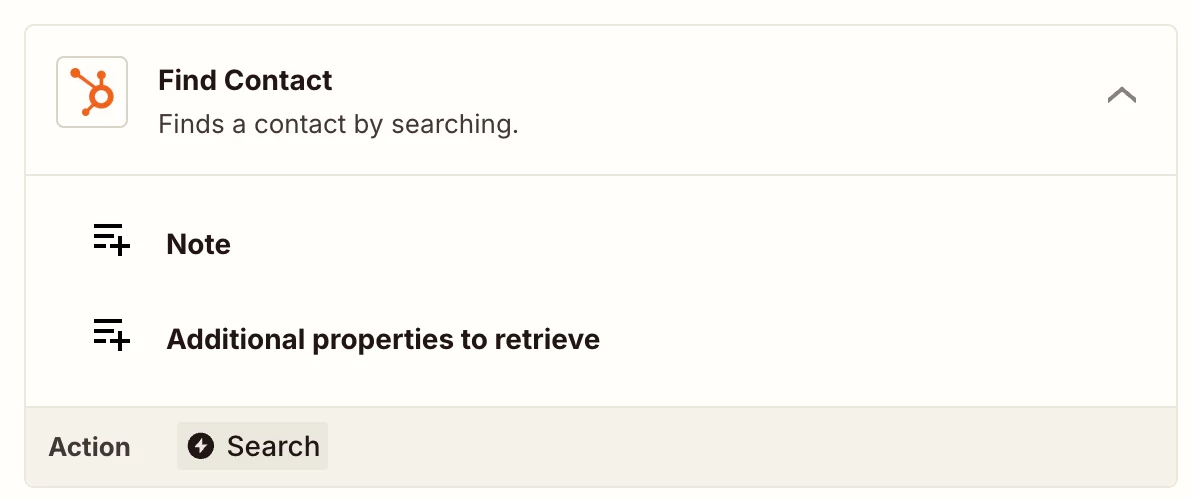
If you are not getting the Email Data from the trigger of Hubspot, try using Find Contact action from Hubspot before using Find Customer Shopify action. You can map the email field from Find Contact action.


Hope it helps!

5 replies

AndrewJDavison
Forum|alt.badge.img+11
  • Zapier Solution Partner
  • November 12, 2025

The “Find Customer” step is the right move - you need to search for a Shopify customer by email, receive its ID and map that ID in the ‘Customer’ field in the final step.

But are you saying you’re getting no / a blank email field from the Hubspot step?

Can you show a screenshot?


Sparsh from Automation Jinn
Forum|alt.badge.img+6

Hey ​@Denis G.,

If you are not getting the Email Data from the trigger of Hubspot, try using Find Contact action from Hubspot before using Find Customer Shopify action. You can map the email field from Find Contact action.


Hope it helps!


  • Author
  • New
  • November 13, 2025

Hello,

Thanks a lot for the suggestion! That’s actually a great idea — I tried adding the Find Contact step before the Shopify action, and it worked perfectly. Now the email is coming through and the tag is being added as expected.

Really appreciate your help!

Best,


Sparsh from Automation Jinn
Forum|alt.badge.img+6

No worries. Glad it did the trick.


SamB
Community Manager
Forum|alt.badge.img+11
  • Community Manager
  • November 14, 2025

That's such great news ​@Denis G.! 🎉 I’m so pleased to see ​@Sparsh from Automation Jinn was able to point you in the right direction - thanks ​Sparsh! 🙌 I'll get their suggestion marked as the best answer to help make it easier for others to find the solution. And thank you to ​@AndrewJDavison for jumping in to help out too 🧡

Hope you all have a great weekend!





