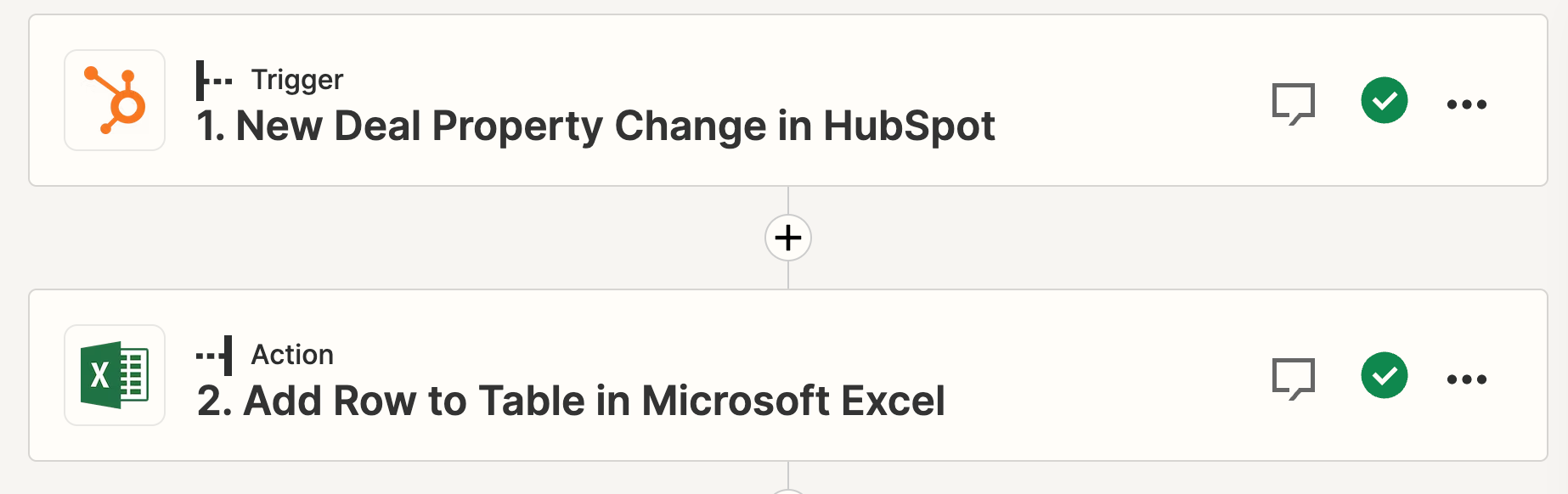
I created workflow in which whenever a deal property is updated, new row is added to the Excel table but all of the dates Zapier is taking from Hubspot are in weird format which I can’t work out. I can’t use Date Formatter because it’s not regular date. All of the dates look like this 👇
Does anyone know how to fix it?
Whenever Property “Deal Stage” is updated a new row is added to the table in Excel
Best answer by ken.a
Hi there @koc,
Welcome to the Community! 🎉
The HubSpot integration returns the date as a UNIX format. There are two workarounds for this:
The other option would be to format the date within the spreadsheet itself, if you are comfortable using spreadsheet formulas. You could try this one: =((A1-21600000)/86400000)+25569 # .Then select the column and use Format -> Number -> Date time.
The other option would be to format the date within the spreadsheet itself, if you are comfortable using spreadsheet formulas. You could try this one: =((A1-21600000)/86400000)+25569 # .Then select the column and use Format -> Number -> Date time.
Amazing, thank you so much!! Unfortunately I have a free plan so couldn’t add more steps but spreadsheet formula works like a charm :) Thank you for your help!
You are most welcome! I’m glad I was able to help!
If you have any other questions, please don’t hesitate to reach out to the Community. We’re always happy to help! 🤗
Early access
Next Gen Zaps
Build and deploy automations from AI tools you already use. With Agentic Management, if anything breaks, the agent diagnoses the issue and proposes a fix.