Question

How to split multiple attachments in Outlook or Exchange mail

  • January 20, 2026
  • 2 replies
  • 13 views

I have have to attachments in a specific mailtype. The first attachment is a zip file and the second attachment is a pdf. the first attachment i need to unzip and safe to a google drive. The second attachment i need to extract the info from the pdf file. The problem is that i cannot split the 2 two attachments. With new attachment it just gets the first attachment. not the second one and with new mail it sees both attachments and i cannot split them not with loop and notwith filter

2 replies

Troy Tessalone
Zapier Orchestrator & Solution Partner
Forum|alt.badge.img+14
  • Zapier Orchestrator & Solution Partner
  • January 20, 2026

Hi ​@Maximillium 

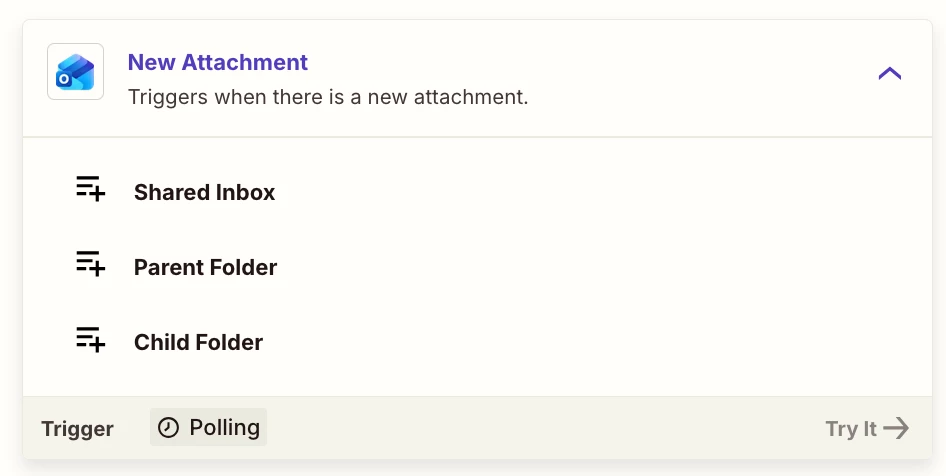
Try this Zap trigger: Outlook - New Attachment


Try this Zap action: Filter

https://zapier.com/apps/filter/integrations#help


drtanvisachar
Forum|alt.badge.img+3
  • Zapier Solution Partner
  • January 21, 2026

Hello ​@Maximillium  This is expected behavior with email triggers.

New Attachment only fires once per email and usually grabs the first attachment. New Mail includes all attachments but bundles them together.

Best workaround is to use New Mail plus Looping by Zapier on the attachment file and name fields. Inside the loop, use Paths by Zapier or a Filter to route by filename or file type. For example .zip to Google Drive unzip and .pdf to a PDF extraction step.

If that still fails, the most reliable option is two Zaps. One triggered by New Attachment filtered to .zip and one filtered to .pdf.

Dr. Tanvi Sachar
Monday Certified Partner, Tuesday Wizard